Shop screens that run your promotions for you
Put this week's offers, new arrivals and brand videos on the screens in your shop, and let them start and stop on time by themselves. TVpilot is one dashboard for every screen in every store, on hardware you can buy anywhere.
Free plan, no credit card. Paid plans from €5 per month.
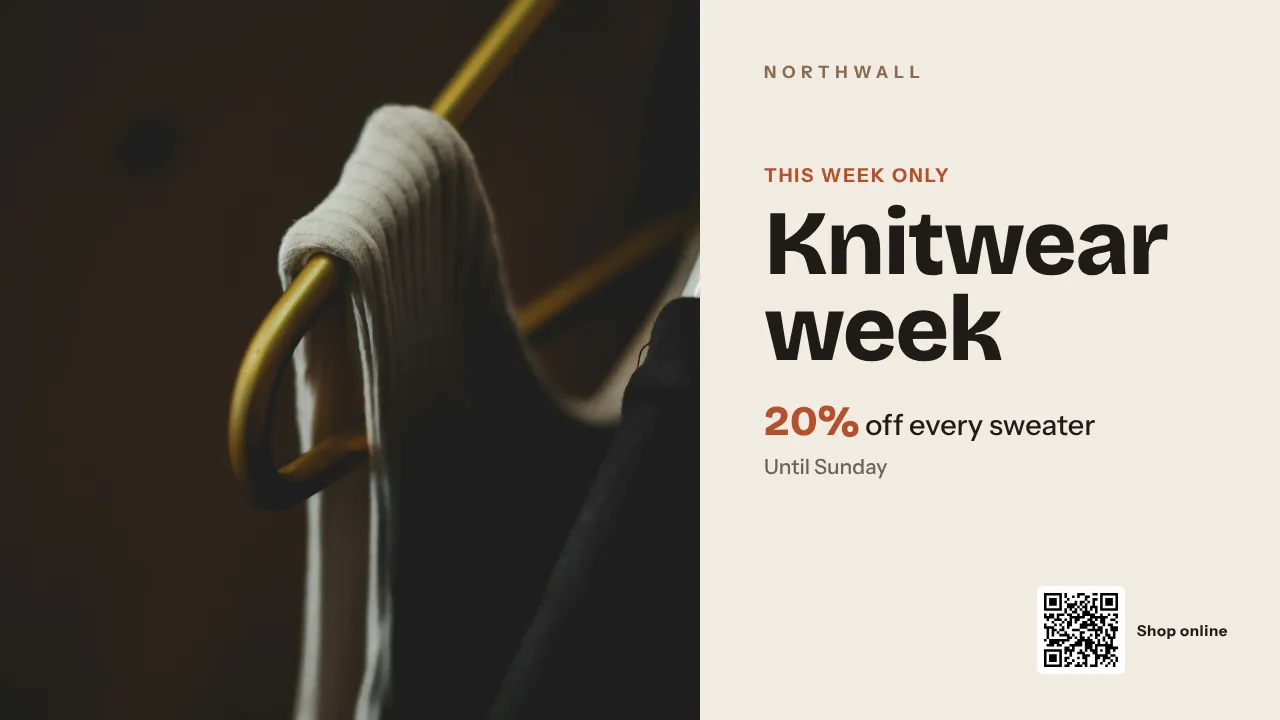
Last week's offer is still in the shop window.
Give every slide weekdays, hours and an end date. An expired offer takes itself off screen, so nobody sees last week's price.
Every store has to print and hang the new campaign itself.
Select the screens per store or with a tag such as "window", put the campaign on all of them at once and press Push to screen. Every chosen screen switches together.
You have plenty of good reviews, but shoppers in the store never see them.
Show your Google rating live on the screen at the checkout, with the best reviews rotating.
Real screens, ready to use
Every screen below is a live plugin or a design you make in minutes. Mix them in one playlist, or give each screen its own.
The offer in your window
Made in the Designer, with Canva or with AI Studio, with a QR code to your web shop. It ends by itself on its last day.
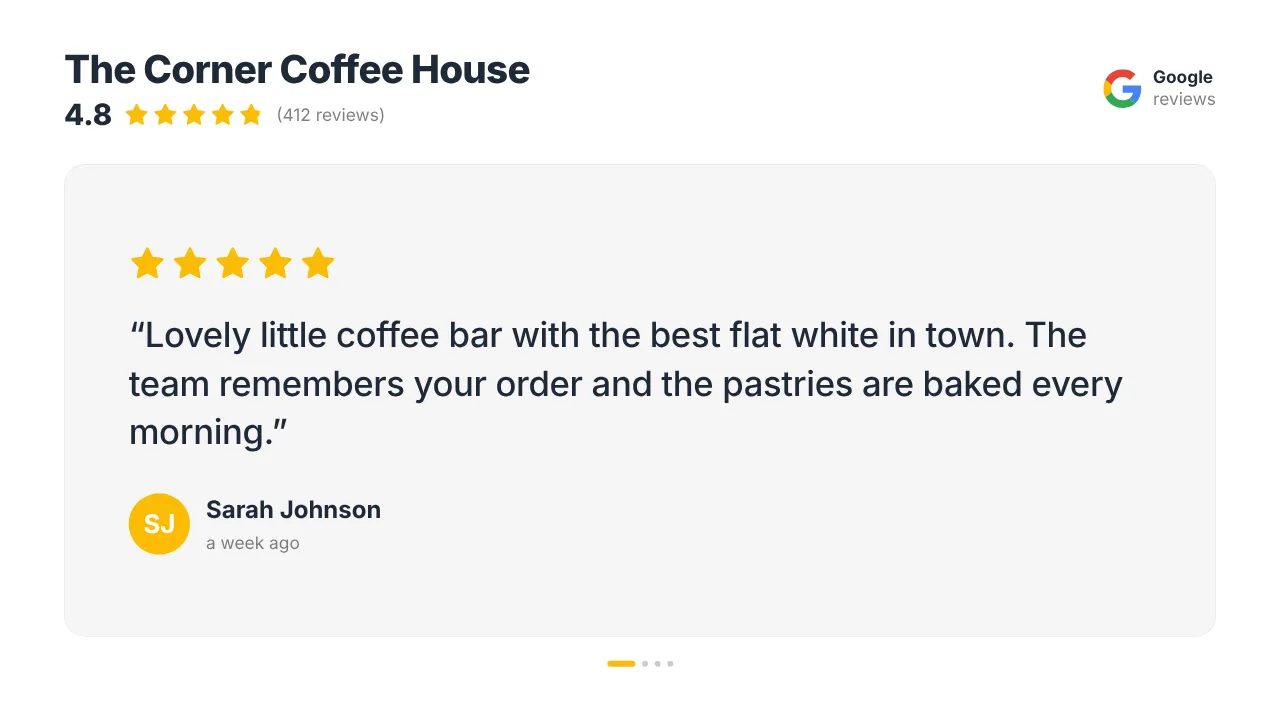
Google reviews at the checkout
Your average rating and the best customer reviews, live and rotating.
See how it works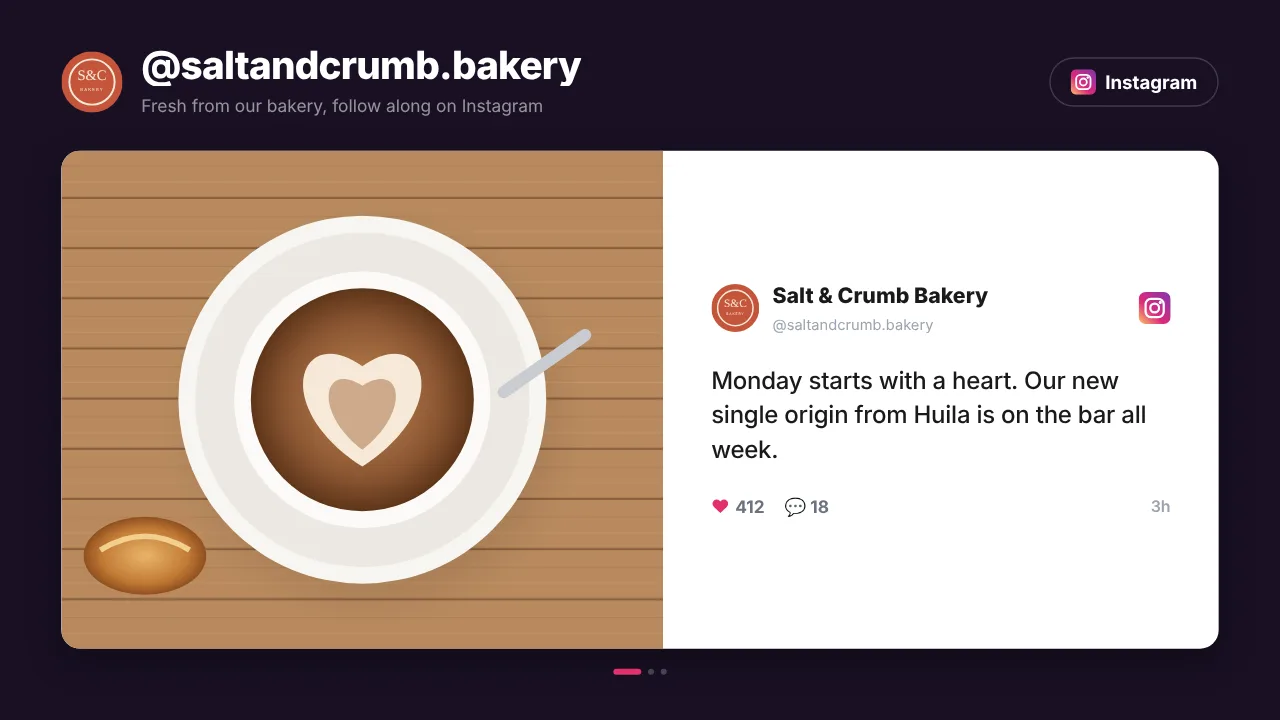
Your Instagram by the fitting rooms
Your latest posts as a live social wall, refreshed by themselves, so shoppers see the new collection styled.
See how it works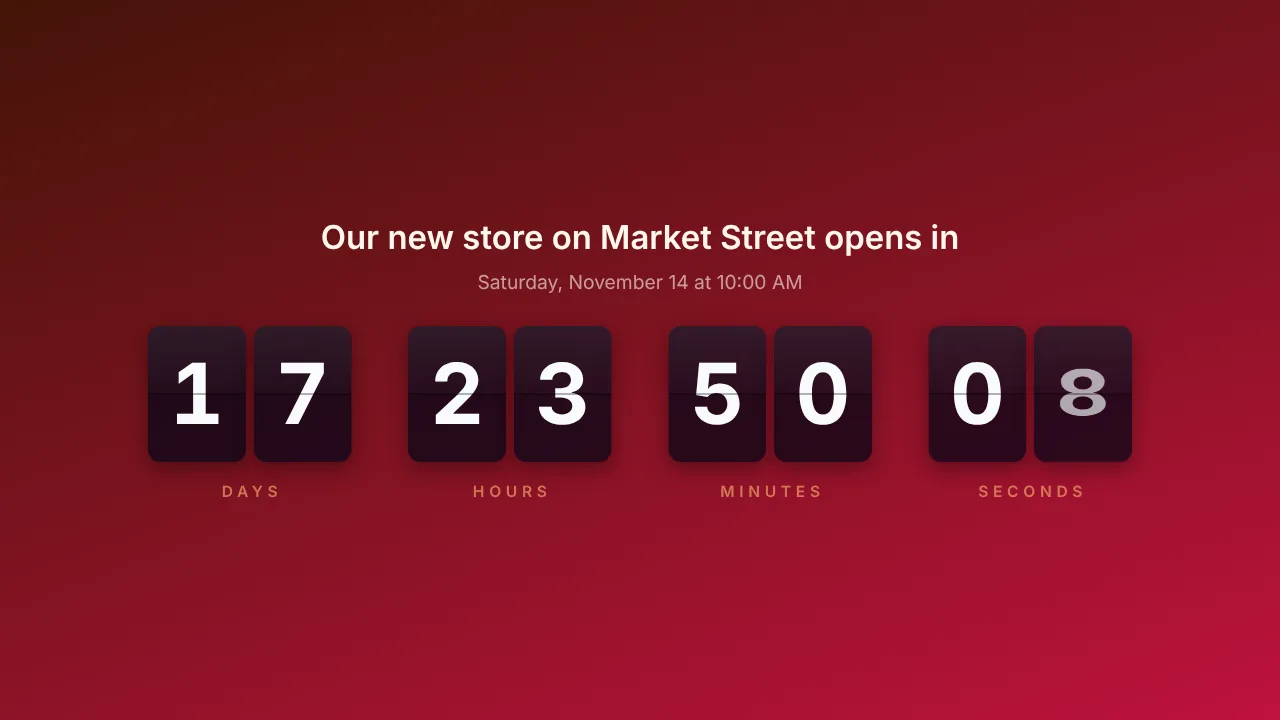
Countdown to the opening or the sale
Count down to a store opening, Black Friday or the last day of the sale, in flip or digital style.
See how it worksPlan once, and every screen follows the clock
Give slides weekdays, hours and an end date, or plan whole playlists in the calendar. The screens switch on time, even when the internet drops.
- 08:45
Before opening
The screens switch on by themselves and the window shows this week's offer.
- 11:00
Lunchtime deal
The coffee and sandwich deal plays only on weekdays between 11:00 and 14:00.
- 15:00
Quiet hours
Reviews and the new collection at the checkout, your Instagram feed by the fitting rooms.
- 18:00
Late-night shopping
On Thursdays the window switches to the evening offer and a countdown to closing time.
- 21:00
Offer over
After its last day the weekly offer takes itself off screen. On Monday the next one starts, without anyone lifting a finger.
Everything you need, nothing you don't
Offers that end on time
Every slide gets weekdays, hours and an end date. Plan whole playlists per screen in the calendar, up to a year ahead.
One dashboard, every store
Give screens a location and tags such as "window" or "checkout". Store managers see only their own store on Pro and Business, with approval before publishing on Business.
Reviews and Instagram
Google and other review ratings live, your Instagram feed as a social wall, or a countdown to the end of the sale.
QR codes that sell
Add a QR code to any screen in the Designer: to your web shop, a product page or your newsletter, so shoppers can buy later.
Proof of play for brands
Playback reports per item, screen and day, with certificates and advertiser reports per rented playlist. Show suppliers their campaign ran.
Keeps playing offline
Players keep the content and the schedule, switch to a planned campaign on time even offline, and fall back to a backup playlist instead of going black.
Live in fifteen minutes
- 1Create a free account
No credit card, no installation. The dashboard runs in your browser.
- 2Connect a screen
Any TV with HDMI and a small player, or a smart TV browser. Enter the code the screen shows.
- 3Choose what plays
Add a plugin, upload your own media or let AI Studio design a screen. Press Push to screen.
A shop with a screen in the window, one at the checkout and one in the store
3 screens included, every standard plugin, proof of play and advertiser reports. A chain with more stores picks Pro or Business.
Compare all plansPrices excl. VAT, cancel monthly.
Frequently asked questions
What do I need for screens in my shop?
A TV or monitor with HDMI and a small player. The Amazon Signage Stick is made for screens that run all day; a Raspberry Pi installs with one command and switches the TV on and off; a Fire TV Stick works with the TVpilot app. A smart TV can also open the player in its browser.
Can I run different promotions in different stores?
Yes. Give each screen a location and tags, then plan playlists per screen in the calendar, or filter the screens by a tag and put the campaign on all of them at once. On Pro and Business, store managers can get access to their own store only.
Does an offer really start and stop by itself?
Yes. Each slide can have weekdays, hours and an end date, and the calendar switches whole playlists at an exact moment. A screen downloads a planned campaign in advance, so it switches on time even without internet at that moment.
Can I show my web shop sales in the back office?
Yes. Dashboards for Shopify, WooCommerce, Magento and Lightspeed show revenue for today, this week and this month, best sellers, open orders and low stock. Mollie and Stripe dashboards show your takings from any shop that checks out through them.
Can I prove to a brand that their campaign ran?
Yes. Proof of play counts every play per item, screen and day, with certificates and advertiser reports per rented playlist, also as automatic monthly emails. It is in every paid plan, not in the free plan.
What does retail digital signage cost?
One screen is free forever, without a credit card. Starter is €5 per month with 3 screens included, Pro €29 per month with 10 screens and every Premium feature, Business €99 per month with 25 screens, approvals and your own branding. Prices exclude VAT; you pay per plan, never per user.
Also see: Google reviews · Shopify dashboard · Amazon Signage Stick · Pricing
Stop reprinting posters
Create a free account, connect the TV in your shop, upload this week's offer and give it an end date. It runs until then, and takes itself down.