What Is Digital Signage? A Plain-English Explainer
So what is digital signage? It's a screen, usually a TV or monitor, that shows content controlled from a dashboard instead of a fixed image you plug in once and walk away from. What's on screen, a menu, a schedule, a promotion, a live business dashboard, can change without anyone touching the TV. It works because a small player device connected to the screen checks in with a cloud dashboard on a schedule, downloads whatever content you've assigned, and plays it in a loop until you change it again.
A restaurant menu board that swaps itself from breakfast to lunch, a lobby TV showing today's schedule, a shop window rotating through promotions: these are all everyday examples. The setup behind them, screen plus small computer plus dashboard, looks the same whether you buy a cheap streaming stick or build it yourself. If you want to see what that setup actually looks like on cheap, easy-to-find hardware, our guide to running digital signage on a Raspberry Pi walks through the whole thing.
How does digital signage work?
Four parts work together, and once you can name them, the whole idea stops feeling complicated.
The screen. Usually a TV or monitor, sometimes a tablet. It has no intelligence of its own; it just displays whatever it's told to display.
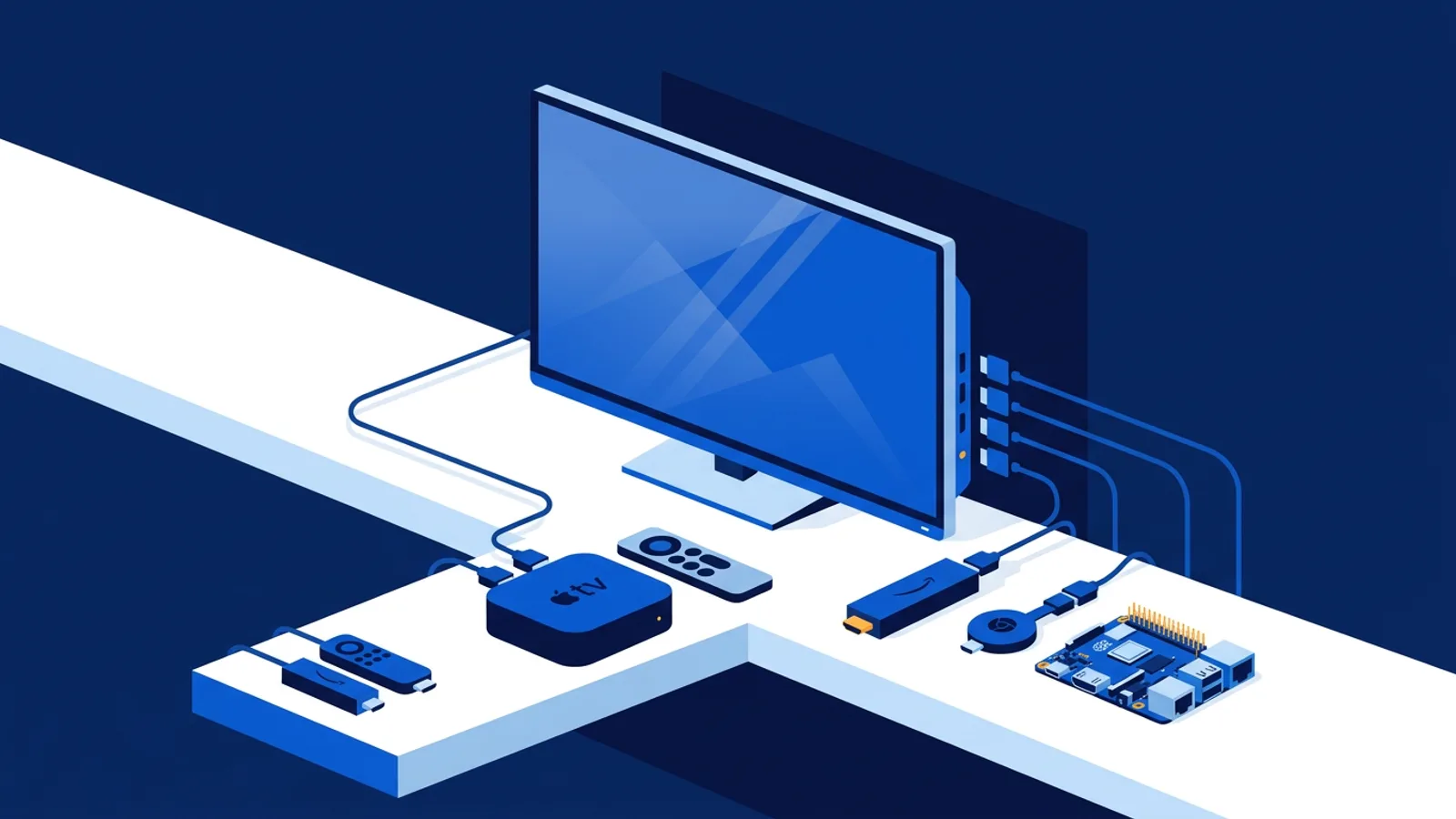
The player. A small computer or app, often a Raspberry Pi, a streaming stick, or a smart TV's own browser, connected to the screen. Its only job is fetching content and putting it on the screen. Different businesses pick different players depending on budget and the number of screens; our browser-based smart TV signage guide covers the no-extra-hardware route.
The content platform. A dashboard, almost always in a web browser, where someone uploads images and videos, builds playlists, and sets a schedule. This is also where widgets and integrations live, weather, menus, reviews, live business dashboards, so screens can show more than static pictures. Browse the full integrations catalog to see what's available.
The network between them. The player needs an internet connection to check the dashboard for new content and pull it down. Once content is downloaded, most systems keep playing the last version even if the connection drops for a while.
That's the whole mechanism. Everything else, AI-generated designs, weather widgets, review feeds, is a feature built on top of this same loop.
What is digital signage? The meaning in plain terms
Strip away the marketing language and digital signage means three things working together:
- A screen (TV, monitor, or tablet) that displays content.
- A small computer or app running on or near that screen, which plays the content and can be told what to show next.
- Software, usually a web dashboard, where someone edits playlists, uploads images or videos, and sets a schedule.
That's the whole concept. If you're comparing systems and want a feature-by-feature rundown before you buy anything, the digital signage software buyer's guide is a good place to see what's standard versus what's a nice-to-have.
Where the term "narrowcasting" comes in
Before "digital signage" became the common phrase, the industry used "narrowcasting" to describe the same idea: broadcasting to a narrow, specific audience rather than a general one. A TV station broadcasts to anyone with an antenna. A screen in a dentist's waiting room narrowcasts to the dozen people sitting there that day. The term has mostly fallen out of everyday use, but it still shows up in older trade publications and some enterprise sales material. If someone mentions narrowcasting, they mean digital signage, just with a word from a decade or two earlier.
What digital signage is actually used for
The use cases are broader than most people expect on first hearing the term:
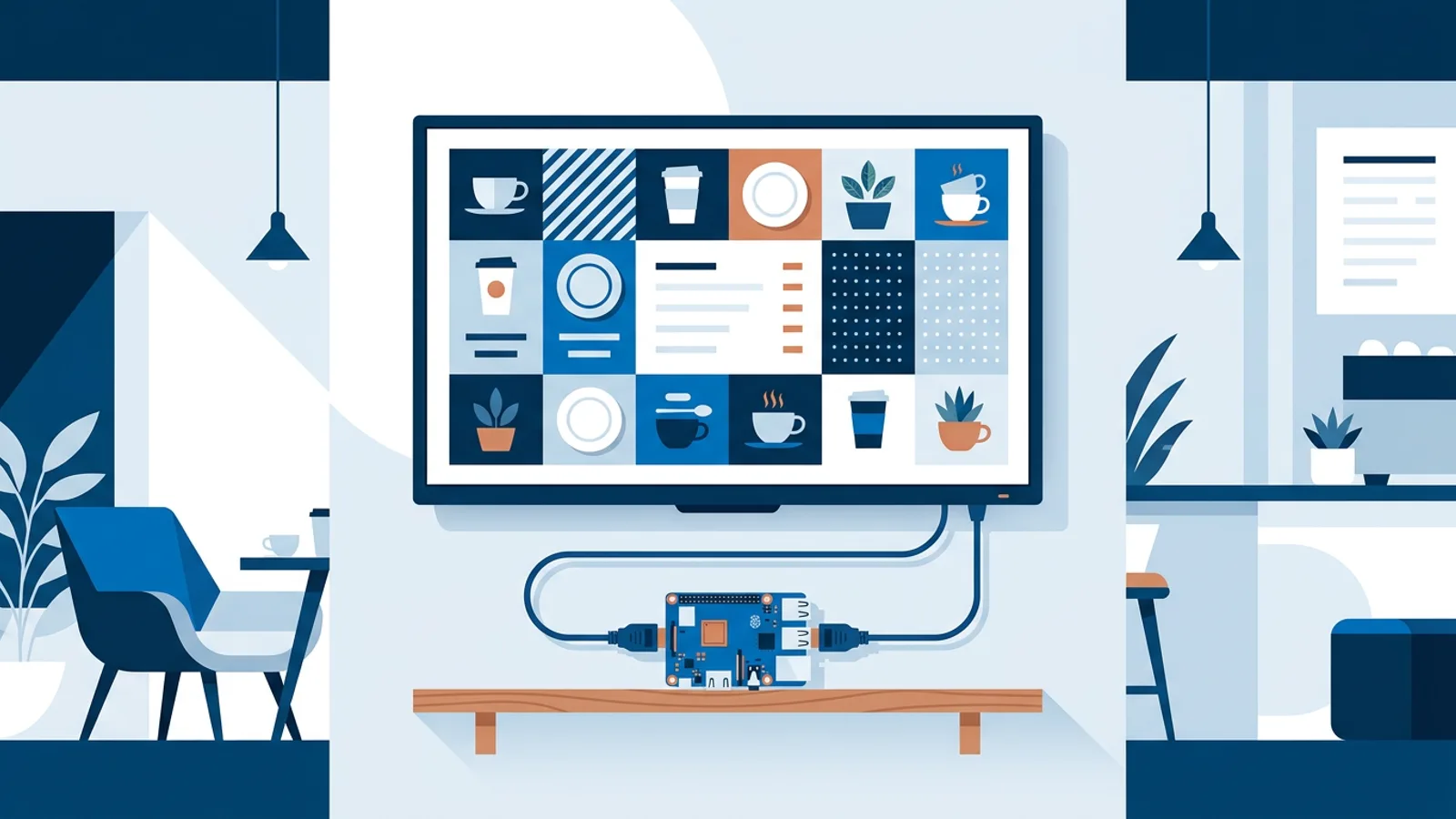
- Menu boards in restaurants and cafes, switching automatically between breakfast, lunch, and dinner menus.
- Reception and lobby screens showing visitor welcome messages, meeting schedules, or company announcements.
- Retail window displays rotating promotions, prices, or store hours.
- Waiting room screens in clinics, salons, and service businesses showing wait times or general information.
- Real estate window displays that sync automatically with a live property feed so listings update without manual editing.
- Office dashboards showing KPIs, calendars, or safety notices.
None of these need custom hardware or a corporate AV budget. Most run on a small single-board computer or a streaming stick already sitting in a drawer.
Building and scheduling content, step by step
Once the screen, player, and dashboard are in place, day-to-day use looks like this:
- You create content (an image, a video, a web page, a PDF, or a screen generated from a template).
- You arrange it into a playlist and set a schedule, for example "show the lunch menu 11am to 3pm on weekdays."
- The player, connected to the TV over HDMI, checks in with the dashboard, downloads the playlist, and plays it in a loop.
- The player checks back periodically for updates, so changes you make in the dashboard show up on the screen without anyone touching the TV.
For a closer look at how the dashboard side of this actually organizes content and permissions, see what a digital signage CMS is.
DIY versus managed signage software
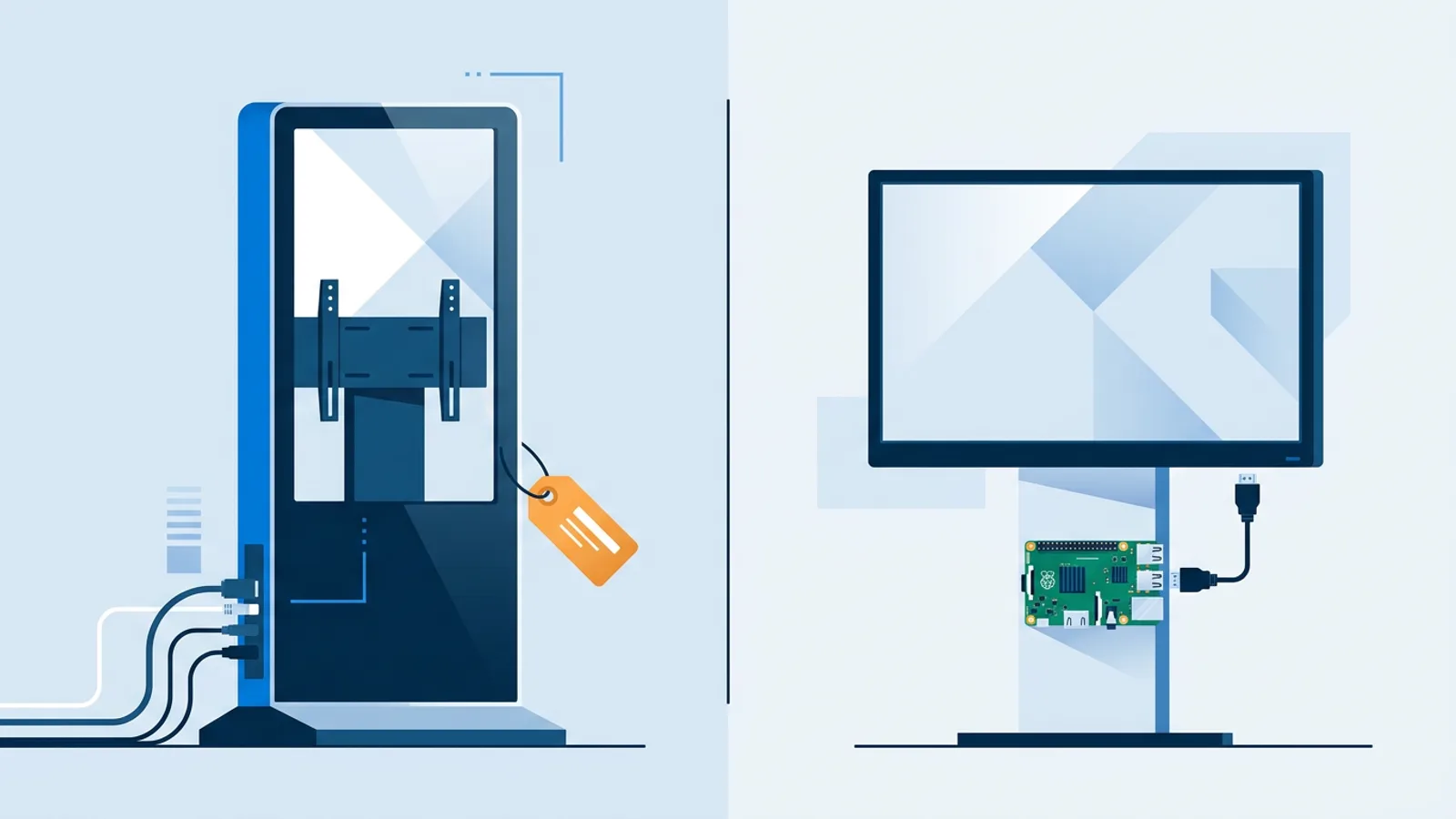
You can build a basic version of this yourself: a Raspberry Pi running a browser in full-screen kiosk mode, pointed at a slide deck or a simple web page, refreshing every so often. That's a legitimate approach for a single screen with content that doesn't change often, and it costs almost nothing beyond the hardware. Our DIY Raspberry Pi signage guide walks through exactly how to set that up.
Where DIY starts to strain is when you have more than one screen, need someone non-technical to update content, want scheduling by day and time, or need to know if a screen has gone offline. At that point you're rebuilding, badly, the same dashboard and player-management tools that dedicated signage software already provides. There's no shame in starting DIY and moving to managed software later, or in staying DIY forever if your needs are genuinely that simple. The best digital signage software for small business guide covers how to think about that decision.
Where TVpilot fits in this picture
TVpilot.app is hosted digital signage software: you manage playlists, scheduling, and screens from a web dashboard, and a small player app runs on the TV side. It's built for the Raspberry Pi as the primary hardware target, with a one-command installer that sets up Chromium in kiosk mode, auto-start, and a watchdog that restarts the player automatically if something crashes. It also works on any device with a modern browser, including smart TVs, Android TV, and Fire TV Sticks through a browser app.
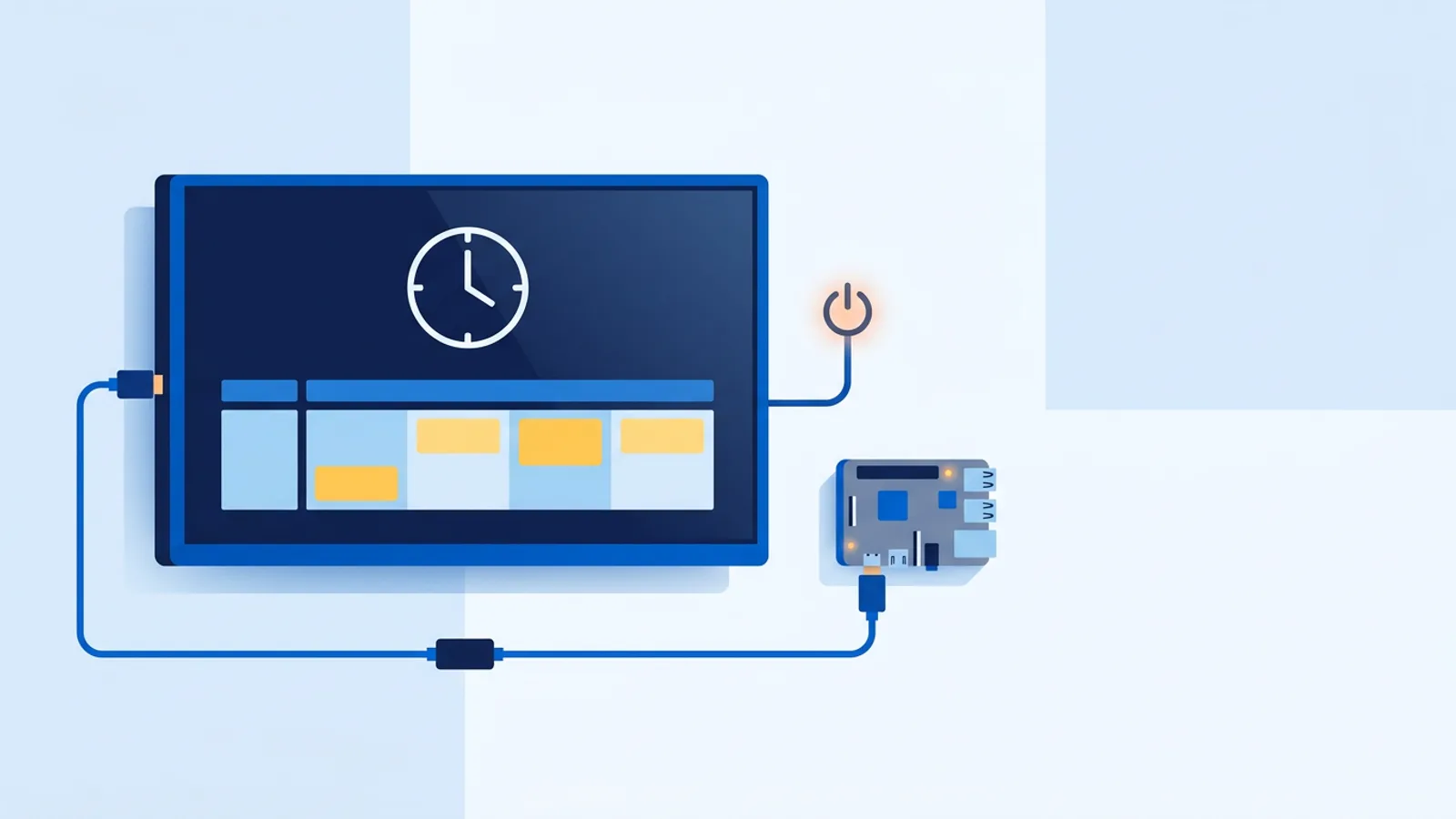
Content options include playlists of images, videos, web pages, and PDFs, plus an AI Studio feature that generates a designed screen (a promo, a menu, a welcome screen) from a short text brief if you don't want to design one from scratch. On the Pi specifically, TVpilot can also switch the TV on and off automatically on a schedule using HDMI-CEC, so you don't need a separate smart plug.
Pricing starts at Free (one screen, 250 MB storage, forever, no credit card) and moves up to Starter at €5/month for up to 5 screens, Pro at €19/month for up to 25 screens, and custom Business pricing for larger deployments. There's no trial period to run out, because the Free plan itself doesn't expire.
When TVpilot is not the right fit
Be honest with yourself about a few things. TVpilot is hosted SaaS, not open source, and it can't be self-hosted on your own server, so if that's a hard requirement, read our breakdown of when self-hosted signage makes sense first. There's no dedicated native app for Android TV or Fire TV yet; those run through the browser, which works fine but is a different experience than a purpose-built app. And while the Pi player recovers automatically after a connection drop, players do need internet access to pull new content, so bandwidth-limited or mostly offline sites should read our piece on digital signage bandwidth requirements before planning a rollout.
A quick comparison
| Approach | Best for | Tradeoff |
|---|---|---|
| DIY browser + Pi | One screen, static or rarely-changing content | No dashboard, no remote monitoring, manual updates |
| Managed signage software (like TVpilot) | Multiple screens, scheduling, non-technical editors | Monthly cost above the free tier's limits |
| Enterprise AV systems | Large chains, hundreds of screens, dedicated IT staff | Higher cost and setup complexity than most small businesses need |
Getting started
If you're setting up your first screen, start small: one TV, one Raspberry Pi or a browser on a smart TV, and a simple playlist. See how it holds up for a week before adding more screens or more complex scheduling. That's a cheaper way to learn what you actually need than buying hardware for five screens up front.
Digital signage doesn't require a big budget or technical background to get started, just a screen, a small player, and a way to manage what plays on it. If you want to try the managed route without committing to anything, sign up for a free TVpilot account and get your first screen running today.
Frequently asked questions
What is digital signage?
Digital signage is a screen, usually a TV or monitor, that shows content controlled from a dashboard instead of a fixed image plugged in once. Menus, schedules, promotions, and live dashboards all count. The content lives in software and can change any time, without anyone touching the screen or swapping a USB stick.
How does digital signage work?
A small player device, often a Raspberry Pi or the TV's own browser, connects to the screen and checks a cloud dashboard on a schedule. It downloads whatever playlist or widget you've set up and plays it in a loop, then checks back again so edits show up automatically.
What is a digital signage player?
The player is the small computer or app that sits between the screen and the content platform. It could be a Raspberry Pi, a streaming stick, a smart TV's built-in browser, or an old laptop. Its only job is fetching content from the dashboard and displaying it on the screen.
What does digital signage cost?
Software pricing ranges from free for a single screen to a monthly fee per plan as you add screens; TVpilot's Free plan covers one screen forever, Starter is €5/month for five screens, and Pro is €19/month for twenty-five. Add a Raspberry Pi or streaming stick for the player itself.