Free Digital Signage: What You Actually Get in 2026
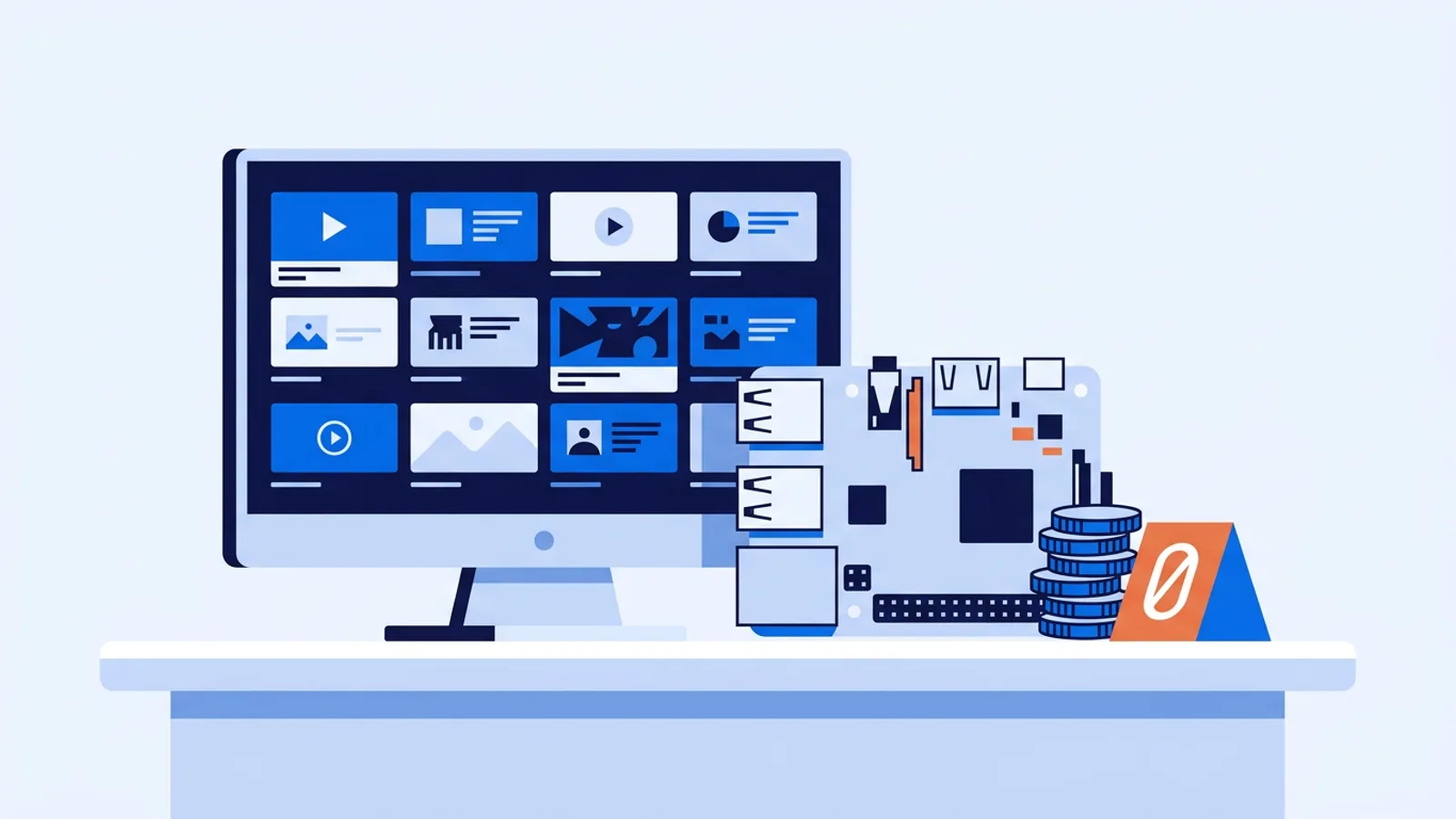
Free digital signage software does exist, and for a single screen it's often enough. But "free" in this market almost never means "no limits." It usually means a starter tier designed to get you running on one screen, with caps on storage or screen count that push you toward a paid plan once you're using the thing daily.
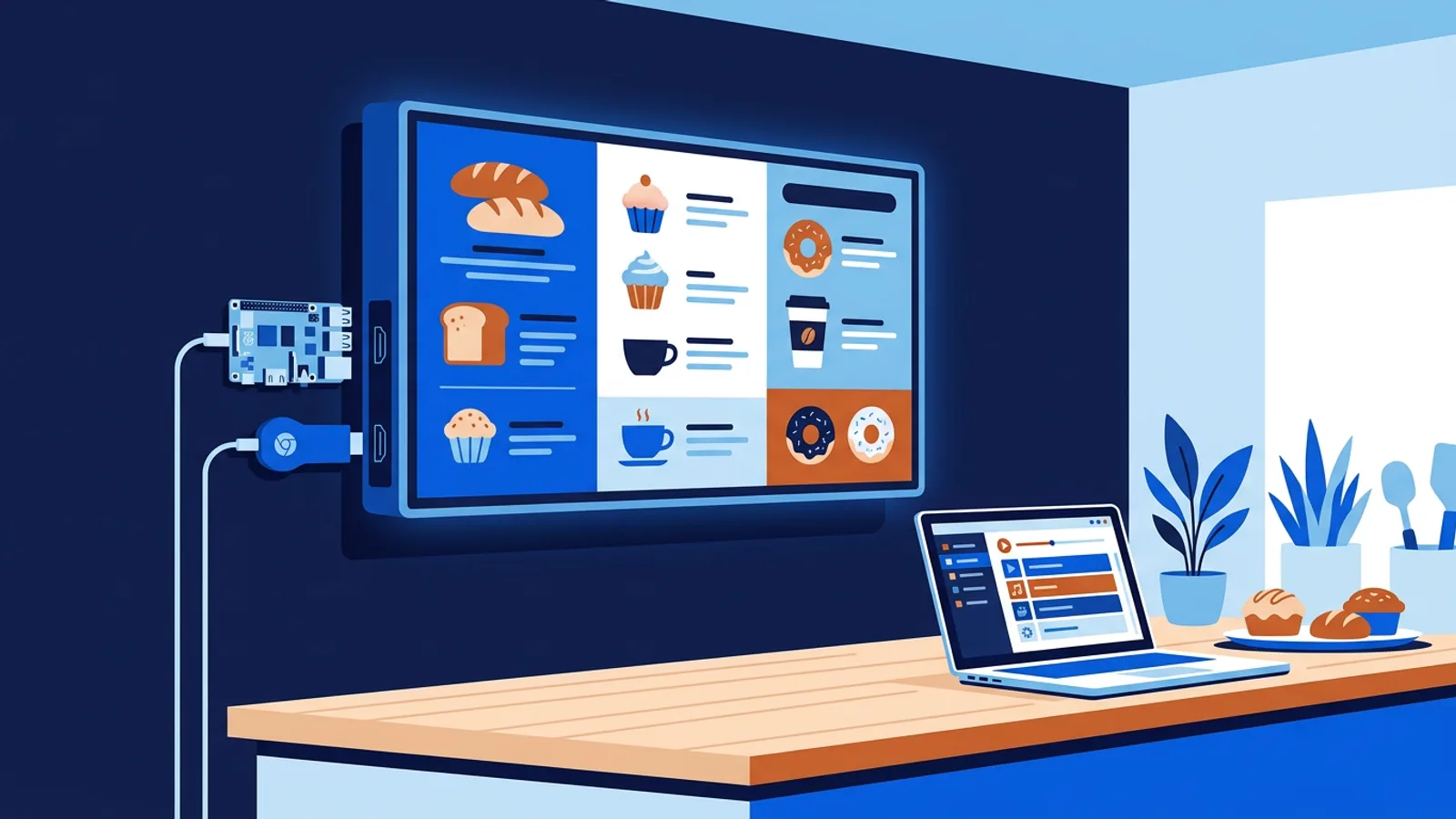
Before you pick software, separate two questions: what hardware will run the screen, and what the software's free tier lets you do. On the hardware side, a Raspberry Pi is the most common low-cost player for a single sign, and our Raspberry Pi digital signage setup guide covers what you need and how the install works in practice. The software question is the one this article is about.
Most businesses testing digital signage for the first time don't need five screens and a shared brand library on day one. They need one working screen: a menu board, a lobby display, a waiting room TV. That's the use case free plans are built around, so check what's typically in scope before you commit.
What "free digital signage" usually means
Across the digital signage market, free plans generally fall into one of a few shapes:
- A permanent free tier limited to one screen, with a storage cap and a basic feature set.
- A time-limited trial that looks like a full paid plan for a few weeks, then requires a card or expires.
- A free tier that adds a watermark or branding overlay to your content until you upgrade.
None of these is bad. A single-screen free tier is honest: a real product you can rely on, scoped down. A trial is fine if you're comparing multiple tools quickly. A watermarked free plan is workable for internal use but rarely acceptable for a customer-facing menu board or lobby screen.
Check these before you sign up, regardless of the provider:
- Does the free plan require a credit card up front, or can you test it without one?
- Is the storage limit enough for your content (a handful of images and one short video adds up faster than people expect)?
- Does the free tier include scheduling, or just a static loop?
- What happens to your screen when you decide to add a second one?
TVpilot's free plan, in plain numbers
This is TVpilot's pricing, with no rounding or interpretation:
| Plan | Price | Screens | Storage | Notes |
|---|---|---|---|---|
| Free | €0 | 1 | 250 MB | No credit card required to start |
| Starter | €5/month | 3 included, up to 10 | 2 GB | 1 user, Premium available as add-on (€9/month) |
| Pro | €29/month | 10 included, up to 100 | 10 GB | Premium included, up to 3 users |
| Business | €99/month | 25 included, up to 100 | 100 GB | Premium included, priority support; more than 100 screens: contact hello@tvpilot.app |
The free plan is scoped for one screen and 250 MB of storage, and you don't need to hand over payment details to start. That's the sum of what's confirmed for the free tier: one screen, 250 MB, no card. If you need to know whether a specific feature (say, a particular widget) is available on the free plan versus paid, the fastest way to confirm is to check inside the dashboard after signing up, since plan-by-plan feature gating can change and we'd rather you see the current state than take our word for a snapshot.
What 250 MB actually holds
Storage limits sound abstract until you try to fill one. In rough terms, 250 MB is comfortable for a rotation of compressed images and PDFs, a handful of slides, or a short looping video clip. It gets tight fast if you're uploading multiple long, high-bitrate videos, or a large stack of high-resolution photos without any compression.
A practical habit either way: resize images to the resolution of the actual screen (1920x1080 for most TVs) rather than uploading camera-resolution files, and export video at a reasonable bitrate instead of raw camera footage. This matters on every platform's free tier, not just ours, and it also makes your playlists load and switch faster on the player itself.
When free is genuinely enough
A free single-screen plan is a solid fit if you're running one TV: a reception screen, a single menu board, a small shop window, or a waiting room display. If your content is mostly images, a short promo video, or a couple of PDF flyers on a schedule, 250 MB and one screen will likely cover it without friction.
It's also the right way to test before you commit to anything. You can build a real playlist, set a schedule, and see how the player behaves on your actual hardware, whether that's a Raspberry Pi, a smart TV browser, or an old laptop, all covered in our guide on displaying a website on a TV 24/7.
Where free hits a wall
Free tiers stop being the right tool once any of these become true:
- You need a second screen, even a small one in a back office or a second location.
- Your video library grows past what 250 MB comfortably holds.
- You want priority support because signage now affects daily operations.
At that point the jump to Starter (€5/month, 3 screens included and up to 10, 2 GB) is a modest step, and Pro (€29/month, 10 screens included and up to 100, 10 GB, Premium included) is built for multi-location or multi-screen setups where downtime costs something. Priority support comes with Business (€99/month).
Is TVpilot the right free option for you
TVpilot is hosted software, not something you self-host or run offline indefinitely. Players need an internet connection to pull content updates (the Raspberry Pi player does recover automatically once connectivity returns), so if you need a sign that works for weeks with zero network access, that's a real limitation to weigh. There's also no dedicated native app for Android TV or Fire TV yet; those run through the browser, which works but is a tradeoff to weigh, as covered in our Fire TV Stick signage and Android TV signage pages.
Where it fits well: a single screen you want running today without buying anything, on a Raspberry Pi, a smart TV browser, or a spare laptop, with scheduling and remote management from a dashboard instead of manually swapping a USB stick. If that's your situation, the free plan is a low-friction way to see whether the workflow suits how you operate.
Getting started
If you're ready to try it, sign up and connect a screen; the Raspberry Pi route has a one-command installer if that's your hardware of choice, and the Raspberry Pi guide walks through it end to end. No credit card is needed to start on the free plan, so there's little reason not to test it against your own content and schedule before deciding whether to stay on one screen or grow into a paid tier.
Frequently asked questions
Does TVpilot's free plan require a credit card?
No. The free plan is \u20ac0, limited to one screen and 250 MB of storage, and you don't need to enter payment details to sign up and start using it.
How many screens can I run on a free digital signage plan?
On TVpilot's free plan, one screen. If you need more than one screen, the Starter plan includes 3 screens (up to 10) for \u20ac5/month, and Pro includes 10 screens (up to 100) for \u20ac29/month.
Is 250 MB of storage enough for digital signage?
It's generally enough for a rotation of compressed images, PDFs, and a short video clip on a single screen. It fills up quickly if you upload multiple long, high-bitrate videos or uncompressed high-resolution photos, so resizing content to your screen's actual resolution helps a lot.
Can I run free digital signage software without internet access?
With TVpilot, no. It's hosted software, so players need an internet connection to receive content and schedule updates. The Raspberry Pi player is built to recover automatically once connectivity returns after an outage, but it isn't designed for fully offline, long-term operation.