Stories about smarter screens.
Hands-on guides about turning TVs into signs: Raspberry Pi kiosks, menu boards, scheduling and everything in between.
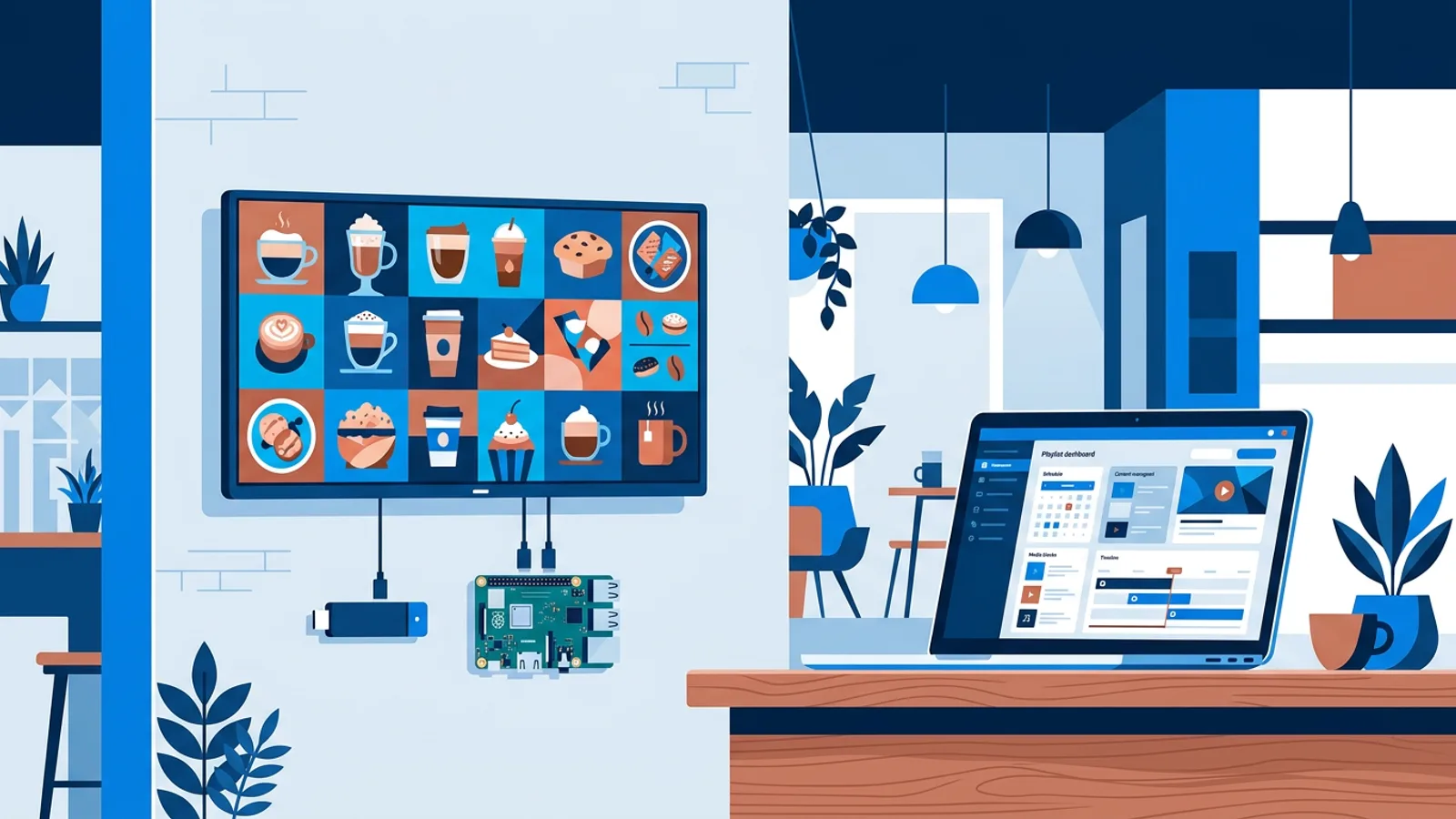
How to Set Up Digital Signage on a TV, Step by Step
How to set up digital signage on a TV in six steps: pick the screen and player, pair it, upload content, schedule playlists and monitor it remotely.
Read more →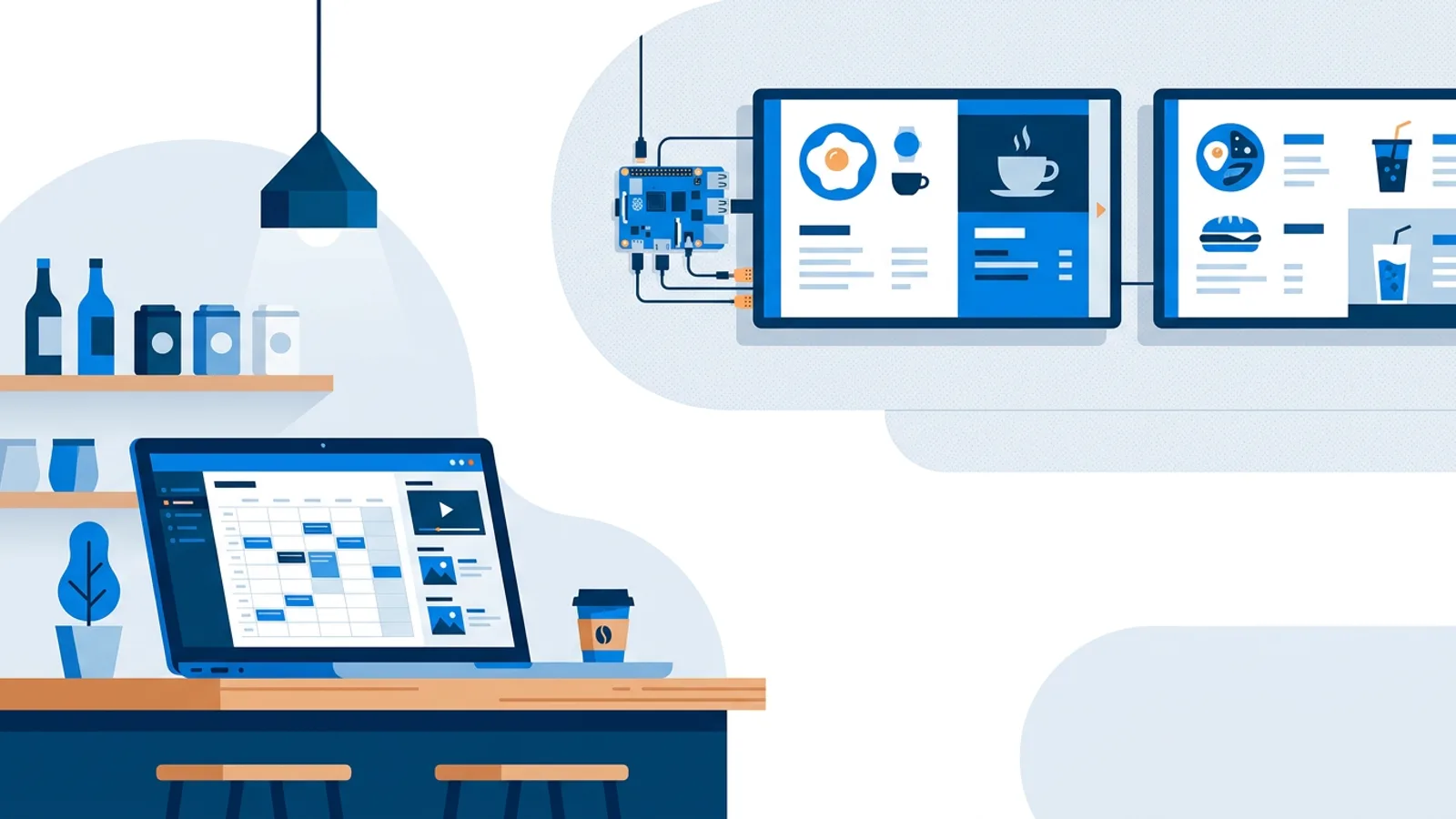
Digital Signage CMS: What an Easy System Should Do
A digital signage CMS manages media, playlists, schedules and screens from one dashboard. Here is what an easy system should do and how to choose one.
Read more →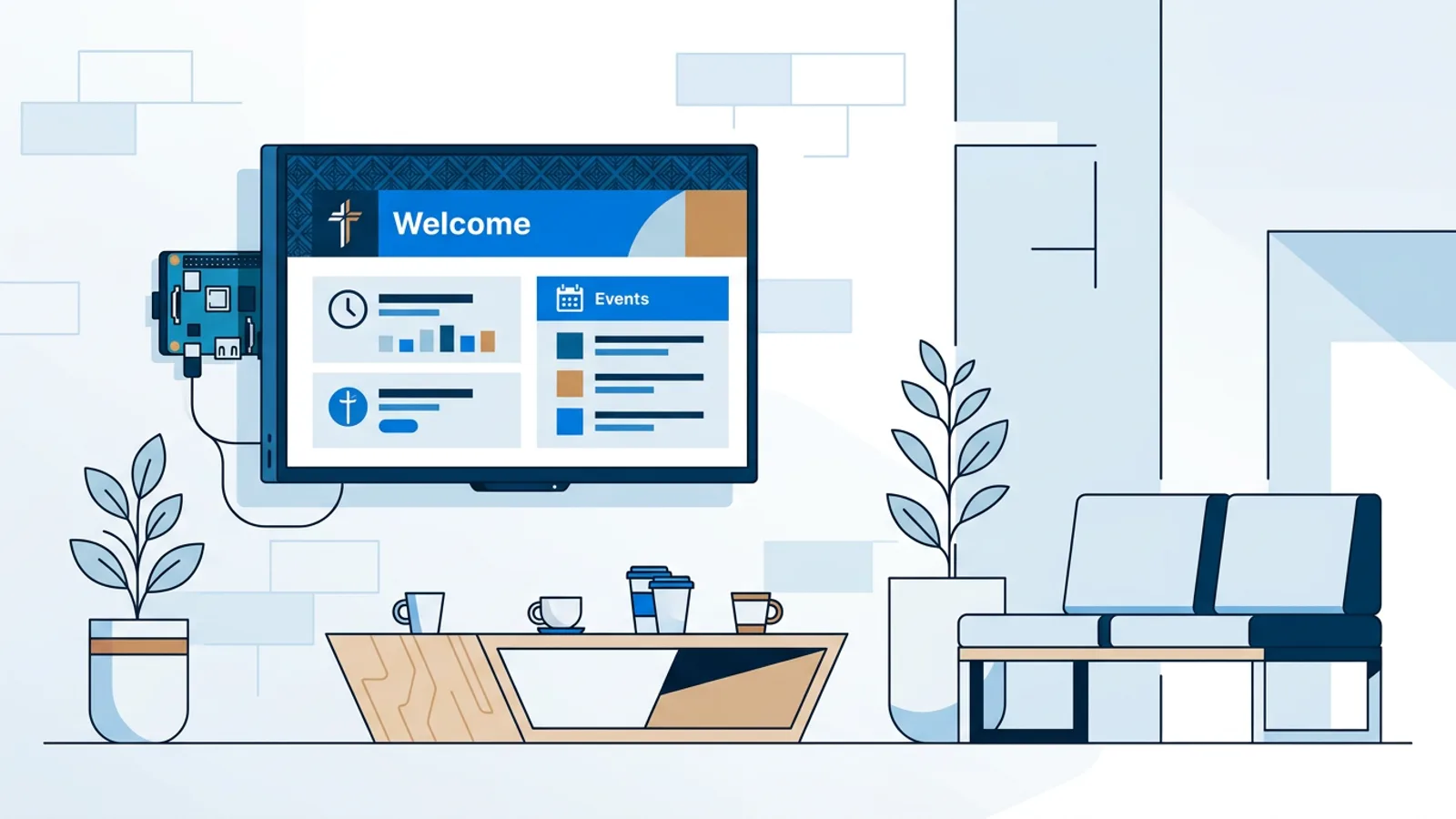
Digital Signage for Churches: Service Times and Events
Digital signage for churches and community centers: set up a lobby TV that shows service times, events and announcements on a weekly schedule.
Read more →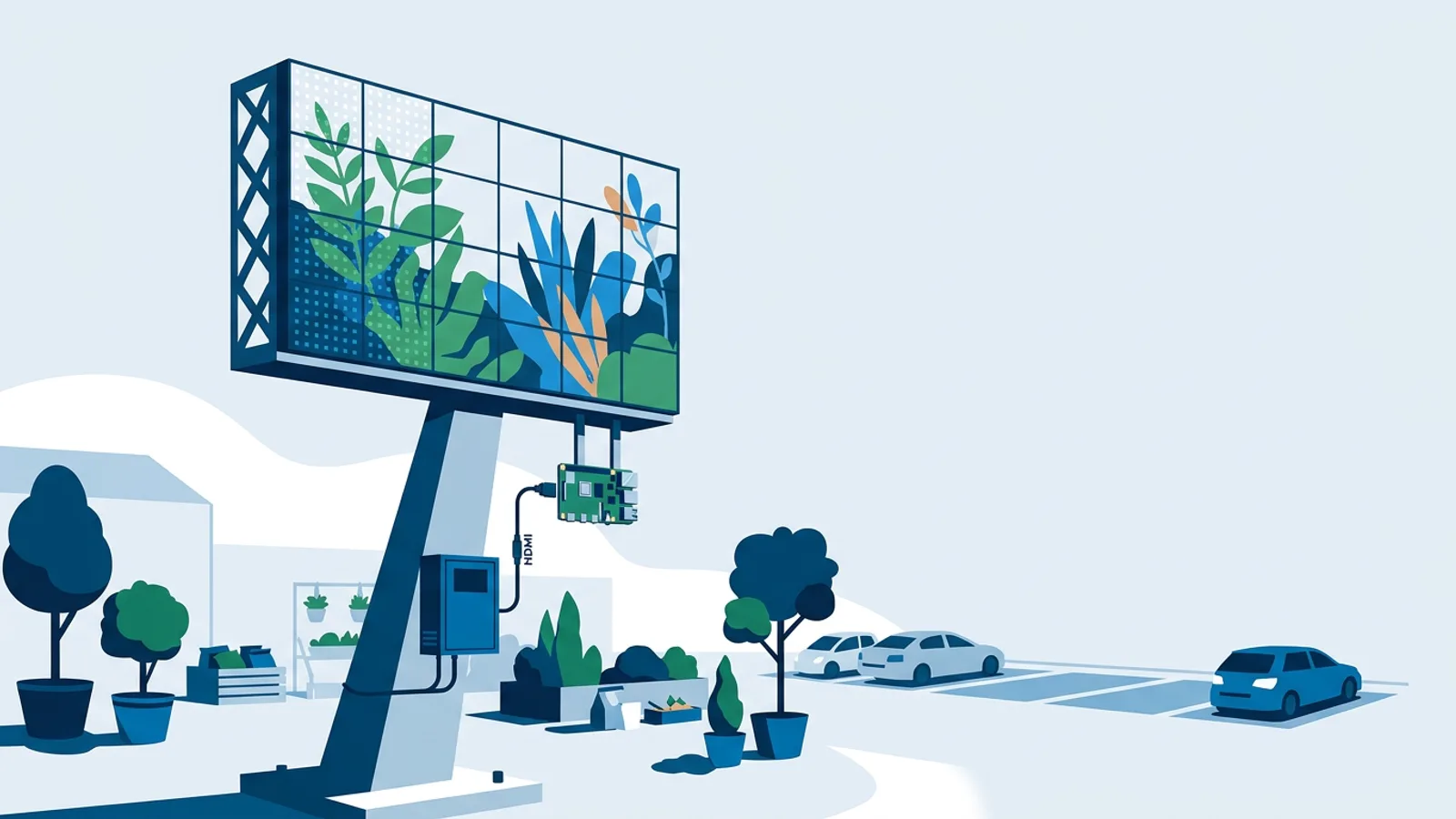
Narrowcasting on an LED Display: What Software Controls
Running narrowcasting on an LED display? See what signage software controls, what the LED processor must handle, and how to wire a Pi into an LED wall.
Read more →
Affordable Narrowcasting Software: Same Features, Lower Cost
Traditional narrowcasting means per-screen licences, mandatory players and long contracts. TVpilot does the same job from €5 a month. See the real costs.
Read more →
CrossFit Box Class Schedule Signage: A Screen Per Room
Set up digital signage for a CrossFit box class schedule: live Trainin classes per room, weekly HYROX and open gym blocks, and video walls for big boxes.
Read more →
Emergency Alert Digital Signage: Target the Right Screens
How emergency alert digital signage overrides chosen screens in seconds, targeted by location, tag or screen, and what to prepare before you need it.
Read more →
Zermelo Schedule on TV Screen: Show the Rooster in Halls
Show a Zermelo schedule on a TV screen: connect the official Zermelo API once and put roosterwijzigingen, door signs and free rooms on school TVs.
Read more →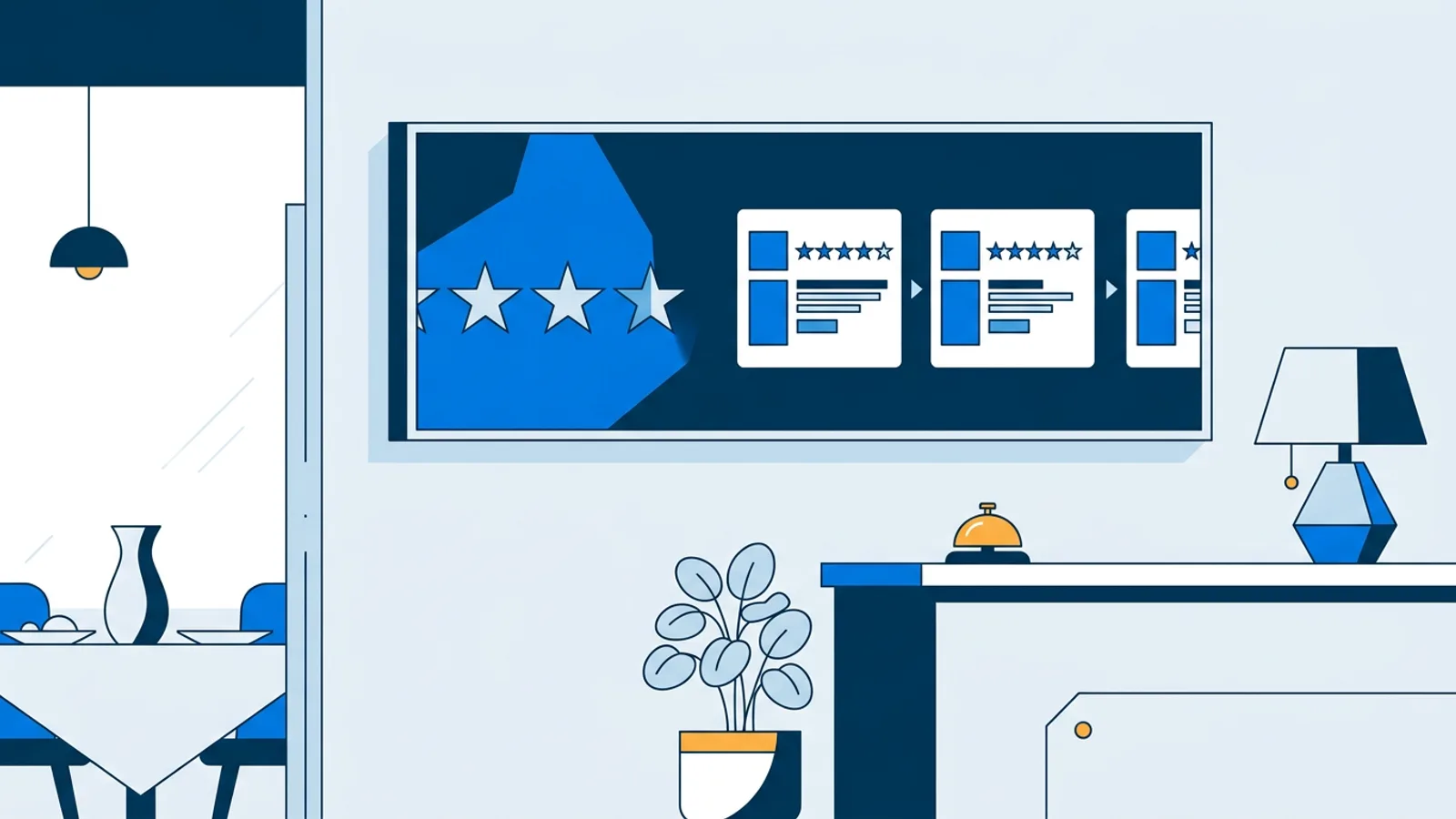
Display Booking.com Reviews on a TV Screen: What Works Now
How to display Booking.com reviews on a TV screen today: a dated score slide workaround plus live Tripadvisor, Trustpilot and Yelp review widgets.
Read more →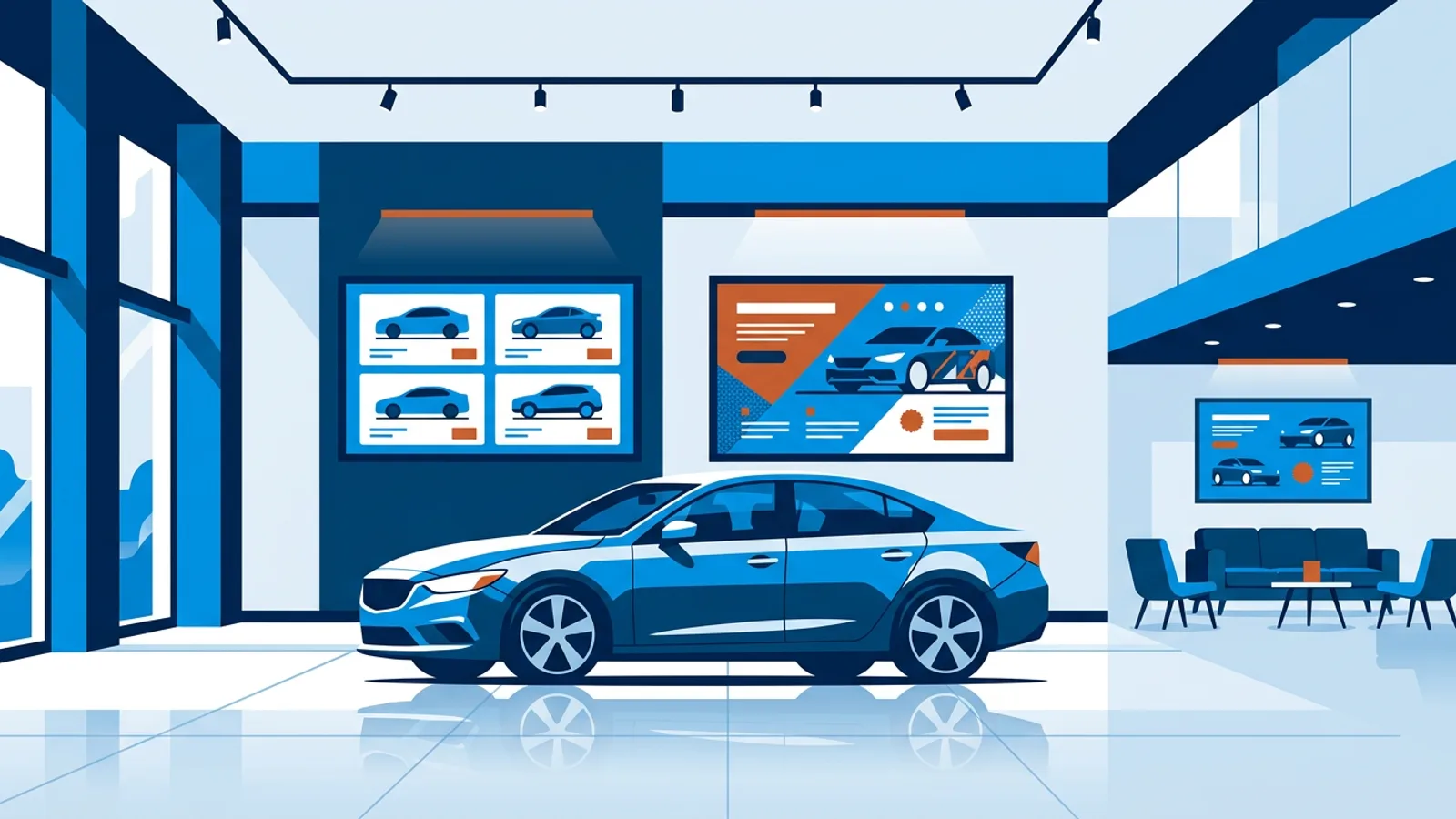
Digital Signage for Car Dealerships: Inventory and Promos
Digital signage for car dealerships: what to show on showroom TV screens, how to keep inventory boards accurate, and a worked six-screen setup with costs.
Read more →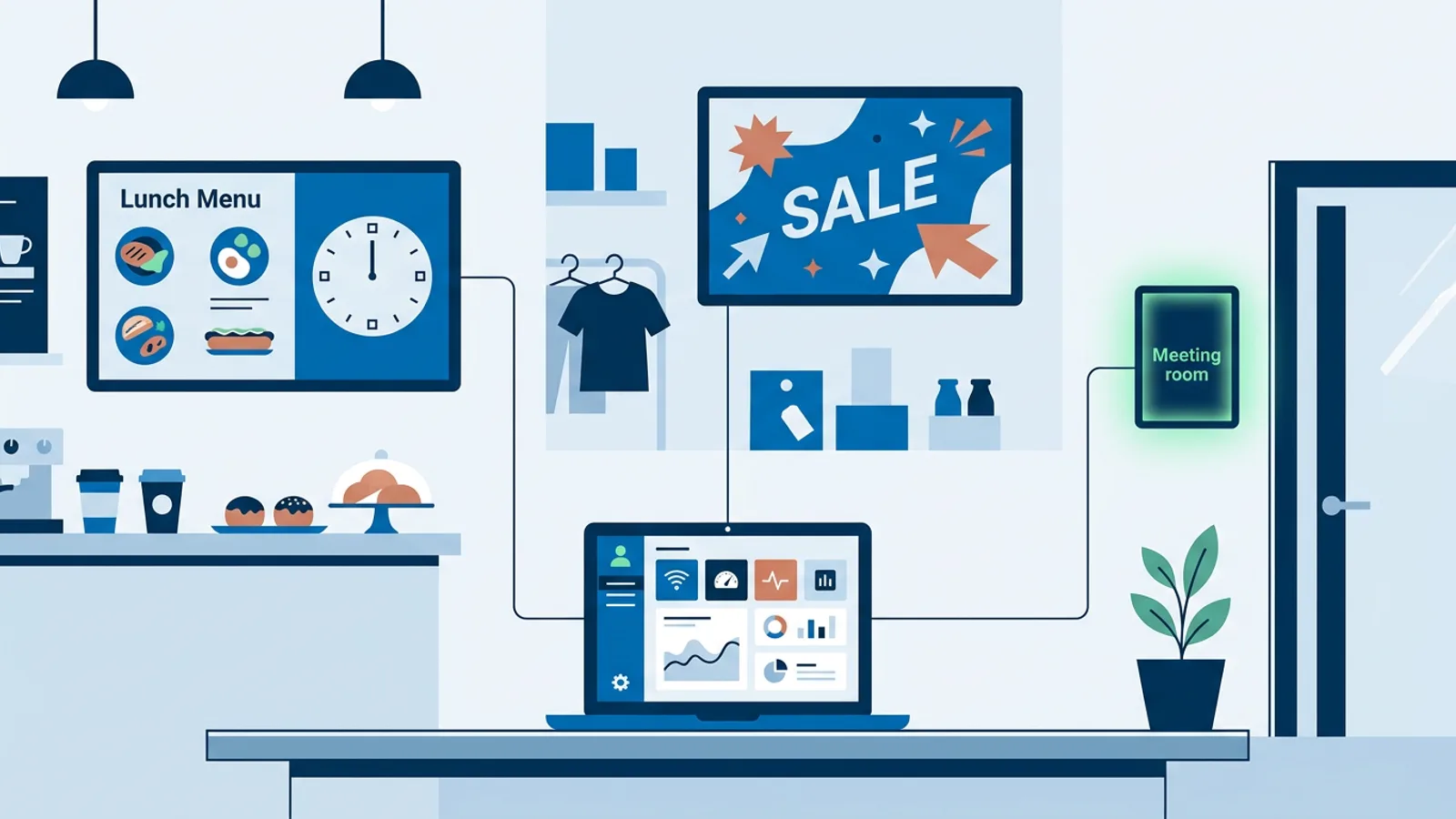
What Is Narrowcasting in Digital Signage? Explained
What is narrowcasting in digital signage? Targeted content per screen, location and time slot, how it differs from broadcasting, with real examples.
Read more →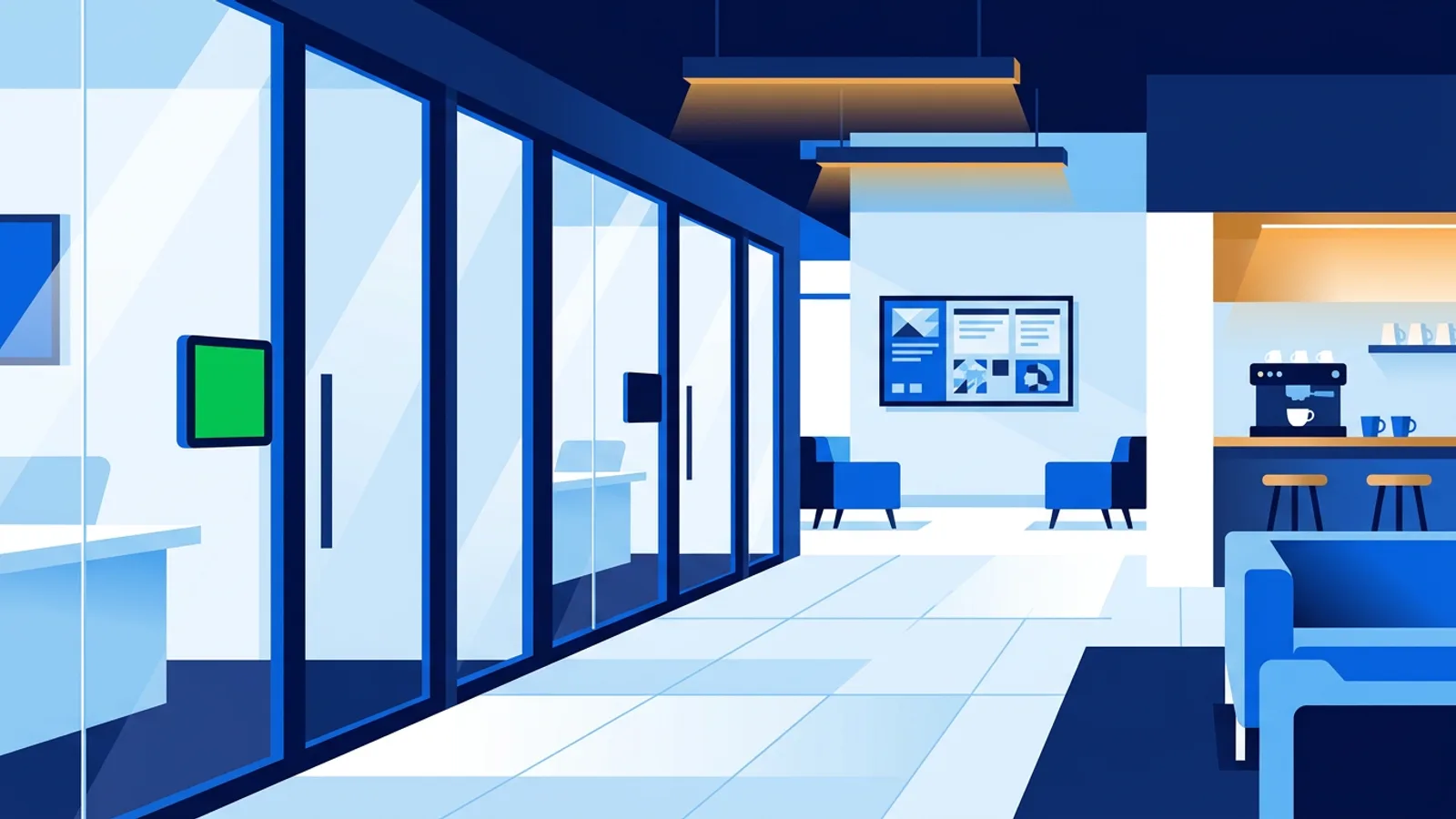
Digital Signage for Coworking Spaces: Room Panels & Screens
Digital signage for coworking spaces: meeting room booking panels, community screens, hardware picks and plan costs for a 60-desk example.
Read more →Turn any TV into a digital sign
Your first screen is free, no credit card required.
Start free with TVpilot