Storefront Digital Signage: A Window Screen People Notice
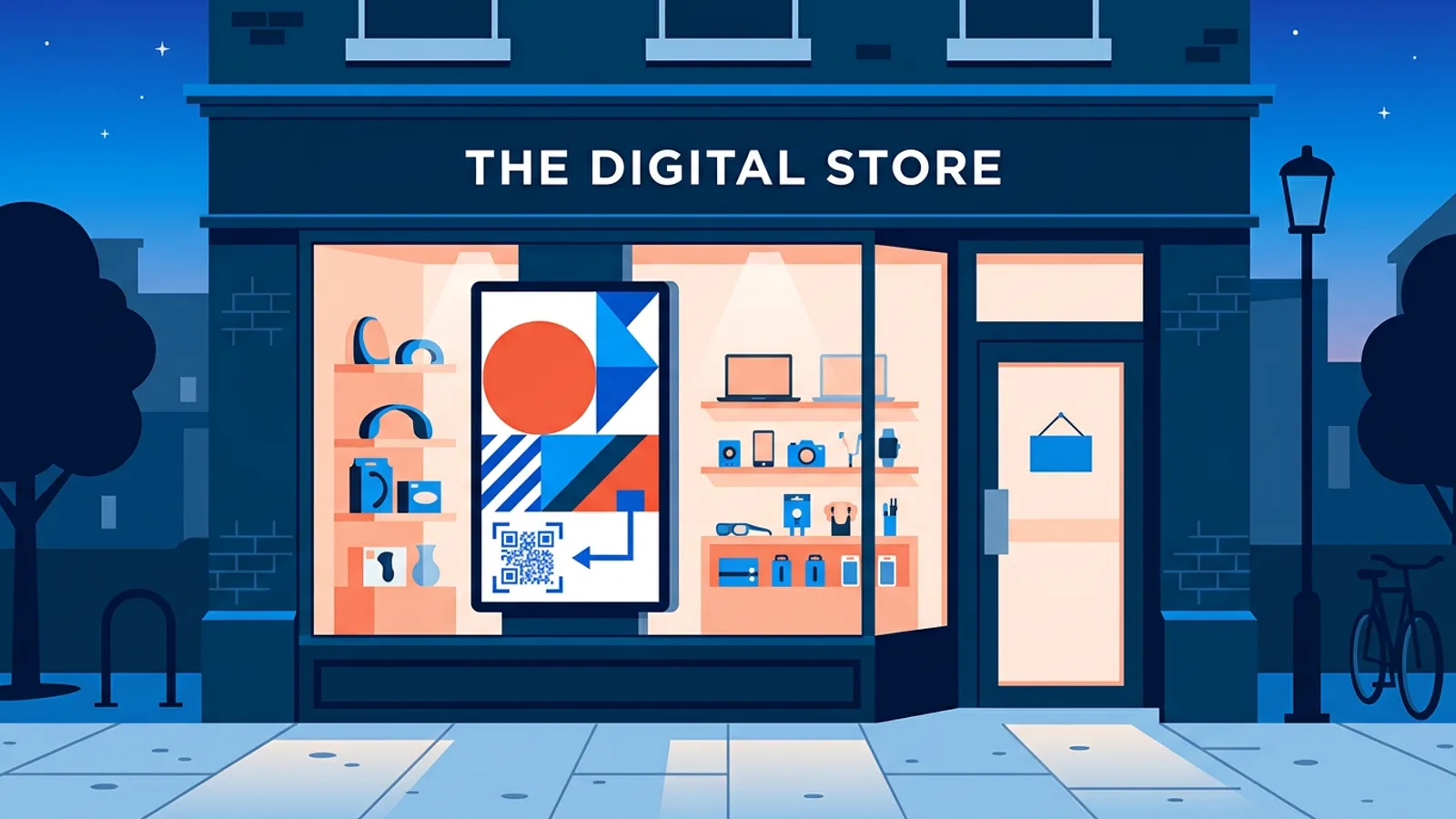
Storefront digital signage works when three things are right: a screen bright enough to beat daylight through glass, a message short enough to read in the few seconds someone walks past, and a schedule that turns it off when nobody is there. Get those right and a single window screen does more than a printed poster. Get them wrong and passers-by see a washed-out image with the street reflected over it.
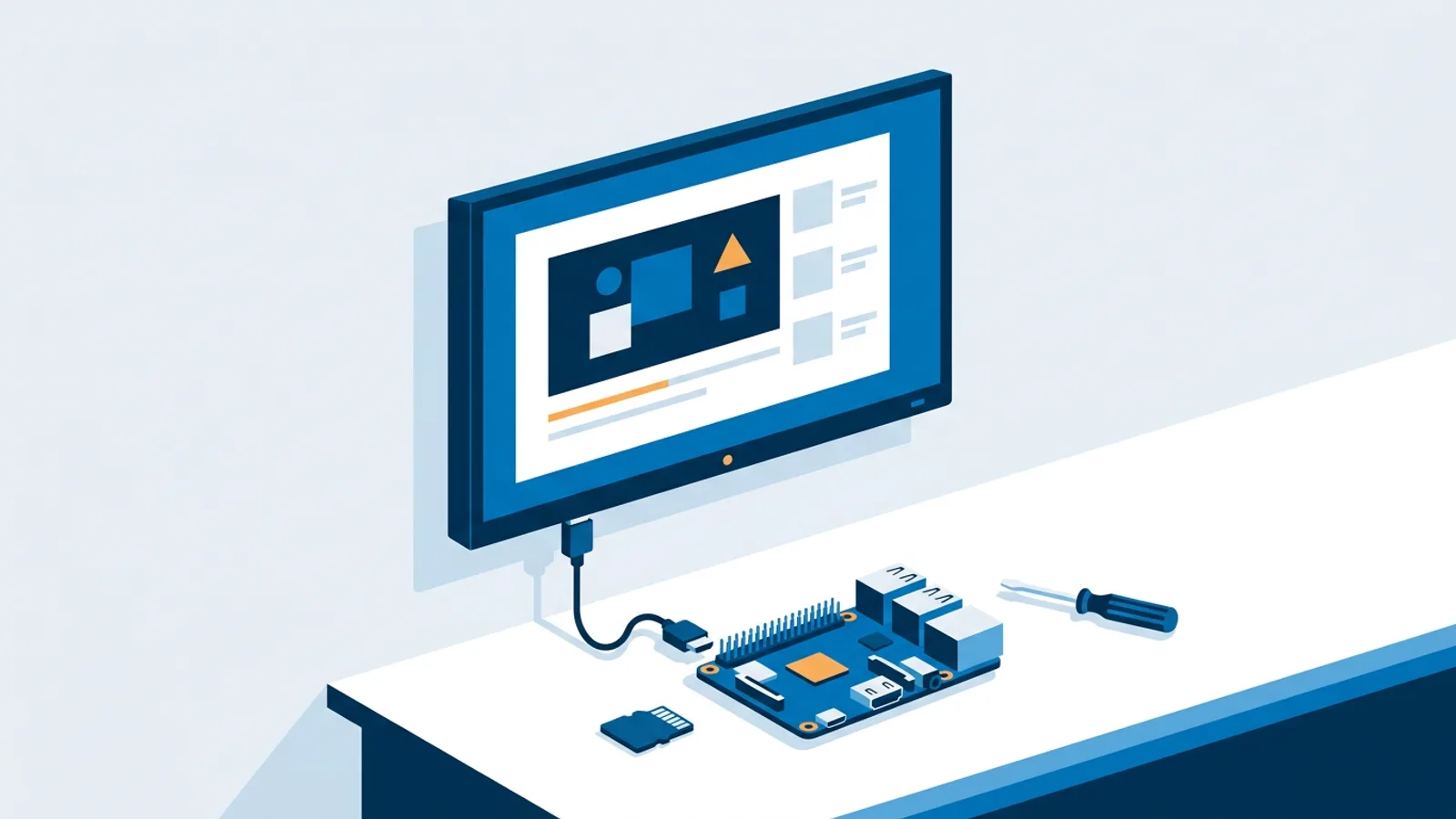
This guide is for the shop owner with one window and one screen (or about to buy one). It covers what to ask a display supplier, how to lay out a slide for the pavement, how long the loop should be, and how to automate the evening switch-off. The software side is the easy part: you can run a player on a Raspberry Pi, a stick, or by running the player in a smart TV's browser if your window display has a built-in browser.
Start with the hardware, because software cannot fix a screen that is too dim for daylight.
Why a normal TV disappears in a shop window
A living-room TV is built for a dim room. Put it behind glass facing the street and several things happen at once:
- Daylight washes it out. On a sunny afternoon the light outside is far brighter than anything a consumer TV can produce, so the image looks grey and faded from the pavement.
- The glass and the screen both reflect. Glossy consumer panels mirror the street, the sky and parked cars. Add the shop window itself and passers-by see two layers of reflection over your content.
- Sun heats the panel. LCD panels in direct sun can develop dark or black patches when they overheat. It usually recovers when the panel cools, but it looks broken while it happens.
- Long hours wear it out. Consumer TVs are generally designed for a few hours of viewing a day. A window screen runs ten to fourteen hours, six or seven days a week.
A consumer TV can still be fine if your window faces north, sits under a deep awning, or is mostly viewed in the evening. If the window gets direct afternoon sun, budget for a display made for the job. The tradeoffs are covered in more depth in commercial display vs consumer TV for signage.
What to ask a supplier about a window display screen
You do not need to become a panel expert. Ask these questions and compare the answers in writing:
- Is this model rated for shop windows facing direct sunlight, and what brightness is it rated at, in nits (cd/m²)? As a ballpark taken from commercial display manufacturers' spec sheets for window models: ordinary consumer TVs usually sit around 300 to 500 nits, screens for shaded or north-facing windows are typically sold in the 700 to 1,500 nit range, and screens meant for windows in direct sun are usually 2,500 nits or more. Treat these as industry guidance for judging an answer, not as exact thresholds.
- Does it have a light sensor that dims the screen at dusk? A window screen at full brightness at 21:00 is glaring and wastes power.
- How does it handle heat behind glass? Ask about cooling and whether the panel is protected against sun-related blackening.
- What daily operating hours is it rated for, and does the warranty cover window use?
- Does it support portrait mounting officially? Some panels are landscape-only under warranty.
- Does it have an anti-reflective or matte front?
- Does it have an HDMI input with HDMI-CEC, a built-in browser, or both? This decides which player you can use.
If a supplier cannot answer the first question with a specific window rating, keep looking.
Portrait or landscape for storefront digital signage
Use this rule: if your window is taller than it is wide, or the screen sits beside a door or between product displays, mount it portrait. If the screen fills a wide, low window or hangs above a counter visible through the glass, mount it landscape.
Portrait has two practical advantages for storefront display screens. It looks like a poster, which people already know how to read from the street, and it takes up less of the window width, so your actual products stay visible. Landscape suits video footage you already have (most phone and camera video is landscape) and wide product shots.
Whatever you pick, design for it from the start. A landscape slide squeezed onto a portrait screen ends up with tiny text in a band across the middle, which is unreadable from three metres away.
Big type and few words: readable from the pavement
Someone walking past your window gives it a few seconds. They read a headline and maybe one more line. Design every slide for that:
- One message per slide. "Winter sale, 30% off coats" is a slide. Adding the opening hours, the phone number and the Instagram handle turns it into three slides.
- Seven words or fewer for the headline. Count them.
- Big letters. As a practical starting point, we suggest about 2.5 cm of letter height for every 3 metres of viewing distance, then test it on your own window and adjust. For a screen people see from across the street, expect to go well above that.
- High contrast. Dark text on a light background or white text on a dark solid colour. Text over a busy photo vanishes in daylight.
- Bold, simple fonts. Thin and script fonts lose their strokes when the screen is fighting the sun.
The cheapest test is the best one. Put the slide on the screen, walk outside, cross the street, and read it at a normal walking pace at 15:00 on a sunny day. If you have to stop to read it, the text is too small or there is too much of it.
How long should a window loop be?
Keep the whole loop under about 30 seconds. A person walking past a shop front sees the screen for a few seconds; someone waiting at a crossing or a bus stop sees it for longer. A short loop means the waiting person sees everything, and the walking person catches at least one complete message instead of a half-finished transition.
A workable pattern is three to five slides at six to eight seconds each:
- The main offer (the reason to come in today).
- A product photo with a price.
- Social proof, for example your Google review rating.
- A QR code to the webshop.
Video works too, but trim it. A 90-second brand film in a window is wasted on almost everyone who passes. Cut it to the best 8 to 10 seconds, without sound, since nobody outside hears it.
Switching the window screen off after closing time
A window screen that stays on all night costs electricity, shortens the panel's life, and shows your sale to an empty street. A screen that goes dark at 18:00 sharp misses evening foot traffic. Decide per location: if your street has restaurants and evening walkers, keep the screen on until around 21:00 or 22:00 with an after-hours playlist, then switch it off.
The common failure mode is relying on someone to switch it off by hand. It works for a week. Automate it instead. If your player is a Raspberry Pi connected by HDMI, TVpilot's player checks the power schedule in the dashboard every minute and puts the TV in standby via HDMI-CEC, then wakes it in the morning, without a smart plug. Check that CEC is enabled in the TV's settings, because manufacturers often ship it turned off under a brand name. A commercial display with its own built-in timer is another way to do it.
Adding a QR code to the webshop
After closing time the window screen is your only salesperson, so give people something to do. A QR code that opens your webshop or a specific product page is the simplest call to action.
Things that make the difference through glass:
- Make the code large, at least a fifth of the screen width, so phones can focus on it from outside the window.
- Keep a plain white border (quiet zone) around it.
- Put one short line above it, such as "Shop the sale online".
- Point it to a page that loads well on a phone, and test it through the actual glass with two different phones.
TVpilot's QR and Wi-Fi widget and the QR element in the built-in Designer both generate codes, so you do not need a separate QR tool.
Worked example: one portrait window screen for a gift shop
Say you run a gift shop open 09:00 to 18:00 Monday to Saturday, on a street with a few restaurants. You have one portrait window display with an HDMI input and a Raspberry Pi 5 behind it.
Content. Three playlists:
- Daytime (the screen's default playlist): four slides at 7 seconds each, so a 28-second loop. A seasonal offer, a product with price, your Google reviews widget showing the star rating, and opening hours.
- Evening: three slides. "Open tomorrow from 09:00", a QR code to the webshop, and one bestseller.
- Sale weekend: a one-off playlist for a specific Saturday, built with AI Studio from a short brief like "weekend sale, 25% off candles, warm colours, portrait".
Calendar. On the Free plan you get 1 calendar with 2 scheduled items, which is exactly enough here:
- A weekly repeating slot, Monday to Saturday 18:00 to 21:00, playing Evening.
- A one-off item on the sale Saturday playing Sale weekend.
All other hours fall back to Daytime, the default playlist. The one-off item beats the weekly slot, so the sale content shows on the sale day.
Power. Set the power schedule to switch the TV to standby at 21:00 and back on at 08:30, so it is warm and showing content before the first customers. On Sunday it stays off all day.
That comes to three playlists, two calendar items and one power schedule, and after setup nobody has to touch the screen until the next promotion.
Estate agents and other window-heavy businesses
Some businesses live in their window. An estate agent's window traditionally holds printed listing cards that go out of date. TVpilot's real-estate plugin reads an auto-syncing XML listing feed, so new properties appear and sold ones disappear without anyone reprinting cards. The same layout rules apply: one property per slide, the price and area in large type, one photo, and a QR code to the full listing.
When TVpilot is (and is not) the right fit
TVpilot fits if you want to manage one or a few window screens from a web dashboard, schedule different content by time of day, and switch the screen off automatically. The Free plan covers 1 screen with no credit card, and Starter is €5 a month for up to 5 screens.
It is not the right fit in a few cases. Software cannot make a dim consumer TV readable in direct sun; that is a hardware decision. TVpilot is hosted software, so if you need something self-hosted or open source, look elsewhere. Players need internet to receive content updates (a Pi player keeps following its schedule during an outage and recovers by itself). And if your window shows one static poster that never changes, a printed poster is cheaper.
Get your window screen running
You can set up the playlists, calendar and power schedule for one window screen on the Free plan: create a free TVpilot account and set it up in your dashboard today.
Frequently asked questions
Can I use a regular TV in a shop window?
Yes, if the window faces north, sits under a deep awning, or the screen is mostly seen in the evening. In direct afternoon sun a consumer TV looks grey and faded through the glass, reflects the street, and can overheat. For a sun-facing window, ask suppliers for a display rated for window use and compare its brightness in nits.
How bright does a shop window screen need to be?
As a rough guide from commercial display spec sheets: consumer TVs are usually around 300 to 500 nits, screens for shaded windows are commonly 700 to 1,500 nits, and screens for windows in direct sun are typically 2,500 nits or more. Use these figures to judge a supplier's answer, then test the screen in your own window.
Should a window display screen be portrait or landscape?
Mount it portrait if the window is taller than it is wide or the screen sits beside a door or between products, because it reads like a poster and leaves more window visible. Choose landscape for wide, low windows or when most of your content is landscape video. Design your slides for the orientation you choose.
How do I turn my window screen off automatically after closing?
Use a power schedule instead of switching it off by hand. With a Raspberry Pi player, TVpilot checks the dashboard power schedule every minute and switches the TV to standby and back on via HDMI-CEC, provided CEC is enabled in the TV settings. Many commercial displays also have a built-in on/off timer.