Commercial Display vs Consumer TV for Digital Signage
If you're weighing a commercial display vs consumer tv for digital signage, three things decide which category you actually need: how many hours a day the screen runs, how bright the room gets, and whether the content on it ever sits completely still. For a lot of small businesses, the answer is a plain TV, not a signage panel.
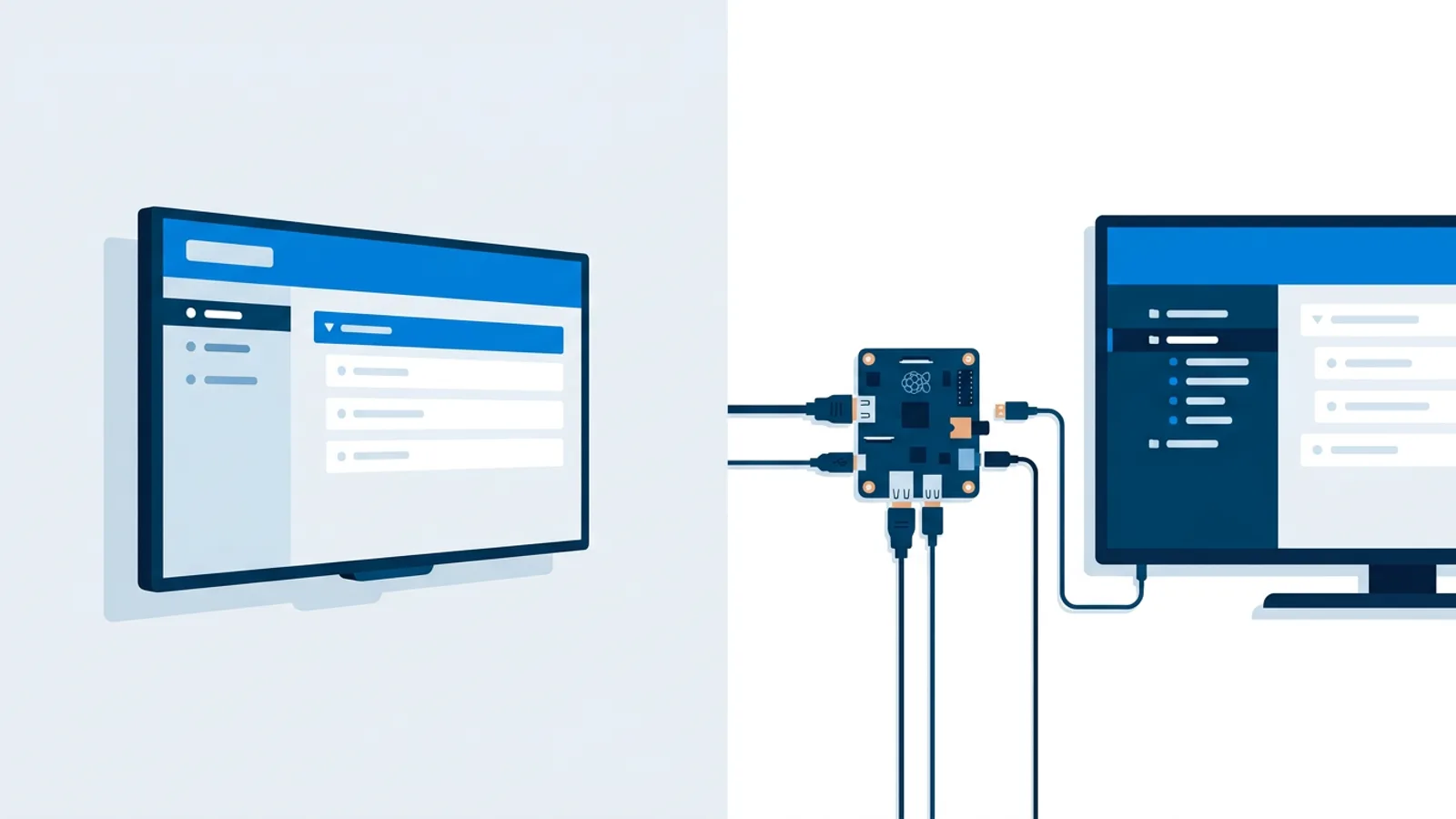
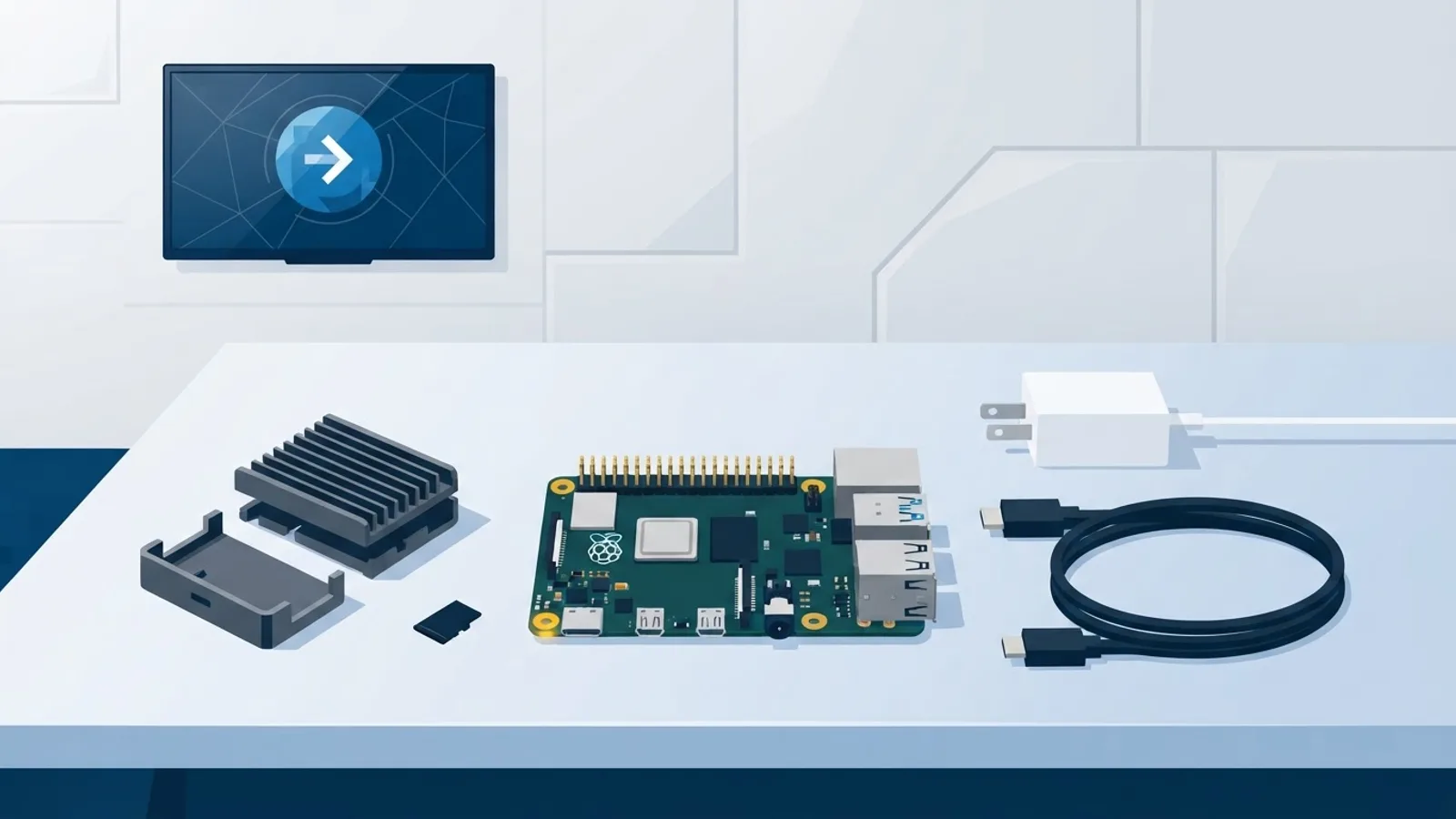
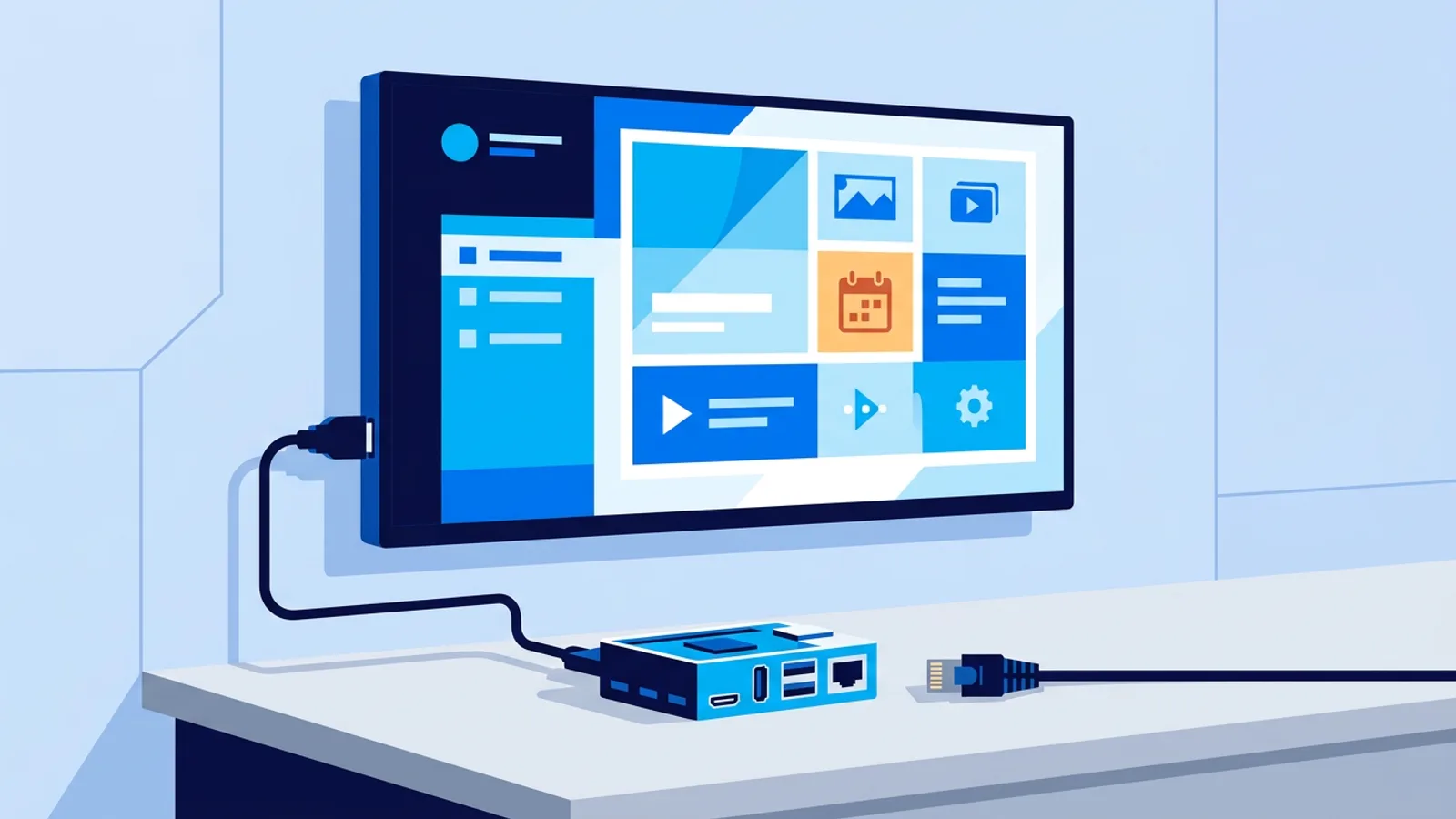
Most shops, salons, and offices already have a TV on the wall or are about to buy one from a regular electronics store. TVpilot runs on either kind of screen: a plain browser-based smart TV setup or a dedicated Raspberry Pi player, so the software decision doesn't force the hardware decision. You can start on a consumer TV and move to commercial glass later without touching your playlists.
This guide breaks down what actually differs between the two categories, when the difference matters for your use case, and when it doesn't.
Is a regular TV okay for digital signage?
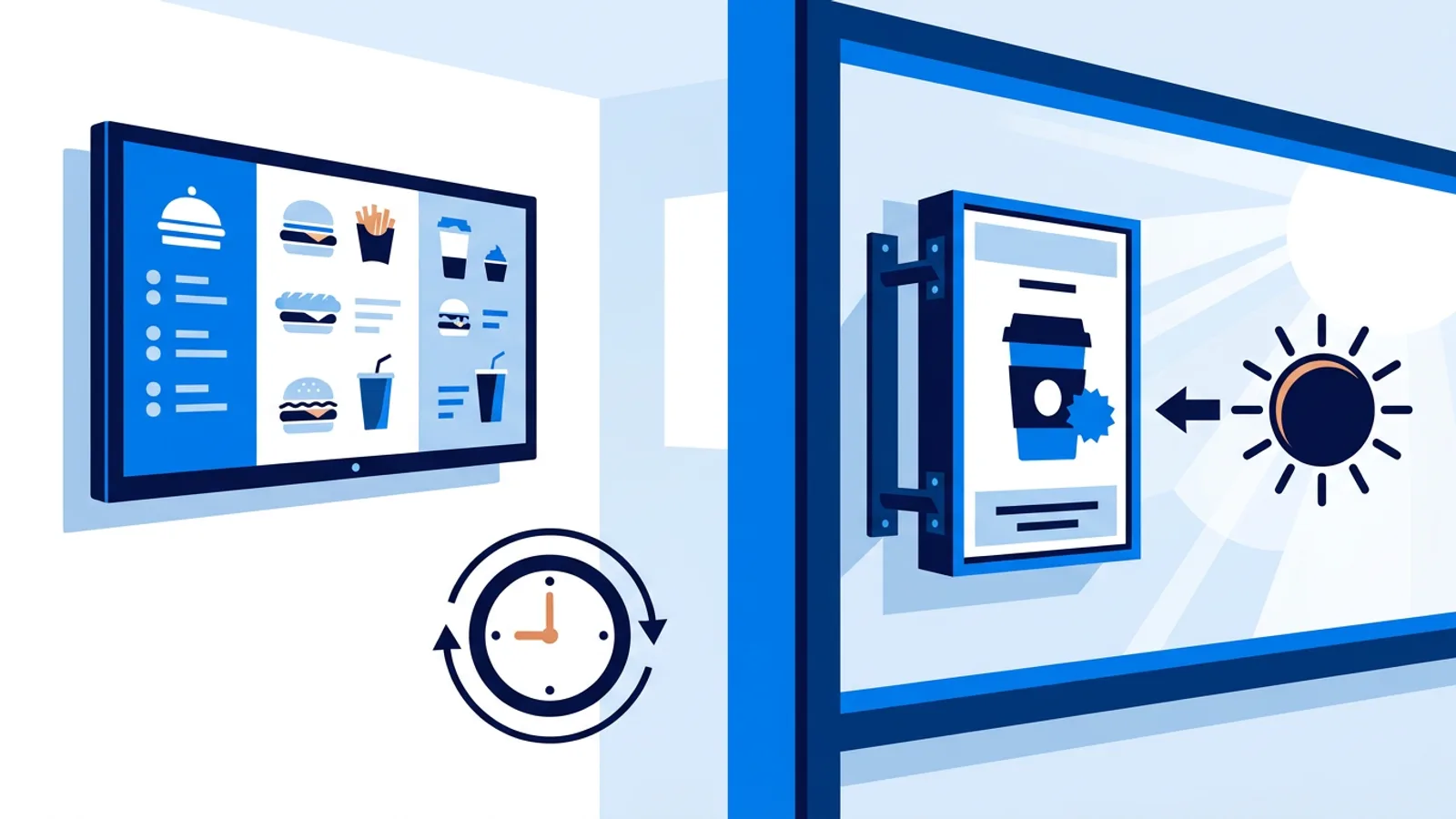
Yes, for most small-business scenarios. A consumer TV showing a rotating menu board, a waiting-room playlist, or an office dashboard for 8 to 12 hours a day, powered off overnight, is well within what the panel was built for. The problems start when a consumer TV runs around the clock, sits in direct sun through a shop window, or displays the exact same static image hour after hour with no rotation.
Manufacturers design consumer TVs around a specific viewing pattern: evenings and weekends, varied content, a dim living room. Signage use often breaks all three assumptions at once, and the further your setup drifts from a few hours a day, changing content, indoor lighting, the more a commercial panel starts to make sense.
Duty-cycle rating: the number that actually matters
The single biggest spec difference between a consumer TV and a commercial signage display is duty cycle. Consumer panels are typically rated for a limited number of hours per day of use; commercial panels are built and rated for 16 hours a day, 7 days a week, or full 24/7 operation.
This rating covers the backlight, the panel electronics, and the internal cooling. A commercial display designed for continuous operation usually has a more capable thermal design and components chosen to survive being on non-stop for years. A consumer TV left on 24/7 is running outside its intended pattern, and that's exactly the scenario a 24/7 digital signage display is built to handle.
If your screen is going to be on from open to close and off overnight, a consumer TV's duty cycle is rarely the limiting factor. If it needs to run around the clock with no downtime, a commercial-grade display for signage earns its keep here.
Peak brightness for windows and sunlight
Consumer TVs are tuned for dim rooms: living rooms, bedrooms, offices with the blinds half-drawn. Commercial signage displays are generally built to push higher peak brightness so the image stays visible against window glare or direct sunlight.
Put a consumer TV in a bright shop window facing south and the picture will wash out during the brightest part of the day, no matter how good the panel is indoors. If your screen faces outdoor light through a window, or sits somewhere genuinely bright, that's a real argument for commercial hardware, independent of duty cycle. If the screen lives in normal indoor lighting, an office, a salon, a waiting room, a kitchen counter, this difference rarely matters.
Consumer TV burn-in risk with static content
Burn-in and image retention happen when the same bright, high-contrast shapes stay on screen for long stretches: a static logo, a price list with a fixed layout, a clock in the same corner all day. Commercial displays often include pixel-shifting, brightness management, and other anti-burn-in measures specifically because signage content is more likely to sit still than a TV show.
Consumer TVs generally have little to none of this built in, because normal TV viewing doesn't produce the same risk. The practical fix that costs nothing is content rotation: don't leave one static image on screen indefinitely. A playlist that cycles through several slides, or a schedule that swaps content through the day, spreads the load across the panel instead of burning one pattern into one spot.
Built-in scheduling, RS232 and remote management
Commercial displays are often sold with signage-specific control built into the hardware: scheduled on/off timers, RS232 serial control for integration with room automation or a dedicated CMS box, and network management protocols that let an IT team check panel health remotely.
Consumer TVs don't ship with RS232 signage control, and any scheduling has to come from somewhere else: an app, a smart plug, or HDMI-CEC commands sent by whatever is plugged into the HDMI port. This is one of the clearest gaps between the two categories. TVpilot can schedule content and power a consumer TV to standby over HDMI-CEC, but it has no RS232 integration and doesn't add commercial-panel-only management features to hardware that doesn't have them.
Warranty terms: read the fine print
Consumer TV warranties are written around home use. Many explicitly exclude or limit coverage for continuous commercial operation, which matters if a screen ever needs a warranty claim after running non-stop for a year. Commercial display warranties are written for exactly that pattern: continuous operation, business environments, and often longer coverage terms with faster service response.
If you're buying a consumer TV for signage, check the warranty wording before you rely on it for a screen that runs long hours every day. It's a five-minute read that avoids a bad surprise later.
Commercial display vs consumer TV: when the premium earns its price
Commercial displays cost more, and that premium is worth paying when several of these apply at once:
| Factor | Consumer TV | Commercial display |
|---|---|---|
| Duty cycle | A few hours a day | Rated for 16/7 or full 24/7 |
| Brightness | Tuned for dim rooms | Higher peak brightness for sun/windows |
| Burn-in protection | Minimal to none | Pixel-shift, brightness management |
| Control | App, smart plug, or HDMI-CEC | Built-in scheduling, RS232, network management |
| Warranty | Often limits commercial use | Written for continuous business use |
| Price | Lower | Higher |
A screen running 24/7 in a shop window, in direct sunlight, showing mostly static or high-contrast content, or sitting somewhere physically harsh, near kitchen heat, outdoors, in a retail window with big temperature swings, is the profile where commercial glass pays for itself. A screen that's on during business hours, off overnight, showing a rotating playlist in normal indoor light, usually doesn't need it.
Where TVpilot fits in
TVpilot is signage software, not a hardware brand, and it runs on both sides of this comparison: a browser on any smart TV, or a Raspberry Pi connected to a regular consumer TV. Two features specifically reduce the wear-and-tear risk on consumer panels. HDMI-CEC power scheduling on the Pi player switches the TV to standby on a schedule with no smart plug needed, so the screen isn't running hours it doesn't need to. Dayparting and calendar scheduling rotate different playlists and slides through the day, so a static menu or price board doesn't sit frozen on screen for twelve hours straight.
That combination genuinely helps with the two consumer-TV risks that matter most: duty cycle and static-image wear. It does not turn a consumer panel into commercial-grade hardware. TVpilot has no RS232 integration and doesn't add pixel-shift or brightness-boost hardware features that simply aren't present on a consumer TV. If your project genuinely needs RS232 panel control, an outdoor-rated enclosure, or commercial-only brightness levels, that's a hardware decision to make independently of which software runs on top. For everything else, comparing a smart TV against a Raspberry Pi player is a more useful next question than commercial vs consumer at all.
A simple checklist for your situation
Work through these before you buy anything:
- Will the screen run more than about 16 hours a day, most days? Lean commercial.
- Does it face direct sunlight or a bright window for part of the day? Lean commercial.
- Will the content mostly stay the same for hours at a time, with no rotation? Fix that first with a playlist or a proper opening-hours schedule, then reassess.
- Is the screen powered off overnight and outside business hours? A consumer TV is very likely fine, especially if you also turn it off at night.
- Is the environment physically harsh: kitchen heat, outdoors, big temperature swings? Lean commercial.
- Is budget the deciding factor and the use case is a normal menu board, waiting room, or office screen? A consumer TV is a reasonable choice.
Score your own screen against this list. Three or more commercial-leaning answers means budget for a signage-rated panel. Otherwise, buy the TV, set up a rotating playlist, and put it on a schedule so it turns off overnight.
Whichever hardware you land on, the software side is the same either way. Sign up free and connect a browser, a smart TV, or a Raspberry Pi in a few minutes to see how the scheduling and playlists work before you commit to new hardware.
Frequently asked questions
Can I really use a regular smart TV for digital signage instead of a commercial display?
Yes, for most small-business setups. A consumer TV showing a rotating menu board, waiting-room playlist, or office dashboard for a normal business day and switched off overnight runs well within what the panel is built for. Commercial hardware starts to matter when the screen runs around the clock, sits in direct sunlight, or shows the same static image for hours without any rotation.
What actually happens if I leave a consumer TV running 24/7 for signage?
You're running the panel outside the duty cycle it was designed for. Consumer TVs are typically rated for a limited number of hours of use per day, while commercial panels are rated for 16 hours a day or full 24/7 operation, with backlight, electronics, and cooling built for that pattern. A consumer TV left on non-stop isn't guaranteed to fail, but it's outside its intended use, and warranty terms often reflect that.
Does TVpilot prevent burn-in on a consumer TV?
TVpilot reduces the risk with content rotation and dayparting: playlists that cycle through slides and schedules that swap content through the day, rather than leaving one static image on screen for hours. That helps with the main risk factor for burn-in on any panel, but it's a software mitigation, not a hardware fix. TVpilot doesn't add pixel-shifting or other anti-burn-in hardware features that a consumer TV doesn't already have.
Do I need RS232 control for a signage TV?
Only if you're integrating the screen with room automation, a dedicated CMS box, or an IT system that expects serial commands for power and input switching. Most small businesses don't need it: a browser-based or Raspberry Pi setup with app-based or HDMI-CEC scheduling covers on/off timing and content updates without RS232. TVpilot doesn't support RS232 control, since that's a commercial-panel-specific hardware feature rather than something software can add to a consumer TV.