Affordable Narrowcasting Software: Same Features, Lower Cost
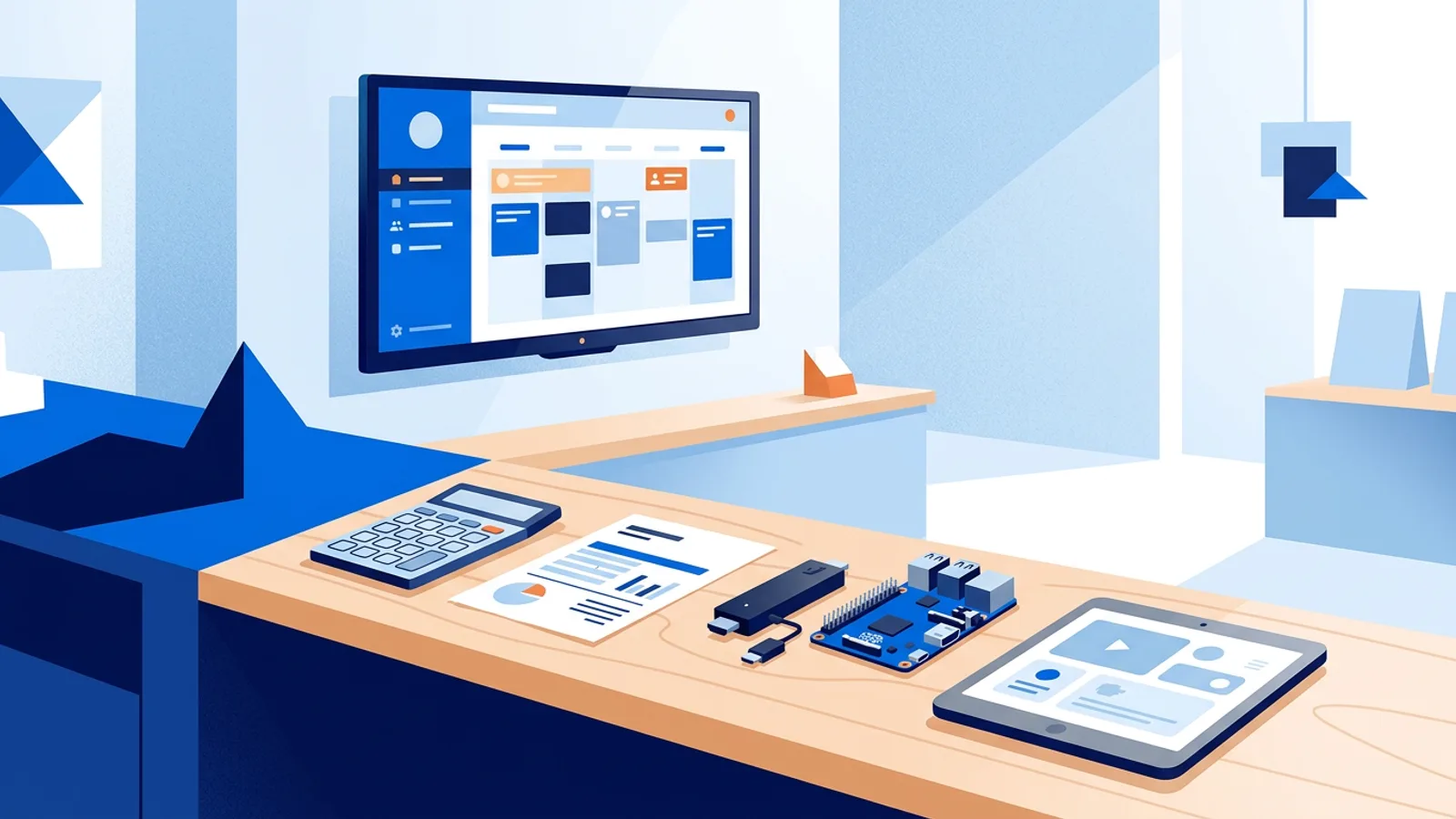
Traditional narrowcasting is expensive. A typical quote stacks a licence per screen, a proprietary media player per screen, a one-off implementation fee and a support contract that runs for years. For a business with a handful of screens, that adds up to a bill that has little to do with what the screens actually do.
An affordable narrowcasting software alternative does the same job for a fraction of the price. TVpilot is free for one screen and costs €5 per month for up to five, with no player you are forced to buy, no setup fee and no long contract: you can cancel any month. The scheduling, the per-screen targeting, the live data and the remote monitoring are all there. What you leave out is the enterprise overhead.
This guide shows where the money in a traditional quote goes, what you get for €5 a month instead, and a four-line formula to compare any offer on equal terms.
Why traditional narrowcasting is so expensive
Most traditional narrowcasting vendors built their pricing for retail chains, banks and corporate campuses with hundreds of screens. Small businesses get the same model, scaled down. Four things drive the price.
A licence per screen, every year
The content management system is licensed per screen, often per year, sometimes with a minimum number of licences or a separate fee for the management server. For a chain that disappears into a large budget. For a café with two screens it is often the biggest line on the quote, and it never gets cheaper as you add screens.
A proprietary player on every screen
Many systems only run on the vendor's own player box or a short list of certified devices. You cannot use the smart TV you already have or a cheap streaming stick. Every screen gets a player whether it needs one or not, and when one fails, the replacement comes from the same vendor at the same price.
A project fee before anything is on screen
Quotes usually include an implementation phase: an installation visit, configuration, template design and training. For a 300-screen rollout that is real work. For three screens in one building, you pay a project fee for something you can set up yourself in an afternoon.
Support contracts that lock you in
Annual support, priced per screen or as a percentage of the licence, covers updates and a helpdesk. Terms of three to five years are common, so the cost is fixed even when your needs shrink, and sometimes updates only come with the contract.
None of this is a scam. A national chain with strict IT policies and hundreds of displays may need exactly this package. The problem is paying for that package when you have a reception TV and a window screen.
Same job, smaller bill: what you get for €5 a month
The part of narrowcasting that matters, the right content on the right screen at the right time, does not need an enterprise system anymore. Here is what you expect from a narrowcasting system, side by side.
| What you need | Traditional narrowcasting | TVpilot |
|---|---|---|
| Playlists per screen and location | Yes | Yes, unlimited on every plan |
| Scheduling by day and hour | Yes | Yes: per-slide dayparting plus a playlist calendar with weekly and one-off slots |
| Live content (reviews, weather, news, dashboards) | Often custom work | Included: over 50 plugins in the integrations catalog |
| Remote monitoring and alerts | Yes | Yes: online status, screenshots, remote restart and email alerts |
| Video wall | Yes, often as an add-on | Yes, up to 4x4, synchronised (video wall) |
| Emergency alert on every screen | Sometimes | Yes, from Pro (emergency alerts) |
| Teams, roles and approvals | Yes | Yes, on Business |
| Proof of play reports | Yes | Yes, on every plan |
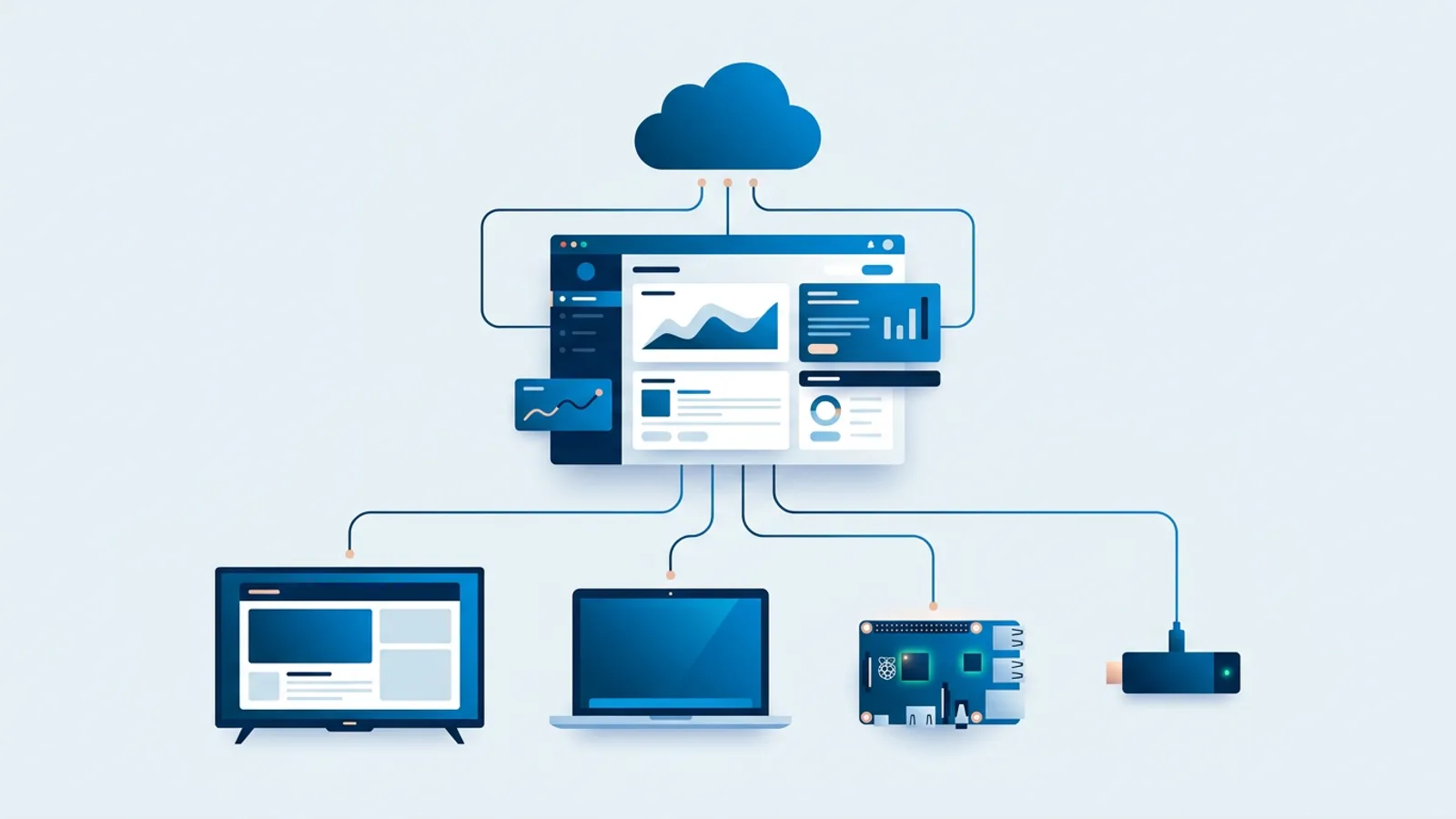
| Hardware | Proprietary player per screen | Anything that opens a URL: smart TV, Fire TV Stick, Raspberry Pi, Amazon Signage Stick |
| Setup | Project with an installation visit | Self-service, minutes per screen |
| Contract | Often multi-year | Monthly, cancel any time |
| Price for 3 screens | Licence + players + setup + support | €5 per month in total |
TVpilot prices are by number of screens, not per device licence and not per user: Free is 1 screen, Starter €5 per month for up to 5 screens, Pro €19 per month for up to 25, and Business is priced on request. Prices are excluding VAT. See all limits on the pricing page.
How to compare any quote: the real cost per screen
Quotes are hard to compare because one vendor bundles hardware, another charges for setup, and a third quotes per month with a three-year minimum. Put every offer through the same four lines, over the same period. Three years is a sensible horizon, because that is roughly how long hardware stays in service.
- Software: all licence fees for the full term, for all screens.
- Hardware: player cost per screen x number of screens (count €0 for screens that can use an existing smart TV browser).
- Setup: one-off vendor fees plus your own time (hours x what an hour of your time is worth).
- Ongoing extras: support contracts, content design fees, replacement players.
Add the four lines, then divide by the number of screens and by 36 months. The result is your true cost per screen per month, and it is the only number worth comparing.
| Cost line | What to include | Common trap |
|---|---|---|
| Software | All licence fees for the full term | Price shown "from" a higher screen count, or per year with a multi-year minimum |
| Hardware | Players, mounts, cables | Proprietary player required on every screen |
| Setup | Vendor fees plus your own hours | Template design billed separately |
| Ongoing | Support, renewals, replacements | Support contract required to receive updates |
Worked example: a three-screen practice over three years
Say you run a physiotherapy practice with three screens: a waiting room TV, a screen behind reception and a window display facing the street. You want opening hours and a welcome message in the morning, treatment information during the day, Google reviews in the waiting room and a different message in the window after closing time.
Here is the TVpilot setup, with assumed hardware prices. Swap in whatever you actually pay.
- Software: TVpilot Starter is €5 per month for up to 5 screens. Over 36 months that is €180 for all three screens.
- Waiting room: the existing smart TV has a modern browser, so it opens the player URL. Hardware cost €0.
- Reception: a Fire TV Stick running the TVpilot app from the Amazon Appstore. Assume €40.
- Window: a Raspberry Pi 5 with power supply, case and SD card, so the TV can also be switched on and to standby on a schedule through HDMI-CEC. Assume €100.
- Setup time: assume 30 minutes per screen, valued at €40 per hour, so €60. The Pi uses a one-command installer generated in the dashboard with a 6-character claim code.
- Ongoing extras: €0 in fees.
Total over three years: €180 + €140 + €60 = €380. Divided by 3 screens and 36 months, that is about €3.52 per screen per month, hardware and setup included.
Now take the traditional quote you received and fill in the same four lines for the same three screens and 36 months. A licence per screen, a player per screen, a setup fee and a yearly support contract usually land at a multiple of that figure. Then check what the extra money buys: on-site service, an account manager, certified hardware with a warranty swap. For three screens, most businesses do not need those things.
The gap grows with every screen
With per-screen licensing, every new screen costs the same as the last one. With TVpilot's flat tiers, the cost per screen goes down as you grow. At 6 screens you move to Pro at €19 per month (up to 25 screens), which is €228 per year: about €3.17 per screen per month for the software. Fill all 25 screens and it drops to about €0.76. Above 25 screens, the Business plan has custom pricing.
Cheaper does not mean less reliable
A low price only makes sense if the screens keep running. TVpilot is built for screens that are on all day:
- Screens keep playing from the device cache when the internet drops, and pick up new content once the connection is back.
- A Raspberry Pi restarts the player within about 10 seconds if it ever crashes, and switches the TV on and off on a schedule.
- The Amazon Signage Stick, Amazon's player built for 24/7 signage, runs TVpilot natively, in collaboration with Amazon Signage. It starts straight into TVpilot after every power cut.
- You see every screen's status and uptime in the dashboard, with screenshots from a Pi or a Stick and an email when a screen goes offline.
For a side-by-side of the player options, see our guide to cheaper digital signage player alternatives.
What you still pay on the cheap side
Being honest about the costs makes the comparison fair:
- Your time: without a vendor building templates, someone in-house makes the content. The built-in Designer and AI Studio help, but it still takes an hour here and there.
- Consumer TVs: a cheap TV running 12 hours a day may not last as long as a commercial display. If a screen runs all day, every day, factor in a replacement.
- Internet: players need a connection to receive new content. Guest Wi-Fi with a login page blocks the player, so use a regular network.
- Device choice: some smart TV browsers struggle with heavy video. If a screen plays full-screen video all day, use a Pi or a Signage Stick instead of the TV's own browser.
Questions to ask before you sign a narrowcasting quote
Use these to expose costs that are not on the first page:
- Can I use my own hardware, or is your player mandatory on every screen?
- What is the minimum contract term, and what happens to my screens if I cancel?
- Are software updates included, or only with a support contract?
- Is template or content design included, or billed per hour?
- What does the price per screen become if I add or remove screens mid-contract?
If the answers are vague, put a cautious estimate into the four-line formula and compare.
When TVpilot is the right fit, and when it is not
TVpilot is the right fit if you have 1 to 25 screens, one or a few locations, and want targeted content without a project phase or a long contract. The Free plan covers 1 screen without a credit card, so you can test it on a real TV before spending anything.
It is the wrong fit in a few cases. TVpilot is hosted software: it is not open source and you cannot run it on your own servers, so if your IT policy requires self-hosting, look elsewhere. It does not include on-site installation crews. And if you are rolling out hundreds of screens across a national chain with strict procurement rules, a traditional enterprise vendor may suit you better; if you sit somewhere in between, the Business plan is the place to start a conversation.
Compare your quote, then test on one screen
Run your traditional quote through the four lines over 36 months and divide by screens and months. Then put the affordable alternative to the same test on a real TV: create a free TVpilot account, connect one screen with a browser, Fire TV Stick, Raspberry Pi or Amazon Signage Stick, and schedule your first targeted playlist before you sign anything.
Frequently asked questions
Why are narrowcasting quotes so expensive for small businesses?
Traditional narrowcasting systems are priced for large chains. Quotes usually combine per-screen software licences, a proprietary media player for every screen, a one-off implementation fee and a multi-year support contract. Each line makes sense for hundreds of screens but adds up quickly for a business with two or three.
How do I calculate the real cost per screen of a narrowcasting system?
Add four lines over the same period, ideally 36 months: software fees, hardware for every screen, setup costs including your own time, and ongoing extras like support contracts. Divide the total by the number of screens and by 36. Use the same formula for every quote so you compare like with like.
Does TVpilot have a free trial?
No. TVpilot has no trial period. The Free plan is free forever for 1 screen with 250 MB storage and needs no credit card. Starter is €5 per month for up to 5 screens and Pro is €19 per month for up to 25 screens.
Can I self-host TVpilot or use it as open source software?
No. TVpilot is hosted SaaS managed from a web dashboard. It is not open source and cannot be installed on your own servers. If self-hosting is a hard requirement, you will need a different product.