Digital Signage Software Pricing: What You Pay Per Screen

Digital signage software pricing usually comes down to three variables: how many screens you're running, how much storage your media library needs, and which support tier you want. Most vendors charge per screen per month, then bundle storage and features into tiers rather than pricing them separately. Once you know which model a vendor is using, comparing quotes takes minutes instead of a spreadsheet.
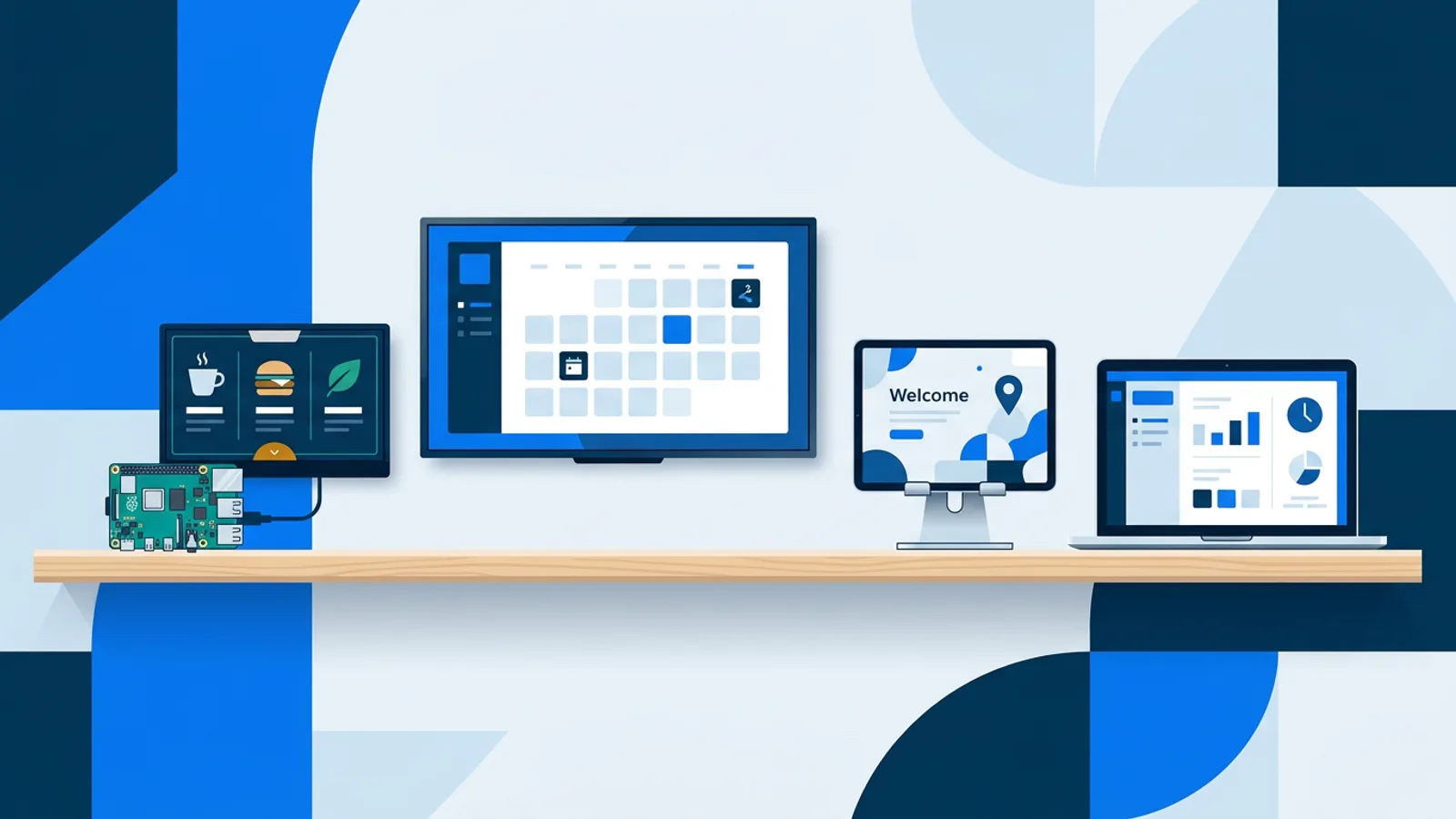
The software price is only half the total cost, though. The other half is hardware, and that's where budgets go sideways. A Raspberry Pi signage player costs a fraction of a commercial media player and runs the same playlists, so a lot of the real savings in a signage rollout come from picking cheap, standard hardware rather than from squeezing the software vendor.
How digital signage software pricing is structured
There are three common pricing models in this category, and you'll see all three if you shop around.
Per screen, per month is the most common approach for small and mid-size deployments: you pay a fee for each screen connected to the account, and five screens cost five times what one costs (or less, if the vendor tiers pricing). Storage or bandwidth tiers often ride alongside that model: some vendors charge less per screen but cap how much media you can upload, or how often it can update, then charge overages once you exceed the cap. Flat-rate or seat-based pricing shows up more at the enterprise end, where a vendor sells one monthly fee that covers an unlimited or high number of screens, aimed at buyers who want a single line item instead of a per-unit calculation.
Most small businesses end up dealing with the per-screen model, sometimes combined with a storage tier. That's also the model used in the pricing ladder below.
Check whether a vendor's "free" or entry-level tier is actually free, or a time-limited trial that converts to a paid plan automatically. Those are different offers with very different budgeting implications, covered next.
A typical pricing ladder, using TVpilot as an example
TVpilot's plans are a useful reference because the structure is common in the category: a free single-screen tier, a small-business tier, and a multi-screen tier for agencies or multi-location businesses.
| Plan | Price | Screens | Storage | Who it fits |
|---|---|---|---|---|
| Free | \u20ac0 forever | 1 | 250 MB | Testing the idea, a single reception screen |
| Starter | \u20ac5/month | up to 5 | 1 GB | One location, a handful of screens |
| Pro | \u20ac19/month | up to 25 | 10 GB | Multi-room venues, small chains, agencies with a few clients |
| Business | custom | 25+ | 100 GB | Multi-location rollouts, resellers |
The core toolkit is consistent across tiers: playlists, the Designer, AI Studio, widgets and screen monitoring aren't locked behind a higher plan. What does change, beyond screen count and storage, is the calendar scheduling ceiling and one specific feature. Free allows 1 calendar and 2 scheduled items, Starter allows 5 calendars and 20 scheduled items, and Pro and Business both allow 25 calendars and 200 scheduled items. Blackout dates ("except on\u2026" exceptions, including Dutch holiday presets) are only available on Pro and Business. The everyday tools don't change as you move up, but planning a full year of calendar-driven scheduling with holiday exceptions needs Pro or above, not just a bigger screen allowance.
No trial, just a free plan that doesn't expire
TVpilot's Free plan has no time limit and requires no credit card. It's a permanent plan capped at one screen and 250 MB of storage, not a countdown to a paid upgrade.
That distinction changes how you budget. A trial forces a decision on someone else's calendar, usually before you've had time to see how the screen performs in the actual location. A permanent free tier lets you run a real screen, in a real spot, for as long as you want, and only pay once you need a second screen or more storage than 250 MB allows. If you're evaluating signage software for the first time, check that detail before anything else: does the vendor's free tier expire, and if so, what happens to your content when it does.
If you want to see what a free-tier signage setup can realistically cover before committing to anything, the breakdown in what you actually get on a free plan is a reasonable next read.
Total cost of ownership: hardware plus software
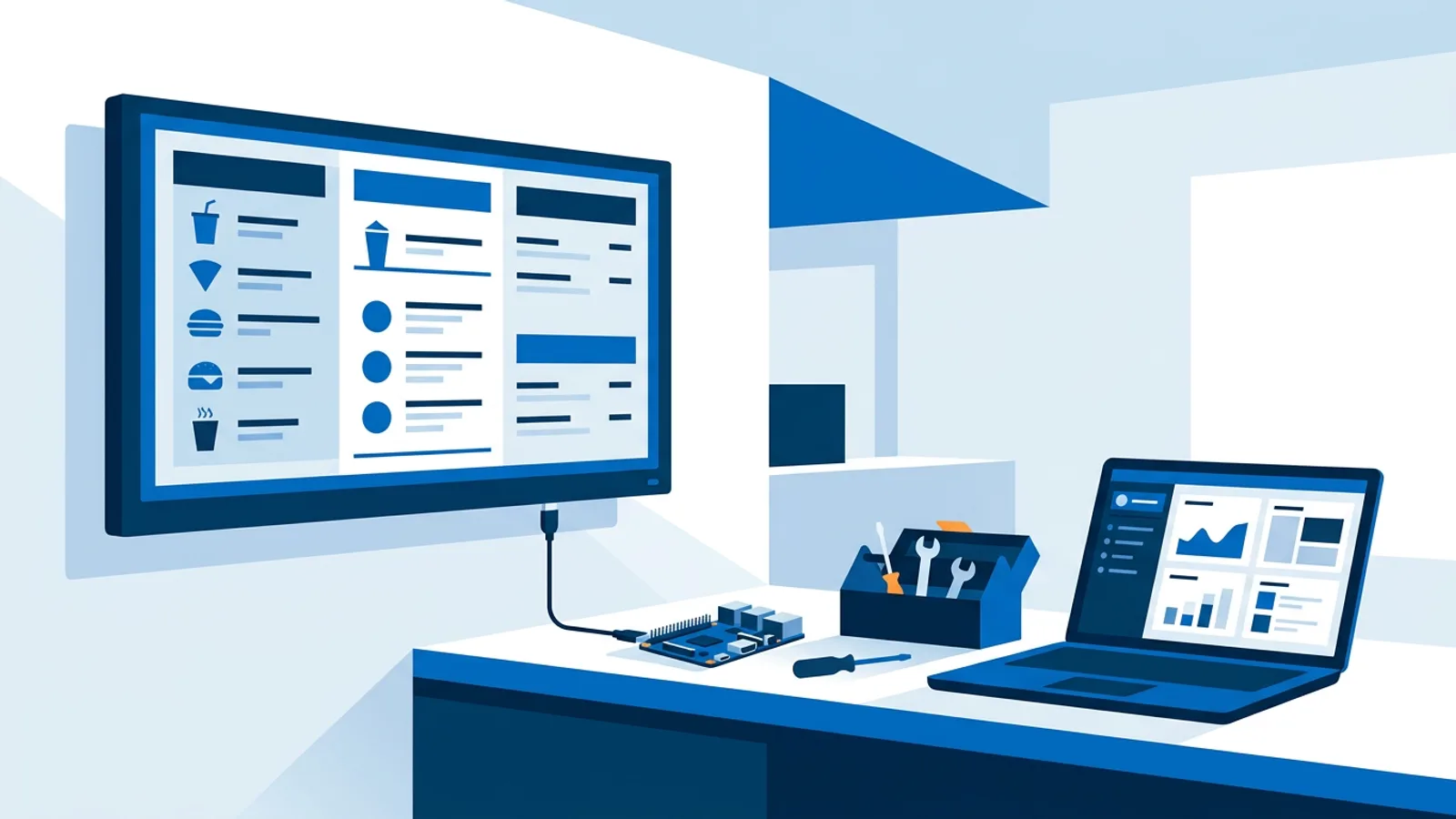
Software pricing is the line item you negotiate, but hardware is where the total bill actually lives for most small deployments. A Raspberry Pi 4 or 5 running Raspberry Pi OS, plus a cheap SD card and a case, costs a small fraction of a commercial signage media player, and it runs the same playlists, widgets, and schedules once the player software is installed. The Raspberry Pi signage guide covers the specific hardware and setup steps.
For a single-screen setup, the annual cost breaks into three parts: hardware is a one-time purchase (a Pi plus power supply and case), software is a monthly subscription (Free or Starter depending on screen count and storage needs), and the TV itself is often already owned, since most signage projects reuse an existing screen rather than buying a new one.
Compare that to a commercial "smart" signage player or a purpose-built kiosk device, where the hardware cost alone can exceed a year or more of software subscription fees. Some environments genuinely need the certifications or ruggedness that commercial hardware provides, such as outdoor installs or 24/7 industrial settings. For a single retail counter, waiting room, or office lobby, cheap standard hardware plus a monthly software fee is usually the lower total cost.
What happens to the price as you add screens or locations
The per-screen model is predictable but not always linear. Using the ladder above: one screen is free. Five screens (Starter) is \u20ac5/month, or \u20ac1 per screen. Twenty-five screens (Pro) is \u20ac19/month, or roughly \u20ac0.76 per screen. The per-screen cost drops as you climb tiers, which is typical of this pricing model across the category, not unique to any one vendor.
Where costs actually hide is usually storage, not screen count. A single screen playing a handful of images barely touches a 250 MB allowance. A screen playing several minutes of looping video, or a multi-location rollout where every store uploads its own promotional videos, will blow past a low storage tier fast. Before committing to a plan, estimate storage from your actual media, not from screen count, because that's the number that quietly forces an upgrade.
Support tier is the other place pricing diverges. Free and Starter typically get standard support, while higher tiers (Pro and above) add priority or dedicated support. If you're running signage across multiple locations and can't afford a screen sitting broken for a day, that's worth paying for. If it's one screen in your own shop, standard support is usually fine.
If you're running signage across many clients rather than one business, the economics change again, worth reading about in how to become a digital signage reseller if that's the direction you're headed.
When TVpilot fits, and when it doesn't
TVpilot is hosted software: you manage everything from a web dashboard, and the vendor runs the servers. That's a fit for anyone who wants a working screen without maintaining a backend, and it means updates, scheduling, and monitoring all happen without server administration on your end.
It's a weaker fit if you specifically need self-hosted or open-source signage, for compliance reasons, full control over your data location, or because you already run your own infrastructure. The self-hosted signage checklist and the real cost of self-hosting open source signage are honest looks at that alternative, including the server and maintenance time it takes.
TVpilot doesn't publish uptime or SLA guarantees, and there's no native app for Android TV or Fire TV yet (those run through a browser instead). If a contract requires a written SLA, or you need offline-first playback with zero dependency on internet connectivity for updates, check those requirements against any vendor, including this one, before signing up.
Getting an accurate price before you commit
The fastest way to price a real project is to count screens, estimate storage from actual media files rather than guesses, and decide how much support matters for your situation. That gives you a plan tier, and from there the monthly cost is fixed and easy to forecast, not a moving target.
If you want to test this against your own numbers, sign up and run a single screen on the free plan first. There's no card required and no clock running out, so you can see the real cost of your setup before deciding whether to add a second screen.
Frequently asked questions
Does digital signage software pricing usually include hardware?
No. Software subscriptions almost always cover the dashboard, playlists, scheduling and monitoring, not the screen or the player device. You buy or already own the TV, and you buy a separate media player such as a Raspberry Pi, a stick, or a commercial box. Hardware is typically a one-time cost while software is a recurring fee.
How much does digital signage software cost per screen?
It depends on the tier and vendor, but per-screen cost usually drops as you add more screens within a plan. With TVpilot, one screen on the Free plan costs nothing, five screens on Starter works out to \u20ac1 per screen per month (\u20ac5 total), and twenty-five screens on Pro works out to roughly \u20ac0.76 per screen per month (\u20ac19 total).
Is a free digital signage plan actually free, or is it a trial?
That varies by vendor, so check the fine print. TVpilot's Free plan has no time limit and no credit card requirement: it's a permanent plan capped at one screen and 250 MB of storage, not a trial that expires or auto-converts to a paid subscription.
What's the biggest hidden cost in a digital signage budget?
Storage overages catch people off guard more often than screen count does. A screen showing a few images fits comfortably in a low storage tier, but looping video or a multi-location rollout with lots of uploaded promotional content can exceed a small storage allowance quickly, forcing an upgrade you didn't plan for.