How to Become a Digital Signage Reseller
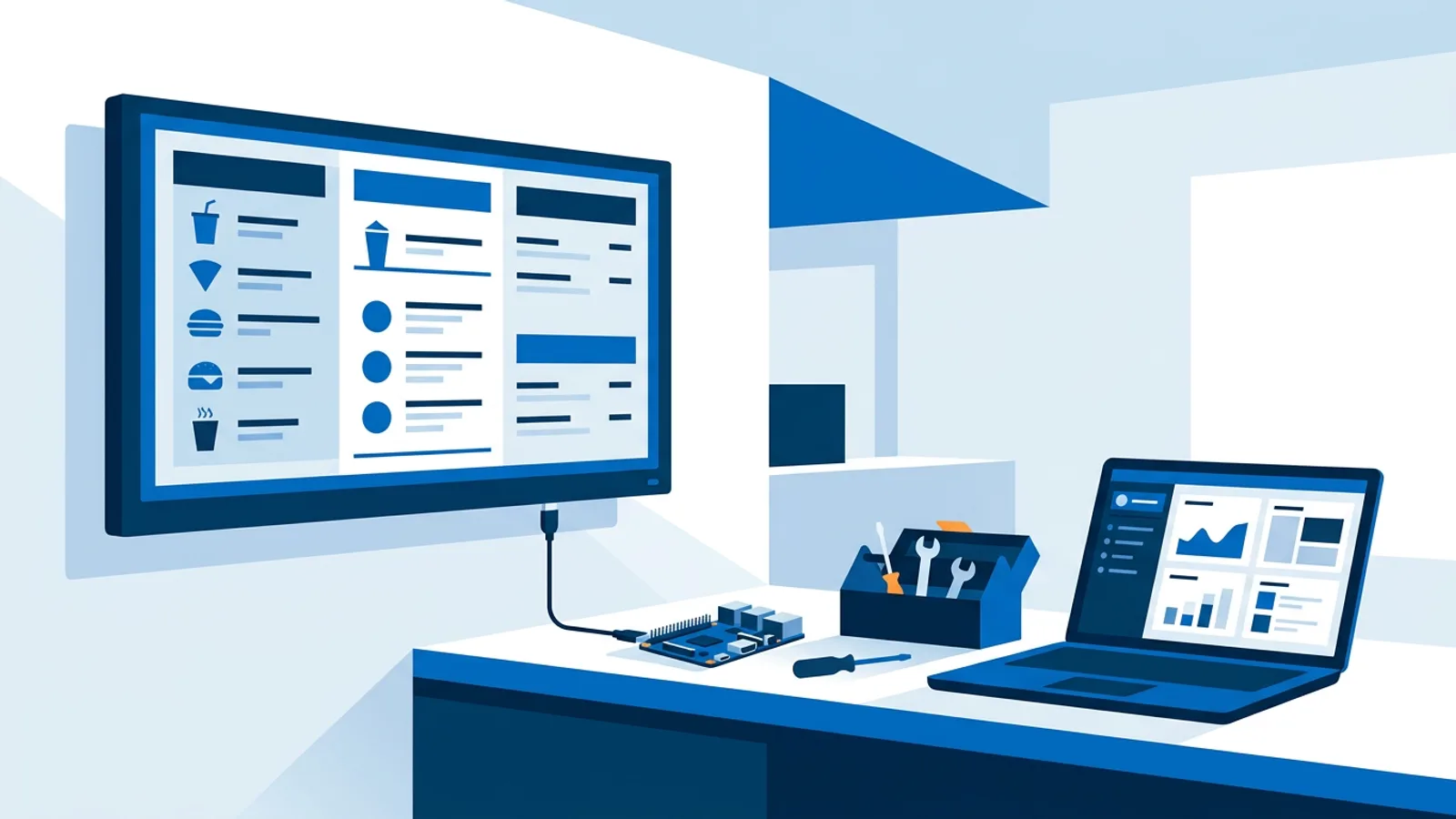
Most small businesses that want a screen in their window, lobby or dining room don't want to buy hardware and learn a CMS themselves. They want someone to source the gear, set it up, and keep it running. That's the actual job when you become a digital signage reseller: buy cheap hardware, run it through a hosted dashboard, and charge clients a recurring fee to keep their screens showing the right thing, for shops, salons, restaurants and offices.
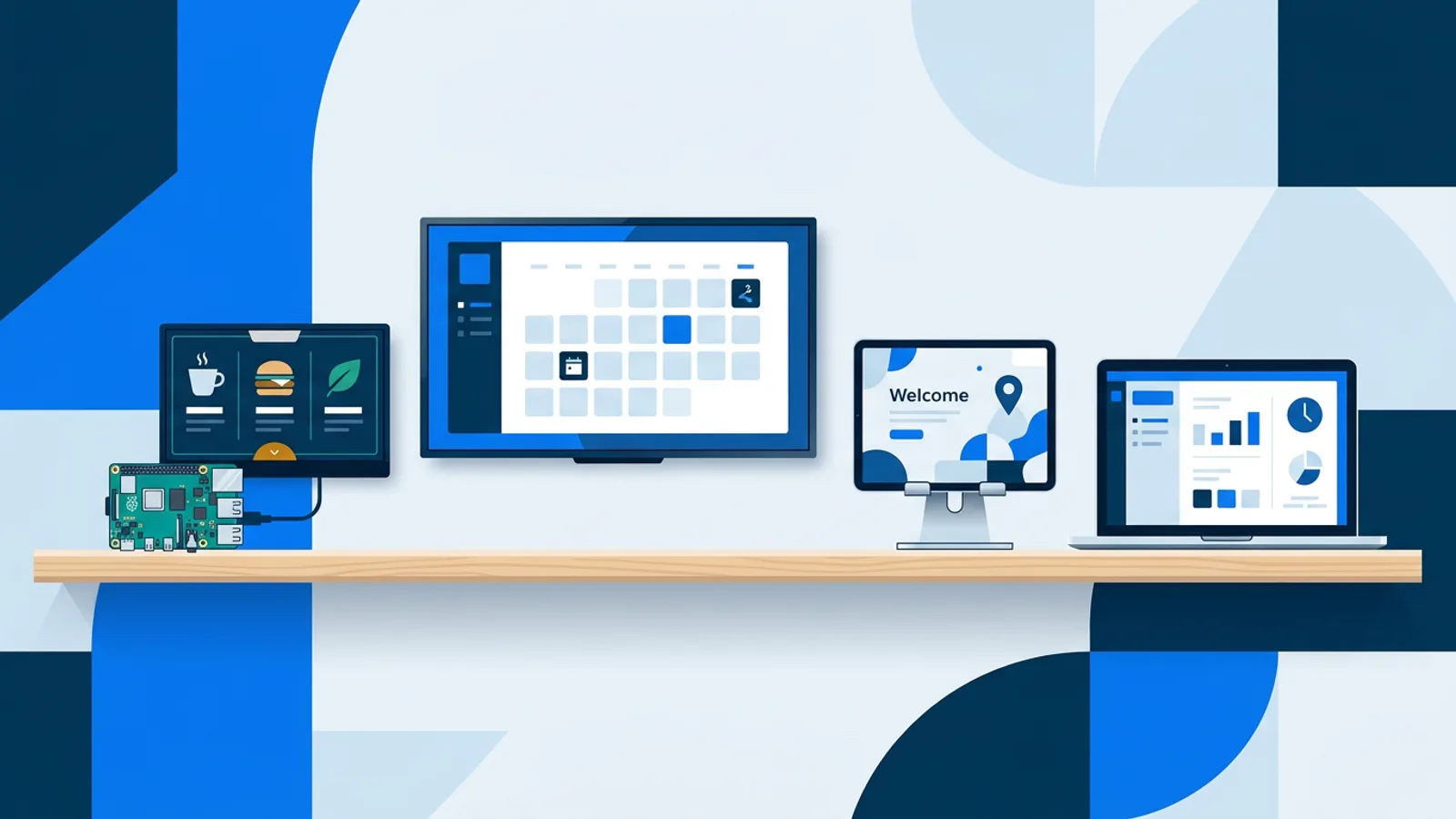
The hardware side is simple. A cheap smart TV can play through its built-in browser, or you pair any TV with a Raspberry Pi running Chromium in kiosk mode. Raspberry Pi is the more practical option for a reseller because you control the whole stack: buy the board once, flash it, install the player software, and swap it behind any client's TV over HDMI. The Raspberry Pi signage setup is the one to start with, since it's cheap, easy to replace, and doesn't lock you into one TV brand.
This article walks through the practical model: sourcing hardware, onboarding clients, managing a growing roster from one dashboard, pricing the service, and setting expectations honestly so you don't promise things the software can't do.
How to become a digital signage reseller: the practical model
What clients want is a screen that shows their menu, their hours and their promotions, with someone else keeping it running so they never have to think about it. That's the pitch when you sell digital signage to local businesses: you handle the hardware, the setup, the content updates and the troubleshooting, and they pay a flat monthly amount for a working screen.
The economics work because the software layer is cheap relative to what a small business will pay for convenience. A salon owner isn't going to learn a CMS, write a playlist schedule, and manage a Raspberry Pi's SSH keys. They'll pay someone else to do it. That someone is you, and TVpilot's dashboard is the tool you use to run each client's account: create the screen, build the playlist, set the schedule, monitor whether it's online.
Getting a client from unboxed TV to live screen
The onboarding flow for a Raspberry Pi client is short enough to do during a single visit:
- Buy a Raspberry Pi (4 or 5 recommended for smooth video) and a cheap TV, or reuse whatever's already mounted in the client's space.
- Create a screen in your TVpilot dashboard and generate the one-command installer, which comes with a 6-character claim code.
- Flash Raspberry Pi OS with a desktop, boot the Pi, and run the install command in a terminal. It sets up Chromium kiosk mode, a systemd auto-start service, and a watchdog that restarts the player automatically if it crashes, within roughly ten seconds.
- Enter the claim code once and the screen shows up live in your dashboard. If you want to keep clients fully separate, use a distinct TVpilot account per client rather than mixing everyone's screens into one login.
- Build the first playlist, set the schedule, and, if the TV supports HDMI-CEC, let the Pi turn the TV on and off automatically instead of leaving it running around the clock.
From there, updates happen without another visit. The player checks for software updates daily, and you can push a remote update or reboot from the dashboard if something looks off. For a deeper walkthrough of the Pi setup itself, the Raspberry Pi digital signage guide covers OS choices and troubleshooting in more detail than fits here.
Managing a growing client roster from one account
As you add clients, screens stack up inside a single TVpilot account (or a few, if you prefer to separate clients into their own logins). The plan you're on determines how many screens you can run and how much media storage you get, and thinking about it as roster growth rather than just a price list helps you decide when to upgrade:
| Screens across your roster | Plan | Monthly cost | What you get |
|---|---|---|---|
| 1 | Free | \u20ac0 | 250 MB storage, enough to run a single pilot screen at no cost while you land your first client |
| Up to 5 | Starter | \u20ac5 | 1 GB storage, all features, comfortably covered by one client's monthly fee |
| Up to 25 | Pro | \u20ac19 | 10 GB storage, priority support included |
| 25+ | Business | Custom | 100 GB storage, dedicated support via hello@tvpilot.app, worth calling once you're managing more screens than one person can source and install alone |
There's no free trial to lean on for client demos, but the Free plan itself has no time limit, so you can run one real screen indefinitely at no cost while you prove the concept to a first client, then move to Starter or Pro as the roster grows. You pay the listed plan price shown above directly, and your margin comes from the service fee you charge on top.
Managing several clients from one dashboard also means you inherit the general upkeep habits that make any signage fleet reliable: consistent naming for screens, a real schedule instead of "always on," and someone checking the online/offline status regularly. The digital signage management best practices post is worth reading before you have ten screens instead of one, because the habits are much easier to set up early.
Pricing your service: hardware markup plus a management fee
A workable pricing structure charges two things. First, a hardware markup on the TV, Pi, mounting hardware and cabling, covering your sourcing time and a bit of margin. Second, a recurring management fee that covers software cost, content updates, and being the person who answers the phone when a screen goes dark.
How you set that recurring fee depends on how much hands-on content work the client needs. A restaurant that wants weekly specials swapped in is more work than a waiting room that shows the same welcome screen and a weather widget for months. You could charge a flat monthly rate per screen, or charge per client account regardless of screen count, then bill separately for content design time. Either works. What matters is that the fee reflects real recurring work, not just the underlying software subscription passed straight through.
Content that doesn't need a designer
Most small-business clients don't have a designer on staff, and you probably don't want to become one either. TVpilot's AI Studio generates designed screens, promos, menus, hours, welcome screens, from a short written brief, which is useful when a client just wants "something that looks like our specials board but nicer" without either of you opening design software. The AI digital signage generator post has more on how the prompts work, and creating a promotional display with AI walks through a few prompt recipes specifically for retail-style promos.
If a client already has a design team or a Canva habit, pasting a public Canva share link into a playlist slide works too, and edits made later in Canva show up on the screen automatically without a re-upload.
What to tell clients up front
Part of running this kind of business honestly is setting expectations before you install anything, not after something goes wrong.
- There's no formal uptime guarantee or service-level agreement from the software side. If a client needs a contractual SLA, that has to come from your own service contract, not from the platform.
- Offline playback is limited. The Pi player recovers automatically once internet returns, but it isn't built for extended offline operation, so a shop with unreliable internet needs that flagged clearly. The offline playback post explains what "recovers automatically" actually means in practice.
- There's no native app for Android TV or Fire TV yet. Those devices work through their browser app instead, which is fine for most clients but worth mentioning if they specifically ask for an app-store install. The Fire TV Stick kiosk mode guide covers that route in detail.
Clients rarely mind hearing this if you're upfront about it before you install anything. Promising an uptime guarantee or SLA you can't actually back with the underlying software creates problems for you later when something goes wrong.
When this model fits, and when it doesn't
This approach fits well if your clients are small: one to twenty screens each, standard content like menus, promos, hours and welcome messages, and a willingness to pay a monthly fee instead of building an in-house solution. Raspberry Pi hardware is cheap enough that a bad unit is a minor cost, and the dashboard scales from a single Free-plan screen up to a Business-plan fleet without changing tools.
It fits less well if a client needs guaranteed offline resilience in a location with unreliable power or internet, needs a contractual SLA you can't personally back, or specifically wants an installed Android TV/Fire TV app rather than a browser-based one. In those cases, be upfront about the gap before you install anything, so the client's expectations match what the hardware and software can actually deliver.
Pick one client, likely the business that already asked you about a menu board or a welcome screen, and run the onboarding checklist above end to end before you take on a second one. Create a free account, claim your first Pi with a six-character code, and get one real screen live at tvpilot.app/signup before you pitch anything to anyone else.
Frequently asked questions
Do I need to buy hardware in bulk before taking on clients?
No. Buy one Raspberry Pi and one cheap TV for your first client, run them through the onboarding flow, and confirm the whole loop works before you order more. Since a Raspberry Pi and a basic TV are low-cost individually, there's little downside to buying per client as your roster grows rather than stocking inventory upfront.
Can I run all my clients from one login, or should each get their own account?
Either works technically, since screens simply stack up inside whatever account you add them to. Using a separate TVpilot account per client keeps billing, storage and screen counts cleanly separated per business, which matters once you're invoicing several clients and need to track usage against the plan they're effectively paying for.
How do I price the recurring management fee if I don't know what's fair yet?
Base it on the actual recurring work: content updates, troubleshooting, and being reachable when a screen goes dark. A client who wants weekly menu changes justifies a higher fee than one who wants a static welcome screen updated twice a year. Start with a flat monthly rate per screen and adjust after your first few clients show you how much hands-on time each one actually needs.
What should I tell a client who asks about guaranteed uptime?
Be direct that there's no formal service-level agreement from the underlying software. If a client needs a contractual uptime guarantee, that has to come from your own service contract and your own response-time commitments, backed by things like the Pi's automatic daily update checks and remote reboot from the dashboard, not from a claim the software itself doesn't make.