Best Digital Signage Software in 2026: Picks by Use Case
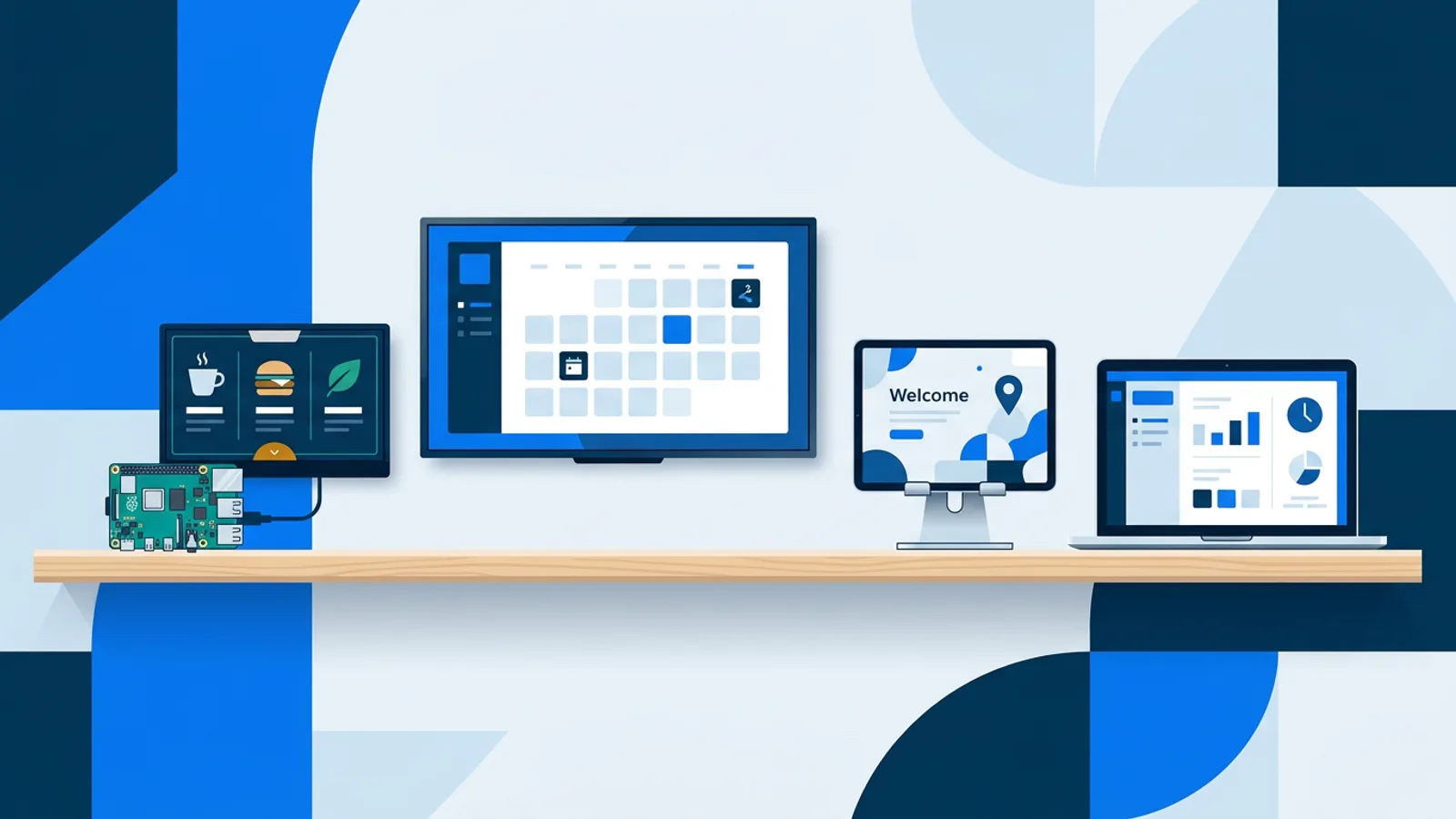
Picking the best digital signage software in 2026 depends less on brand names and more on what you're plugging it into. A coffee shop running a menu board on a spare Android tablet has different needs than an office showing KPI dashboards on twelve screens, and a maker wiring up a Raspberry Pi in a shop window has different needs again. This roundup skips the single "best overall" badge and instead breaks things down by the situation you're actually in, because that's the only way to compare tools honestly without pretending every platform is built for every job.
If you already own a Raspberry Pi or are thinking about buying one, the short version is: it's a genuinely good signage computer, and pairing it with the right software matters more than the Pi model itself. We cover exactly how to set one up as a dedicated screen in our Raspberry Pi signage guide, which is worth reading alongside this comparison.
What "best" actually means for signage software
Most platforms in this space do the same basic job: a web dashboard where you build playlists, a player that runs on some piece of hardware, and scheduling so content changes automatically. Where they differ is in three practical areas: what hardware they support out of the box, whether you need to self-host or manage servers yourself, and how much you pay per screen as you scale past one or two displays. Some platforms require self-hosting or ask you to sit through a paid trial before you see real pricing; others are hosted and let you start on a free tier with real limits, not a countdown clock.
None of that makes one category universally better. A business running fifty screens across multiple locations often has good reasons to self-host or negotiate an enterprise contract. A single-location shop owner usually just wants something that works on the TV they already own without a server to maintain. Match the tool to the job, not the other way around.
Best for Raspberry Pi setups
A Raspberry Pi 4 or 5 running Raspberry Pi OS with a desktop is one of the cheapest, most reliable signage computers you can build, and it's the platform where the differences between software really show up. Some open-source signage projects give you full control but expect you to configure Chromium kiosk mode, auto-start, and crash recovery yourself, which is a reasonable weekend project covered in our open source digital signage cost breakdown.
TVpilot's approach for the Pi is a one-command installer: you generate a six-character claim code in the dashboard, run a single curl | bash command on the Pi, and it sets up Chromium kiosk mode, auto-start on X11 or Wayland, a systemd service, and a self-healing watchdog that restarts the player within about ten seconds if it crashes. It also adds quiet boot and hides the cursor, so the screen looks like a real sign rather than a desktop that happens to be showing a browser. A feature worth calling out specifically for Pi users: HDMI-CEC power scheduling. The player checks the power schedule every minute and switches the TV itself on or to standby over the HDMI-CEC connection, so you don't need a smart plug just to stop a screen burning power overnight.
The honest tradeoff is that this is hosted software, not open source, and it's not self-hostable. If running your own server and owning the entire stack matters to you, our self-hosted digital signage checklist walks through what that actually involves before you commit.
Best for small business budgets
For a single-location business with one or two screens, the deciding factor is usually whether "free" comes with strings attached. A lot of platforms market a free tier that's really a time-limited trial, after which you're asked to enter a card or lose access. TVpilot's Free plan is free forever within its limits (one screen, 250 MB storage, AI Studio included, no credit card required), which is a meaningfully different offer than a trial, and it's covered in more detail in what free digital signage actually gets you in 2026.
Once a business outgrows one screen, the Starter plan is €5/month for up to 5 screens and 1 GB storage with every feature unlocked, and Pro is €19/month for up to 25 screens and 10 GB storage with priority support. For a deeper look at how per-screen pricing tends to work across the market, see our digital signage software pricing guide. If your business is just getting started with signage in general and wants a slower on-ramp, our small business signage starter guide is a good next stop.
Best for menu boards
Menu boards have their own quirks: prices change often, you probably want a lunch menu that swaps to a dinner menu without touching a single file, and readability from across a counter matters more than fancy transitions. Calendar-based scheduling is the feature that actually solves this. TVpilot's Schedule page lets you assign which playlist plays on a screen by calendar, including weekly repeating time slots (lunch menu weekdays 11:00 to 14:00, say) and one-off items for a special event day, planned as far ahead as a year. When nothing is scheduled, the screen falls back to a default playlist automatically, and Pro and Business plans can add blackout dates, including Dutch holiday presets, so a board doesn't accidentally show lunch pricing on a day you're closed.
A built-in canvas editor (the Designer) with text, shapes, icons, QR codes, and 14 fonts covers most menu layouts without needing a separate design tool, and AI Studio can generate a first draft of a menu screen from a short brief if you're starting from nothing. Our menu board installation walkthrough and menu board design mistakes posts are worth reading regardless of which software you pick.
Best for offices
Office screens tend to mix a few very different content types on one display: a KPI dashboard, a team calendar, maybe a weather widget by the door. TVpilot's widget set covers a chunk of this natively: a calendar widget that pulls from any iCal feed (Google Calendar, Outlook, Apple Calendar), a full-screen clock in four styles, and a Shopify dashboard for teams that want live revenue, best-sellers, and low-stock alerts on a wallboard instead of checking a laptop. Our office dashboards and team comms guide goes deeper into which widgets actually get looked at versus ignored.
For offices with many screens across meeting rooms, the calendar scheduling limits matter: the Free plan allows 1 calendar and 2 scheduled items, Starter allows 5 and 20, and Pro and Business allow 25 calendars and 200 scheduled items, which is usually plenty for a multi-room floor.
Best all-rounder for browser-based flexibility
If you don't want to commit to one piece of hardware, browser-based signage is the flexible middle ground: any smart TV, Android TV box, old laptop, or Fire TV Stick with a browser app can act as a player by pointing it at a URL. TVpilot runs this way on any modern browser, which is also its honest limitation: there's no dedicated native app for Android TV or Fire TV yet, so those devices work through the browser route rather than an installed app. For most single-purpose signage use cases that's a non-issue; if you specifically need a store-listed native app experience, that's worth knowing upfront. Our guides on displaying a website on a TV 24/7 and turning a TV into a digital sign cover the browser approach in more depth.
Quick comparison by use case
| Use case | What matters most | Where to start |
|---|---|---|
| Raspberry Pi build | Kiosk setup, crash recovery, CEC power control | /signage/raspberry-pi |
| One or two screens on a budget | Real free tier, no trial gimmick | /blog/free-digital-signage-what-you-get |
| Menu boards | Calendar scheduling, fast editing, readable fonts | /blog/how-to-make-a-digital-menu-board |
| Office dashboards | Widgets (calendar, clock, Shopify), multi-screen limits | /blog/office-digital-signage-team-dashboards |
| Any TV or box you already own | Browser-based playback, no new hardware | /blog/turn-tv-into-digital-sign |
Where TVpilot fits, and where it doesn't
TVpilot is a good fit if you're running a Raspberry Pi player and want the setup done in one command instead of an afternoon of manual configuration, if you want calendar-based scheduling that plans a whole year of menu or event content without daily edits, or if you want a free plan that stays free rather than expiring. AI Studio is useful if you don't want to open a design tool just to make a welcome screen or a promo slide.
It's not the right fit if you need to self-host on your own servers, since TVpilot is hosted SaaS only. It's also not the right fit if you specifically need a native Android TV or Fire TV app rather than a browser-based player, or if your screens need to keep receiving new content with no internet connection at all; the Pi player recovers automatically after an outage, but updates still need connectivity to arrive.
A checklist for choosing between options
Before comparing feature lists, answer these three questions:
- What hardware do you already own? A spare Raspberry Pi points you toward Pi-native software with a proper installer. A smart TV or old laptop points you toward browser-based players. A fleet of Android TV boxes might need a platform with a native app.
- How many screens, realistically, in twelve months? One or two screens rarely justifies a platform built for hundreds. Twenty-five-plus screens across locations usually justifies asking about business or enterprise tiers rather than staying on a starter plan.
- Do you need to plan content ahead of time or push changes live? If your content is mostly seasonal or repeats on a schedule (lunch menus, opening hours, event days), calendar scheduling saves far more time than manual edits. Our scheduling guide covers the difference between dayparting a single slide and scheduling whole playlists.
If the answer to the first question is "Raspberry Pi," start with our Raspberry Pi signage guide for the hardware and installer details, then decide on software from there.
Whichever platform you land on, test it with the actual screen and content you plan to run before committing to a paid tier. TVpilot's Free plan covers one screen with AI Studio included and no card required, so you can try the whole workflow, from claim code to live playlist, at /signup before deciding whether to scale up.
Frequently asked questions
Is there a single best digital signage software for every business in 2026?
No single platform is best for every setup. The right choice depends on the hardware you already own, how many screens you're running, and whether you need calendar-based scheduling or self-hosting. Comparing by use case, such as Raspberry Pi builds, menu boards, or office dashboards, gives a more useful answer than a single overall ranking.
Can I run digital signage software on a Raspberry Pi without paying for anything?
Yes. Raspberry Pi OS plus open-source signage tools is a valid free route if you're comfortable configuring Chromium kiosk mode and crash recovery yourself. TVpilot also offers a Free plan (one screen, 250 MB storage, AI Studio included, no credit card required) with a one-command installer that sets up kiosk mode and a self-healing watchdog automatically.
What's the difference between calendar scheduling and per-slide scheduling?
Per-slide (dayparting) scheduling controls when an individual slide inside a playlist appears, such as showing a lunch promo only on weekdays between 11am and 2pm. Calendar scheduling controls which whole playlist plays on a screen on a given day or time slot, which is more useful for swapping entire menus, event content, or seasonal campaigns without editing playlists directly.
Does digital signage software work if the screen loses internet connection?
It depends on the platform. Many players, including TVpilot's Raspberry Pi player, keep playing the last content and following the existing schedule during an outage, then recover automatically once the connection returns. New content and remote pushes still require connectivity to reach the screen, so fully offline updates aren't something most hosted platforms support.