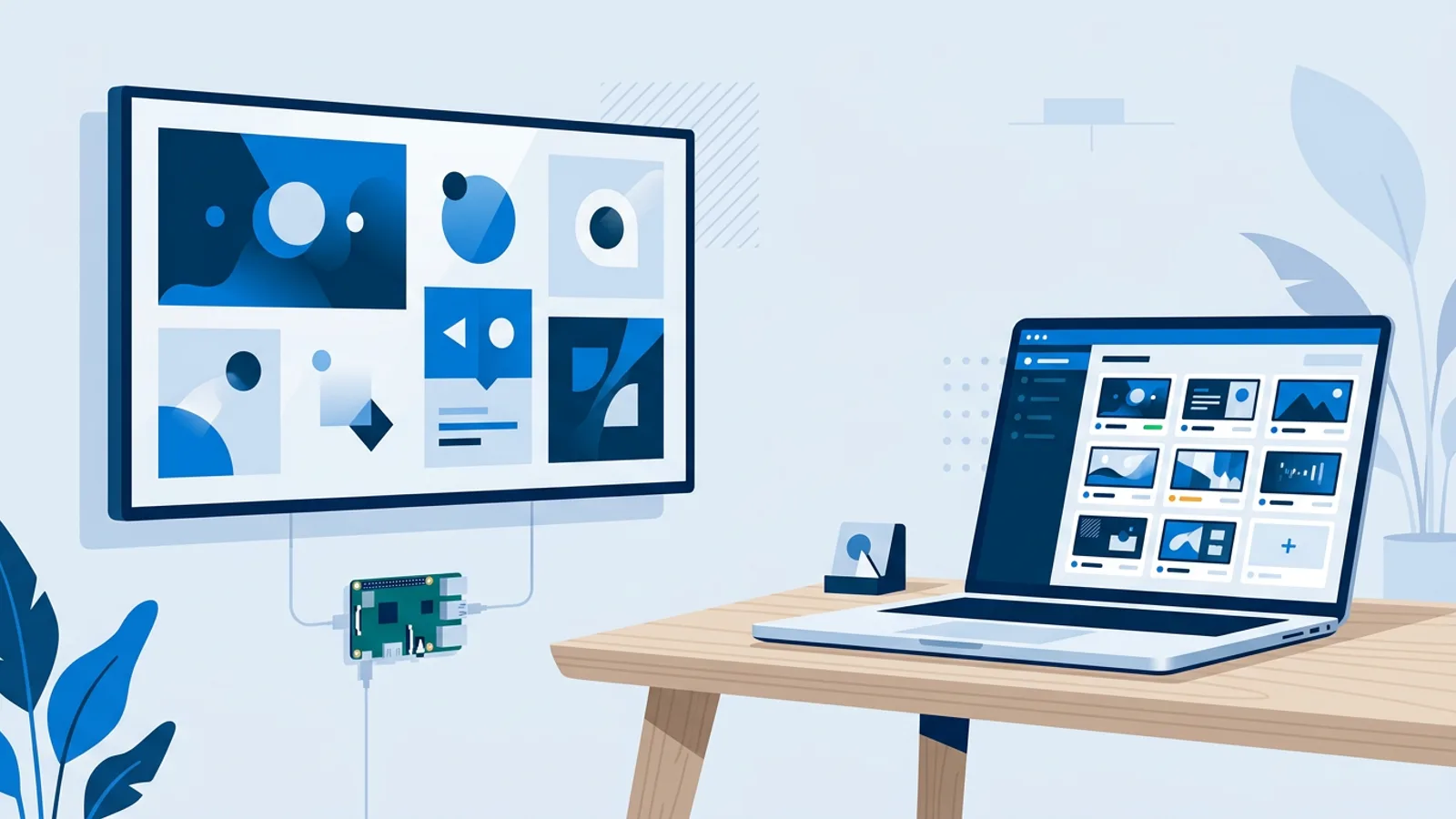
Open Source Digital Signage: The Real Cost of Self-Hosting
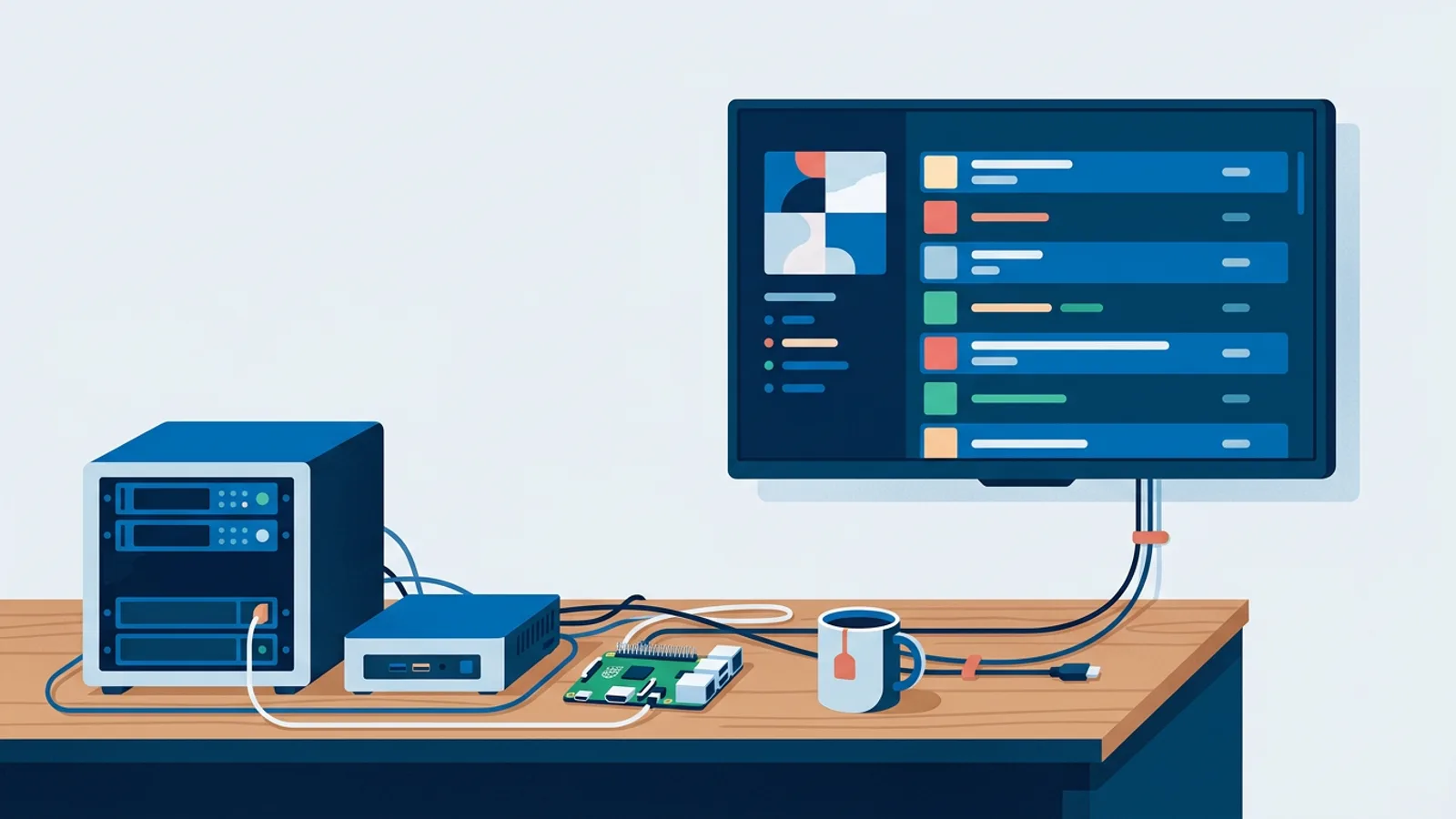
Open source digital signage is free to download and free of license fees, but running it yourself costs time: setting up a server, writing playlists in config files, patching security holes, and fixing things at midnight when a screen goes black before a big event. None of that shows up on the project's GitHub page, but it shows up on your calendar.
This matters because most people looking into open source digital signage are trying to avoid a monthly bill, not trying to take on a second job as a sysadmin. If you're weighing that tradeoff, it helps to separate the license cost (genuinely zero) from the operating cost (rarely zero). A lot of that operating cost comes down to hardware choice too. If you're set on the DIY route, our Raspberry Pi signage guide covers the hardware side in detail, whether you end up running open source software on it or something hosted.
What "open source digital signage" actually means
Open source signage projects (Xibo, Screenly's open-source edition, and a handful of smaller community tools) publish their source code and usually let you self-host the management server for free. Some also offer a paid hosted version of the same software, which blurs the line: you can go fully open source and self-hosted, or use the open source player with someone else's hosted backend, or pay for their cloud tier and get support included.
For this article, "self-hosted" means you are running the server component yourself, on a VPS, a spare PC, or a Raspberry Pi, and you are responsible for keeping it online, updated, and backed up.
The real cost breakdown
Here's roughly where the money and time actually go when you self-host versus when you pay for hosted signage software.
| Cost category | Self-hosted open source | Hosted SaaS |
|---|---|---|
| Software license | Free | Monthly subscription |
| Server / hosting | You pay (VPS, electricity, or a dedicated box) | Included |
| Initial setup | Hours to a full weekend, depending on your Linux comfort | Minutes |
| Security patching | Your responsibility, ongoing | Handled by the provider |
| Backups | Your responsibility | Usually handled |
| Uptime when you're on vacation | Your responsibility | Provider's responsibility |
| Player hardware | Same either way, typically a Raspberry Pi or old PC | Same either way |
| Support when something breaks | Community forums, GitHub issues | Email/chat support (tier-dependent) |
The hardware row is the one thing that doesn't change much. Whether you self-host the backend or pay for a hosted dashboard, you still need a screen and a small computer driving it. Our cheapest digital signage player breakdown has current numbers on that side of the budget.
Hardware and hosting costs
A Raspberry Pi 4 or 5 is the standard choice for a signage player, open source or not, because it's cheap, low-power, and well documented. That part of the bill is roughly the same in both models.
Where self-hosting adds cost is the server. You need somewhere to run the management backend: a VPS from a cloud provider, a spare machine at the office, or a second Raspberry Pi acting as the server. A small VPS is not expensive on its own, but you're now paying for infrastructure you also have to maintain, monitor, and eventually migrate when the OS goes end-of-life. If the server goes down and nobody notices, every screen it manages can go dark or freeze on stale content until someone fixes it.
Time costs nobody puts in the README
The setup guide for most open source signage projects assumes you're comfortable with a Linux command line, reverse proxies, SSL certificates, and Docker or a LAMP stack. If that's a normal Tuesday for you, the setup itself might take an afternoon. If it isn't, budget a full weekend for the first install, plus recurring time for:
- Applying security updates to the server OS and the signage software itself
- Renewing SSL certificates before they expire and take your dashboard down
- Diagnosing why a player went offline (network issue? player crash? server issue?)
- Migrating to new server hardware or a new OS version every few years
- Reading changelogs before upgrading, because self-hosted upgrades can break things with no support line to call
None of this is exotic sysadmin work, and plenty of small businesses have someone on staff who's fine doing it. The honest question is whether that person's time is actually free, or whether it's time better spent on the business itself.
When self-hosting genuinely makes sense
Self-hosted open source signage is a good fit when:
- You already run other self-hosted infrastructure and this is one more service on a server you're maintaining anyway
- You need full control over data residency or have a policy requirement to keep everything on your own network
- You're running dozens or hundreds of screens where the per-screen cost of a subscription adds up and you have IT staff to support it
- You enjoy the tinkering and it's not competing with paid work
It's a worse fit when you want to plug in a screen this afternoon, you don't have spare IT time, or the signage is supporting a business that isn't in the business of running servers (a cafe, a clinic, a real estate office, a school reception desk).
Open source digital signage alternatives to consider
If the maintenance overhead of self-hosting doesn't appeal but you still want low cost, there are a few paths worth comparing before committing:
- Self-hosted open source - zero license cost, all the maintenance above.
- Hosted version of an open source project - you pay a subscription but skip server maintenance; check what's actually included at that tier.
- Free tier of a hosted SaaS product - no server to run, but usually limited to one screen and modest storage. Our rundown of what free digital signage actually gets you covers what to expect from these tiers.
- Browser-only setup - just point any screen's browser at a web page you control, described in our guide to displaying a website on a TV 24/7. Free, but you're building the playlist logic and scheduling yourself.
None of these is objectively "best." The right one depends on how many screens you're running and how much time you want to spend keeping the lights on.
Where TVpilot fits, honestly
TVpilot.App is hosted signage software, not an open source project, and it isn't self-hostable. If your requirement is specifically open source code you can audit or run on your own infrastructure, TVpilot isn't the answer, and that's worth saying plainly rather than dancing around it.
What TVpilot removes is the server maintenance side of the equation. You install the player with a one-command installer on a Raspberry Pi (Pi 4 or 5 recommended), generated from a 6-character claim code in the dashboard, and it sets up Chromium kiosk mode with a watchdog that restarts the player automatically if it crashes. Player updates run on a daily check at 03:00, or you can push an update or reboot on demand from the dashboard. TV power scheduling works over HDMI-CEC, so the screen turns on and off on a schedule without a smart plug. None of that requires you to patch a server or renew a certificate.
The free plan covers one screen with 250 MB of storage and no credit card required, which is enough to try the Pi installer and see whether the hosted approach fits before comparing it against the time cost of self-hosting. Paid plans start at 5/month with 3 screens included (up to 10) if you outgrow the free tier.
If you want the full picture on getting a Pi running as a signage player either way, the Raspberry Pi digital signage guide walks through the hardware and OS setup independent of which software you end up choosing.
Whichever direction you pick, the decision comes down to whether you'd rather spend hours maintaining a server or spend a few euros a month not to. If you want to see the hosted side of that tradeoff for yourself, sign up for free and get a screen running in the next ten minutes.
Frequently asked questions
Is open source digital signage actually free?
The software license is free, but running it yourself has real costs: a server or VPS to host the backend, time spent on setup and security patching, and your own time when something breaks since there's no support line. For a single screen these costs are manageable; for a fleet of screens they add up in staff time even if no money changes hands.
What are the best open source digital signage alternatives?
Options range from fully self-hosted open source projects like Xibo or Screenly's open-source edition, to a hosted version of those same projects where you pay for support but skip server maintenance, to free tiers of hosted SaaS platforms, to a simple browser pointed at a web page you control. The right choice depends on how many screens you run and whether you have IT time to spare for maintenance.
Can I run TVpilot on my own server instead of the cloud?
No. TVpilot.App is hosted SaaS: the dashboard and backend run on TVpilot's servers, and there's no self-hosted or open source version. If self-hosting is a hard requirement, an open source signage project is the better fit; if you'd rather skip server maintenance, TVpilot's free plan is a low-risk way to compare the tradeoff.
What hardware do I need for self-hosted digital signage?
A Raspberry Pi (4 or 5 recommended for smooth video) running Raspberry Pi OS with a desktop is the standard low-cost player for either open source or hosted signage software. You'll also need somewhere to run the management server if you're self-hosting: a VPS, a spare PC, or a second Pi dedicated to that job.