Digital Signage as a Managed Service: What You Pay For
"Digital signage as a managed service" gets used for two completely different businesses, and mixing them up is how people end up paying for the wrong thing. One kind sends technicians to your building, mounts the screens, runs the cables, and keeps a service contract on the hardware. The other is software: you plug in your own screen and a small player, and the vendor handles updates, monitoring, scheduling, and uptime remotely from a dashboard.
This article is about the second kind, because that's what a lot of small businesses actually need and often don't realize exists. If you're comparing a Raspberry Pi signage player against paying someone else to run your screens, the honest answer depends on how much time you have and how many screens you're managing.
Two things people mean by "managed service"
The white-glove model is closer to a physical services contract. A company installs mounts and players on-site, wires everything, and often owns a maintenance clause: if a player dies, they replace it; if a screen goes dark, someone drives out. You're paying for labor, logistics, and a truck roll when something breaks. This makes sense for large multi-site deployments where nobody on staff wants to touch a ladder or a HDMI cable.
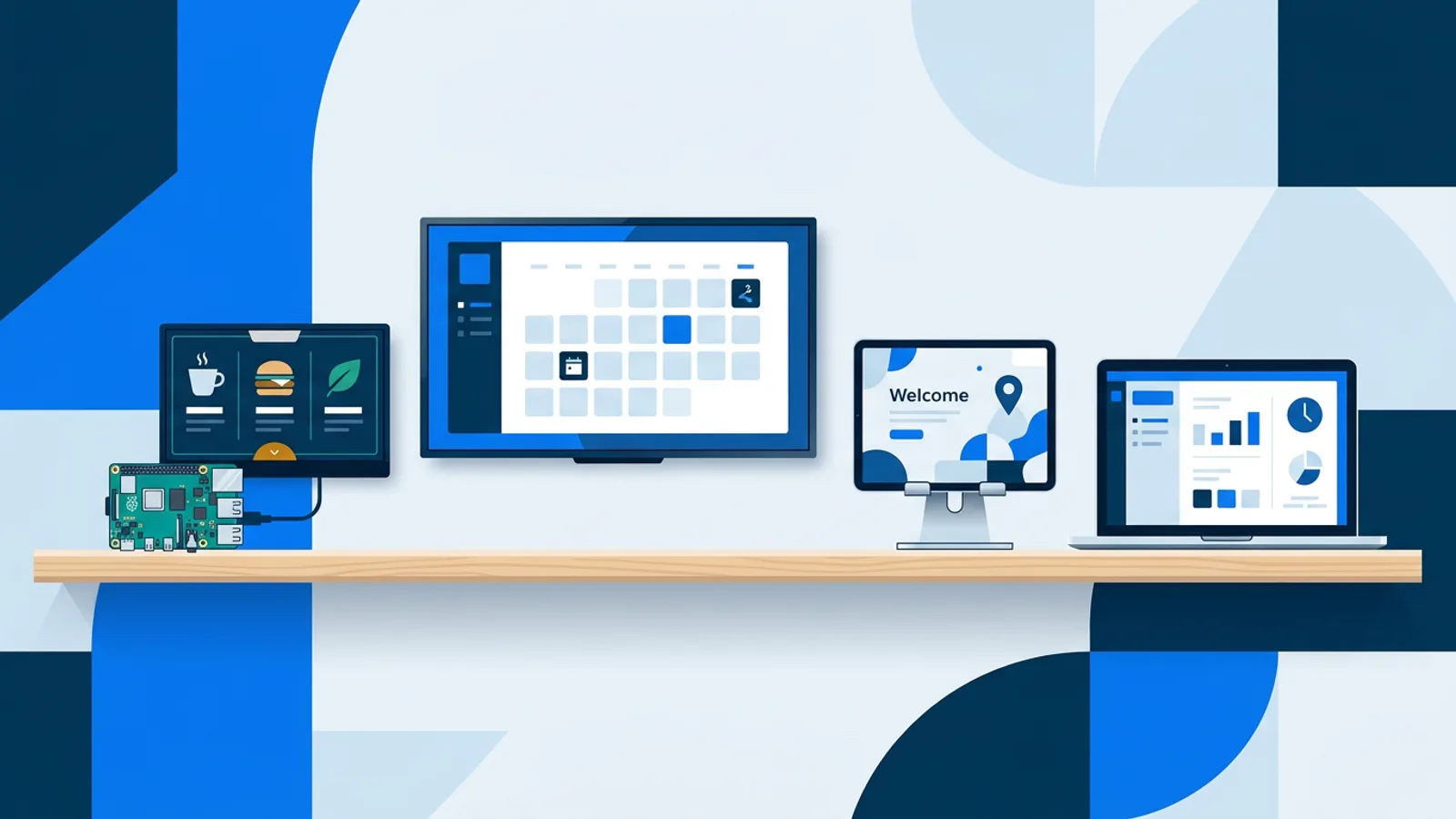
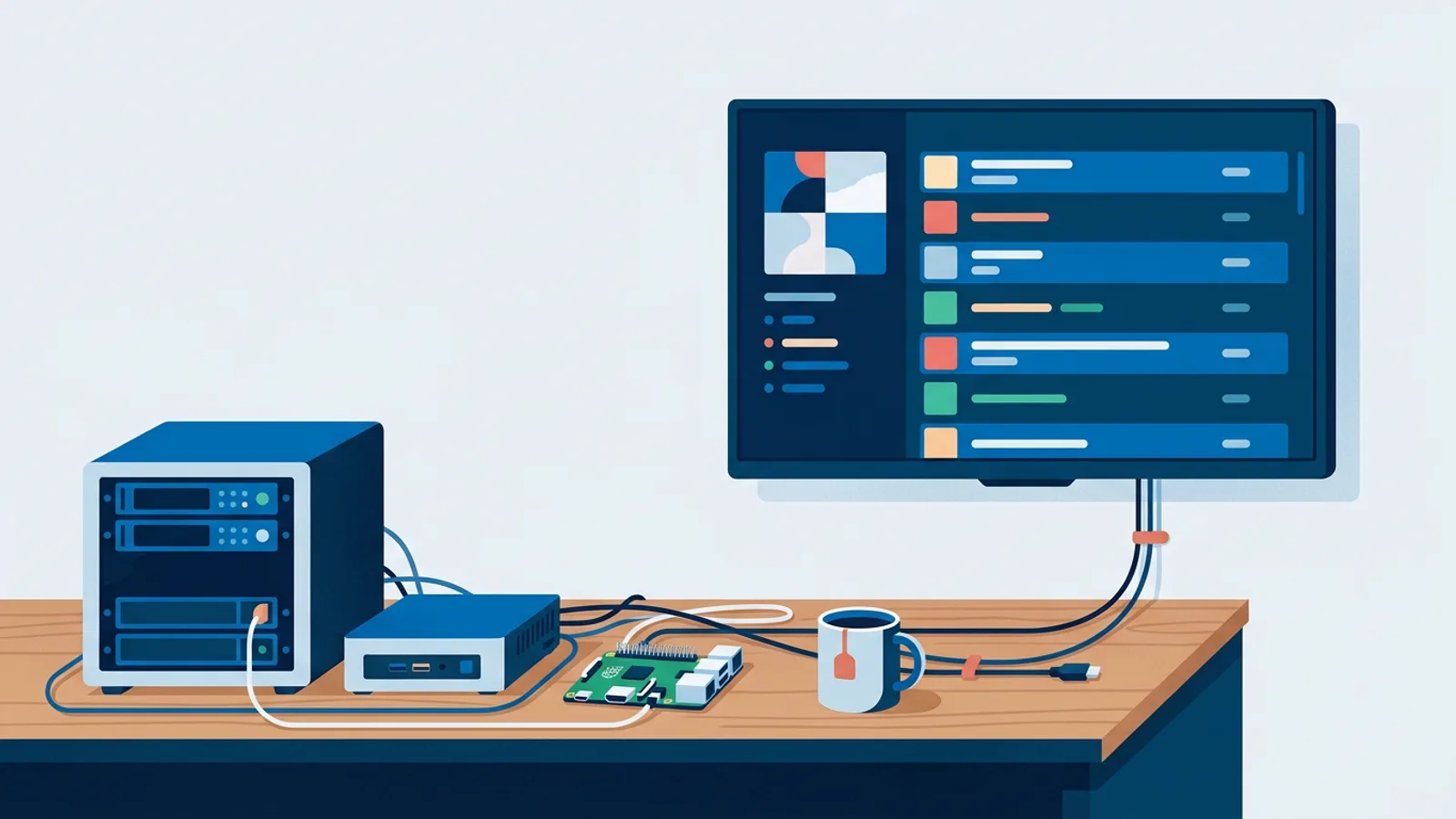
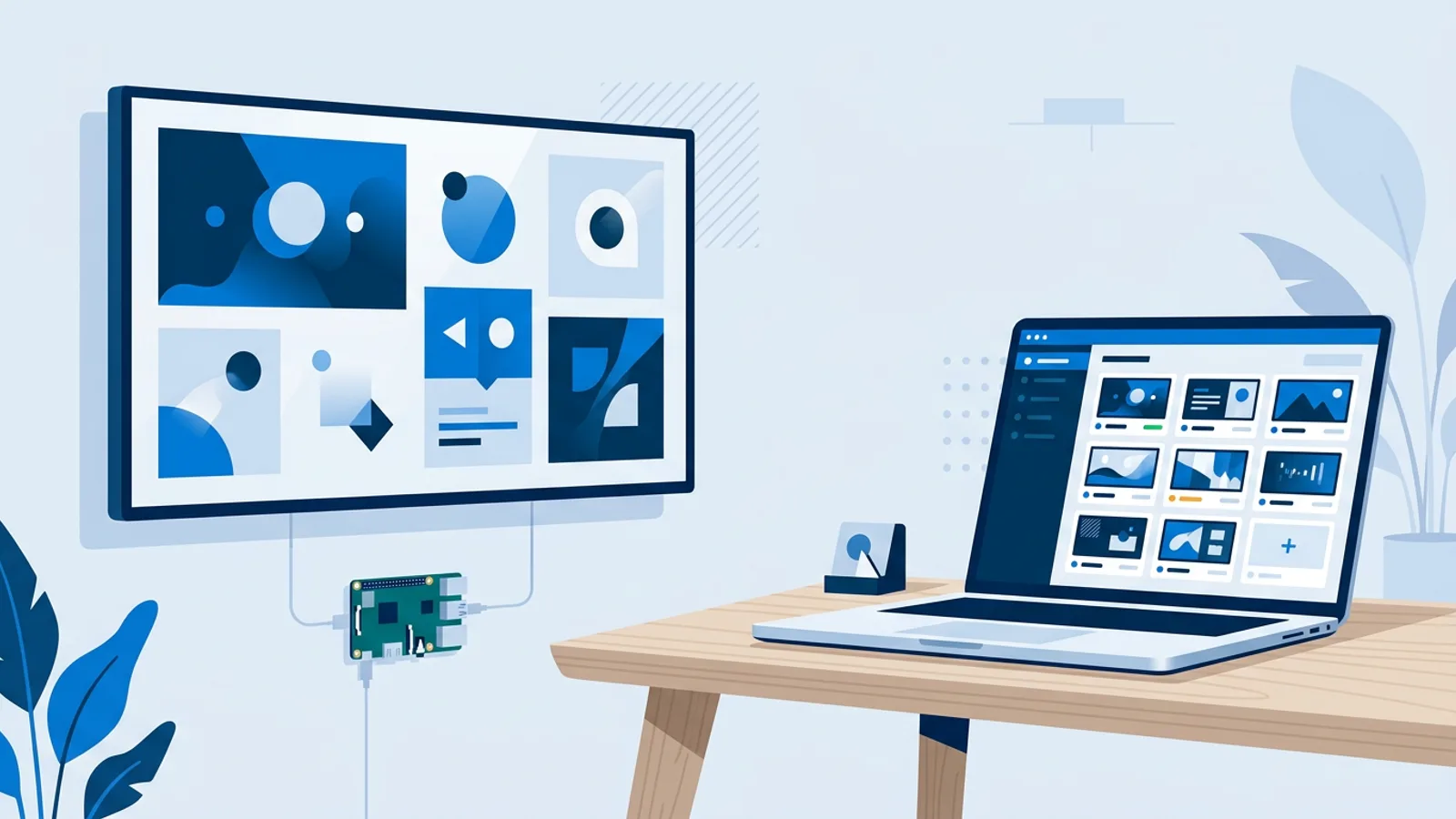
The hosted-software model is what TVpilot and similar platforms provide. You buy or already own the screen. You attach a cheap player (a Raspberry Pi, a Fire TV Stick, an old laptop, whatever runs a browser). The vendor's part of the deal is the software layer: pushing content out, watching whether the screen is alive, updating the player software, and giving you a dashboard instead of a spreadsheet and a bag of USB sticks. Nobody drives to your shop. You install the hardware once, and the service takes over from there.
Both are legitimately "managed services." They just manage different things: one manages the physical estate, the other manages the software estate. Confusing them is why a small retailer ends up paying for a support contract they never call, or an office skips a useful monitoring dashboard because they assumed it required a subscription installer visit.
What Digital Signage as a Managed Service Actually Includes
A hosted managed digital signage service comes down to four mechanisms working together.
Remote player updates. Instead of walking around with a USB stick every time you want new content, or SSH-ing into a Pi to patch the kiosk browser, the vendor pushes updates to the player automatically. On TVpilot, a Raspberry Pi player checks for updates daily at 03:00, and you can also trigger an update or a reboot on demand from the dashboard, no local access needed.
A self-healing watchdog. Kiosk browsers crash. Chromium tabs hang. A watchdog process is a script that notices the display process died and restarts it without a human intervening. On the TVpilot Pi player this recovery happens within roughly 10 seconds, which is the difference between a screen that goes black for a weekend because nobody noticed, and one that quietly restarts itself before a customer sees it.
HDMI-CEC power scheduling. Rather than leaving a TV on 24/7 or buying a smart plug and a separate automation, the player checks a power schedule every minute and switches the TV on or into standby over the HDMI cable using CEC, a feature built into most modern TVs. No extra hardware needed. If you just need the TV itself to turn on and off on a schedule, that's covered in more detail in our guide to scheduling a TV on and off automatically.
Dashboard-based monitoring. Online/offline status, last-seen heartbeats, Wi-Fi signal strength, whether the TV is currently on or in standby, and device logs, all visible from one screen instead of physically checking each location. Add an email alert for when a screen drops offline and you've replaced the job of "someone walks past the lobby screen and notices it's dead" with an actual notification.
Put together, that's what "we manage it so you don't need in-house IT" is supposed to mean in the hosted-software world. Software handles the boring, repetitive parts automatically, so nobody has to check on it by hand.
What a hosted service does not include
Being straight about limits matters more than the pitch. A hosted managed digital signage service does not install your TV bracket, does not run your cabling, and does not guarantee an uptime number. TVpilot is hosted SaaS: you sign up, connect your own hardware, and use the dashboard. It is not a white-glove installer, and it does not promise an SLA on screen uptime.
Offline resilience is also limited, and any provider claiming otherwise for a browser-based or lightweight setup should be questioned. Players need an internet connection to receive new content and playlist changes. On TVpilot's Raspberry Pi player specifically, the last content that was already downloaded keeps playing during an outage, and the player reconnects and resumes normal operation automatically once connectivity returns, no manual restart required. If your location has genuinely unreliable internet, read up on how offline playback actually works before assuming any hosted platform solves that for you.
And TVpilot itself isn't self-hostable. If keeping everything on your own server, with no recurring subscription, is a hard requirement, that's a different path, covered honestly in our piece on the real cost of self-hosting open source signage.
DIY vs paying for a managed layer
The decision usually comes down to three questions: how many screens, how much staff time is available, and how tolerant the business is of the occasional dead screen going unnoticed for a day.
| Situation | DIY / open-source | Hosted managed service |
|---|---|---|
| 1 screen, someone checks it daily anyway | Fine, low stakes | Optional convenience |
| 3-10 screens across a shop or office | Update fatigue sets in fast | Worth the monthly cost |
| Multiple locations, no local IT | Hard to maintain remotely | This is the actual use case |
| Screens tied to revenue (menu boards, promos) | Downtime costs sales | Monitoring alone justifies it |
| Custom kiosk software, full control needed | Makes sense to self-host | Not a fit |
If you enjoy the tinkering and only run one or two screens, a fully DIY Raspberry Pi kiosk setup is genuinely fine, and cheaper in absolute terms. What you're trading for that lower cost is your own time: patching the browser, writing a restart script, checking each screen manually. Once you're past a handful of screens or the person who built the original setup isn't the person checking on it every week, the math flips. Paying a few euros a month to stop being the on-call IT person for a lobby TV is a reasonable trade, and it's the entire reason outsourcing signage management as a software layer exists.
What you're actually paying for at each tier
Grounding this in real numbers helps. TVpilot's Free plan is €0 forever for one screen with 250 MB of storage, no credit card, and includes AI Studio for generating slide designs. Starter is €5/month for up to 5 screens and 1 GB of storage, with every feature unlocked. Pro is €19/month for up to 25 screens, 10 GB storage, and priority support. Business is custom pricing for 25+ screens with dedicated support, arranged directly.
At every paid tier, what you're buying is the same four mechanisms described above, scaled by screen count and storage: updates, watchdog recovery, power scheduling, and monitoring. You are not buying a technician visit or a guaranteed uptime figure.
Is TVpilot the right fit
TVpilot fits a business that owns or is willing to buy cheap hardware, wants a dashboard instead of manual USB-stick updates, and doesn't have (or doesn't want to dedicate) in-house IT staff to babysit screens. It's a good match for offices, cafes, small retail, real estate windows, and multi-screen setups where someone needs to see at a glance which screens are online.
It is not a fit if you need someone to physically install and cable your TVs, if you require a contractual uptime guarantee, if your locations have no reliable internet at all, or if a fully self-hosted, offline-capable system is a hard requirement for your industry. In those cases, a white-glove installer or a self-hosted open-source stack is the more honest answer, even though it costs more time or money upfront.
If the hosted-software model matches what you actually need, setting up the first screen takes a few minutes: create a free account, connect a Raspberry Pi or a browser-based player, and see the dashboard before deciding whether to pay for anything at all.
Frequently asked questions
Is digital signage as a managed service the same as a hosted signage subscription?
Not always. "Managed service" can mean a white-glove provider that physically installs and maintains screens on-site, or a hosted software platform like TVpilot where you connect your own hardware and the vendor handles updates, monitoring and scheduling remotely. Check which one a provider means before comparing prices.
Do I need IT staff to use a hosted digital signage service?
No. That's the point of the model: the vendor's dashboard handles remote updates, a watchdog that restarts a crashed player automatically, power scheduling, and online/offline monitoring, so a small business doesn't need someone dedicated to babysitting screens.
What happens to a managed signage player if the internet goes down?
It depends on the player. On TVpilot's Raspberry Pi player, the last downloaded content keeps playing during an outage and the player automatically reconnects and resumes normal operation once the connection returns, without needing a manual restart. New content and schedule changes still require connectivity to arrive.
Is TVpilot a white-glove installation service?
No. TVpilot is hosted SaaS software: you connect your own screen and hardware, such as a Raspberry Pi, and manage everything from a web dashboard. It doesn't send technicians to install TVs, it isn't self-hostable, and it makes no uptime or SLA guarantees.