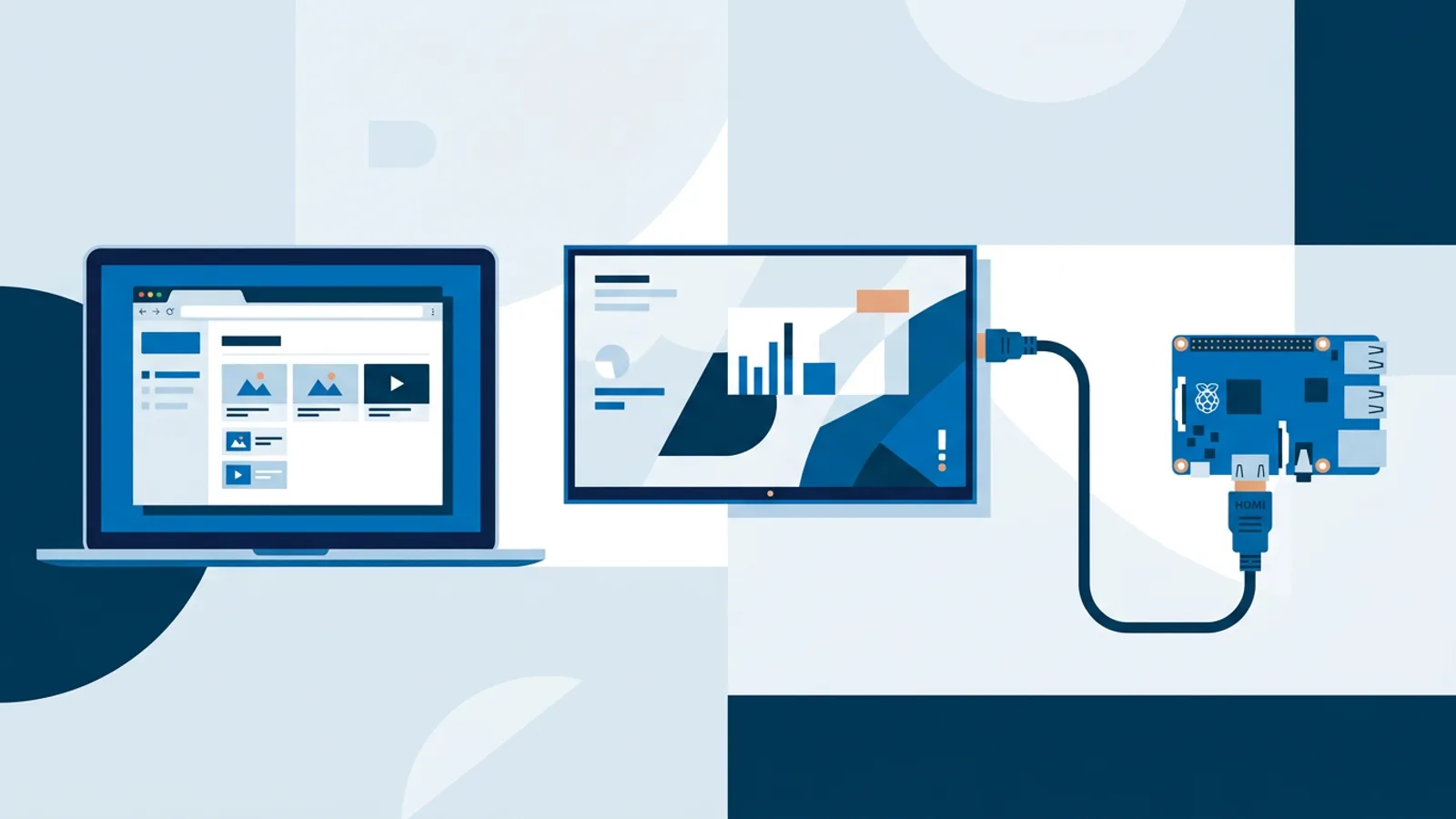
Self-Hosted Digital Signage: When It Makes Sense
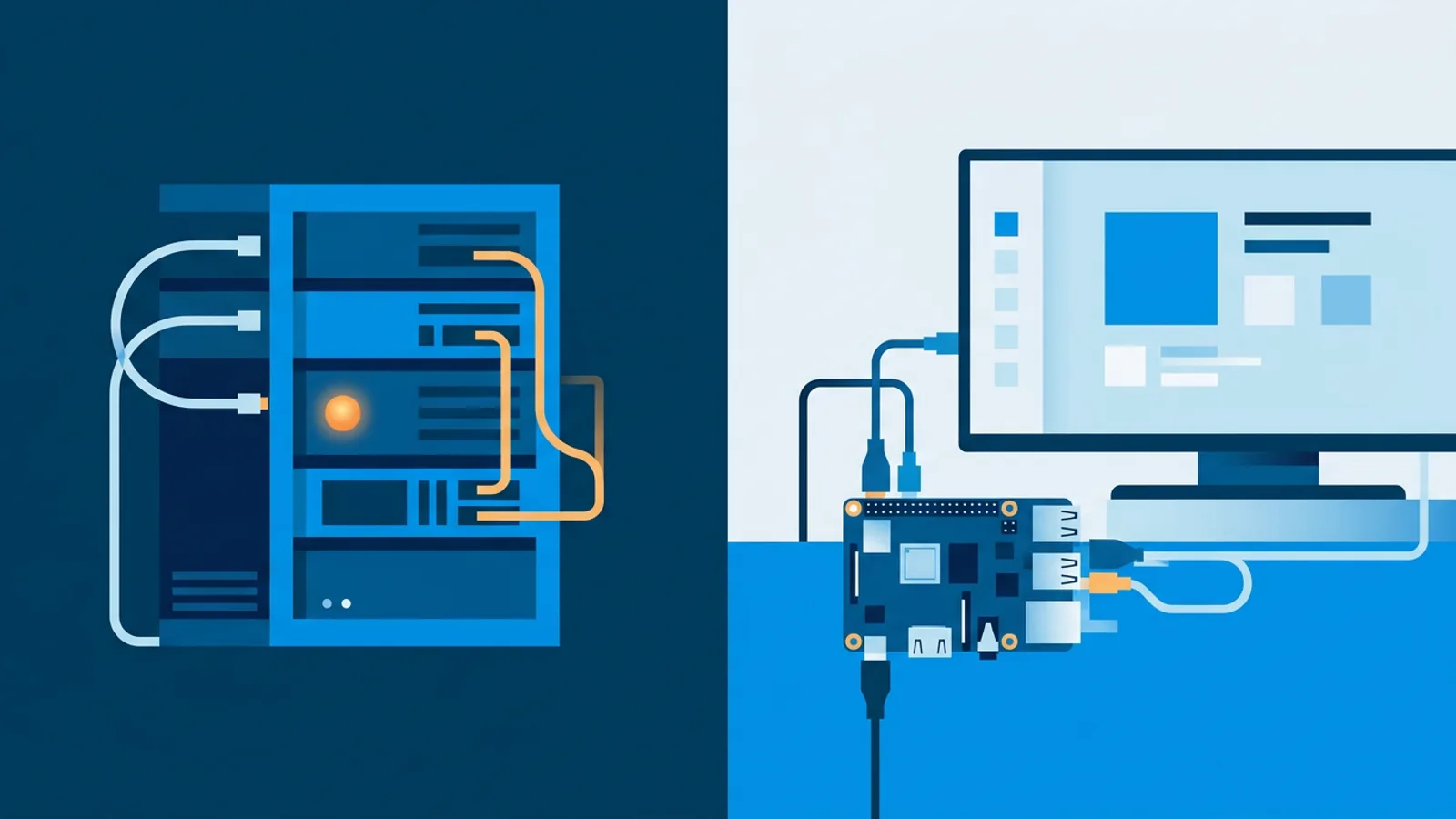
Self-hosted digital signage means you run the signage server yourself, on your own hardware or a rented VM, instead of paying a company to run it for you. That tradeoff makes sense for some setups and is a poor use of time for others, and the difference usually comes down to whether you actually have the hours to babysit a server.
This guide is about who should self-host, not what it costs. If you want the line-item version of hosting fees, backup storage, and the hours self-hosting actually eats, read Open Source Digital Signage: The Real Cost of Self-Hosting first. Here we focus on the decision itself, plus a short honest checklist. If you land on "I want the hardware without the server," our Raspberry Pi signage setup covers the alternative: a Pi installer that connects to a hosted dashboard instead of a box you maintain.
What self-hosting actually means
Self-hosted digital signage software runs on infrastructure you control: a spare PC in a closet, a VPS from a cloud provider, or a rack server if you're running dozens of screens. You install the signage server software (many open source signage projects exist), configure a database, set up HTTPS, and connect your player devices to it.
Everything after that is your job:
- Applying security patches to the OS and the signage software itself
- Renewing TLS certificates before they expire
- Backing up the database and media library, and testing that the backup actually restores
- Keeping the server online, which means dealing with power outages, ISP drops, or a VM host's maintenance windows
- Upgrading the signage software when a new version ships, and rolling back if the upgrade breaks something
None of this is exotic sysadmin work. It's the same maintenance you'd do for a small WordPress site or a personal Nextcloud instance. But it is ongoing work, not a one-time setup, and it doesn't stop because you're busy with the actual business the screens are advertising for.
The checklist: do you actually need to self-host?
Answer these honestly before you commit to running your own signage server.
Do you have someone who already patches servers? If your business already has an IT person or a technical owner who maintains other internal systems, adding a signage server to that list is a small marginal cost. If nobody currently patches anything, you're creating a new job, not adding a line item.
Do your screens need to run fully air-gapped, with no internet at all? Some environments (secure facilities, certain manufacturing floors, some healthcare settings) genuinely require signage that never touches the public internet. That's a real reason to self-host: no cloud dashboard can serve a network with no outbound connection. If your actual requirement is just "keep playing if the internet drops for an hour," that's a different problem, and one that's covered by offline playback on hosted players rather than a full air gap. See how offline playback actually works for the distinction.
Do you want zero recurring subscription cost, and are you willing to pay for that in your own time instead? Self-hosting removes a monthly software bill. It doesn't remove cost. Server hosting, storage, and your own hours all cost something. If the honest hourly value of your time is high, a subscription is often cheaper even though no invoice says so directly.
How many screens, and across how many locations? One self-hosted server managing five screens in one building is a manageable weekend project. The same server managing forty screens across six locations, with different admins needing access, starts to need real operational discipline: monitoring, alerting, access control, disaster recovery. That's a bigger commitment than most small businesses want to take on for a support function.
Do you need to manage screens from outside your network? A self-hosted server on a local machine is usually only reachable on your local network unless you expose it to the internet, which adds its own security work (firewall rules, VPN, or a reverse proxy with its own certificate). A hosted dashboard is reachable from anywhere by design.
If you answered "yes, I have the time and the requirement is real" to the first three questions, self-hosting is a reasonable choice. If you answered "not really" to most of them, you're better served by hosted software and should spend the time on your content instead of your server.
Self-hosted vs cloud digital signage: the real differences
| Self-hosted | Hosted SaaS (e.g. TVpilot) | |
|---|---|---|
| Who patches the server | You | The provider |
| Where you manage screens | Wherever the server is reachable (needs setup for remote access) | Any browser, anywhere |
| Player software updates | You push them manually | Automatic (TVpilot checks daily at 03:00, plus on-demand remote update) |
| Recurring cost | Server/VPS hosting only | Monthly subscription per plan |
| Air-gapped operation | Possible | Not possible, players need internet for content updates |
| Setup time | Hours to days, plus ongoing upkeep | Minutes to get a screen live |
| Source code | Depends on the project you choose | Not applicable, TVpilot is hosted and not open source |
The self-hosted vs cloud digital signage decision isn't really about which one has more features on a comparison chart. Most signage software, self-hosted or not, covers playlists, scheduling, and basic monitoring. The real difference is who carries the operational weight of keeping the server itself alive and secure.
Where Raspberry Pi fits either way
A Raspberry Pi is the most common piece of hardware in this conversation regardless of which path you pick, because it's cheap, low-power, and plugs straight into a TV's HDMI port. The question isn't whether to use a Pi, it's what the Pi talks to.
In a fully self-hosted stack, the Pi runs a player client that connects to a server you host yourself, and you're responsible for both ends: the Pi's software and the server behind it.
With TVpilot, the Pi runs a one-command installer generated from the dashboard with a 6-character claim code. It sets up Chromium in kiosk mode, an auto-start service, and a watchdog that restarts the player within about ten seconds if it crashes. The Pi still does the physical job of driving the screen, including turning the TV on and off over HDMI-CEC on a schedule, but the server side (playlists, scheduling, monitoring) lives in TVpilot's hosted dashboard, not on hardware you maintain. If you're weighing a Pi build either way, the Raspberry Pi digital signage guide walks through the hardware side in more detail.
When TVpilot is (and isn't) the right fit
TVpilot is hosted digital signage software: you manage screens from a web dashboard, and there's no server for you to patch, back up, or keep online. Player updates happen automatically, the dashboard is reachable from any browser, and getting a screen live takes minutes rather than a setup project. The Free plan is free forever for one screen with 250 MB storage, no credit card and no trial to expire; Starter, Pro, and Business scale up screens and storage from there.
It is not the right fit if you have a hard requirement for a fully air-gapped network, or if "self-hosted and open source" is itself the goal, for compliance reasons or otherwise. TVpilot is not open source and cannot be self-hosted; that's a deliberate tradeoff for simpler operations, not a temporary limitation. If your workplace mandates on-premises software with no external network dependency, an open source signage project on your own server is the honest answer, and the real cost of that route is worth reading before you start.
For most small businesses, offices, and single-location setups where the actual requirement is "screens that work reliably and I don't want to think about server maintenance," hosted software removes a job nobody was excited to take on in the first place.
If you've read the checklist above and landed on hosted rather than self-hosted, setting up a screen takes a few minutes: create a free TVpilot account, generate a Pi installer or point a browser at your player URL, and start building your first playlist.
Frequently asked questions
Is self-hosted digital signage software free?
The software itself is often free if it's open source, but running it isn't. You still pay for a server or VPS, storage for media files, TLS certificates if you expose the dashboard to the internet, and the time you spend patching and backing it up. Free software doesn't mean a free operation.
Can I self-host TVpilot on my own server?
No. TVpilot is hosted software: you manage screens through TVpilot's own dashboard, and there's no version you install on your own server. If a self-hostable, open source setup is a hard requirement, an open source signage project is the more honest fit for that use case.
What's the difference between self-hosted and cloud digital signage in practice?
With self-hosted signage, you run the server (patching, backups, uptime, remote access setup) and typically pay no recurring software fee. With cloud/hosted signage like TVpilot, a subscription covers a dashboard reachable from any browser, automatic player updates, and no server for you to maintain. The functional difference is who carries the operational work, not usually the day-to-day feature set.
Do I need a Raspberry Pi for self-hosted digital signage?
A Pi isn't required, but it's the most common hardware choice because it's cheap and low-power. In a self-hosted stack, the Pi runs a player client that connects to a server you host yourself. With hosted software like TVpilot, the Pi runs a one-command installer instead, and the server side lives in the provider's dashboard rather than on hardware you maintain.