Digital Signage Offline Playback: How It Really Works
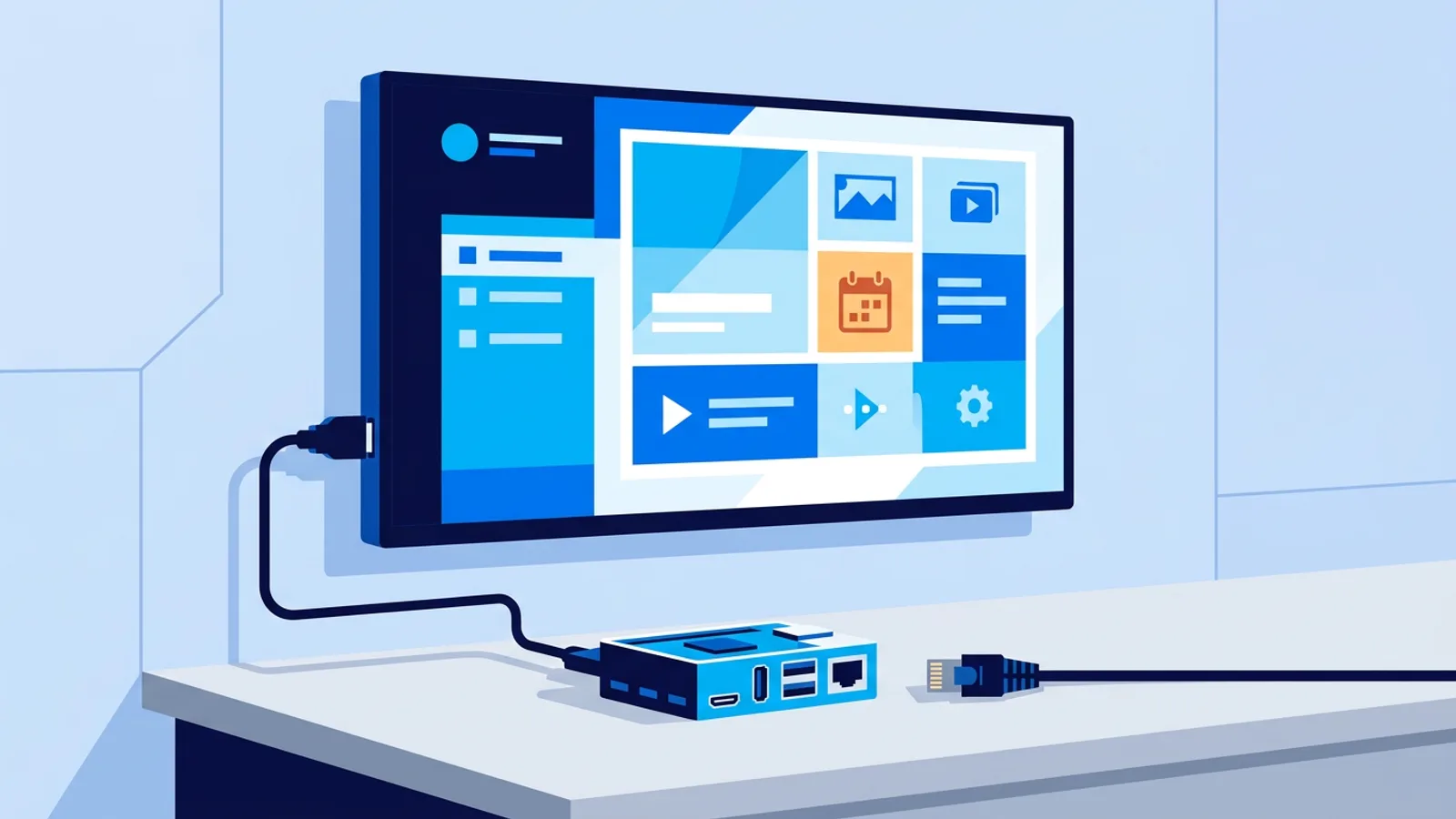
A sign that goes blank the moment Wi-Fi drops isn't a sign, it's a liability. If you're picking digital signage software for a shop floor, a waiting room, or a warehouse with spotty router coverage, the real question isn't "does it stream video" but "what happens on screen the second the internet dies." That's what offline playback actually means, and most vendors are vague about it on purpose.
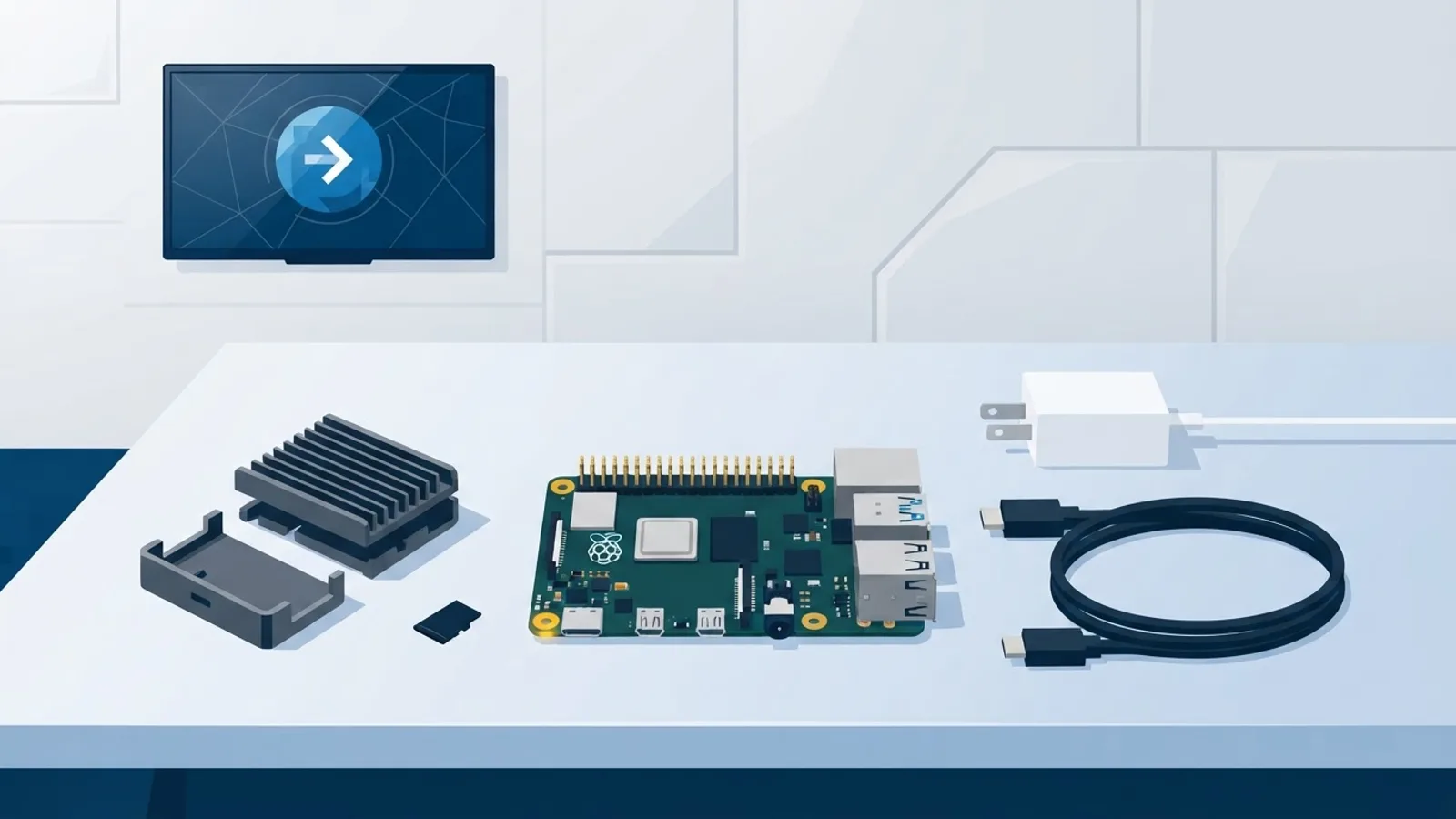
This article covers how offline playback works under the hood, what a Raspberry Pi based player like the one described in our Raspberry Pi signage guide does during an outage, and the exact questions to ask any vendor before you buy hardware based on their marketing page.
What "offline playback" actually means
Digital signage offline playback is the ability of a screen to keep showing its scheduled content when the network connection is down, without a black screen, a browser error page, or a frozen frame. It does not mean the screen works forever without ever touching the internet. Every managed signage system needs a connection at some point to receive new playlists, schedule changes, or software updates. The difference between a good offline setup and a bad one is what happens in between those connections.
Three separate things get lumped under "offline" and it's worth pulling them apart:
- Local caching: content files (images, video, PDFs) are stored on the device itself, not streamed live from a server on every loop.
- Prefetching: new content is downloaded ahead of when it's needed, while the connection is still good, instead of at the last second.
- Recovery: what the player does when the connection actually drops mid-playback, and what it does when it comes back.
A player that only handles one of these will still fail in practice. Caching without prefetching means the cache goes stale. Prefetching without a watchdog means one crashed browser tab takes the screen down for good until someone manually reboots it.
Why signage boxes go offline in the real world
None of this is theoretical. The situations that actually take a sign offline are mundane:
- The router reboots after a firmware update at 3am and doesn't come back cleanly.
- A restaurant's guest Wi-Fi gets saturated at lunch rush and the signage device, sharing the same network, gets starved of bandwidth.
- Someone unplugs the wrong cable behind the reception desk.
- A construction site or pop-up location has no permanent internet at all, just a mobile hotspot that drops in and out.
- The building's ISP has a multi-hour outage, which happens to everyone eventually.
None of these are edge cases if you run more than a couple of screens for more than a couple of months. The design question is whether the software assumes the network is always there, or assumes it isn't.
How local caching and prefetching work together
A signage player that's built for reliability treats the network as a delivery mechanism, not a dependency. The workflow looks like this: the dashboard pushes a playlist and its media files to the device ahead of time. The device stores those files locally, on its own storage, so playback reads from disk, not from a live connection. When you update the playlist in the dashboard, the player fetches the new files in the background the next time it checks in, then swaps to the new version, no interruption to what's currently on screen.
This is different from a "smart TV app that loads a web page" approach, where every image and every page refresh depends on an active connection. That approach is simpler to build, and it's fine for a screen in an office with rock-solid ethernet. It's the wrong choice for a shop with unreliable Wi-Fi, because there's no local copy to fall back on if the connection blips mid-loop.
What a watchdog actually does
Caching solves the "no new content" problem. It doesn't solve the "the player process itself crashed or froze" problem. That's what a watchdog is for: a small background service that checks whether the display process is actually running and responsive, and restarts it automatically if it isn't. On TVpilot's Raspberry Pi player, this self-healing watchdog checks every few seconds and restarts the player within about 10 seconds if something goes wrong, no keyboard, no remote hands, no site visit. Combined with a systemd service that starts the player automatically on boot, a Pi that loses power overnight comes back up and resumes playback on its own once power returns, even before the network is back.
What happens during an actual outage, step by step
Here's the sequence on a well-built offline-capable player when the internet drops mid-shift:
- The player is already looping through locally cached media, so playback doesn't stop the instant the connection drops.
- It keeps trying to check in with the dashboard on its normal interval, quietly, in the background.
- If the connection comes back before the current playlist would have needed an update, nothing visibly changes, the screen never showed a problem.
- If you pushed a playlist change while the screen was offline, it queues up and applies the next time the player successfully checks in.
- If the Pi itself loses power and reboots, the systemd service and kiosk auto-start bring the display back up and resume the last cached playlist without anyone touching the device.
What a good system does not do is show a browser "no internet" error, a spinner, or a blank screen while it waits. That's usually a sign the vendor's player was built as a thin wrapper around a live web page rather than a local-first player.
Questions to ask any signage vendor before buying hardware
Vendor pages rarely say "our screens go black without internet," so you have to ask directly. Bring this list to any sales call or trial signup:
| Question | Why it matters |
|---|---|
| Is content stored locally on the device, or streamed live each loop? | Determines if playback survives a dropped connection at all |
| How does the player recover after a power cut, automatically or manually? | Tells you if someone needs to drive to the site to reboot it |
| Is there a watchdog that restarts a crashed or frozen player? | Separates "occasional glitch" from "screen down for days" |
| What's the storage limit for cached media on the free or entry plan? | A tight limit means fewer offline-safe assets before you must upgrade |
| Does the schedule (on/off times, playlist changes) apply from cache if the dashboard is unreachable? | Confirms scheduling isn't purely cloud-dependent at the moment it fires |
If a vendor can't answer the first two questions clearly, assume the worst and test it yourself: unplug the ethernet cable on a demo unit and watch what the screen does for the next ten minutes.
Where TVpilot fits, honestly
TVpilot's Raspberry Pi player is built local-first: media is cached on the device, the watchdog restarts a crashed player within roughly 10 seconds, and the systemd service brings playback back automatically after a power cycle. That covers the two failure modes that actually cause a blank screen in practice, a stuck browser process and a rebooted device.
Where we're straightforward about the limit: offline playback covers continuing to show already-cached content and recovering from crashes or reboots, not making new content appear out of thin air. The player still needs an internet connection to pull down new playlists, schedule changes, or software updates. If your location genuinely has no internet connection, ever, TVpilot isn't the right fit; a fully local sneakernet setup or an open-source self-hosted player (covered in our piece on the real cost of self-hosting) will serve you better. For the common case, patchy but present Wi-Fi, occasional outages, routers that reboot at odd hours, this is exactly the setup TVpilot is built to shrug off. The browser-only route (pointing a smart TV or Fire TV Stick browser at a player URL) is more convenient to set up but has no local disk cache to fall back on, so it's a better fit for locations with genuinely stable ethernet.
For a wider view of what to check beyond offline behavior, our digital signage features checklist covers scheduling, monitoring, and content tools side by side.
Getting started
If you're setting up a Raspberry Pi player, the one-command installer generates a claim code in the dashboard, sets up Chromium kiosk mode, and configures the watchdog and auto-start without any manual Linux configuration. The Raspberry Pi digital signage guide walks through the full hardware setup if you're starting from a bare board.
A sign that survives a bad router isn't a luxury feature, it's the baseline for anywhere that isn't a data center. Test the failure mode before you buy, not after the screen goes dark in front of customers. TVpilot's Free plan costs nothing and covers one screen with 250 MB of storage, enough to try the caching and watchdog behavior yourself before committing to more screens. Sign up at /signup and unplug the router on purpose, see what happens.
Frequently asked questions
Does digital signage work with no internet connection at all?
It can display already-cached content indefinitely, but every managed signage system needs an internet connection at some point to receive new playlists, schedule changes, or software updates. If a location has zero internet, ever, a fully offline local media player or a self-hosted setup is a better fit than hosted signage software.
What happens to a Raspberry Pi signage player during a power outage?
On a properly configured Pi player, a systemd service and kiosk auto-start bring the display back up automatically once power returns, resuming the last cached playlist without anyone needing to manually reboot or reconfigure the device.
How is offline playback different from just caching a video file?
Caching alone only solves stale content. A complete offline setup also needs prefetching (downloading new content before it's needed) and a watchdog process that restarts the player automatically if it crashes or freezes, otherwise a single glitch takes the screen down until someone intervenes.
Can I test offline playback before paying for a signage plan?
Yes. TVpilot's Free plan supports one screen with 250 MB of storage and no credit card required, enough to install the Raspberry Pi player and unplug the network cable to see how it behaves before upgrading.