Digital Signage Cost: What One Screen Really Costs
A single digital signage screen costs roughly €450 to €700 all-in if you use a consumer TV, a small player and free software, and roughly €1,000 to €1,900 if you choose a commercial display. After that, the ongoing digital signage cost can be €0 a month for one screen, or a few euros a month per screen once you run several.
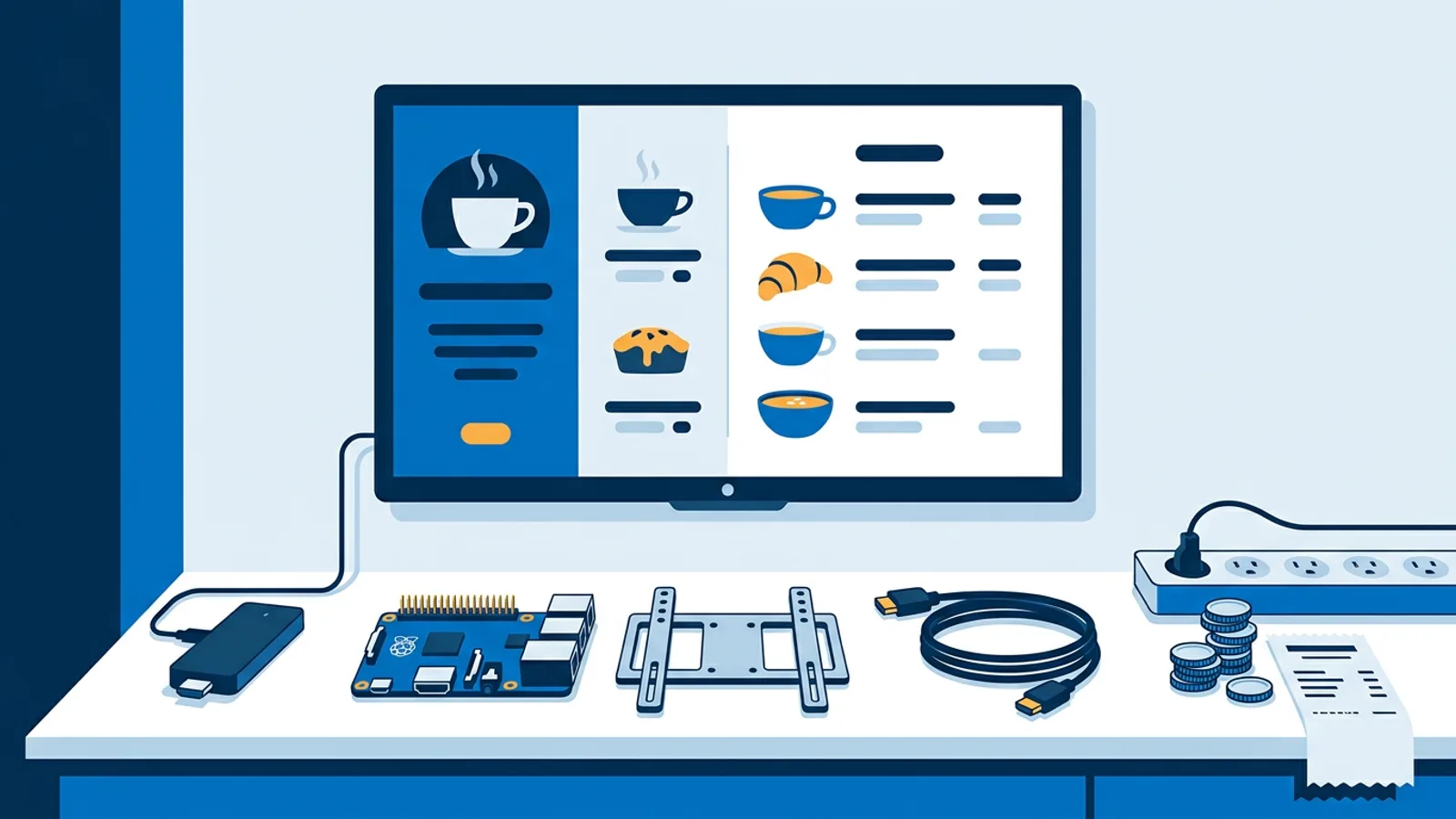
Those ranges hide five separate purchases: the screen, the player that drives it, the mounting and cabling, the software subscription, and your own hours. This guide prices each one with typical market figures, then adds them up for a one-screen café and a five-screen office. TVpilot prices come straight from our pricing page; hardware prices are typical market ranges and will vary by country, size and season.
If you only want the short answer: budget the TV first, add €40 to €130 for a player, €50 to €100 for mount and cables, and decide on software last, because that is the smallest line on the bill.
The five parts of digital signage cost
| Cost item | Typical market price (one-off unless noted) | What drives the price |
|---|---|---|
| Consumer TV, 43 to 55 inch | €300 to €600 | Size, brightness |
| Commercial display, 43 to 55 inch | €700 to €1,500 | Rated hours per day, brightness, warranty |
| Player | €40 to €130 | Fire TV Stick at the low end, Raspberry Pi kit or Amazon Signage Stick higher |
| Wall mount | €25 to €80 | Fixed or tilting, VESA size |
| Cables, power strip, cable cover | €20 to €50 | Distance to the nearest socket |
| Electrician for a socket behind the TV | €100 to €250, if needed | Wall type, local rates |
| Software | €0 to a few euros per screen per month | Number of screens, features |
| Your time | 2 to 4 hours per screen to start | Mounting difficulty, content |
The hardware prices above are typical market prices including VAT for a consumer buying in Europe. TVpilot prices quoted below exclude VAT.
The screen: consumer TV or commercial display
The screen is usually 60 to 80 percent of the hardware bill, so this is where the real decision sits.
Choose a consumer TV if the screen runs during opening hours (say 8 to 12 hours a day), hangs indoors away from direct sun, and you are fine replacing it after a few years. A 43 inch consumer TV at €300 to €400 covers most café menus, reception screens and office dashboards.
Choose a commercial display if the screen runs close to 24 hours a day, faces a sunny shop window, or sits somewhere a dead screen costs you sales. Commercial panels are built and warranted for long daily use and often have higher brightness, which matters behind glass. Expect to pay roughly double for the same size.
One caveat with consumer TVs: many void or limit the warranty for commercial use, and some show pop-ups or switch inputs after a firmware update. Pick a model whose menus let you turn off eco sensors and auto-standby.
The player: Raspberry Pi, Amazon Signage Stick or Fire TV Stick
The player is the small computer that shows your content. It costs less than the mount on some setups, but it decides how much babysitting the screen needs.
- Fire TV Stick, typically €30 to €70. The cheapest route. TVpilot runs on it through the TVpilot app in the Amazon Appstore or the Silk browser. It is a consumer streaming device, so test that it returns to your signage after a power cut before you leave it unattended.
- Amazon Signage Stick, typically €100 to €130. Amazon's purpose-built signage player. You set it up with the free Amazon Signage mobile app, choose TVpilot as the CMS and enter the claim code from the dashboard. TVpilot then starts in kiosk mode on every boot, also after a power cut. The TVpilot subscription is separate (free for one screen).
- Raspberry Pi 4 or 5 kit, typically €80 to €130 including power supply, case, microSD card and micro-HDMI cable. TVpilot installs with one command generated in the dashboard, runs Chromium in kiosk mode and restarts the player within about 10 seconds if it crashes. The Pi can also switch the TV on and to standby on a schedule through HDMI-CEC, so you don't need a smart plug.
- The TV's own browser or an old laptop, €0 extra. Works when the TV has a modern browser, but smart TV browsers vary a lot in how well they handle video and full-screen.
Decision rule: if staff are around every day to fix a stuck screen, a Fire TV Stick is fine. If the screen must come back on its own after the cleaner pulls the plug, pay for the Signage Stick or a Pi. If you want the TV to switch itself off at closing time without a smart plug, choose the Pi.
Mounting, cabling and power
A fixed VESA wall mount costs €25 to €50, a tilting one up to €80. Add €20 to €50 for a short high-speed HDMI cable, a power strip and a cable cover so the wires don't hang down the wall.
The line people forget is power. If there is no socket within reach of where the TV should hang, you either run an extension along the wall or pay an electrician €100 to €250 to add a socket behind the screen. Check this before you buy the mount, because moving a screen 50 centimetres to reach a socket often looks worse than paying for the socket.
Wired network is a nice-to-have. Wi-Fi works for most image and short-video playlists, but a screen far from the router with weak signal will show stale content.
Software: how much digital signage costs per month
Software is the smallest line for a small setup. With TVpilot you pay per plan with screens included, never per user or per device license, and there is no free trial: the Free plan is simply free forever within its limits. All prices exclude VAT.
| Plan | Price | Screens included | Extra screens |
|---|---|---|---|
| Free | €0 forever | 1 | upgrade for more screens |
| Starter | €5/month or €49/year | 3, up to 10 | €2/month (€20/year) each |
| Pro | €29/month or €289/year | 10, up to 100 | €2/month (€20/year) each |
| Business | €99/month or €990/year | 25, up to 100 | €1.50/month (€15/year) each |
Free includes 250 MB storage, all standard plugins, one calendar and AI Studio, with no credit card. Starter adds 2 GB and five calendars; Premium plugins, smart triggers and the emergency alert come with Pro or as a €9/month (€90/year) add-on on Starter. Paying yearly gives two months free.
If you are comparing software vendors on more than price, the digital signage software buyer's guide lists what to check.
Two optional one-time services exist. Installation and onboarding costs €249 once on a paid plan: TVpilot sets up the screens, playlists and schedule together with you. The Content bundle costs €99 once on any plan, including Free: five designs in your branding (for example a welcome screen, menu, promotion or opening hours), delivered in your Designer within five working days after the details are in, with one correction round.
Your time, the cost nobody invoices
Plan for about one hour to mount a TV on an easy wall, longer on tiles or concrete. Setting up the first player takes 20 to 30 minutes, the next ones less once you know the steps. Building a first playlist (menu, opening hours, a promotion) takes two to four hours if you design it yourself.
After launch, budget 15 to 30 minutes a week to swap promotions. Scheduling removes much of that: a slide can show only on chosen days and times and take itself off screen after an expiry date, so a seasonal offer doesn't stay up into the next season.
Worked example: one screen in a café
Say you run a café with one menu board above the counter, open 7:00 to 18:00, and the main switch goes off every night.
- 43 inch consumer TV: €350 (typical market price).
- Amazon Signage Stick, because it returns to the menu after the nightly power cut: €110.
- Fixed wall mount: €40.
- HDMI cable and cable cover: €20.
- Software: TVpilot Free, €0. 250 MB holds a menu, opening hours and a few short videos, and two scheduled items cover a breakfast and a lunch menu.
- Optional Content bundle so a designer makes the five screens: €99.
One-off total: €520 without designs, €619 with them. Monthly cost: €0. Time: about one hour mounting, 30 minutes setup, and either three hours designing or none with the bundle.
Worked example: five screens in an office
Say you manage an office with five screens: reception, the canteen and three team dashboards. The TVs run during working hours and should switch off at night.
| Item | Per screen | Five screens |
|---|---|---|
| 50 inch consumer TV | €450 | €2,250 |
| Raspberry Pi 5 kit | €120 | €600 |
| Wall mount | €50 | €250 |
| Cables and covers | €30 | €150 |
| Hardware total | €650 | €3,250 |
Software: Starter includes 3 screens, so you add 2 extra screens at €2/month each. Monthly that is €5 + 2 × €2 = €9 excl. VAT; yearly it is €49 + 2 × €20 = €89 excl. VAT. Over three years the software costs €267 on yearly billing.
Three-year total: €3,250 + €267 = €3,517, which works out to about €19.50 per screen per month. Add the €249 installation service if you'd rather not configure it yourself, and you reach €3,766, about €21 per screen per month. If the team needs Premium plugins or three users, Pro at €289/year covers up to 10 screens and raises the three-year software line to €867.
Swap the TVs for €1,000 commercial displays and hardware rises by €2,750. That is worth it for the reception screen if it runs all day in a bright lobby, and rarely for team dashboards.
Hidden costs and failure modes
- Cheap microSD cards. A Pi that writes to a bargain card can corrupt it after a power cut. Spend the extra few euros on a good card or a USB SSD.
- The TV's eco settings. Auto-standby and light sensors turn screens off at 14:00. Disable them on day one.
- Guest Wi-Fi with a login page. Players can't click through captive portals; put screens on staff Wi-Fi or a cable.
- Content nobody updates. A screen showing last month's promotion costs more in credibility than it saved. Use expiry dates.
- No monitoring. You find out a screen is black when a customer mentions it. TVpilot shows online status and can email you when a screen goes offline.
When TVpilot is, and is not, the right fit
TVpilot fits if you want one to 100 screens managed from a browser, cheap hardware, and a price that stays at €0 for one screen. We built it so a café owner can run a menu board without an IT contract.
It is the wrong choice if you need open-source or self-hosted software, because TVpilot is hosted SaaS. It also needs internet for content updates, so a screen that must run for weeks fully offline is better served by a standalone media player with a USB stick. There is no Google Play app; Android TV runs through a kiosk browser with the player URL. Above 100 screens, contact hello@tvpilot.app for custom pricing.
Start with one screen
The cheapest way to find your real digital signage cost is to run one screen first: buy the TV and player you'd roll out, put your menu or dashboard on it for a few weeks, and only then multiply by your number of screens. TVpilot's Free plan covers that first screen forever with no credit card, so you can create a free account and have content on the TV the same afternoon.
Frequently asked questions
How much does digital signage cost for one screen?
With a 43 inch consumer TV (typically €300 to €400), a player such as an Amazon Signage Stick or Raspberry Pi kit (typically €80 to €130), a wall mount and cables, one screen costs roughly €450 to €700 one-off. Software can be €0: the TVpilot Free plan covers one screen forever without a credit card. A commercial display raises the total to roughly €1,000 to €1,900.
What is the digital signage price per screen per month?
TVpilot charges per plan with screens included, not per screen. Free is €0 for one screen. Starter is €5/month excl. VAT with 3 screens included, and each extra screen costs €2/month, so five screens on Starter cost €9/month (or €89/year) excl. VAT. On Business, extra screens cost €1.50/month each.
Do I need a commercial display for digital signage?
Not always. A consumer TV is fine if the screen runs during opening hours, hangs indoors out of direct sun, and you accept replacing it after a few years. Choose a commercial display if it runs close to 24 hours a day, sits in a bright shop window, or a dead screen would cost you sales, since those panels are built and warranted for long daily use.
Are there one-time setup fees for TVpilot?
Only if you order them. Installation and onboarding costs €249 once on a paid plan, and TVpilot sets up your screens, playlists and schedule with you. The Content bundle costs €99 once on any plan, including Free, for five designs in your branding delivered within five working days. Both prices exclude VAT.