Digital Signage for Salons: Price Boards and Mood Screens
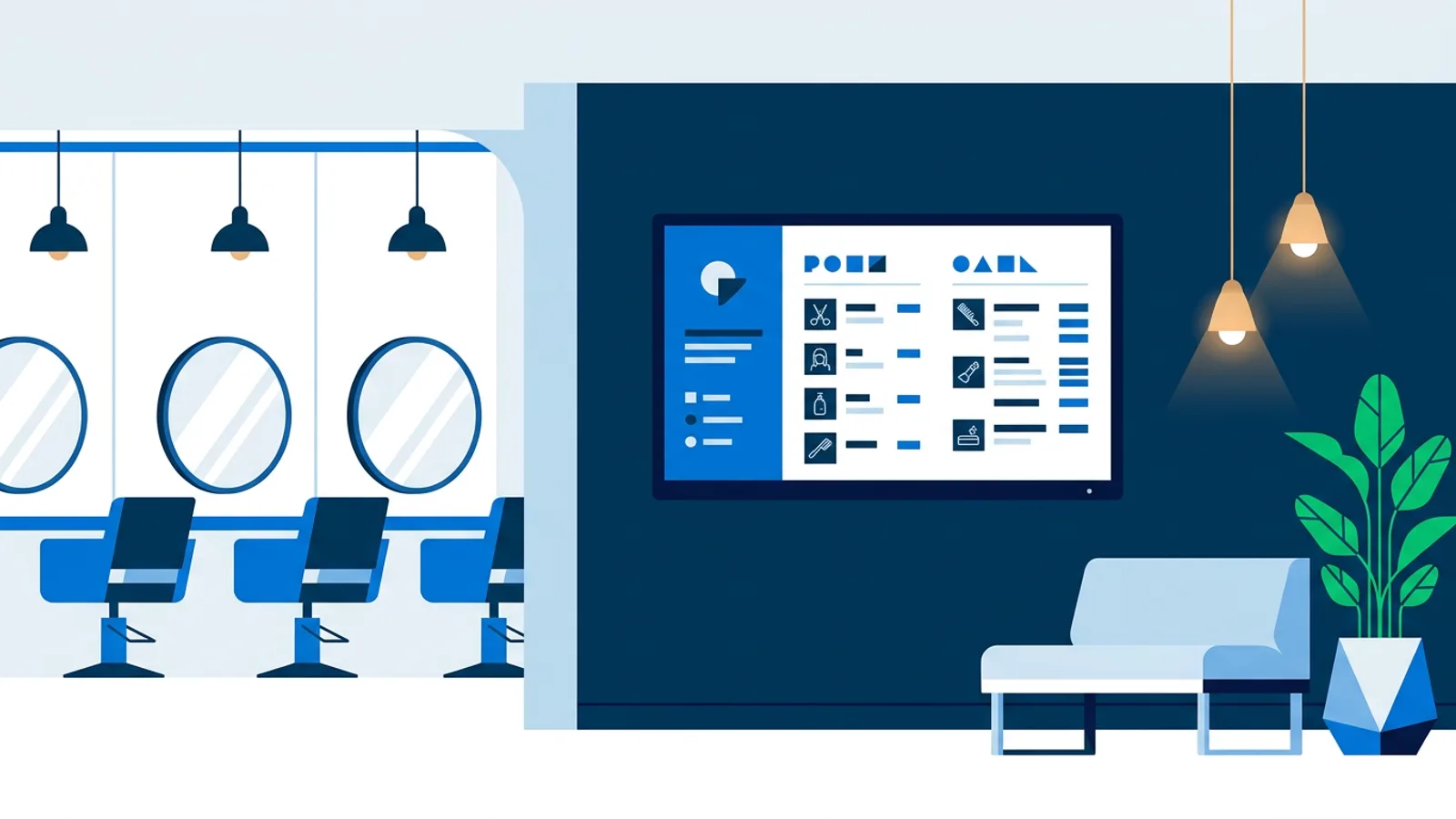
Digital signage for salons works best when it does three unglamorous jobs well: show today's price list without a printed sign that goes out of date, keep the waiting room from feeling like a waiting room, and remind clients to book their next appointment before they leave. A single screen near reception or above the styling chairs, running off a Raspberry Pi (the Raspberry Pi signage guide covers the exact hardware), can handle all three without anyone touching a laptop each morning.
Most salons and spas that try signage start with a printed price list taped to the mirror and a chalkboard for specials, then add a TV in the corner playing whatever the last person left on YouTube. The result is visual clutter that competes with the brand instead of supporting it. A proper salon TV display separates the jobs a screen can do and assigns each one to a slide or a schedule, so the price list stays current, the ambience stays calm, and nothing on screen contradicts what's printed at the counter.
What digital signage for salons actually needs to do
A salon screen has to satisfy two different audiences at once: the client sitting in the chair or on the waiting bench, and the owner who wants the screen to sell something without looking like it's selling something. That tension is why generic restaurant menu boards or gym promo reels don't transfer well to a salon. The pacing needs to be slower, the color palette needs to match the brand, and the content needs to rotate less aggressively than a fast-food board.
Three things tend to matter most:
- Accuracy. A price list with last year's balayage rate on it is worse than no price list at all.
- Calm. Spa clients are there to relax; a screen that flashes discount banners every eight seconds undoes the mood a diffuser and playlist just built.
- Low maintenance. Nobody on staff has time to redesign a slide between clients, so the update has to take under a minute from a phone or laptop.
Three screens, three jobs
If a salon has room for more than one screen, each one should have a clear job rather than repeating the same loop.
| Location | Best content | Update frequency |
|---|---|---|
| Reception / booking board | Today's agenda, next available slot, opening hours | Live, pulled from a calendar |
| Price board (near the desk or styling stations) | Services and prices, add-on treatments, current promo | Weekly or monthly |
| Waiting room / spa lounge | Ambient photos or video, reviews, Instagram feed | Set once, refresh occasionally |
The booking board near the door
Most salon booking systems and calendar apps typically offer a way to publish an iCal link for a calendar. TVpilot's calendar widget takes that link and shows the day's bookings live on a screen as an agenda, day, or week view, so a client walking in sees the schedule the same way the front desk does, without anyone typing it in twice. This is a read-only mirror of the calendar that's already being kept, not a booking tool in its own right, which is usually all a reception screen needs.
The hair salon price board
A hair salon price board is the one piece of signage clients actually read line by line, so legibility matters more than flash. TVpilot's Designer includes a template gallery along with drag-and-drop text, shapes, and logo placement, so a price board doesn't have to start from a blank canvas, and AI Studio can generate a first draft from a short brief if nobody on staff wants to design one by hand. For salons running seasonal pricing, such as a weekday-only blowout rate or a holiday gift-card push, per-slide scheduling shows that slide only on the days and hours it applies, and it drops off automatically once an expiry date passes, so nobody has to remember to take down last month's offer.
The spa waiting room screen
A spa waiting room screen has a different job: lower the pulse, not raise it. Looping ambient photography or a muted Vimeo or YouTube video works better here than a hard sell. Once the mood is set, a rotating Google, Trustpilot, Tripadvisor, or Yelp review widget adds quiet social proof without a staff member having to mention it, and an Instagram feed widget can show recent treatment photos if the spa already posts them. None of this needs to move fast; a five-minute rotation feels calmer than a fifteen-second one.
Scheduling around real salon hours
Salons and spas run on schedules that don't match a generic business day: late nights on Thursdays, closed Mondays, extended hours before holidays. The calendar scheduling in TVpilot lets a screen follow a plan for the whole year, with one-off items for a single event day and weekly repeating slots for recurring specials, and Pro and Business plans can add blackout dates so a promo pauses automatically around closures. If nothing is scheduled for a given moment, the screen falls back to a default playlist instead of going blank, and a backup playlist covers the rare case where the assigned content is empty or briefly unavailable.
For same-day changes, such as a stylist calling in sick and a last-minute discount to fill the gap, "Show now" pushes a playlist to the screen immediately for a set window (30 minutes, 1 hour, 2 hours, until a chosen time, or indefinitely) and the screen returns to its normal plan automatically afterward. It's a manual override that doesn't require touching the schedule itself.
Hardware: keep it boring
The screen itself doesn't need to be special. Most salons already have a spare TV or can buy an entry-level one; the interesting part is what drives it. A Raspberry Pi running Raspberry Pi OS is the setup we recommend most often for a fixed wall or mirror-mounted screen: the hardware list covers exactly what to buy, and the one-command installer sets up kiosk mode, auto-start, and a watchdog that restarts the player within about ten seconds if something crashes, so it recovers on its own overnight without a callout. On the same Pi, HDMI-CEC power scheduling switches the TV on and off with the salon's opening hours, so there's no separate smart plug to manage.
If a salon already has a smart TV or an old laptop in the back room, that works too. Any device with a modern browser can act as a player by pointing it at a player URL; a Pi is simply the cheapest and most reliable option for a screen that stays mounted permanently.
Where TVpilot fits for salons and spas
TVpilot fits a single salon or a small chain of two or three locations that want a price board and a waiting room screen updated from a phone without hiring a designer or an IT person. The Free plan (one screen, 250 MB storage, AI Studio included, no credit card) is enough to try a price board on one screen before deciding whether to add more. Starter (3 screens included, €5/month, extra screens €2/month each) covers a salon with a booking board, a price board, and a couple of station screens for €7/month.
A salon that needs a fully offline system with no internet at all should look elsewhere: TVpilot is hosted software, not something to self-host, and while the Raspberry Pi player keeps playing its last content through a short outage and recovers automatically once the connection returns, it does need internet to pick up updates. A salon that wants a bespoke native app on a specific smart TV brand should also look elsewhere; TVpilot's TV and Fire Stick support runs through the browser, which covers price lists and mood screens fine but isn't a custom app. For most salons and day spas, a browser-based screen with a scheduled price list and a calm loop in the waiting room solves the actual problem: keeping prices right and the room pleasant without daily babysitting.
Start with one screen on the Free plan, build a price board and a waiting room loop, and add screens for the other stations once the first one is running the way the front desk expects.
Frequently asked questions
What's the best digital signage setup for a small hair salon?
A single TV near reception or the styling stations running off a Raspberry Pi is usually enough: one screen can rotate between a price board, opening hours and a mood loop on a schedule. Add a second screen for a live booking board once the first one is running smoothly.
Can a salon screen show live appointment bookings?
Yes, if the booking system or calendar can publish an iCal link, TVpilot's calendar widget displays that schedule live on a screen as an agenda, day, or week view. It mirrors the calendar that's already being kept rather than acting as its own booking system.
How do I update a price list on a salon TV without redesigning it every time?
Build the price board once in TVpilot's Designer or generate a first draft with AI Studio, then edit the text and prices directly when they change. Per-slide scheduling can also show seasonal pricing only on the days it applies and remove it automatically once it expires.
Is digital signage too expensive for a small spa?
Not necessarily. TVpilot's Free plan covers one screen with 250 MB of storage and no credit card required, which is enough to try a price board before paying anything. Starter is €5 a month with 3 screens included if the spa wants a booking board, a price board and a waiting room screen running at once.