
How to Set Up Digital Signage on a TV, Step by Step
How to set up digital signage on a TV in six steps: pick the screen and player, pair it, upload content, schedule playlists and monitor it remotely.
Read more →
Digital Signage for Churches: Service Times and Events
Digital signage for churches and community centers: set up a lobby TV that shows service times, events and announcements on a weekly schedule.
Read more →
Narrowcasting on an LED Display: What Software Controls
Running narrowcasting on an LED display? See what signage software controls, what the LED processor must handle, and how to wire a Pi into an LED wall.
Read more →
Digital Signage for Car Dealerships: Inventory and Promos
Digital signage for car dealerships: what to show on showroom TV screens, how to keep inventory boards accurate, and a worked six-screen setup with costs.
Read more →
Digital Signage for Coworking Spaces: Room Panels & Screens
Digital signage for coworking spaces: meeting room booking panels, community screens, hardware picks and plan costs for a 60-desk example.
Read more →
Raspberry Pi Digital Signage Network Security Guide
Raspberry Pi digital signage network security: firewall ports, outbound connections, VLAN setup and device hardening for corporate IT review.
Read more →
Digital Signage Maintenance: Weekly to Yearly Checklist
A digital signage maintenance checklist for small setups: weekly, monthly and yearly tasks that catch stale slides, offline screens, wear and burn-in.
Read more →
Digital Signage TV Software: What Runs on Your Screen
Digital signage TV software turns any TV into a managed screen. See the three parts, the ways to run it on a smart TV or stick, and which player to pick.
Read more →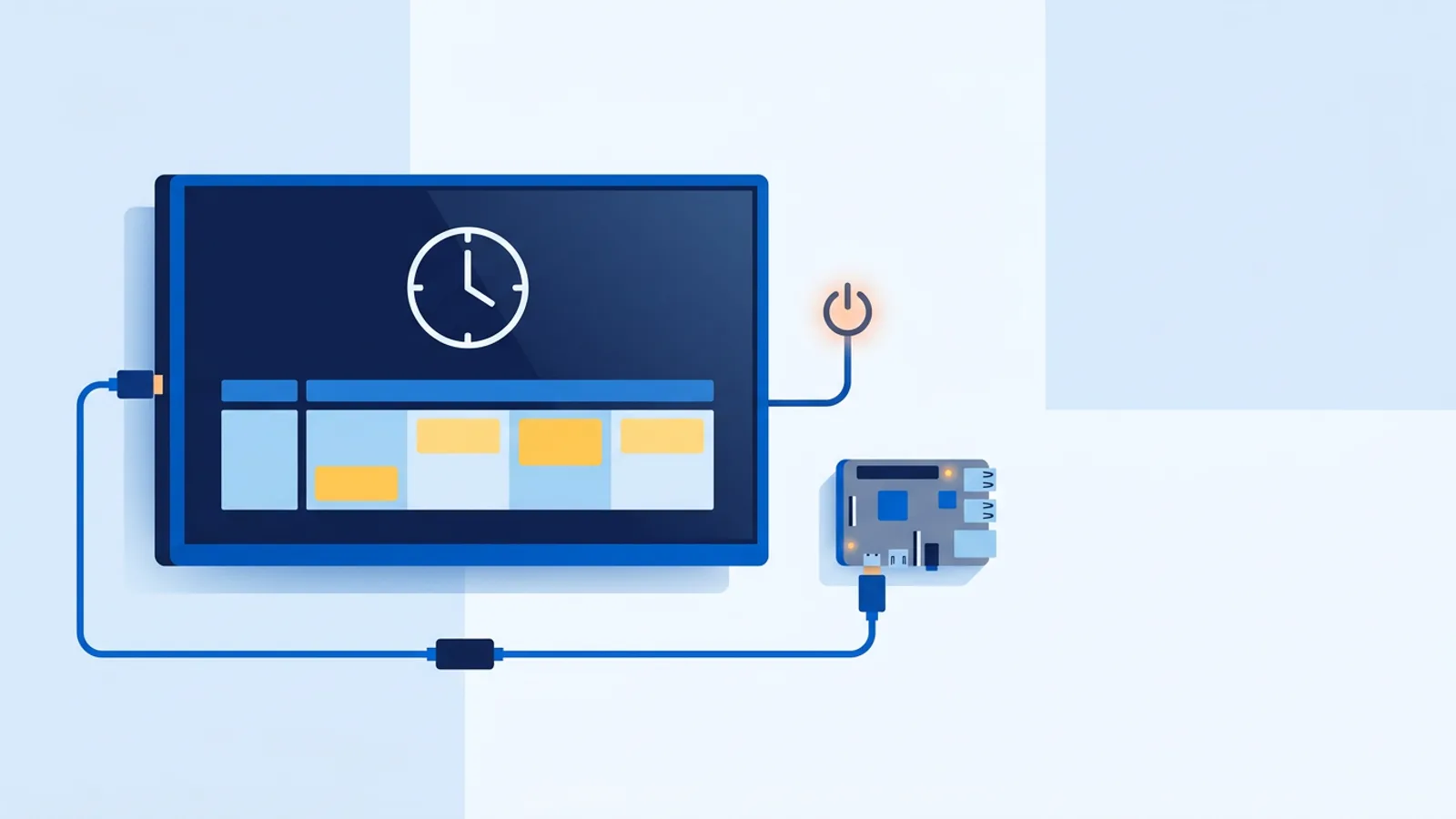
HDMI-CEC Not Working on Digital Signage? How to Fix It
HDMI-CEC not working on digital signage? Fix TVs that ignore their power schedule: CEC settings by brand, ports, cables, eco mode and Raspberry Pi tests.
Read more →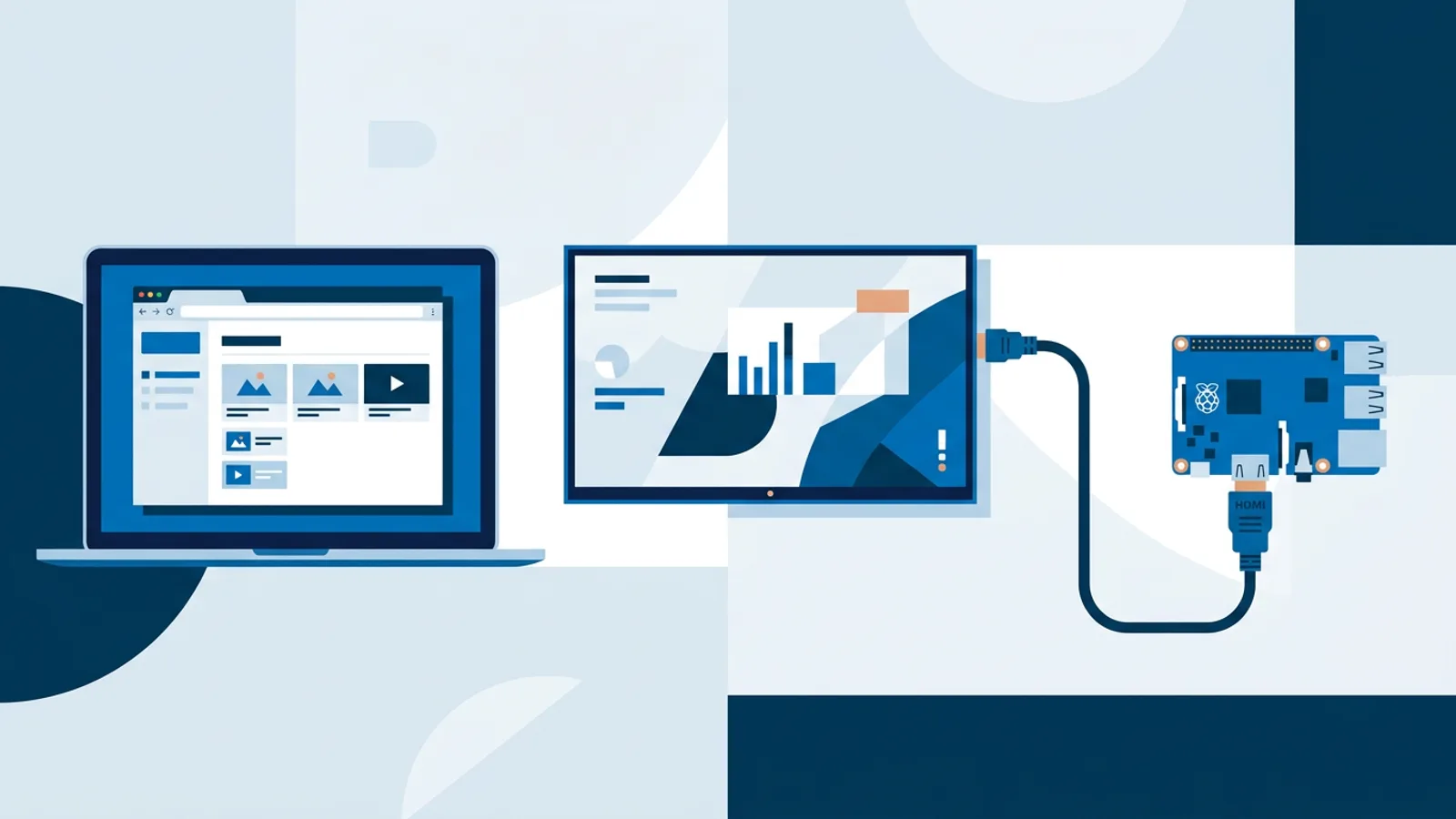
Browser-Based Digital Signage vs Raspberry Pi: Which to Pick?
Browser based digital signage vs Raspberry Pi: compare setup time, cost, reliability and who each option actually suits before you buy hardware.
Read more →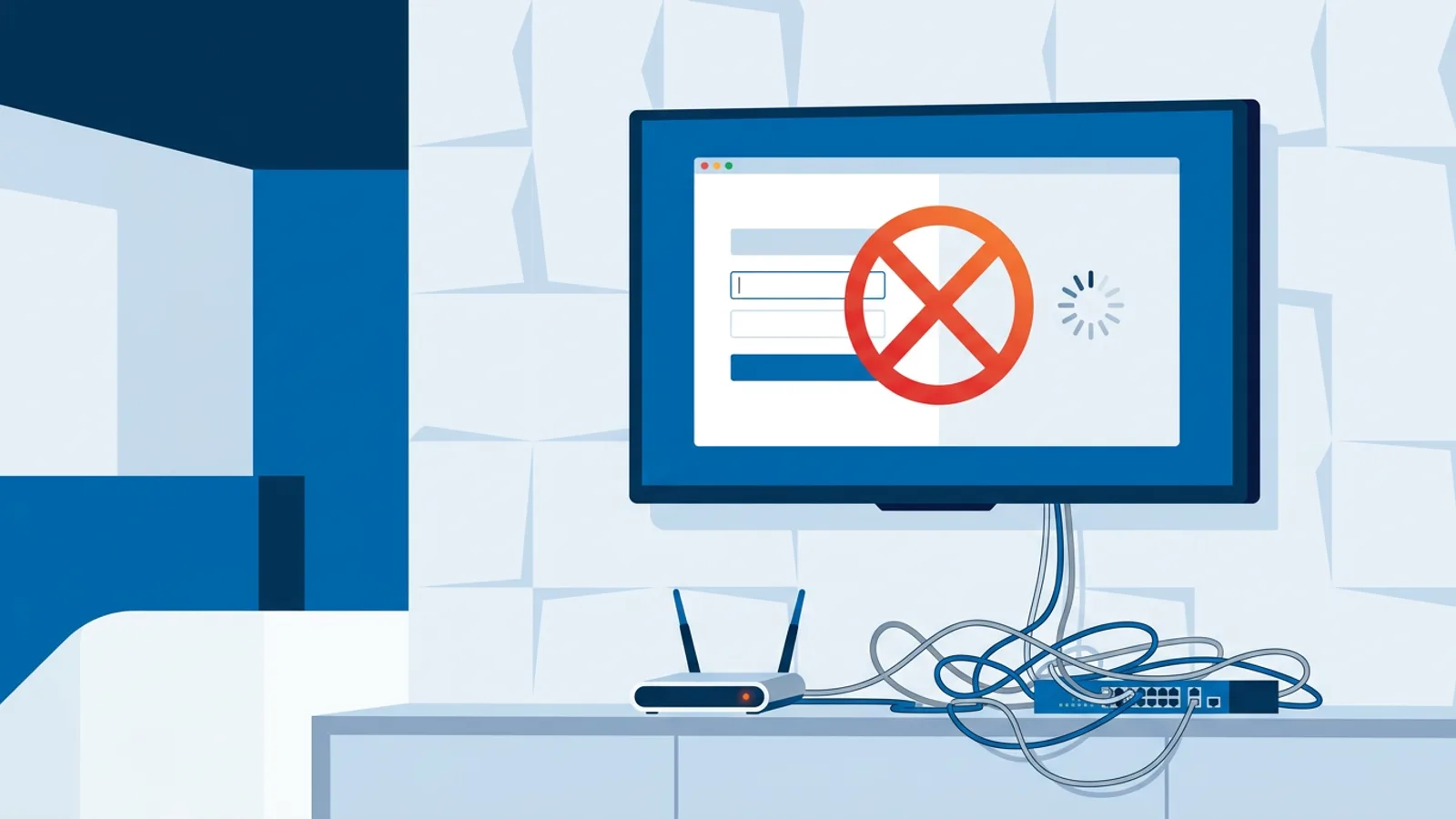
Digital Signage on Guest Wi-Fi: Fixing Captive Portals
Signage screens stuck at a hotel captive portal login page? Fix guest Wi-Fi captive portal issues with network changes IT can make today.
Read more →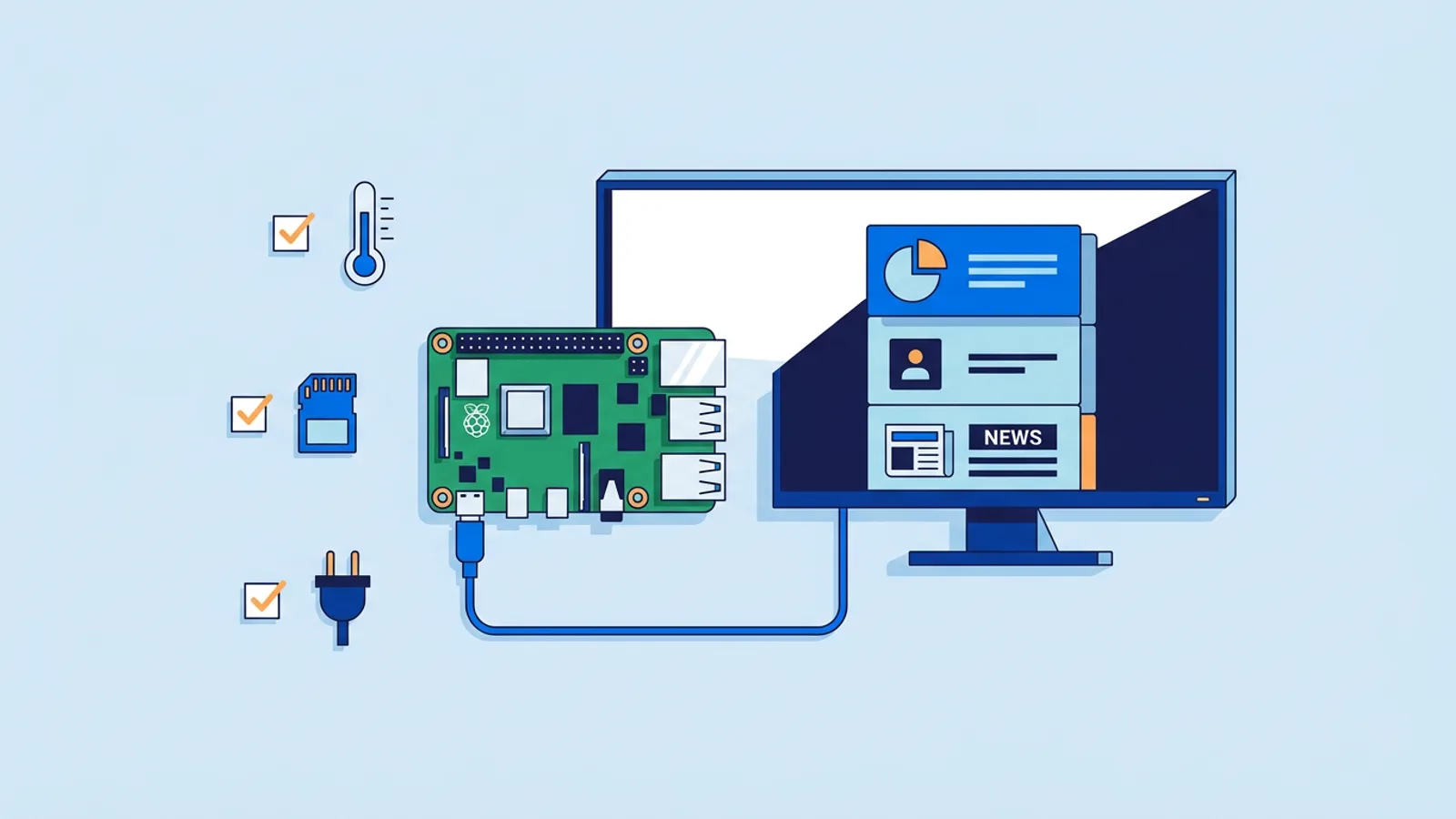
Raspberry Pi Signage Troubleshooting Guide
A practical Raspberry Pi signage troubleshooting checklist: fix reboots, freezes, Chromium kiosk crashes, and set up a watchdog for automatic recovery.
Read more →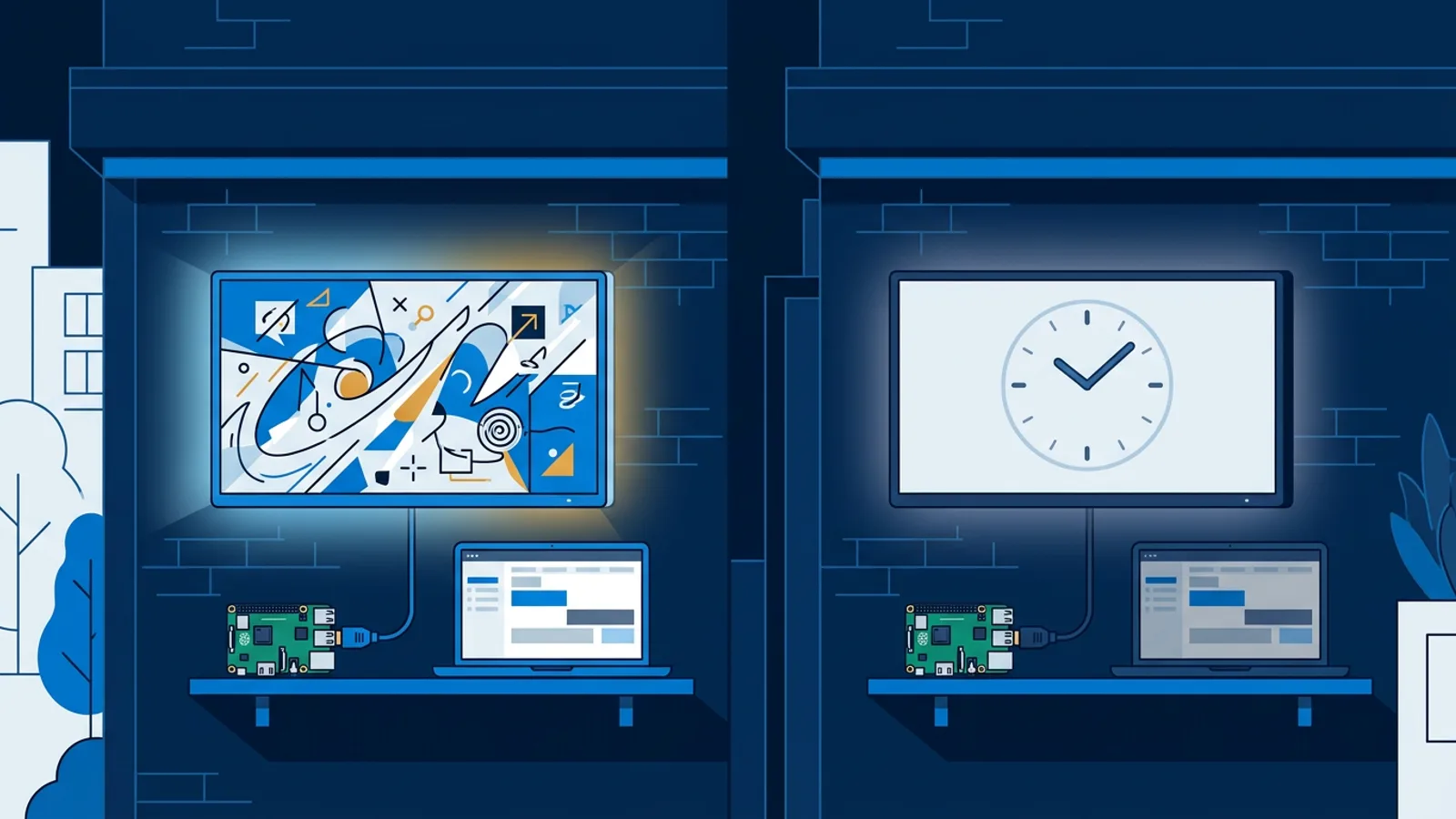
Turn Off Digital Signage at Night: Cut Power and Glow
Learn how to turn off digital signage at night with HDMI-CEC scheduling or dayparting, so screens stop glowing and burning power after closing.
Read more →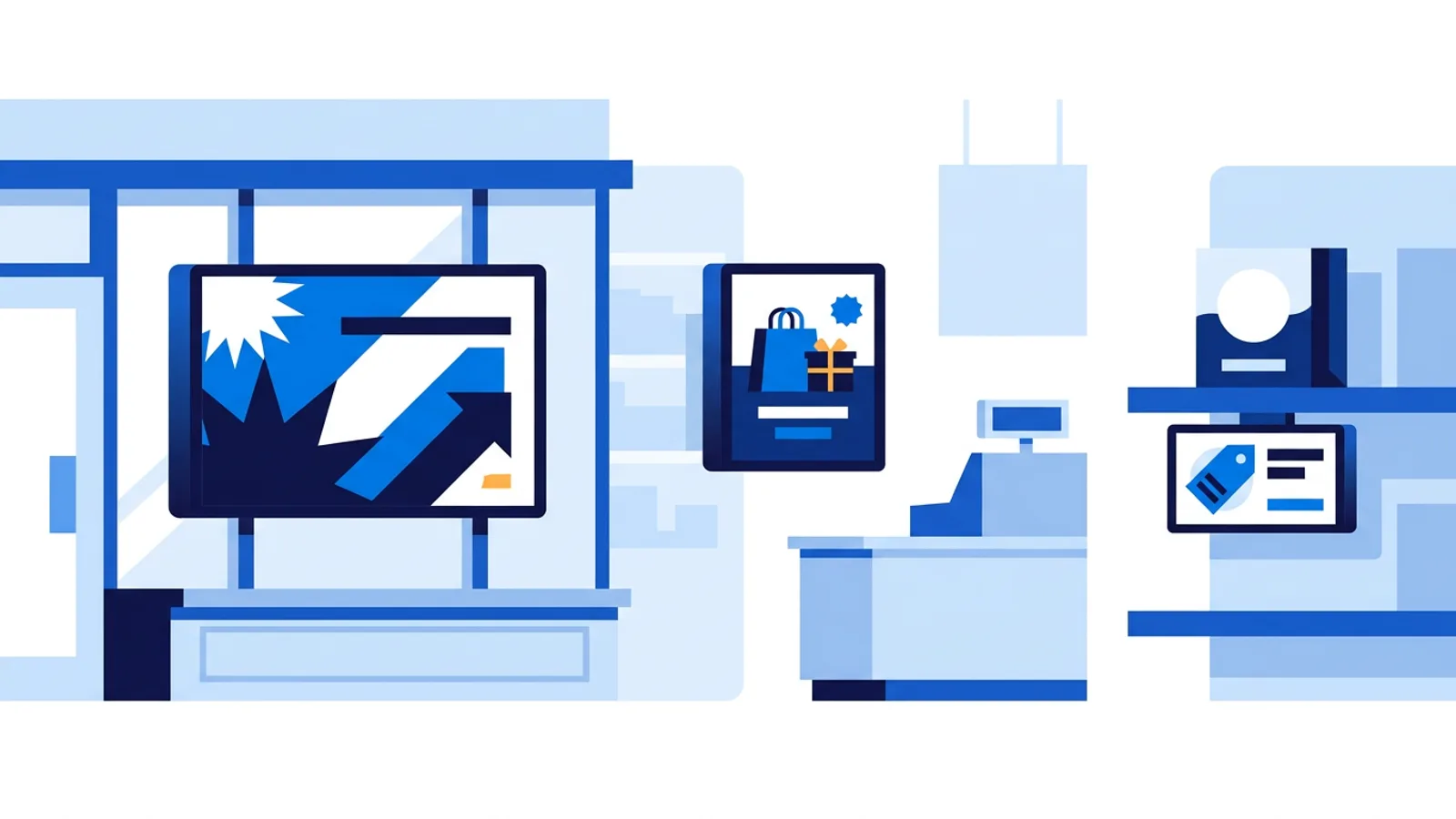
Digital Signage for Retail Stores: Window, Promo, Shelf
Digital signage for retail stores, placement by placement: window screen ideas, in-store promo displays, shelf screens, a sample loop and hardware picks.
Read more →
Digital Signage Video Formats and Image Sizes That Work
Digital signage video formats and image sizes: export MP4 H.264 at 1080p, JPG or PNG at screen resolution, and skip the files that stutter on TVs.
Read more →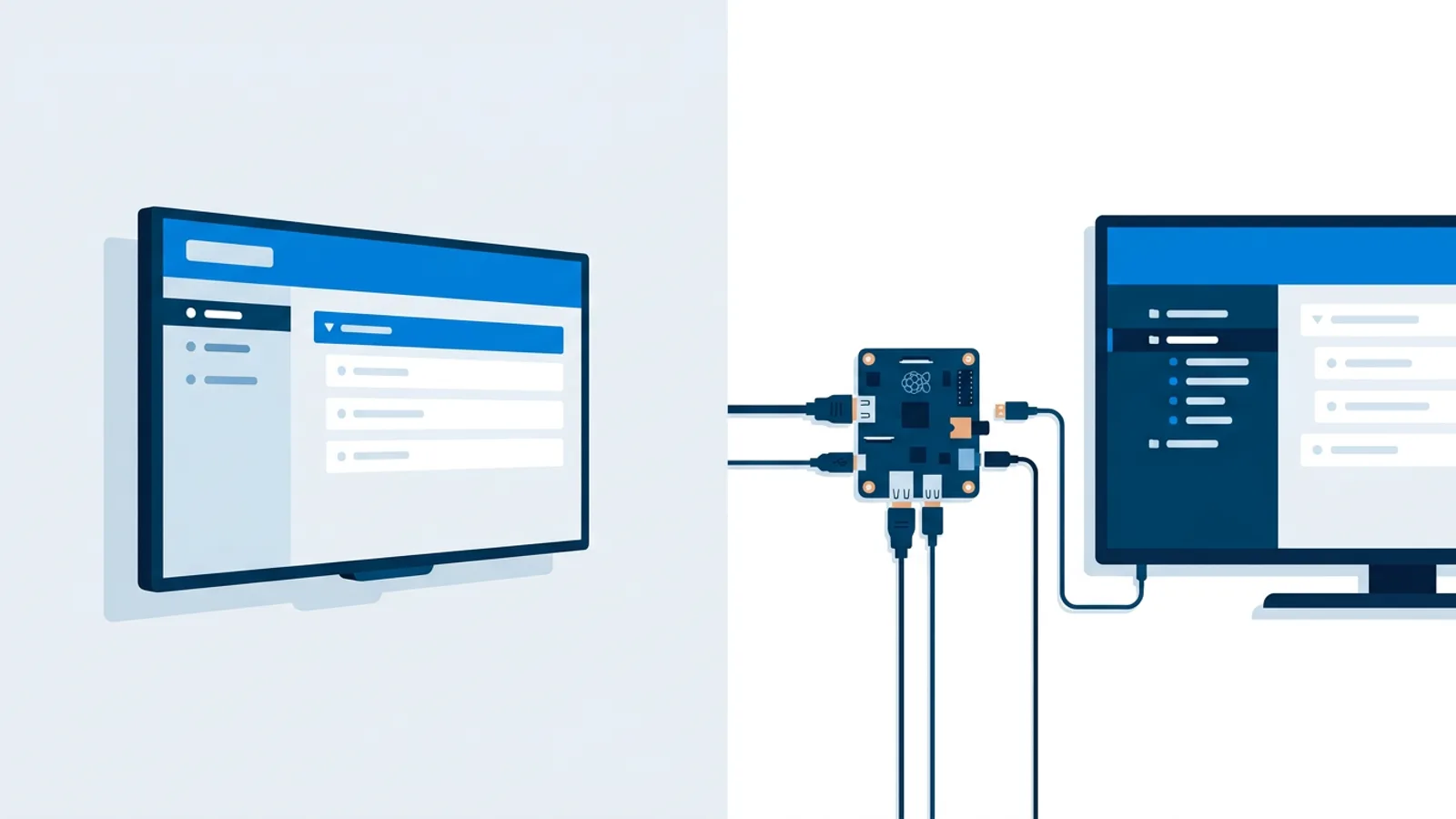
Smart TV vs Raspberry Pi Digital Signage: Which Fits You?
Smart TV vs Raspberry Pi digital signage compared: reliability, cost, and setup, so you can pick hardware based on your screens and budget.
Read more →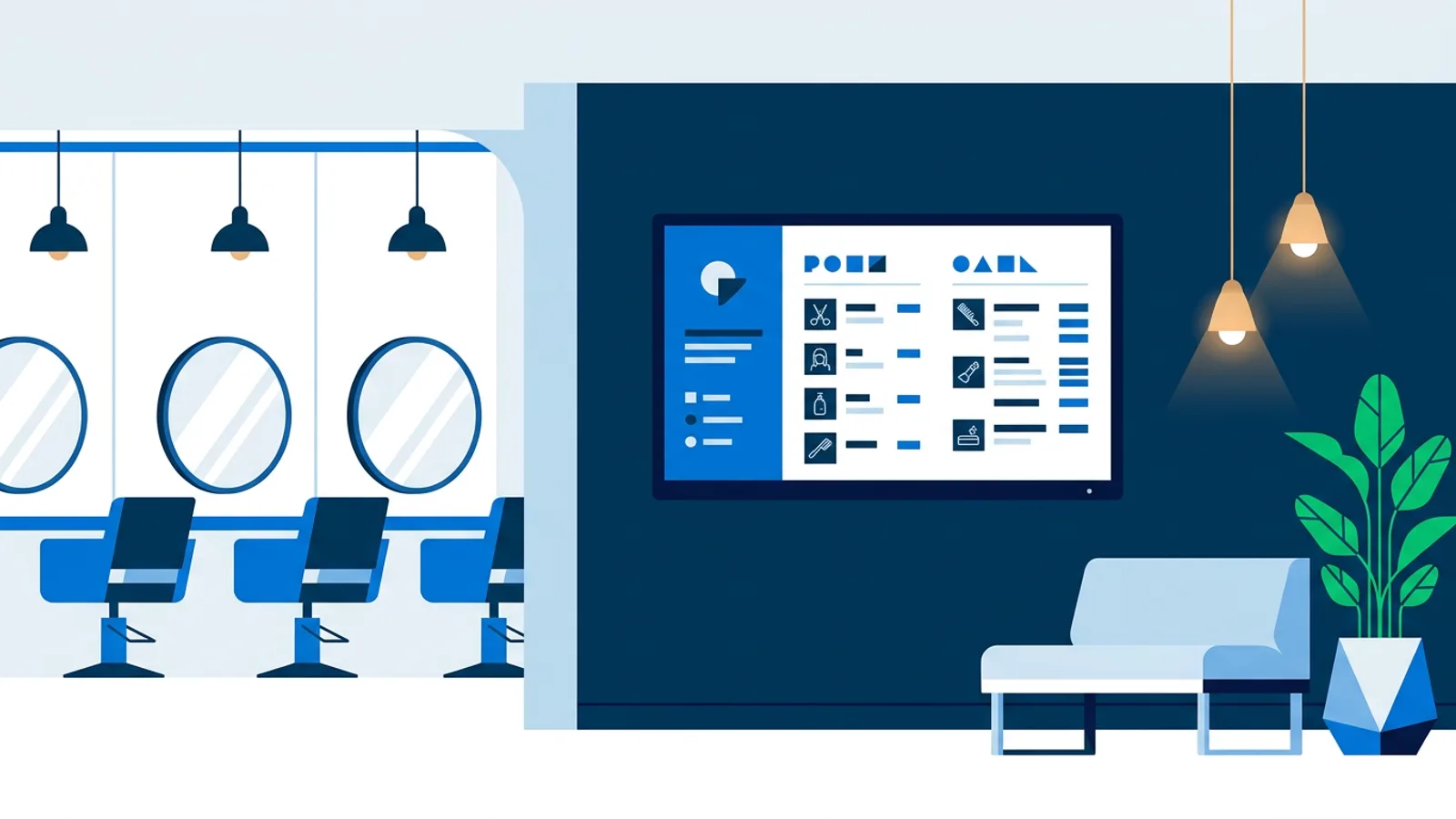
Digital Signage for Salons: Price Boards and Mood Screens
How salons and spas use digital signage for booking boards, price lists and waiting room screens, plus what to run it on.
Read more →
Digital Signage for Gyms: Classes, Promos and Motivation
Digital signage for gyms: show class schedules, promos and member motivation on gym TVs. What to show per zone, hardware and costs.
Read more →
Digital Signage Player Alternatives: 7 Cheaper Options
Digital signage player alternatives compared: smart TV browser, Fire TV Stick, Amazon Signage Stick, Raspberry Pi, old laptop. Cost, uptime, setup.
Read more →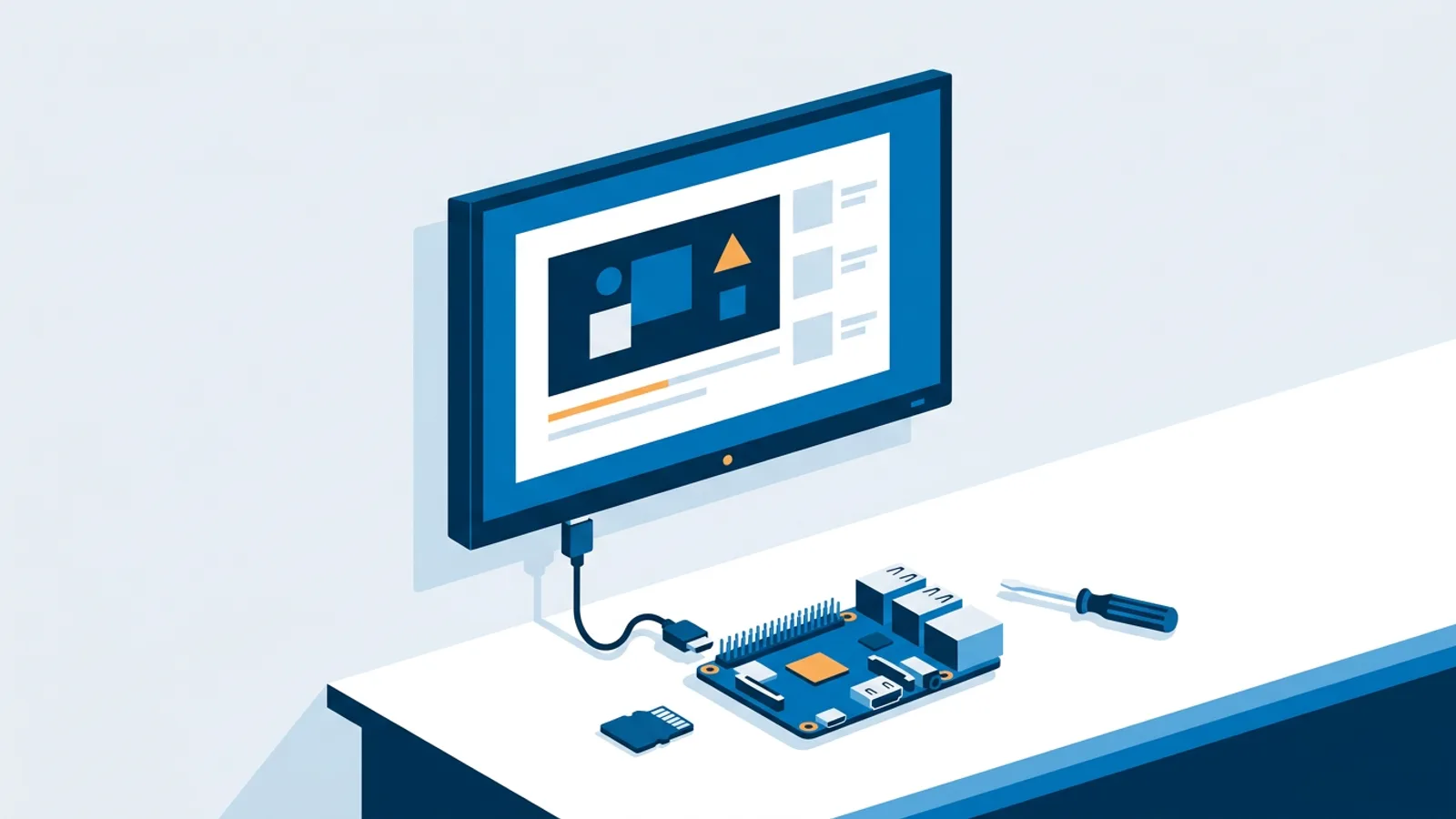
Raspberry Pi Digital Signage Tutorial: Live in 15 Minutes
A hands-on raspberry pi digital signage tutorial: flash the OS, connect Wi-Fi, plug into the TV, run one installer command, and see a live playlist today.
Read more →
Raspberry Pi Digital Signage Hardware List: What to Buy
A practical Raspberry Pi digital signage hardware list: which Pi model, SD card, power supply, case, and cables to buy, plus a total cost range.
Read more →
Digital Signage Managed Service vs Software: How to Choose
Digital signage managed service vs software: a decision framework covering cost, control and setup effort to help you choose.
Read more →
Digital Signage Bandwidth Requirements Explained
Digital signage bandwidth requirements are lower than most assume. Learn what network speed, wifi setup, and data use a sign really needs.
Read more →
Self Hosted Digital Signage: When It Makes Sense
Self hosted digital signage means running your own server, patches and backups. A practical checklist to decide if it's worth it or hosted fits better.
Read more →
Portrait Digital Signage: When and How to Rotate a Screen
A practical guide to portrait digital signage: when vertical orientation fits, how to rotate the mount and the output, and how to set it up.
Read more →
Digital Signage for Small Business: A Practical Starter Guide
A practical guide to digital signage for small business: hardware options, content ideas, scheduling, and real 2026 pricing.
Read more →
Schedule a TV to Turn On and Off Automatically: CEC vs Plug
Schedule a TV to turn on and off automatically with the built-in timer, HDMI-CEC from a player or a smart plug, and which to pick for a business screen.
Read more →
Free Digital Signage: What You Actually Get in 2026
Free digital signage software rarely means unlimited. What free tiers typically include, and exactly what TVpilot's free plan offers.
Read more →
Raspberry Pi Digital Signage: The Complete 2026 Guide
A practical 2026 guide to Raspberry Pi digital signage: which Pi to buy, OS setup, one-command software install, TV power scheduling, and cost math.
Read more →
Chromium Kiosk Mode: Full-Screen Browser on Any Device
Set up Chromium kiosk mode on Windows, Linux, or Raspberry Pi for a locked-down full-screen display, with verified flags and a managed alternative.
Read more →Showing the 30 newest articles, browse the full archive.