Digital Signage Templates vs AI-Generated Designs
If you've searched for digital signage templates, you're probably trying to solve one of two problems: you don't have a designer on staff, or you need a screen live today, not next week. Templates are the classic answer, pre-built layouts where you drop in your own photos, prices or hours. A newer option, AI digital signage design, skips the browsing step entirely and generates a finished screen from a short text prompt. Below is a comparison of both, including where a platform like TVpilot fits and where it doesn't.
Neither approach is universally better. Templates give you predictable, tested layouts. AI generation gives you speed and flexibility when nothing in a template library quite matches what you need. Most small businesses end up using a mix of both, and that's fine.
What digital signage templates actually are
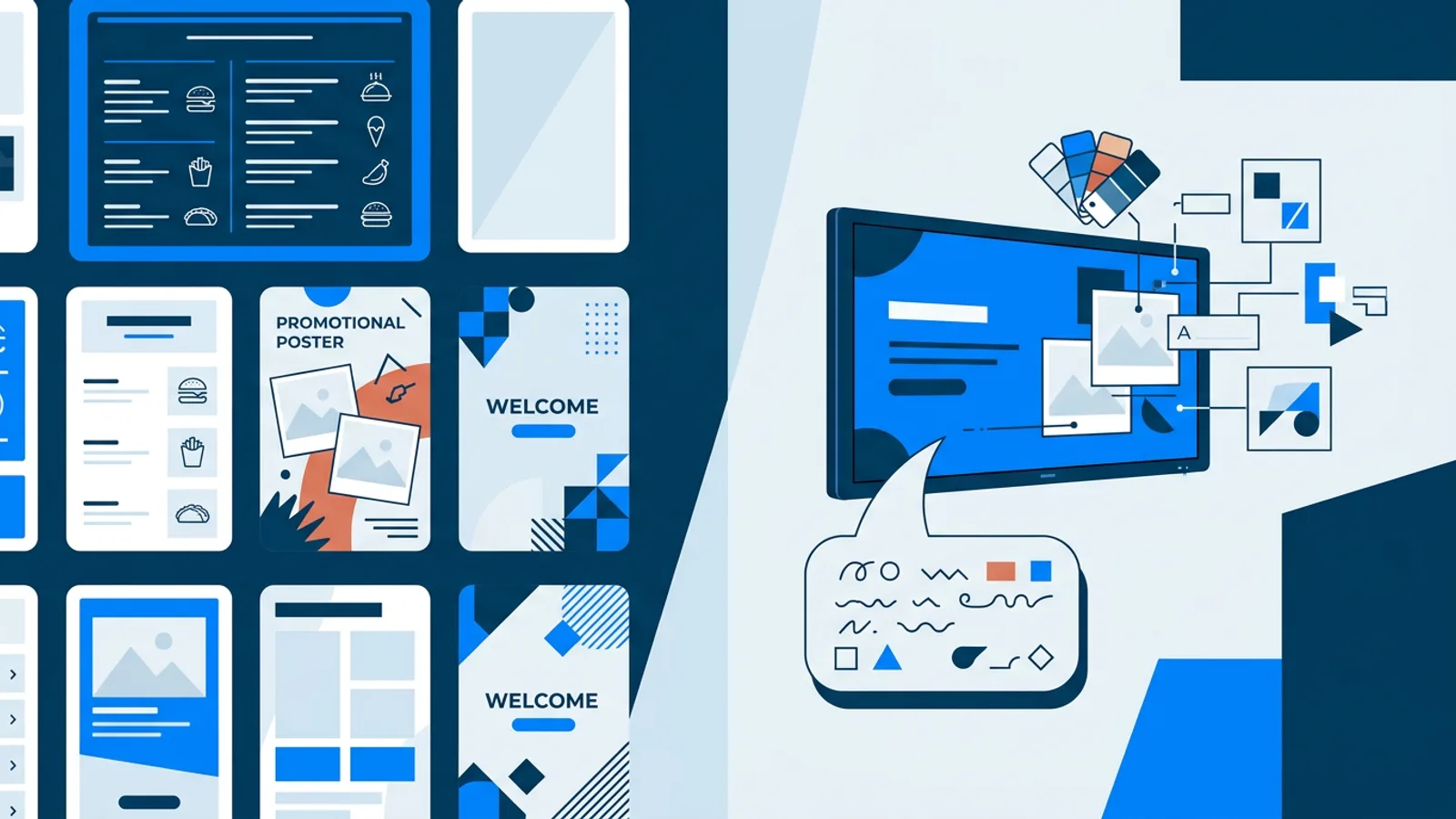
A template is a pre-designed layout: fixed positions for a headline, an image, a price list, maybe a logo corner. Someone, a designer or the software vendor, already decided where things go, and you fill in the blanks. Template libraries are usually organized by use case: restaurant menu, retail promo, office welcome screen, real estate listing, gym schedule.
The appeal is obvious. You don't need to know anything about typography, contrast or grid alignment, because someone already solved that for you. Readability rules, font size at viewing distance, enough contrast, avoiding clutter, are easy to state but easy to get wrong in practice, and a decent template enforces most of them by default.
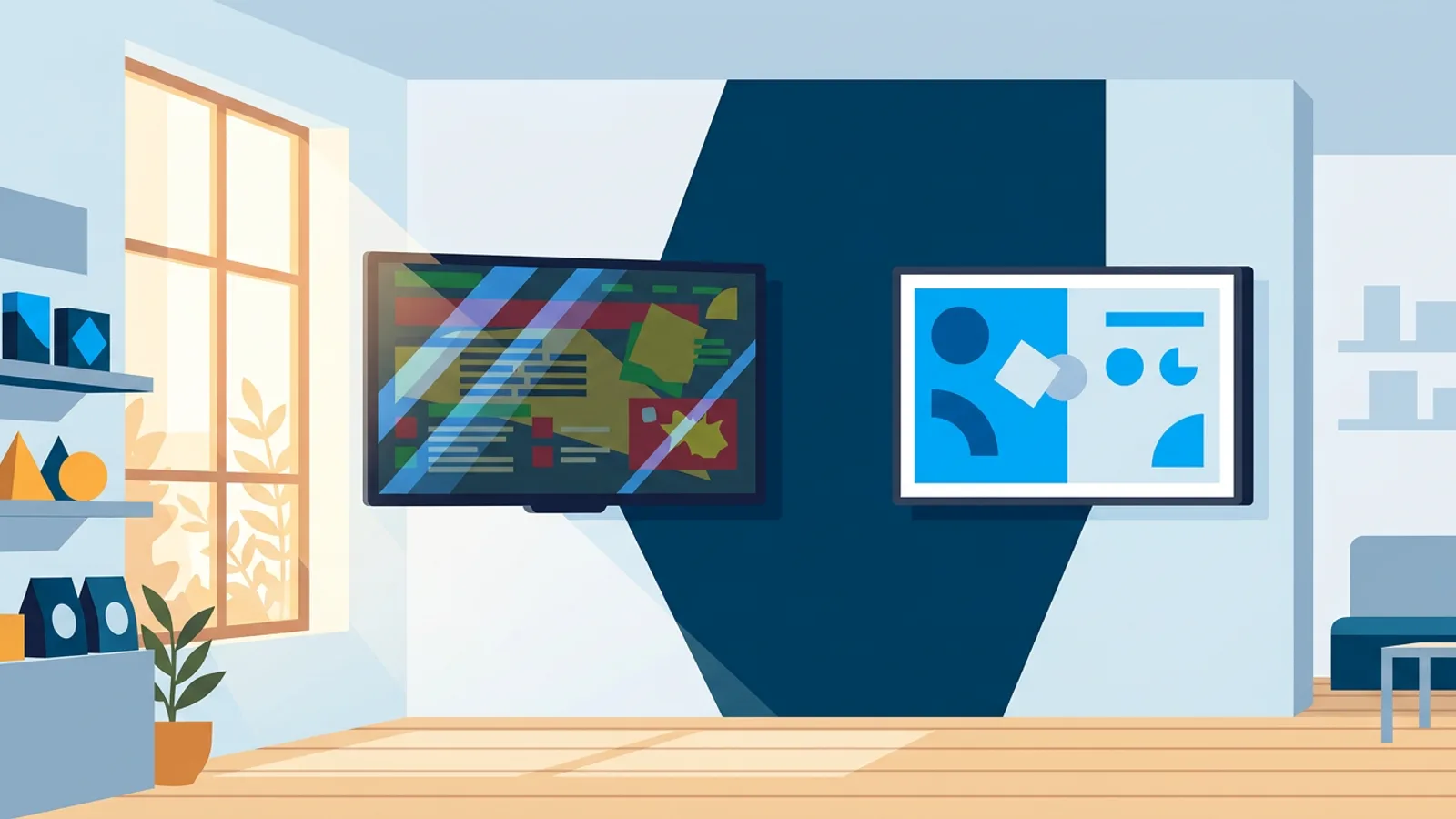
The downside is sameness. If you and three competitors on the same street all pull from the same free template pack, your screens will look interchangeable. Templates also tend to be rigid: adding a fourth menu column or a headline longer than the layout was designed for often breaks the whole thing.
What AI-generated signage design changes
An AI signage design generator, sometimes marketed as a "signage design generator," takes a plain-language brief instead of a blank template. Something like "weekend brunch promo, warm tones, show the price and hours" gets turned into a finished screen, background, typography and layout generated together.
The practical difference from templates: instead of choosing from a fixed set of layouts, you describe what you want and get a first draft immediately. That draft won't always be perfect, but it's usually faster to get to "good enough to publish" than starting from a blank template and manually swapping every element by hand.
TVpilot's AI Studio works this way: you give it a short brief, a promo, a menu, opening hours, a welcome screen, and it generates a designed signage screen without requiring design skills. It sits in the same dashboard used for scheduling and playlists, so a generated screen goes straight onto a playlist instead of being exported and re-uploaded somewhere else. We cover the mechanics of this in more detail in our AI signage generator guide.
The tradeoff with AI generation is control. You get a result fast, but fine-tuning it, moving one element a few pixels, matching an exact brand color, can take more back-and-forth prompting than a template edit would, at least until the tools mature further.
Templates vs AI generation, side by side
| Templates | AI-generated | |
|---|---|---|
| Setup time | Fast if a matching template exists | Fast for a first draft, regardless of use case |
| Customization | Limited to the template's fixed slots | More flexible wording and framing, less pixel-level control |
| Design consistency | High, since the layout is pre-tested | Can vary a bit between generations |
| Best for | Standard, repeating use cases: menus, hours, welcome screens | Unusual copy, quick iteration, no matching template available |
| Skill required | Low | Low |
Neither column wins every case. A busy cafe swapping in weekly specials is often better off with one solid template it reuses every week than regenerating a new design each time. A business running frequent, varied promos might prefer generating a fresh screen from a brief rather than hunting for a template that happens to fit an offer nobody designed for.
When templates are the better choice
Templates make sense when:
- Your content structure repeats: same menu format, same welcome-screen layout, only the copy changes.
- Brand consistency matters more than novelty, you want every screen to look like it belongs to the same business.
- You're already working from a design system and just need to slot in new copy or images.
- You want a non-designer on the team to update content without risking a broken layout.
Menu boards are a good example. Menus need to be scanned quickly, so a predictable, repeatable layout usually beats a fresh design every week.
When AI generation is the better choice
AI-generated design tends to win when:
- You need a screen for a message that no template quite fits: a one-off event, a seasonal closure notice, a hiring poster.
- You want to test a few visual directions quickly before settling on one.
- You'd rather describe what you want than browse a template library.
- You're producing a lot of one-off screens, weekly specials, local event promos, where a bit of design variation each time is genuinely fine.
Keeping AI-generated designs on-brand
If you generate a new screen for every promo, brand drift is a real risk: fonts, colors and tone can shift slightly each time. A few habits help:
- Reuse the same brief structure every time, mention brand colors, tone and logo placement explicitly in the prompt.
- Save a generated screen you like and treat it as your new base, editing text for routine updates instead of regenerating from scratch.
- Apply the same readability checks you'd use for a template: legible font size at viewing distance, enough contrast, minimal clutter. Those checks matter whether the layout came from a template or a generator.
Where TVpilot fits, and where it doesn't
TVpilot's AI Studio is built for describing a screen, a promo, a menu, opening hours, a welcome screen, and getting a designed result without design skills, inside the same dashboard where you schedule playlists and manage screens. That saves real time if you're handling signage as a side task alongside running a business.
It's not the right fit in every case. TVpilot is hosted software, not something you self-host or run fully offline, so screens need an internet connection to pick up updates (a Raspberry Pi player does recover automatically after a connection drop, it just isn't pulling from a local template library while offline). If what you want is a large, curated library of hand-designed templates to browse and swap manually rather than generate designs from a prompt, that's a different kind of tool than AI Studio. And if your needs are extremely simple, one static image on one screen, the free plan covers that (1 screen, 250 MB storage, no card required), and you may not need AI generation at all.
Where it fits well: businesses that update signage content regularly, weekly menus, changing promos, opening-hours notices, and want that update to take minutes rather than an afternoon in a design tool. AI Studio is included on every plan, even Free. Paid plans start at 5 euros a month with 3 screens included, scaling to 29 euros a month for 10 screens included (with Premium) and 99 euros a month for 25 screens included.
A practical middle path
You don't have to pick one approach forever. A common workflow: generate a first draft with AI, then treat that result as your de facto template and reuse the layout for future updates by changing the text. That gets you a designed look fast, and consistency afterward, without browsing a library or starting from scratch every time.
If your signage is menus, promos, hours or welcome screens and you'd rather describe what you want than dig through a template gallery, try the generator yourself. Sign up for a free TVpilot account, no card required, and generate a screen with AI Studio to see whether it gets you to a usable design faster than starting from a blank template would.
Frequently asked questions
Are digital signage templates still worth using if AI generation exists?
Yes, especially for content that repeats in the same format, like a weekly menu or a fixed welcome screen. Templates are predictable and hard to break, which matters when someone without design experience is updating them regularly. AI generation is more useful for one-off or unusual screens where no template fits well.
How does an AI digital signage design generator actually create a screen?
You describe what you want in plain language, for example a promo's message, tone and any details to include, and the tool produces a finished layout with background, typography and text placement already arranged. You can then review it and, depending on the tool, adjust the text or regenerate for a different look.
Can I edit an AI-generated signage design after it's created?
In TVpilot's AI Studio, a generated screen becomes a normal piece of content in your dashboard, so you can put it on a playlist alongside other images, videos or web pages, and regenerate or replace it later. Fine, pixel-level adjustments are more limited than manual design tools, but text and content changes are straightforward.
Does using a signage design generator mean I don't need any design knowledge?
You don't need to know design software, but a basic sense of readability still helps: legible font size at viewing distance, sufficient contrast, and not overcrowding the screen. These same rules apply whether your layout comes from a template or an AI generator.