Digital Signage Managed Service vs Software: How to Choose
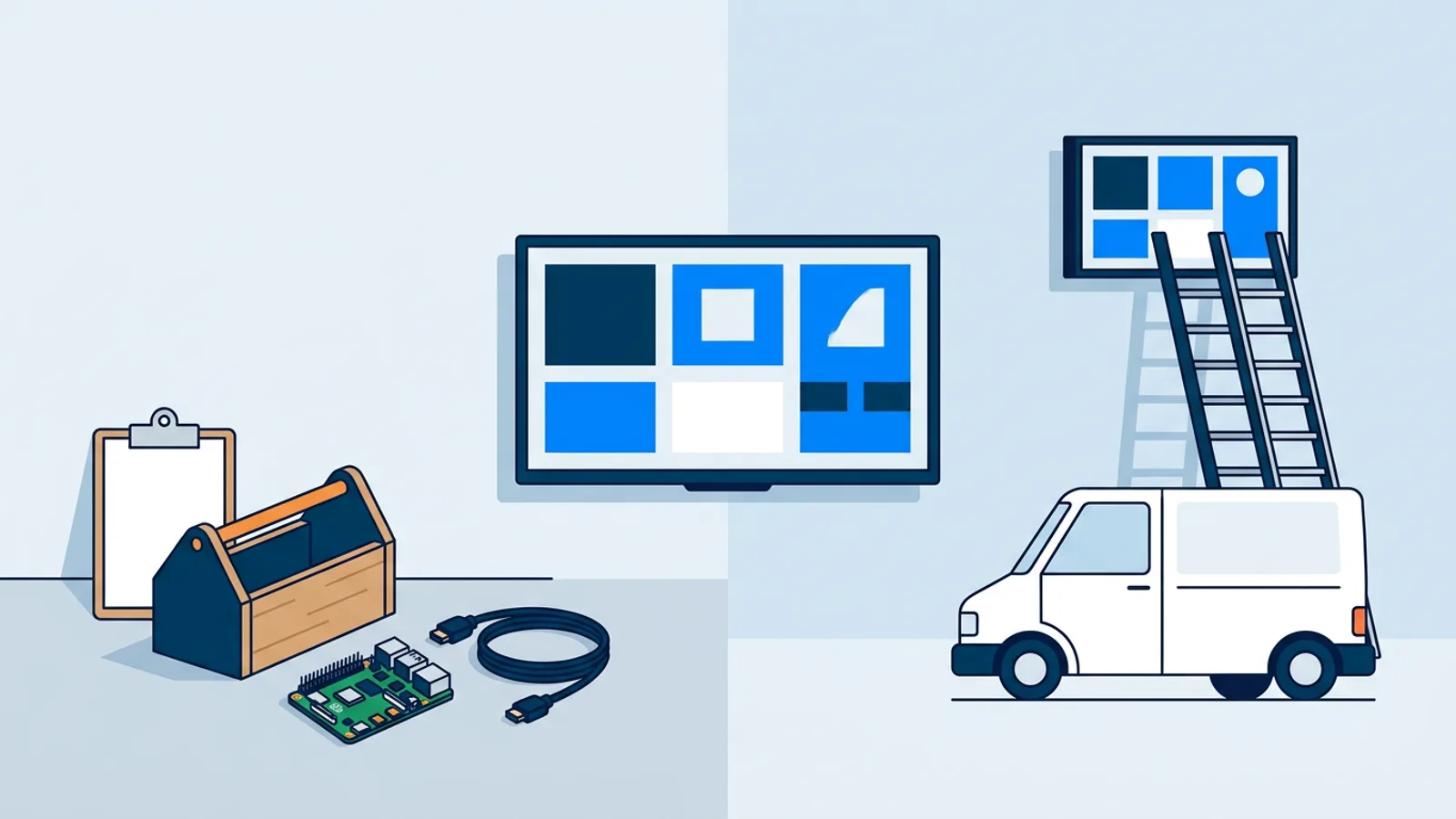
Choosing between a digital signage managed service vs software you run yourself comes down to one question: do you have someone who can point a browser at a URL or plug in a small computer, or would you rather pay a company to do that for you indefinitely? Cost, speed of edits, and how much control you keep all follow from that one answer.
A managed provider is the version most people picture when they hear "digital signage company." A self-service platform is the version you run yourself from a dashboard, on hardware you own. Both put content on a screen. They differ in who does the work between install day and the day you cancel.
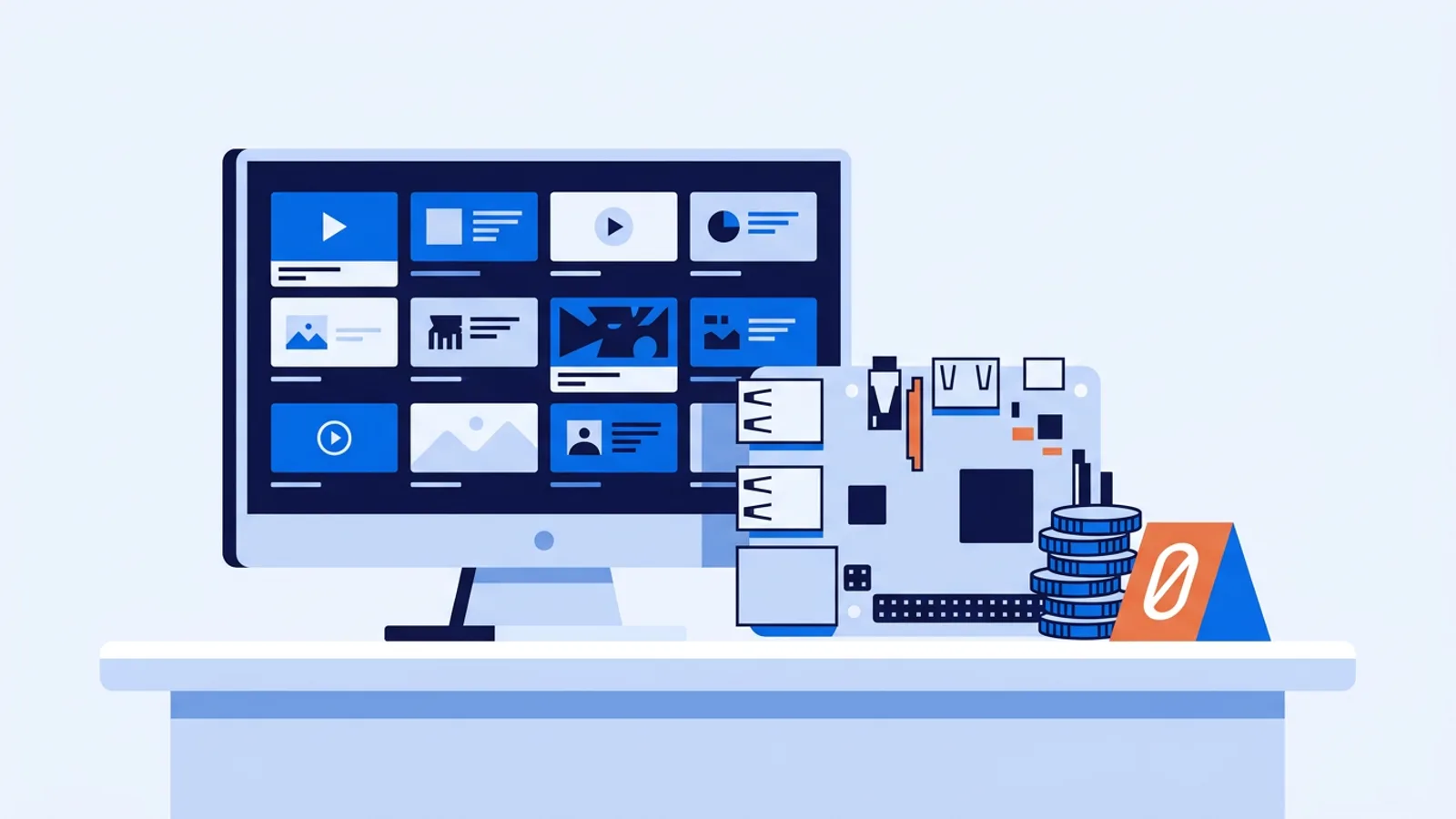
If you're leaning toward doing it yourself, the cheapest realistic starting point is a Raspberry Pi connected to a screen you already own, and the Raspberry Pi signage setup is worth reading before you decide either way, since it shows exactly how much (or little) technical work self-service actually requires.
What a managed digital signage provider actually bundles
A full-service contract typically covers four things: they ship and mount the hardware, they design the first set of content, they make ongoing edits when your menu or promo changes, and they answer the phone when a screen goes dark. You're paying for someone else's time, not just software. That's a legitimate thing to want, especially across many locations.
The tradeoff is speed and control. Changing a price on a menu board usually means emailing or calling someone, waiting for a turnaround window, and sometimes paying a change fee depending on the contract. For a single urgent correction, that lag is annoying. For a franchise with fifty locations and no in-house design or IT staff, it's the entire point: nobody at head office wants to be the person fielding "the TV in Lobby 3 is stuck on a loading screen" calls.
We've broken down the actual line items you're paying for in a managed contract in a separate article on managed signage costs, so this piece won't repeat that math. What matters here is the shape of the deal: a managed contract buys judgment and labor on top of the software itself.
Self-service digital signage platform: what you get instead
A self-service digital signage platform like TVpilot skips the labor and gives you the dashboard directly. You get a web interface to build playlists of images, video, PDFs and web pages, a canvas editor (Designer) for building slides from scratch, and AI Studio to generate a designed screen, a promo, a menu, an opening-hours card, from a short text brief instead of starting from a blank canvas. Screens can be scheduled by day and time, and a calendar view lets you plan a whole year of content changes in advance, including one-off events and recurring slots like a lunch menu that only runs weekdays 11:00 to 14:00.
For hardware, the Raspberry Pi route uses a one-command installer: you generate a six-character claim code in the dashboard, run a single command on the Pi, and it sets up kiosk mode, auto-start, and a watchdog that restarts the player on its own if something crashes. If the Pi supports HDMI-CEC, the dashboard can also turn the TV itself on and off on a schedule, no smart plug required. Any device with a modern browser, smart TVs, an Android TV box, a Fire TV Stick with a browser app, works too, since you're just pointing it at a player URL.
What you don't get is someone else doing the work for you. You upload your own menu photos, write your own promo copy (or hand AI Studio a brief and edit what comes back), and you're the one who walks over and swaps a Pi if it dies. Monitoring is built in, you can see whether a screen is online, its Wi-Fi signal, and its power state, and get an email alert if one drops offline, but nobody is paged on your behalf. You're the one who reads the alert.
A few honest limits worth stating plainly: TVpilot is hosted software you operate yourself, without an install crew or a dedicated account manager. There's no dedicated native app for Android TV or Fire TV yet, those run through the browser rather than a downloadable app. And playback isn't offline-first: players need an internet connection to pick up content changes, though a Pi player reconnects and catches up automatically once the connection comes back.
Managed vs self-service, side by side
| Managed provider | Self-service (TVpilot) | |
|---|---|---|
| Hardware install | Done for you, on-site | You plug it in or run one command |
| Content creation | Included in the contract | You build it (Designer, AI Studio, or your own files) |
| Day-to-day edits | Request and wait | Instant, from the dashboard |
| Monitoring | Provider watches it | You watch it (status, alerts, logs) |
| Support | Contract SLA, a phone number | Self-serve on Free/Starter; Pro gets priority support; Business gets dedicated support via hello@tvpilot.app |
| Typical cost driver | Labor and contract terms | Screens and storage on a plan |
A simple decision rule
Lean toward a managed provider if you run several locations, nobody on staff wants to own "the TV thing," and you'd rather have a fixed monthly bill cover labor than manage it yourself. That's a fair trade for a multi-site brand with zero appetite for setup or troubleshooting.
Lean toward self-service if you run one location, or a handful, and someone on your team is comfortable plugging a Raspberry Pi into a TV or pointing a smart TV's browser at a web address. A coffee shop, a dentist's office, a real estate window display, a gym front desk, none of these need a contract and an install crew to get a menu board or a welcome screen on a wall. TVpilot's Free plan covers one screen at no cost, and Starter runs €5 a month for up to five, which is a different cost category entirely from a managed contract.
When TVpilot is the right fit, and when it isn't
TVpilot fits a single-location shop, a small office putting KPIs on a lobby screen, a landlord running a real estate window display, or a maker who wants to turn a spare TV into a live sign without paying someone else to do it. It also fits an outsource-friendly middle ground: a reseller or IT contractor managing several small-business clients from one dashboard, since screens, playlists, and scheduling all live in one account.
It's the wrong tool if you need someone else to physically install and maintain hardware across many sites, if you need a dedicated native Android TV or Fire TV app rather than the browser route, or if your screens must keep displaying fresh content with no internet connection at all. A managed provider or a different platform may genuinely serve those cases better.
The cheapest self-service path: Raspberry Pi
If you've decided self-service makes sense, a Raspberry Pi is the least expensive way in. A Pi 4 or 5 with Raspberry Pi OS, an HDMI cable, and a spare TV gets you a full kiosk-mode player, no monthly hardware rental, no per-screen install fee. The Raspberry Pi digital signage guide covers the one-command install plus picking a Pi model, storage, and mounting if you're starting from zero hardware.
If you run one location and someone on staff can plug in a Pi or open a browser, start with the Free plan: sign up, claim a screen, and see how far one screen and 250 MB of storage get you before paying for anything.
Frequently asked questions
Is a managed digital signage provider worth it for a single location?
Usually not. A managed provider's value is in labor across many sites (install crews, content teams, support desks), which is overkill for one screen. A single-location shop that can plug in a Raspberry Pi or point a smart TV's browser at a URL will spend far less running a self-service platform directly.
Can I switch from a managed provider to self-service later?
Yes, as long as your content (images, videos, PDFs) is exportable and your screens can run a browser or accept a small player like a Raspberry Pi. You'd rebuild playlists and scheduling in the new dashboard, but nothing about a managed contract locks the screens themselves to that provider's hardware unless it's proprietary.
Does TVpilot offer installation or on-site support like a managed provider does?
No. TVpilot is hosted SaaS you operate yourself from a web dashboard: you install the Raspberry Pi player (or point a browser at a URL) and manage your own content. Pro plans get priority support and Business gets dedicated support via hello@tvpilot.app, but nobody ships or mounts hardware for you.
What's the real cost difference between managed and self-service signage?
This article focuses on which model fits your situation rather than exact pricing; the line-item breakdown of what a managed contract typically charges for is covered in a separate article on managed signage costs. As a reference point, TVpilot's own plans run free for one screen up to €19/month for 25 screens.