Digital Signage for Small Business: A Practical Starter Guide
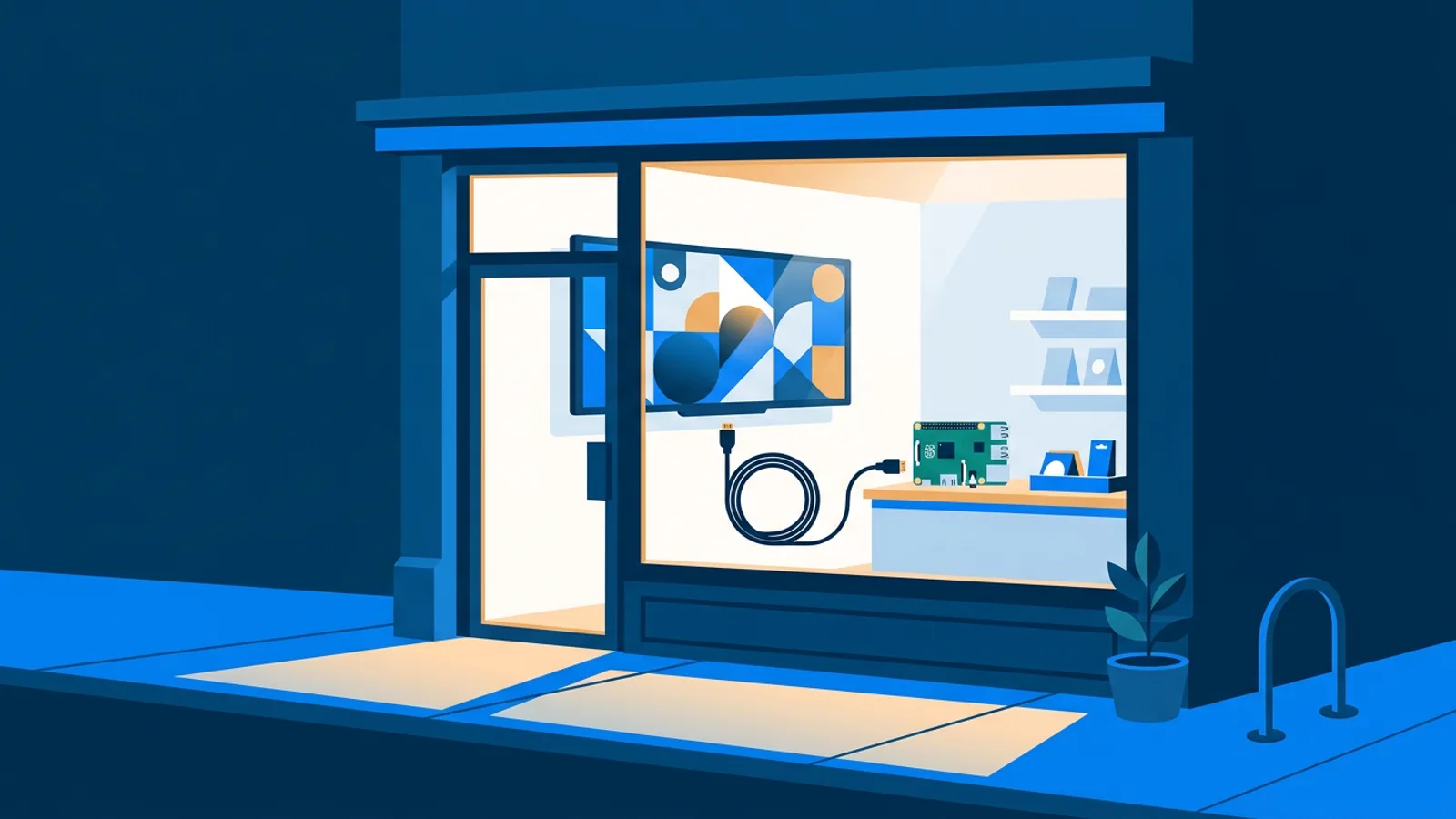
Small business digital signage means putting a TV or screen to work: a shop window that promotes today's specials, a lobby screen with wait times, a menu board that updates without reprinting. You don't need an AV budget or an IT department to do this. You need a screen you probably already own, about 40 euros of hardware or even just a browser, and software to manage what shows up.
This guide walks through the actual decisions: what hardware to buy (or not buy), what content works, how to schedule it, and what it costs. If you want the hardware side in more depth, the Raspberry Pi signage guide covers setup step by step.
Do you even need dedicated hardware?
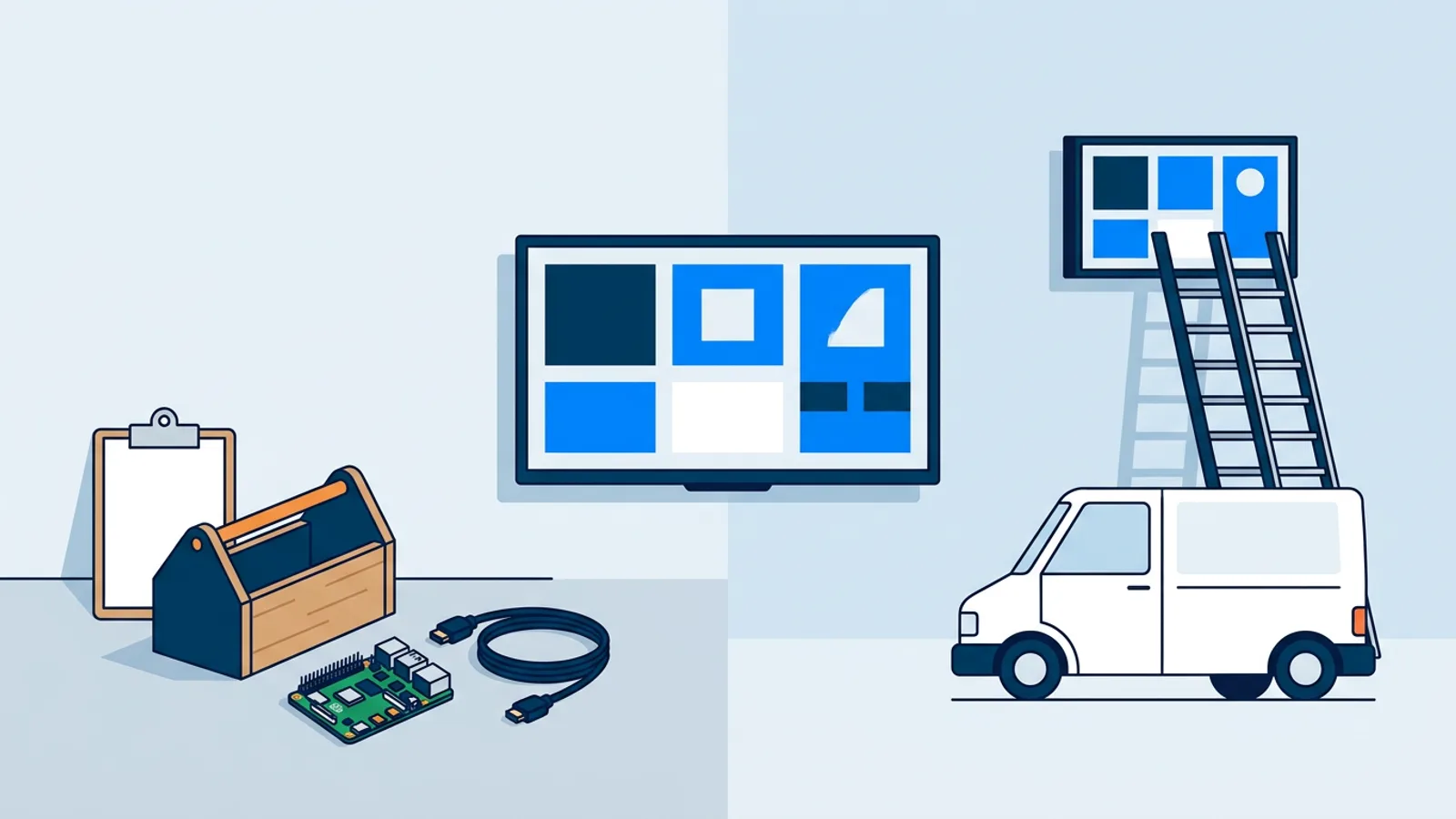
Sometimes no. If you already have a smart TV or a laptop you can dedicate to the screen, you can run signage straight through a browser pointed at a player page, no extra box needed. That's the simplest possible small business tv display setup: turn on the TV, open the browser, load the page, walk away.
The tradeoffs show up over time. Smart TV browsers can be slow, some models don't reliably auto-launch a webpage after a power cut, and you're relying on the TV's own browser engine, which varies by brand and firmware version. For a single screen you check on daily, that's fine. For a shop window screen you want to set up once and forget, a small dedicated player is worth the 40 euros.
The Raspberry Pi route (recommended default)
A Raspberry Pi running Raspberry Pi OS with a desktop is the most common small-business signage setup, and for good reason: it's cheap, it's a real computer, and it doesn't depend on your TV manufacturer's software staying good.
With TVpilot, setup is a single command. You generate a 6-character claim code in the dashboard, paste one curl … | bash line into the Pi's terminal, and it installs everything: Chromium in kiosk mode, auto-start on boot (X11 or Wayland), a systemd service so it restarts if it crashes, quiet boot, and a hidden cursor. A Pi 4 or 5 is recommended if you're playing video; older Pi models work fine for mostly-static content.
Two details make this useful for a shop that isn't going to babysit the screen:
- Self-healing watchdog. If the browser or player process dies, it restarts within about 10 seconds on its own. Nobody has to notice and reboot it.
- HDMI-CEC power scheduling. The player checks your power schedule every minute and switches the TV on or into standby over the HDMI cable itself, no smart plug required. Set opening hours once and the screen turns on and off with them.
The full walkthrough, including OS setup, is in the Raspberry Pi digital signage guide.
Other hardware options
Raspberry Pi isn't the only option, and it's worth knowing the alternatives since not every business wants to buy new hardware.
- Fire TV Stick. Cheap and already sold everywhere. There's no dedicated native signage app for it yet, so it runs through a browser app in kiosk-style full screen, which works but needs a bit more setup than the Pi's one-command installer. See the Fire TV Stick kiosk mode guide and the Fire TV Stick player page.
- Android TV boxes. Same browser-based approach as Fire TV, useful if you already have Android TV hardware. Details on the Android TV signage page.
- The TV's own smart TV browser. No extra hardware at all, covered on the browser-based smart TV page. Best for a single low-maintenance screen.
- An old laptop. If one is sitting in a drawer, it'll run a full-screen browser just fine and costs nothing.
If you're weighing options by price specifically, the cheapest digital signage player comparison breaks down real numbers for 2026.
Quick comparison
| Hardware | Upfront cost | Setup effort | Best for |
|---|---|---|---|
| Raspberry Pi | ~€40-70 | Low (one command) | Any dedicated screen you won't babysit |
| Fire TV Stick | ~€30-40 | Medium (browser kiosk) | Budget setups, already own one |
| Smart TV browser | €0 extra | Low, but less reliable long-term | Single screen, checked often |
| Old laptop | €0 | Low | Temporary or backup screen |
What to actually put on the screen
Hardware is the easy half. Content is what customers notice. A few formats work reliably for small businesses:
- A rotating playlist of images, short videos, and a couple of PDF pages (menus, flyers) with basic transitions between them.
- A single evergreen screen for a shop window: hours, current promo, a QR code to your booking page or menu.
- A widget-driven screen, e.g. weather in a corner for a café, or an auto-syncing property feed in a real-estate agent's window that updates itself when listings change.
- A scheduled rotation by day and time, so lunch specials show at midday and a happy-hour graphic takes over at 5pm.
If design isn't your thing, generating a screen from a short brief (promo, menu, opening-hours sign) is faster than fighting with a template, and the AI digital signage generator and prompt recipes for promotional displays cover how to get a usable result on the first try. If you'd rather see design fundamentals first, read on font sizing, contrast, and layout in the design best practices guide and the features checklist.
Scheduling and automation
Once the screen is up, the two features that save the most ongoing effort are content scheduling and power scheduling. Set your playlist to change by day of week and time slot so you're not manually swapping images every morning, and set the TV's on/off times to match your actual opening hours so the screen isn't burning power (or burning in) overnight. The guide to scheduling a TV on and off automatically goes through the options in more detail, including the HDMI-CEC approach used on the Pi.
What this costs
TVpilot's Free plan is free forever for one screen with 250 MB storage, no credit card and no trial period to worry about running out. That's genuinely enough for a single shop-window screen with a modest playlist.
If you're managing more than one screen or want more storage, Starter is €5/month with 3 screens included (up to 10) and 2 GB storage, and Pro is €29/month with 10 screens included (up to 100), 10 GB storage, and Premium included. Business is €99/month with 25 screens included (up to 100), 100 GB storage, and priority support, and pricing is custom for more than 100 screens. There's a broader look at what "free" actually gets you across the market in free digital signage: what you actually get, and if you're specifically weighing running your own open-source stack against paying for hosted software, the real cost of self-hosting is worth reading before you commit either way.
When TVpilot is (and isn't) the right fit
TVpilot is a good fit if you want a screen managed from a web dashboard rather than SSH-ing into a box every time you need to change a slide, if you like the idea of a one-command Pi installer with a watchdog that fixes itself, and if the free tier or a few euros a month is the ceiling you're working with.
It's not the right fit if you need a fully offline signage system: the player needs an internet connection to receive content updates (the Pi player does reconnect automatically after an outage, but it isn't designed to run indefinitely disconnected). It's also not the choice if you specifically want open-source, self-hosted software you control end to end. TVpilot is hosted SaaS, not open source, and there's no native app for Android TV or Fire TV yet, just the browser route. If any of those are dealbreakers, say so early and pick accordingly rather than fighting the tool later.
Getting started
Pick your screen (a spare TV is enough), decide between a Pi, a Fire TV Stick, or just the TV's own browser, and put something simple on it this week: hours, a promo, a menu. You can always add scheduling, widgets, and AI-generated screens later. Sign up for free at /signup and get your first screen live in under 20 minutes.
Frequently asked questions
What is the cheapest way to set up digital signage for a small business?
Use a screen you already own with its built-in browser, or add a Raspberry Pi for about 40 to 70 euros if you want a more reliable dedicated player. Software can be free: TVpilot's Free plan covers one screen with 250 MB storage at no cost.
Do I need a smart TV for a shop window screen?
No. A smart TV's browser can run signage directly, but a plain TV with an HDMI input plus a Raspberry Pi or Fire TV Stick works just as well and is often more reliable for a screen you don't check daily.
Can digital signage work without constant internet?
Not fully. TVpilot's players need an internet connection to receive new content and schedule updates. The Raspberry Pi player reconnects automatically after an outage, but it isn't built for long-term offline use.
How much does small business digital signage software cost?
With TVpilot, one screen is free forever (250 MB storage, no credit card required). Paid plans start at 5 euros a month with 3 screens included and go up to 99 euros a month with 25 screens included (up to 100), with custom pricing for more than 100 screens.