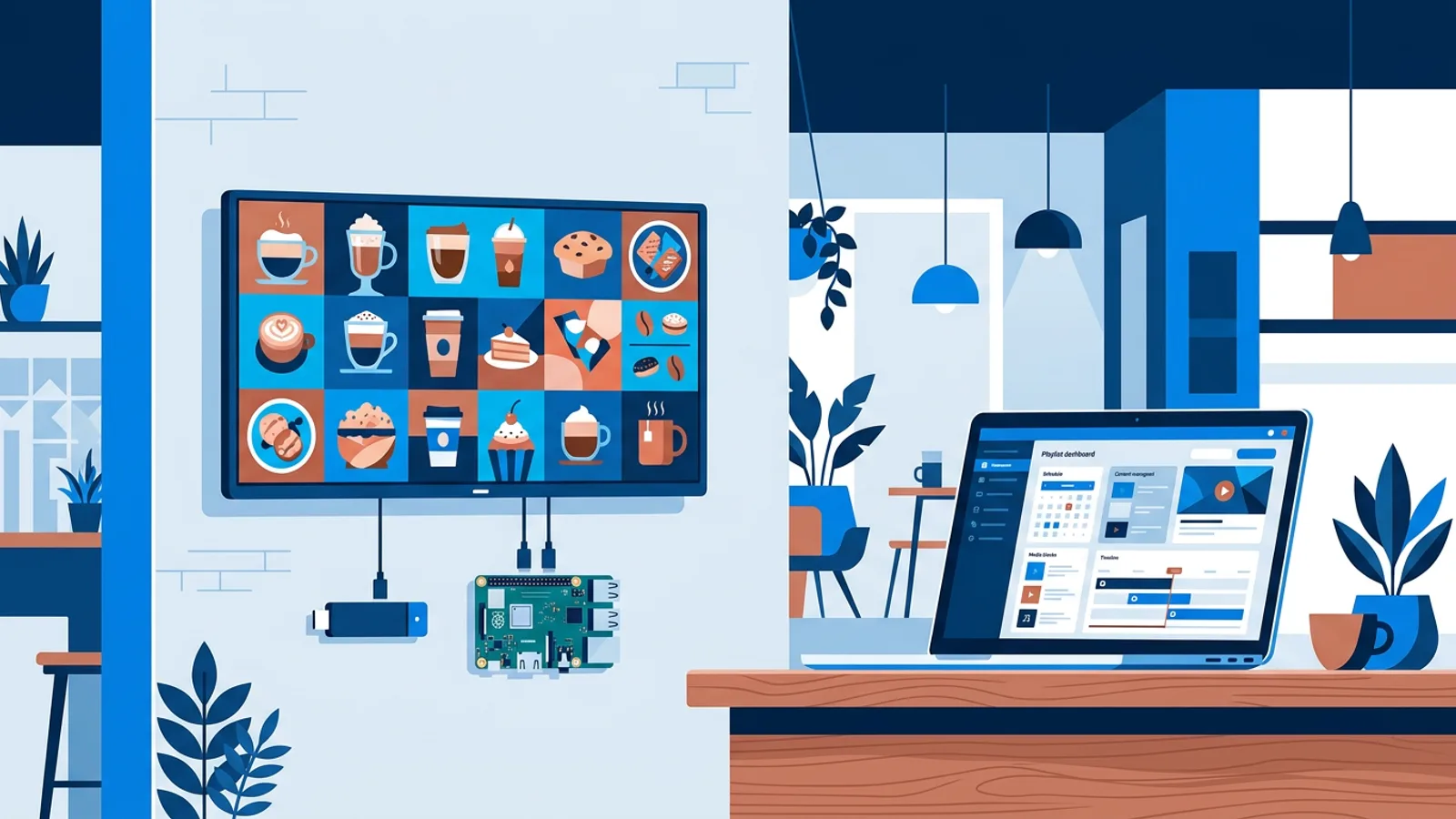
How to Set Up Digital Signage on a TV, Step by Step
How to set up digital signage on a TV in six steps: pick the screen and player, pair it, upload content, schedule playlists and monitor it remotely.
Read more →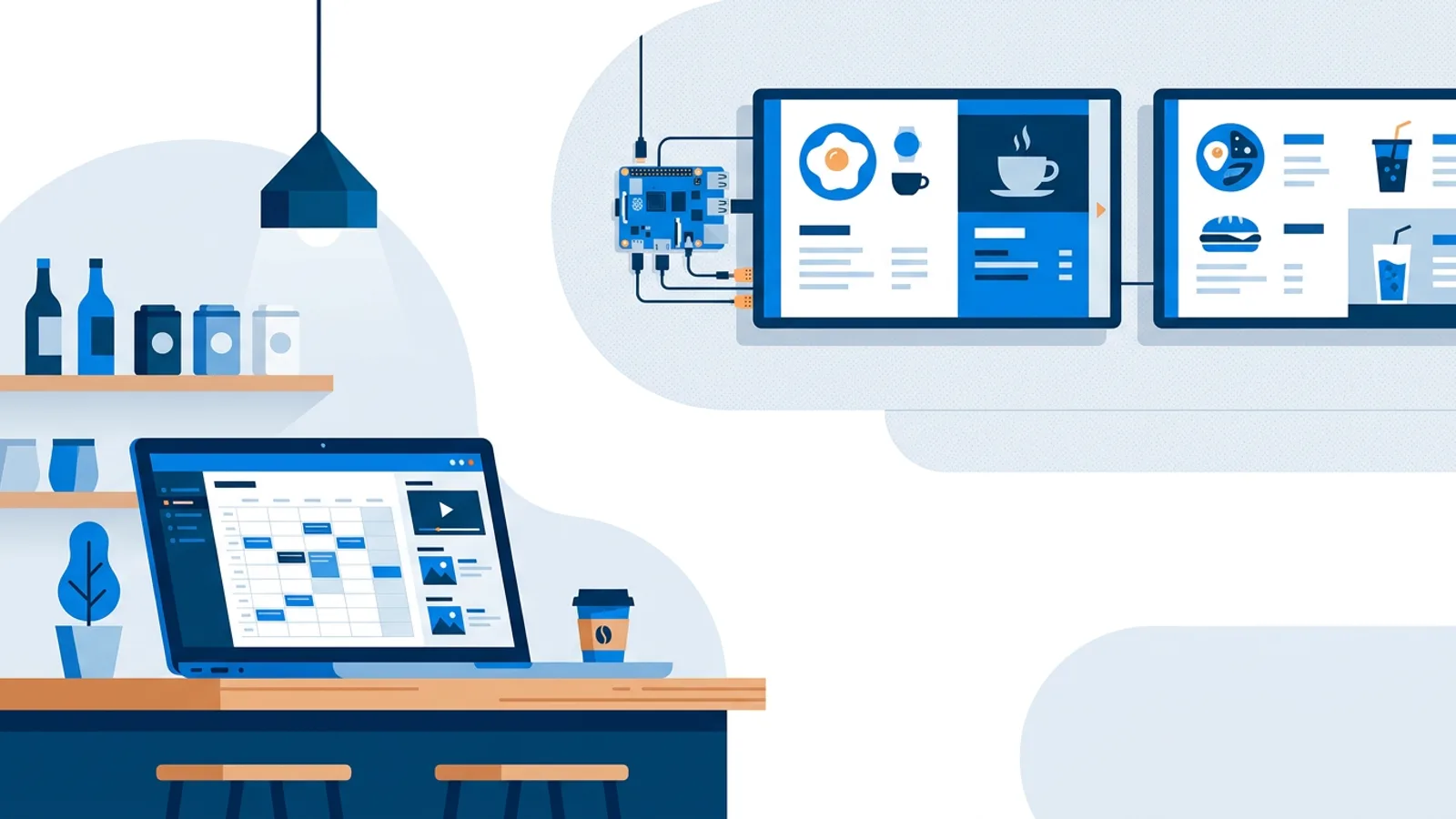
Digital Signage CMS: What an Easy System Should Do
A digital signage CMS manages media, playlists, schedules and screens from one dashboard. Here is what an easy system should do and how to choose one.
Read more →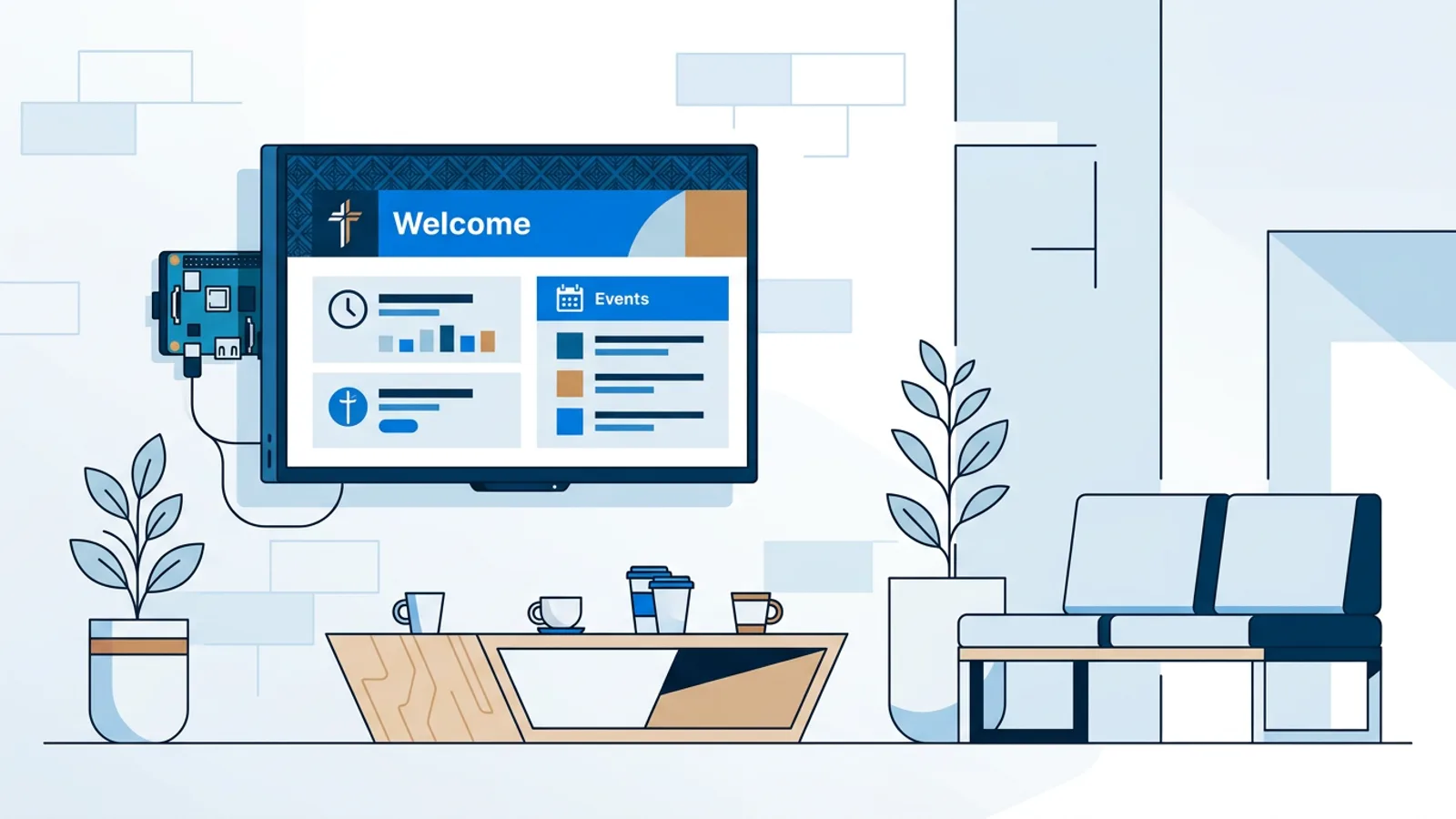
Digital Signage for Churches: Service Times and Events
Digital signage for churches and community centers: set up a lobby TV that shows service times, events and announcements on a weekly schedule.
Read more →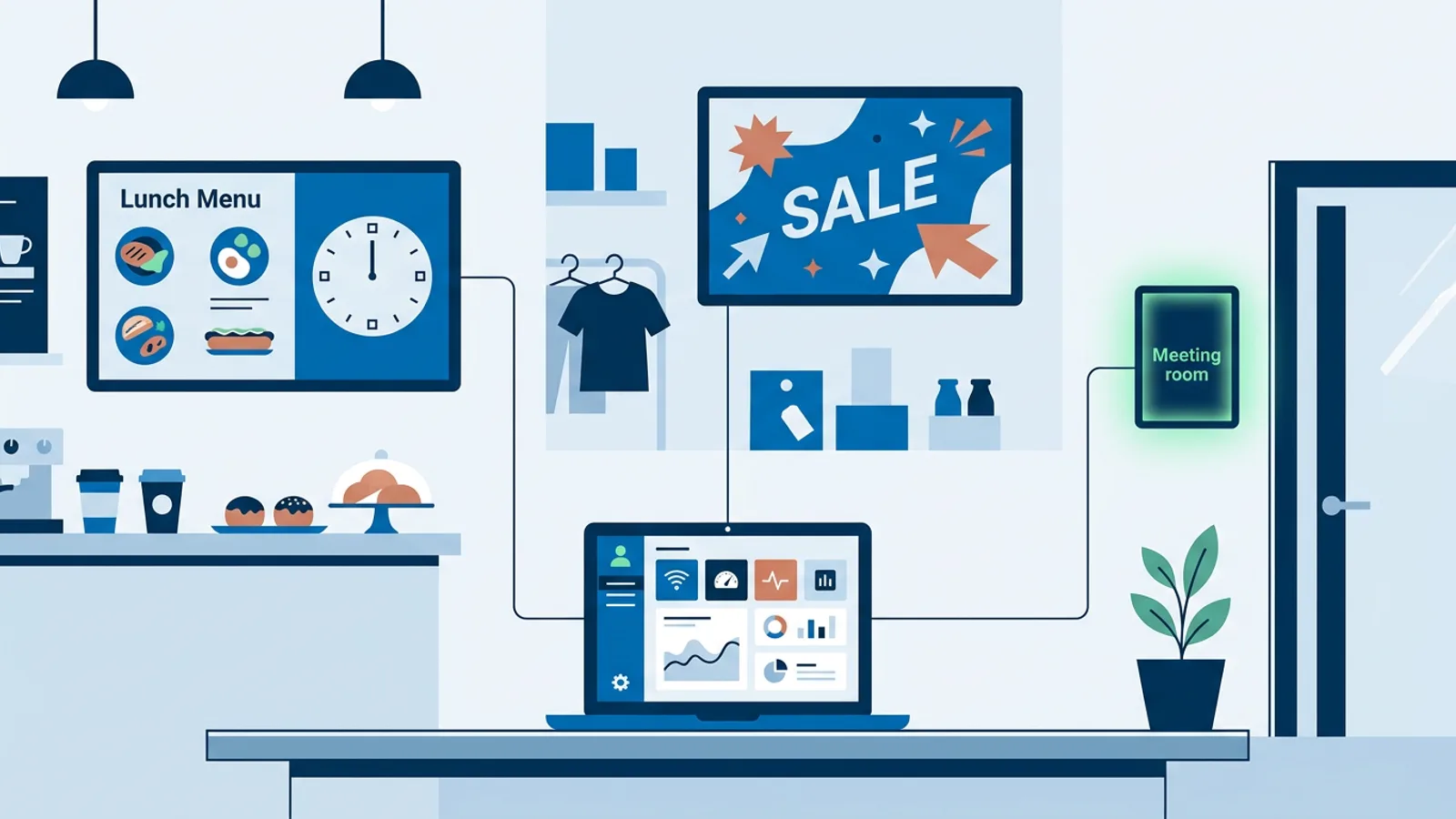
What Is Narrowcasting in Digital Signage? Explained
What is narrowcasting in digital signage? Targeted content per screen, location and time slot, how it differs from broadcasting, with real examples.
Read more →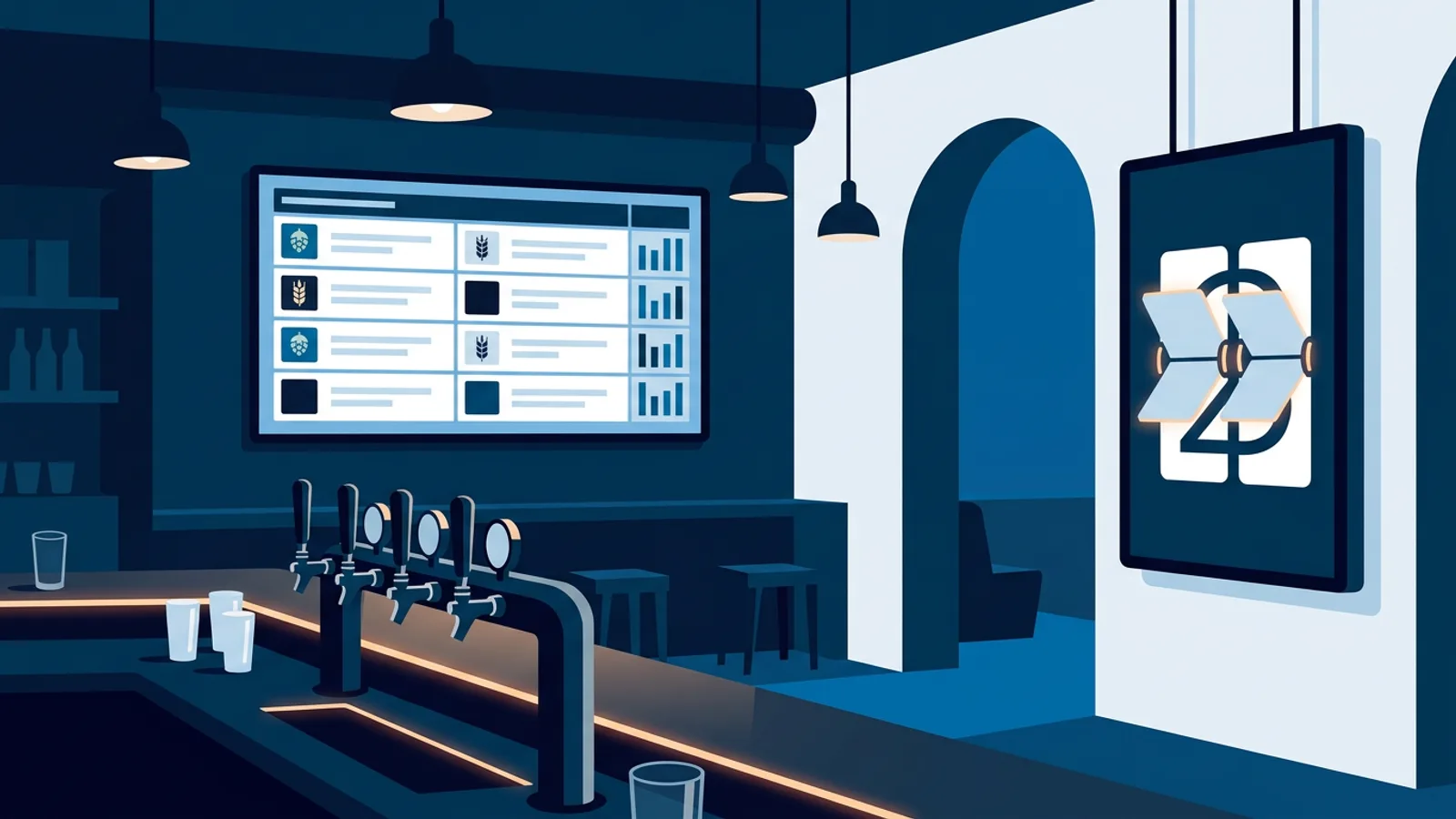
Digital Signage for Bars: Happy Hour and Event Screens
Digital signage for bars: set up a happy hour countdown screen, a tap list that stays correct, and event screens that switch on their own.
Read more →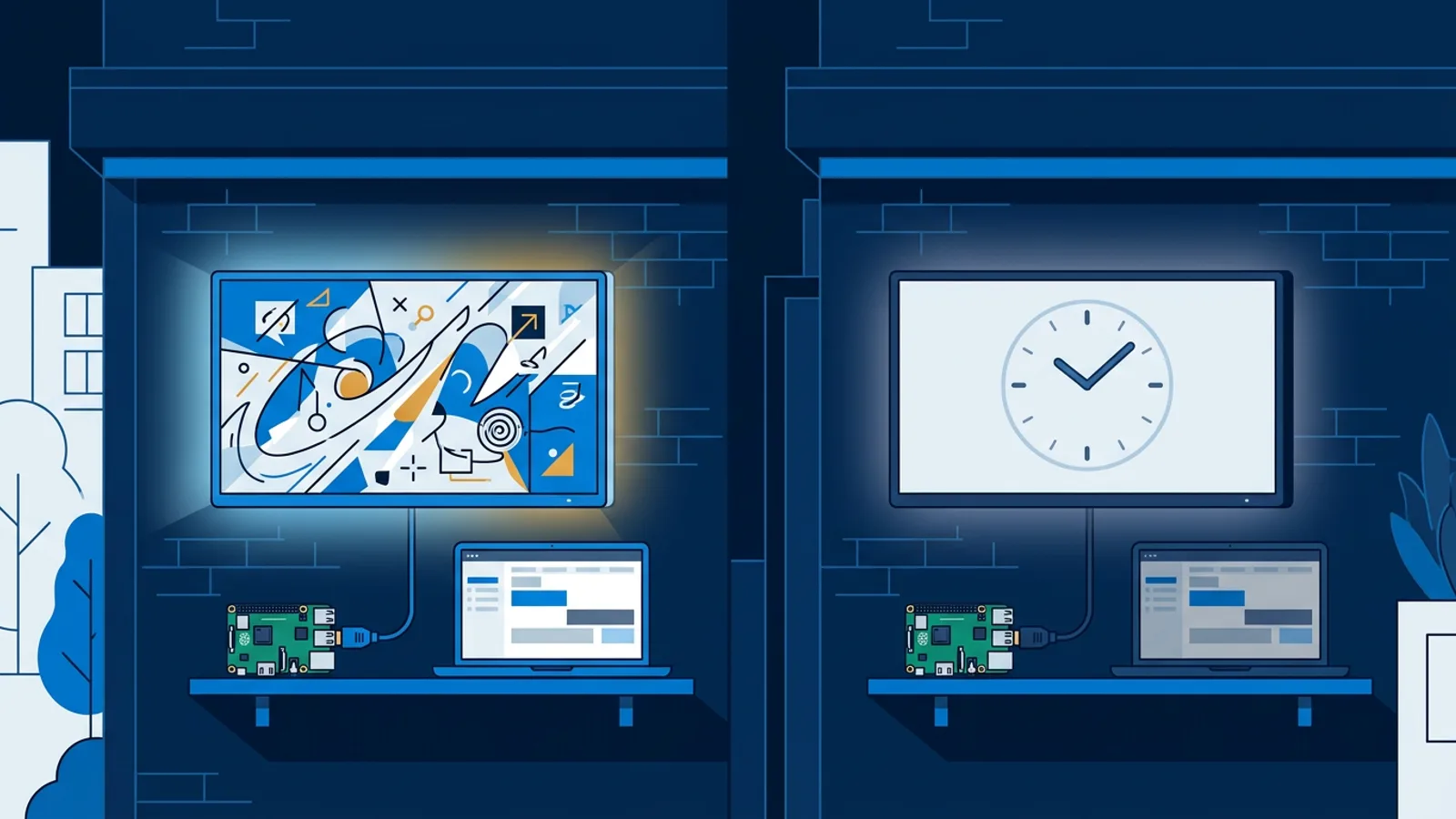
Turn Off Digital Signage at Night: Cut Power and Glow
Learn how to turn off digital signage at night with HDMI-CEC scheduling or dayparting, so screens stop glowing and burning power after closing.
Read more →