AI Digital Signage for Small Business: 7 Real Features

AI digital signage for small business doesn't have to mean a chatbot bolted onto a TV or a platform built for chains with a hundred locations. Seven concrete features already exist in ordinary signage software, and most of them take under fifteen minutes to turn on this afternoon.
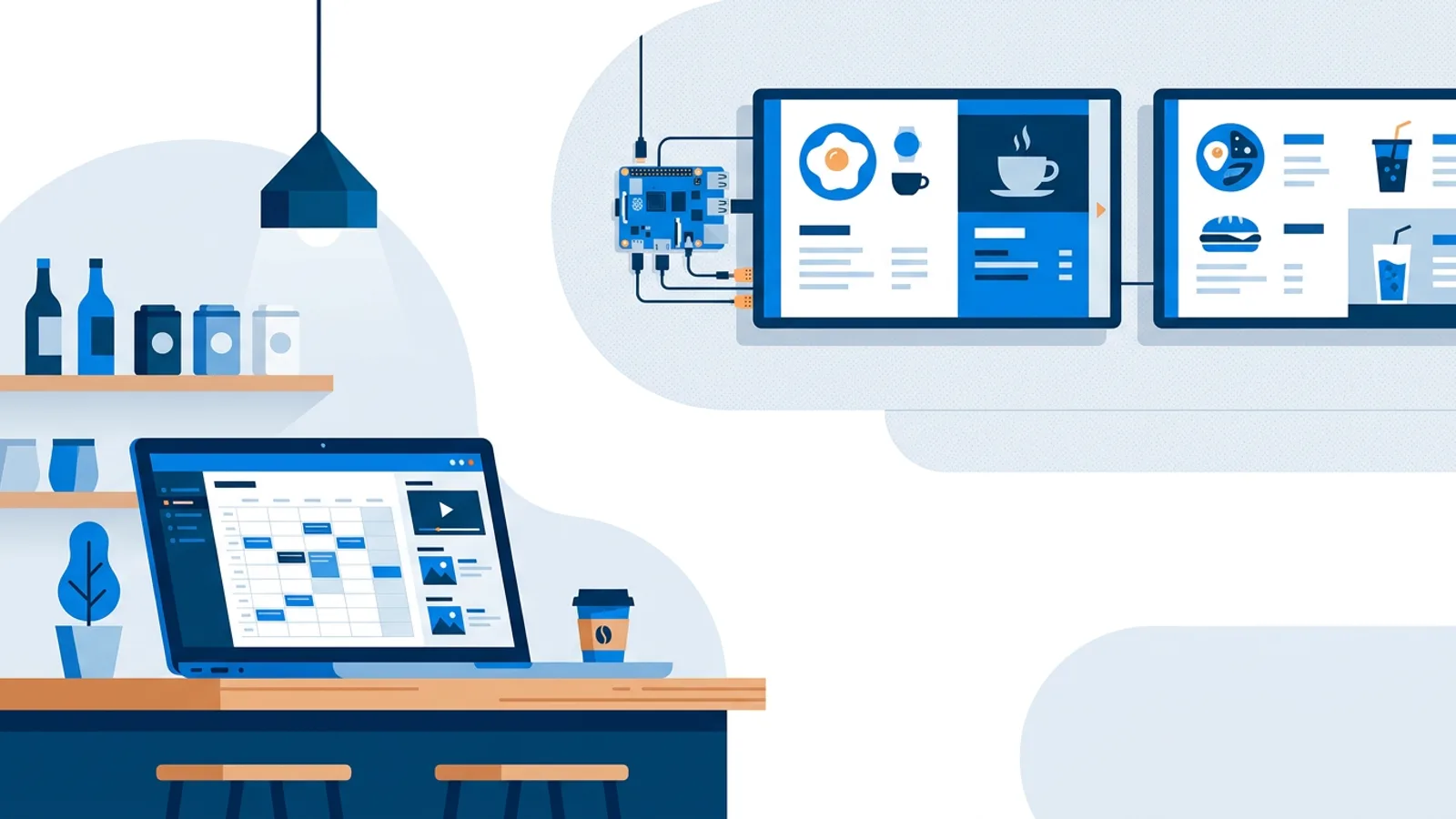
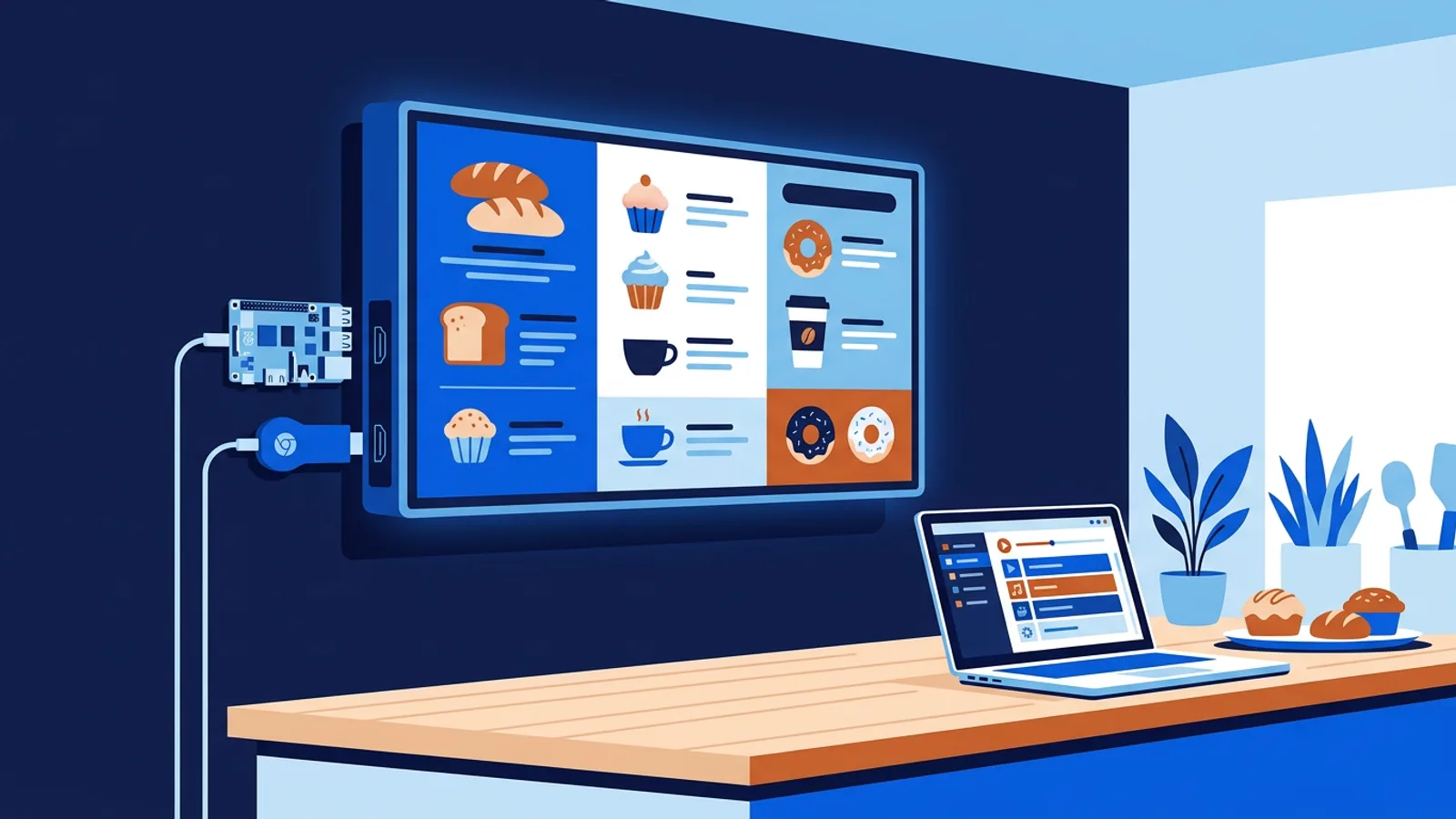
You don't need special hardware for any of this. If your screen already runs a browser, whether that's a smart TV, an old laptop propped in a window, or a stick plugged into HDMI, you can turn it into browser-based signage and layer these features on top without buying a dedicated media player.
Some of what follows is genuinely AI. A model reads a short brief and produces a designed slide. Some of it is automation wearing an AI label; a feed that refreshes itself on a schedule runs on a timer and an API call. Both are useful, and this piece separates the two honestly rather than forecasting where the category is headed (covered separately in how AI is changing digital signage).
1. AI-generated promo and menu slides
This is the one item on this list that's actually AI. TVpilot's AI Studio takes a short written brief, something like "Friday happy hour, 4-6pm, half-price appetizers, casual bar vibe", and generates a designed signage slide: layout, colors, typography, the works. You describe what you want in a sentence or two, no prompt novel required.
Setup note: open AI Studio, type the brief, review the draft, drop it into your playlist, adjust colors or swap the photo in the Designer if needed, then push it to screen. It's on the Free plan too, no credit card required. AI Studio has fair-use monthly limits per plan so it isn't meant for generating hundreds of throwaway slides a day, but for a weekly promo or a new menu item it's fast enough to use every week.
2. AI-generated opening-hours and event screens
Same engine, different job. Instead of a promo, feed AI Studio a brief for a holiday-hours notice, a "we're closed for renovation" screen, or a welcome slide for a one-off event, and it produces something presentable in under a minute instead of you opening a design tool from scratch.
Small businesses often skip these announcements entirely because making a decent-looking slide from nothing feels like a chore, so customers show up to a locked door on a holiday weekend. AI-generated screen content removes that excuse: type three lines, get a slide, push it live.
3. Reviews that refresh themselves
This feature runs on automation, not a model doing any analysis. Connect a Trustpilot domain, a Tripadvisor or Yelp business page, a Google reviews source, or a Kiyoh connector hash, and the screen shows current ratings and top reviews in rotating, grid or summary view, filtered by minimum rating and matched to your brand colors. No Trustpilot account or API key is needed for Trustpilot; Kiyoh needs the connector hash from your own account.
Whatever AI exists here lives inside the review platforms themselves, fraud detection, summarization, review scoring, not inside TVpilot. What you gain is one less manual job: nobody has to screenshot reviews and drop them into a slide deck once a month.
4. A live social wall from Instagram
Enter an Instagram handle and the screen shows the latest posts, photos, captions and likes, refreshed on its own. Again, automation rather than AI: a scheduled pull from the feed, not a model doing anything creative. Instagram is the only platform supported for now.
This works well in waiting rooms, salons and gyms where customers already follow the account and enjoy seeing their own tagged photos rotate through. It's a poor fit if your Instagram is dormant, an empty or stale feed on a big screen looks worse than no feed at all.
5. Weather, clocks and countdowns that nobody has to touch
Weather widgets, full-screen clocks and countdown timers (flip, digital or minimal style, counting to a launch date or to the same time every day like closing time or happy hour) all update themselves once configured. Set the countdown's celebration message once and it fires automatically when the clock hits zero, then either freezes, counts up, or shows a warning color in the final minutes.
A timer and a scheduled API call run all of this, no model involved. But it's the kind of low-effort widget that fills dead space on a screen without anyone remembering to update it, which is most of the value small businesses actually want from "smart" signage.
6. Scheduling that reacts to time and business hours
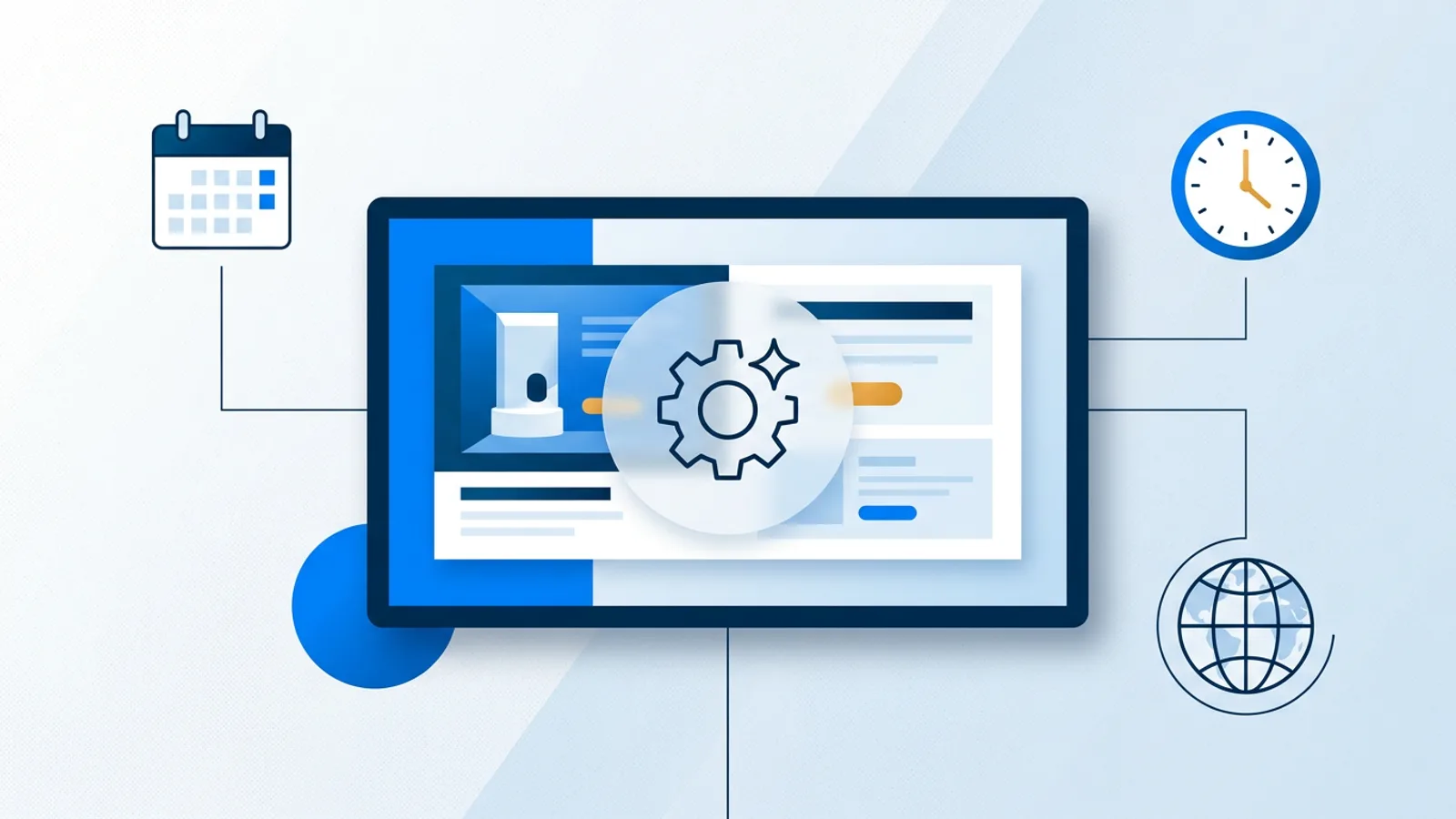
This is where "AI-powered digital signage software" marketing usually oversells. Dayparting on TVpilot is rule-based: you tell a slide to show only on chosen weekdays or between chosen times, with an optional expiry date so it removes itself automatically. On the Schedule page, calendar scheduling controls which whole playlist runs, one-off items for a specific event day, and weekly repeating slots, like a lunch menu that runs weekdays 11:00 to 14:00, planned a year out if you want. Plan limits for the calendar and scheduled items scale by tier, and Pro and Business plans can add blackout dates including Dutch holiday presets.
Dayparting and calendar scheduling run on rules you configure once, not machine learning. The system executes exactly what you set, reliably, so nobody has to log in each morning to swap a playlist by hand. For most small businesses that reliability matters more than any actual machine learning would. If you want the deeper mechanics, see the dedicated guide on digital signage scheduling.
7. Business dashboards that put your backend numbers on the wall
Connect Shopify, WooCommerce, Magento or Lightspeed and a screen becomes a live wallboard: revenue for today, this week or this month, best sellers, average order value, open orders, low-stock alerts, and on Shopify, visitor sessions. Mollie and Stripe connections work with any storefront that checks out through them, showing turnover, payment volume and average order value, though without product or stock tiles since payment providers don't hold that data. A bol.com connection covers orders, revenue and low LVB stock for sellers on that marketplace.
This is a read-only pull from an API, displayed on a screen. Whatever AI runs in your commerce stack, fraud detection, product recommendations, churn prediction, happens inside Shopify, Stripe or whichever platform you connect, long before the number reaches the wallboard. What you gain is a live figure nobody has to check manually or export to a spreadsheet before a Monday meeting. For a longer walkthrough, see the ecommerce dashboard TV display guide.
AI digital signage for small business: what's real vs. automation
| Feature | Genuinely AI | What it really is |
|---|---|---|
| AI Studio slide generation | Yes | A model reads a brief and produces a design |
| Review widgets | No | Scheduled fetch from a public review source |
| Social feed | No | Scheduled fetch from Instagram |
| Weather, clock, countdown | No | API call and a timer |
| Dayparting and calendar scheduling | No | Rule-based logic you configure once |
| Commerce dashboards | No | Read-only API pull, displayed live |
That table is a quick way to see where each feature's real value comes from. A calendar that reliably runs your lunch menu on weekdays without fail is worth more to a busy shop than a flashy AI demo that occasionally gets the brief wrong.
When this is, and isn't, the right fit
AI Studio and the widgets above suit a small business that wants decent-looking screens without hiring a designer or a social media manager, and that's fine with fair-use limits on AI generation rather than unlimited usage. It's a good match if you're already comfortable managing content from a browser dashboard rather than a locally installed app.
It's a weaker fit if you need a fully self-hosted system you control end to end (TVpilot is hosted SaaS, not open source or self-hostable), or if you're set on a dedicated Amazon Signage Stick app today, since there's no dedicated app in the Amazon Appstore yet and Fire TV runs through the browser instead. It's also a weaker fit for businesses that want a system generating dozens of unique slides per day on autopilot; the fair-use limits and the human-review step before "push to screen" assume you're glancing at what gets generated, not letting it run unattended.
Setting one of these up this afternoon
Pick the one feature from this list that removes the most manual work right now, probably reviews if you never get around to updating them, or AI Studio if you're dreading writing next week's promo from scratch. Connect it, preview it, and push it to screen. None of these require touching code or buying new hardware if your screen already runs a browser.
Start on the Free plan at /signup, it includes one screen, AI Studio, and every widget listed here, no credit card and no trial clock running out on you.
Frequently asked questions
Is TVpilot's AI Studio actually AI, or just a set of templates?
It's actually generative: you write a short brief describing what you want, and a model produces the layout, colors and typography rather than you picking from a fixed template. You can still edit the result in the Designer afterward.
Does AI digital signage software analyze my business automatically?
On TVpilot, no. The commerce and payment dashboards (Shopify, WooCommerce, Stripe, Mollie, bol.com and others) are read-only pulls from each platform's API, displayed live on a screen. Any AI involved in fraud detection or recommendations happens inside those platforms, not on the wallboard.
Are there limits on how many AI-generated slides I can create?
AI Studio usage has fair-use monthly limits per plan, but TVpilot does not publish numeric credit counts. For a weekly promo, a menu update or the occasional event screen, the limits aren't something most small businesses will hit.
Do I need special hardware to use these AI features and widgets?
No. Anything with a modern browser works, smart TVs, an old laptop, a stick with a browser, iPad or Mac, so you can run AI Studio slides and the widgets on browser-based signage without buying a dedicated media player.