How AI Is Actually Changing Digital Signage in 2026
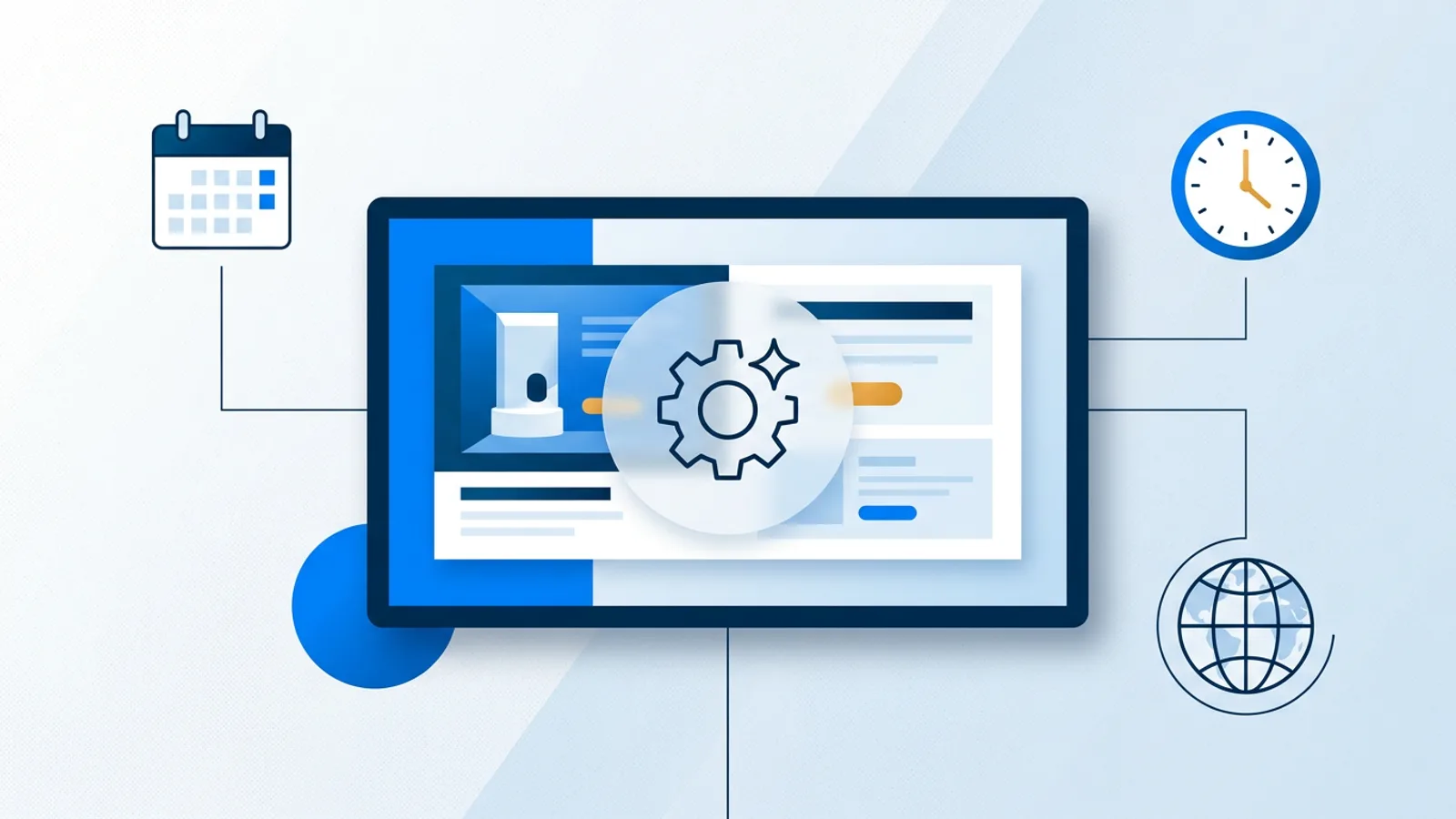
How AI is changing digital signage in 2026 mostly comes down to two things: it writes and designs slides faster, and it makes rule-based automation, schedules, dayparting, localization, easier to set up. It is not yet putting cameras on your screens to recognize who's standing in front of them or predicting what to show next based on foot traffic. If you're testing any of this on a shop window or reception screen, a browser-based smart TV setup is often the easiest way to try it without buying dedicated hardware.
There's a lot of noise in this space right now. Vendors describe basic if/then logic as "AI-powered personalization" and call a template picker "generative design." Some of that language is fair. Some of it is a rebrand of features that have existed for years. This piece splits the difference: four areas where AI actually touches signage today, what's shipped versus what's still a slide deck at a trade show, and what a small business should actually pay attention to.
Content generation: the part that's real
The clearest, most useful AI application in signage right now is generating the actual screen content from a short description. You type something like "Friday happy hour, 4-7pm, half-price appetizers, casual bar vibe" and get back a designed slide with layout, text hierarchy and color choices already handled, instead of staring at a blank canvas.
This matters because most small businesses don't have a designer on staff. The bottleneck for digital signage has never really been the hardware, it's producing enough decent-looking content to keep a screen from going stale. TVpilot's AI Studio generates designed screens (promos, menus, opening hours, welcome screens) from a brief like this, and it's included on every plan including Free. We've written a separate walkthrough on prompting it for promotional displays if you want the how-to version; this article is about the bigger trend, not the button-by-button steps.
What this doesn't do: it doesn't understand your business the way a human designer who's met your customers does, and it won't catch a factual error in your own brief. Treat generated slides as a fast first draft, not a finished, unreviewed product going straight to a screen customers see all day.
Adaptive scheduling: mostly rules, and that's fine
A lot of "AI digital signage trends" coverage lumps in dayparting, calendar scheduling and weather- or time-triggered content swaps as if they're new machine-learning capabilities. They're not, they're conditional logic, and conditional logic has been reliable, cheap to run and easy to audit for a long time. Calling it AI doesn't make it work better; it just makes it sound newer than it is.
What's genuinely useful here, whatever you call it:
- Per-slide dayparting. A slide shows only on chosen weekdays or between chosen times, and can carry an expiry date so a promo removes itself without anyone remembering to log in. Our guide to scheduling opening hours covers a common version of this.
- Calendar-driven playlists. A whole playlist swaps in and out on a schedule, with one-off event days and weekly repeating slots (lunch menu weekdays 11:00-14:00, for example). See our broader scheduling guide for how far ahead this can be planned.
- Fallback logic. If scheduled content is missing or a feed fails, the screen falls back to a default or backup playlist instead of going black or showing an error.
Call this "smart digital signage scheduling" if you like, the label isn't wrong, just be clear it's rules a human configured, not a model deciding on its own what your customers should see. TVpilot's calendar scheduling works exactly this way: one-off items beat weekly repeats, the most recent item wins, and blackout dates (including Dutch holiday presets on Pro and Business) let you exclude days without deleting anything. None of that is machine learning. It's dependable automation, and dependable is what you actually want on a screen running unattended in a waiting room.
Localization: quietly one of the more practical wins
Localization is a smaller trend than content generation or scheduling, but it's a real one worth mentioning separately. As signage software adds widgets like news feeds, weather and countdown timers, the useful AI-adjacent work is less about translation quality and more about regional defaults: news feeds with region presets for Europe, USA or Asia so a franchise doesn't have to hunt for the right RSS feed per country, or countdown timers with unit labels available in English, Dutch, German and French so a single template works across a multi-location business without manual retyping per screen.
This is closer to good internationalization engineering than to AI in the generative sense, but it gets grouped into the same trend pieces, so it's worth naming plainly: if you run screens across multiple locations in different countries, ask specifically whether widgets support regional presets, not just whether the vendor claims "AI localization."
Personalized digital signage: segmentation, not per-viewer AI
This is where the marketing gets furthest from the product. "Personalized digital signage" in vendor pitches often implies a screen that recognizes an individual and adjusts content for them, using a camera to estimate age or gender, or a sensor to detect how long someone lingers. That category exists in the market at the high end, usually tied to retail analytics contracts, camera hardware and a fair amount of privacy paperwork.
What most small and mid-size signage setups actually do, and what's realistic for the money, is segmentation: showing different content by time of day, by location, or by which screen it is, not by who happens to be standing in front of it. A gym showing class schedules in the morning and evening promos at night is segmentation. A retail chain showing region-specific stock messages per store is segmentation. Neither requires a camera or a prediction model, and both are effective at making a screen feel relevant without any audience-detection hardware at all.
Be direct with yourself about which one you're buying. If a vendor says "personalized" and means "segmented by time and location," that's a genuinely useful feature. If they mean "a camera profiles your customers," that's a bigger decision involving cost, privacy disclosure and probably a conversation with a lawyer before it involving a screen at all.
Where TVpilot fits, and where it doesn't
TVpilot's AI is generative-content and rules-based automation. It has AI Studio for turning a text brief into a designed slide, and it has calendar scheduling, dayparting, blackout dates and widget region presets for automation that runs on conditions you set. It does not have camera-based audience detection, and it does not have a predictive analytics engine deciding what to show based on who's watching. If that's specifically what you're shopping for, look elsewhere and expect a materially higher price and more setup.
If what you actually need is faster content production and screens that behave correctly on a schedule without daily babysitting, that's the part TVpilot is built for, and it's included from the Free plan (1 screen, 250 MB storage, AI Studio included, no credit card) up through Pro and Business, which add more screens, storage and calendar-scheduling capacity. There's no trial to sign up for and expire; Free is free permanently within its limits, and you upgrade only when you outgrow a screen count or storage cap.
What's worth paying attention to right now
| Bucket | Real today | Mostly marketing talk |
|---|---|---|
| Content generation | Text-brief to designed slide | Fully autonomous brand strategy |
| Scheduling | Dayparting, calendar, blackout dates | "AI decides" without human-set rules |
| Localization | Region presets, multi-language labels | Full auto-translation of all content |
| Personalization | Segmentation by time/location/audience group | Camera-based per-viewer recognition |
For a small business evaluating signage software in 2026, the practical filter is simple: does the AI feature save you time on something you'd otherwise pay a designer for, or does it replace a rule you could set yourself in two minutes? Content generation clears that bar easily. Scheduling automation is worth having but doesn't need to be marketed as AI to be worth paying for. Camera-based personalization is a real category, but it's a different budget and a different product decision, not a feature to expect bundled into a €29/month signage plan.
If you want to see what the shipped, non-hypothetical version of this looks like on your own screen, sign up and try AI Studio on the Free plan before deciding whether you need anything more elaborate.
Frequently asked questions
Does AI digital signage software use cameras to detect who's watching?
Some enterprise retail-analytics products do, using cameras or sensors to estimate audience demographics or dwell time, but this is a separate, higher-cost category from most small-business signage software. TVpilot, for example, has no camera-based audience detection; its AI is limited to generating slide content from a text brief and running rules-based scheduling you configure yourself.
Is AI-generated signage content ready to use without editing?
Treat it as a strong first draft rather than a finished product. Tools like AI Studio can turn a short brief into a designed promo, menu or welcome screen in seconds, but you should still check pricing, dates and offer details before pushing it live, since the AI doesn't know your business better than you do.
What's the difference between 'smart scheduling' and actual AI in signage?
Most smart scheduling, dayparting, calendar-based playlist swaps, weather or time triggers, is conditional logic a person configures once, not a model making autonomous decisions. It's reliable and worth using, but it's automation rather than machine learning, and vendors that blur that line aren't necessarily lying, just stretching the label.
Is personalized digital signage worth it for a small business?
If "personalized" means showing different content by time of day, location or audience segment, yes, it's low-cost and effective and most signage software supports it through basic scheduling. If it means per-viewer recognition via cameras, it's a bigger investment with privacy considerations, and it's rarely necessary for a single-location shop, salon or gym.