Best Digital Signage Software for Small Business in 2026
Picking the best digital signage software for small business use is a different exercise than the enterprise comparisons IT departments run. You're not evaluating single sign-on, API rate limits, or multi-tenant permissions. You're trying to answer three questions: how fast can I get one screen live, what does it cost per month for the screens I actually have, and can I make a screen look decent without hiring a designer. Everything else is secondary.
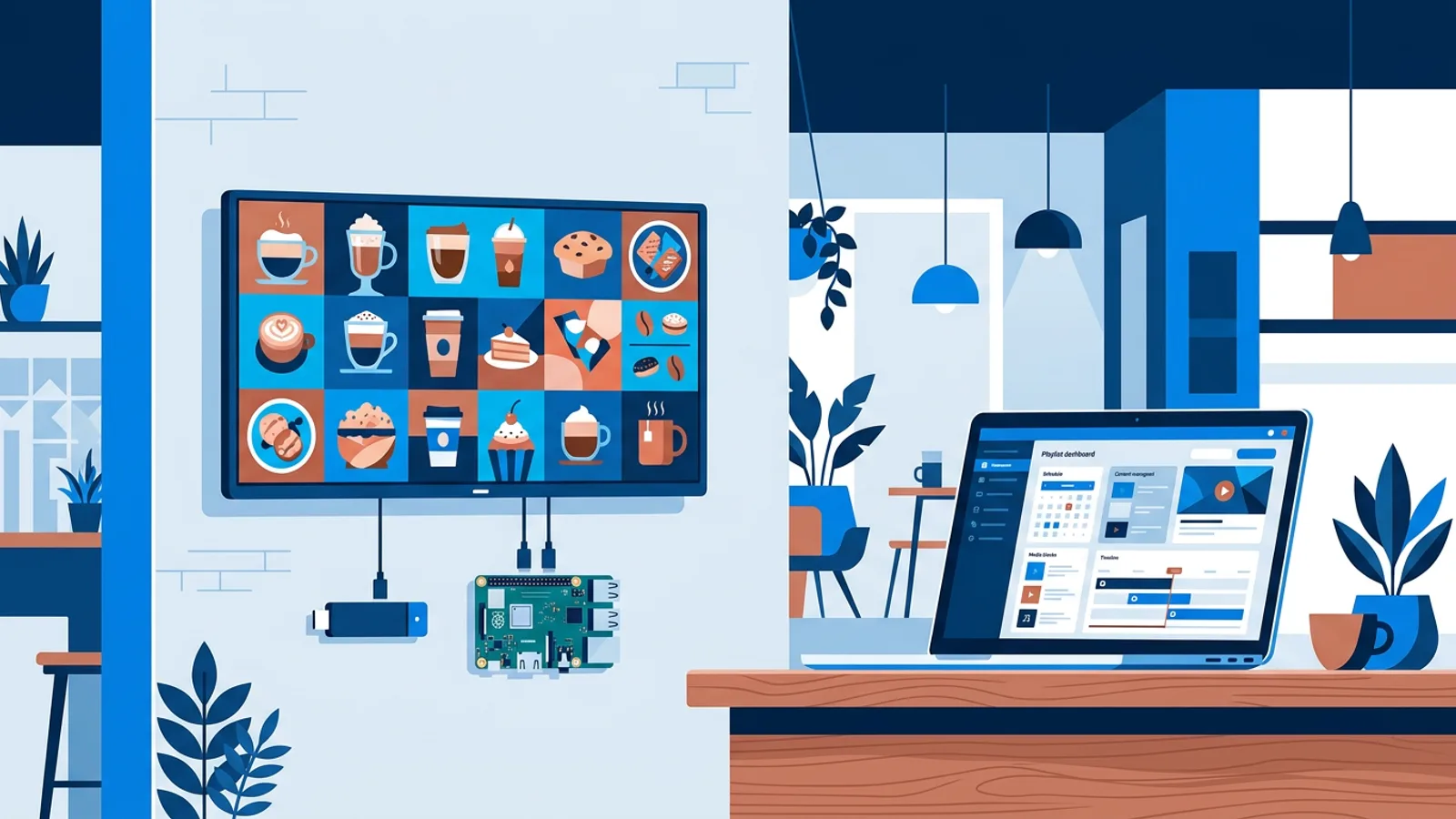
The first decision that trips people up is hardware. You don't necessarily need a media player box, a Raspberry Pi, or a streaming stick. If the TV you already own has a browser, whether it's a Samsung, LG, Fire TV, or Android TV model, you may be able to open the signage software directly in that browser and skip buying anything. Our guide to running signage from a browser on a smart TV you already have covers when that route works and when a dedicated player is worth the extra cost.
This article stays narrow on purpose: what it costs to run one to five screens, whether scheduling and design tools actually save you from hiring someone, and a short test you can run on any software before committing a Saturday to setup.
What matters at this size, and what doesn't
At enterprise scale, buyers compare permission tiers, brand-approval workflows, and integration depth. At small-business scale, three things decide whether software is worth using:
- Time to first screen: can someone with zero signage background have content playing within an hour, not a week?
- Price per screen per month, at your real count (probably one to five), not the volume-discount tier.
- Whether you need design skills, or a hired designer, to make a screen that looks like more than a Word document with a logo pasted on it.
A long feature checklist is useful once you've narrowed the field to two or three finalists. Before that stage it mostly slows you down. If you want the fuller checklist for later comparisons, that's covered separately in our digital signage features checklist; this piece is about the first purchase decision, not the exhaustive one.
Do you need extra hardware, or just a browser?
Most small-business signage costs come from hardware you didn't need to buy. If your TV already runs a browser, point it at a player URL and you're playing content, no box required. That's the cheap digital signage software for small business path: zero extra hardware spend, though you're limited to whatever that TV's browser can handle for video and refresh.
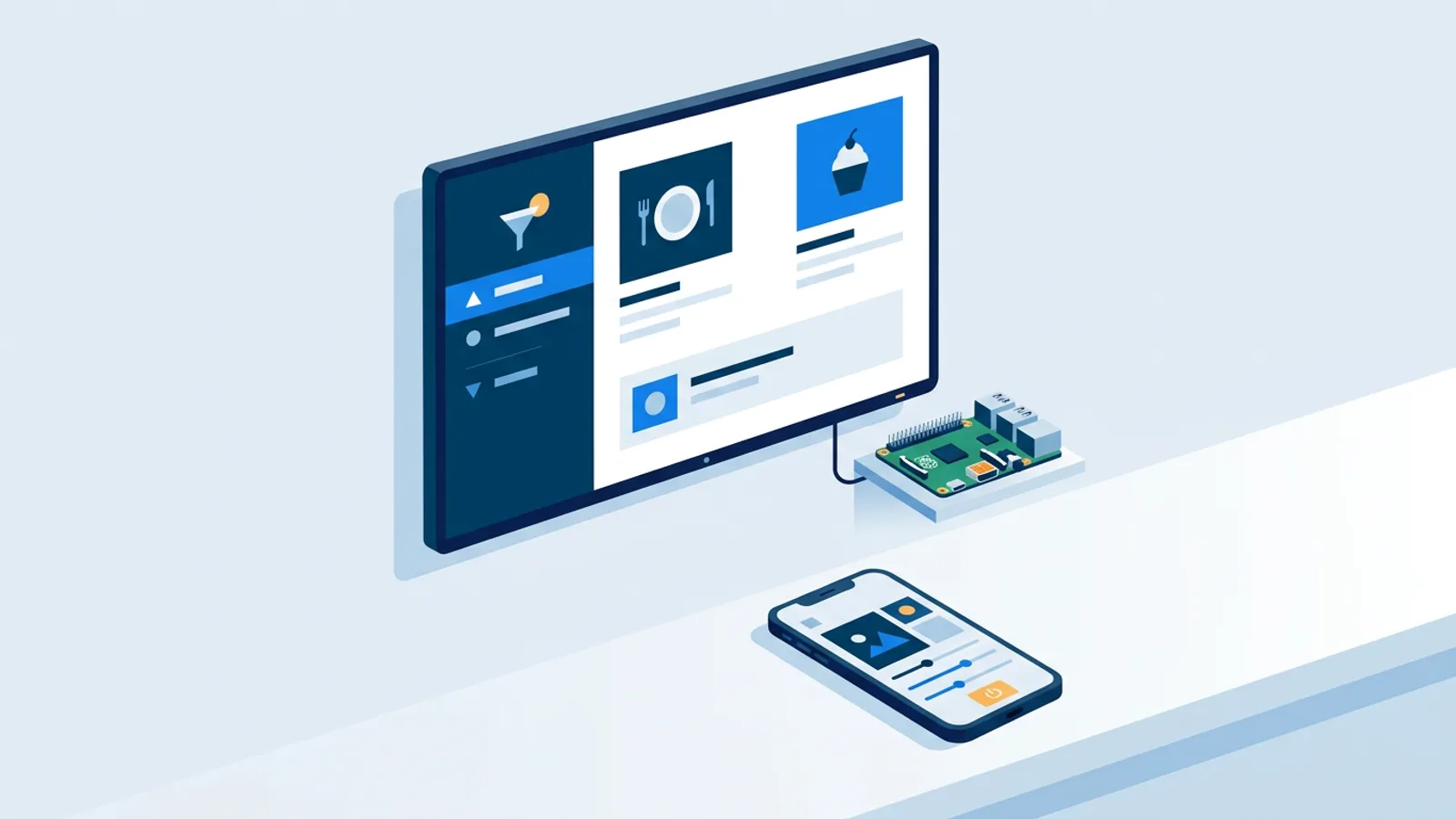
A Raspberry Pi is the step up when you want more reliability and remote control. TVpilot's Pi setup is a one-command installer generated from the dashboard with a six-character claim code; it configures Chromium in kiosk mode, sets it to auto-start, and runs a watchdog that restarts the player within about ten seconds if it crashes. A Pi 4 or 5 handles video smoothly. If the TV supports HDMI-CEC, the Pi can also switch the TV on and off itself by checking the dashboard's power schedule every minute, so you don't need a smart plug just to stop paying for standby power overnight.
What TVpilot does not offer is a dedicated native app for Android TV or Fire TV, or a self-hosted/open-source option. Both routes work through the browser instead, which is fine for most small setups but worth knowing before you buy a stick expecting an app-store install.
What the Best Digital Signage Software for Small Business Costs (1 to 5 Screens)
This is where "affordable digital signage software" stops being a vague marketing phrase and becomes a number you can check against your own budget.
| Plan | Price | Screens | Storage | Notes |
|---|---|---|---|---|
| Free | \u20ac0 forever | 1 | 250 MB | AI Studio included, no card required |
| Starter | \u20ac5/month | up to 10 | 2 GB | standard plugins, Premium available as add-on |
| Pro | \u20ac29/month | up to 100 | 10 GB | Premium included, up to 3 users |
For a single screen, the free tier costs nothing indefinitely, not a trial that expires. For a small shop, cafe, or clinic running two to three screens, Starter at \u20ac5/month for the whole location is a realistic line item, not a software subscription that needs a budget meeting. Add a fourth or fifth screen and it's just \u20ac2/month more per screen. Our separate breakdown of what you pay per screen compares this against other pricing structures if you want more context.
Scheduling without hiring anyone
A solo owner doesn't have time to log in every morning and swap a playlist. Two scheduling layers handle that automatically. Per-slide scheduling lets you set a slide to appear only on chosen weekdays or between chosen times, with an optional expiry date so a promo takes itself off screen without you remembering to remove it.
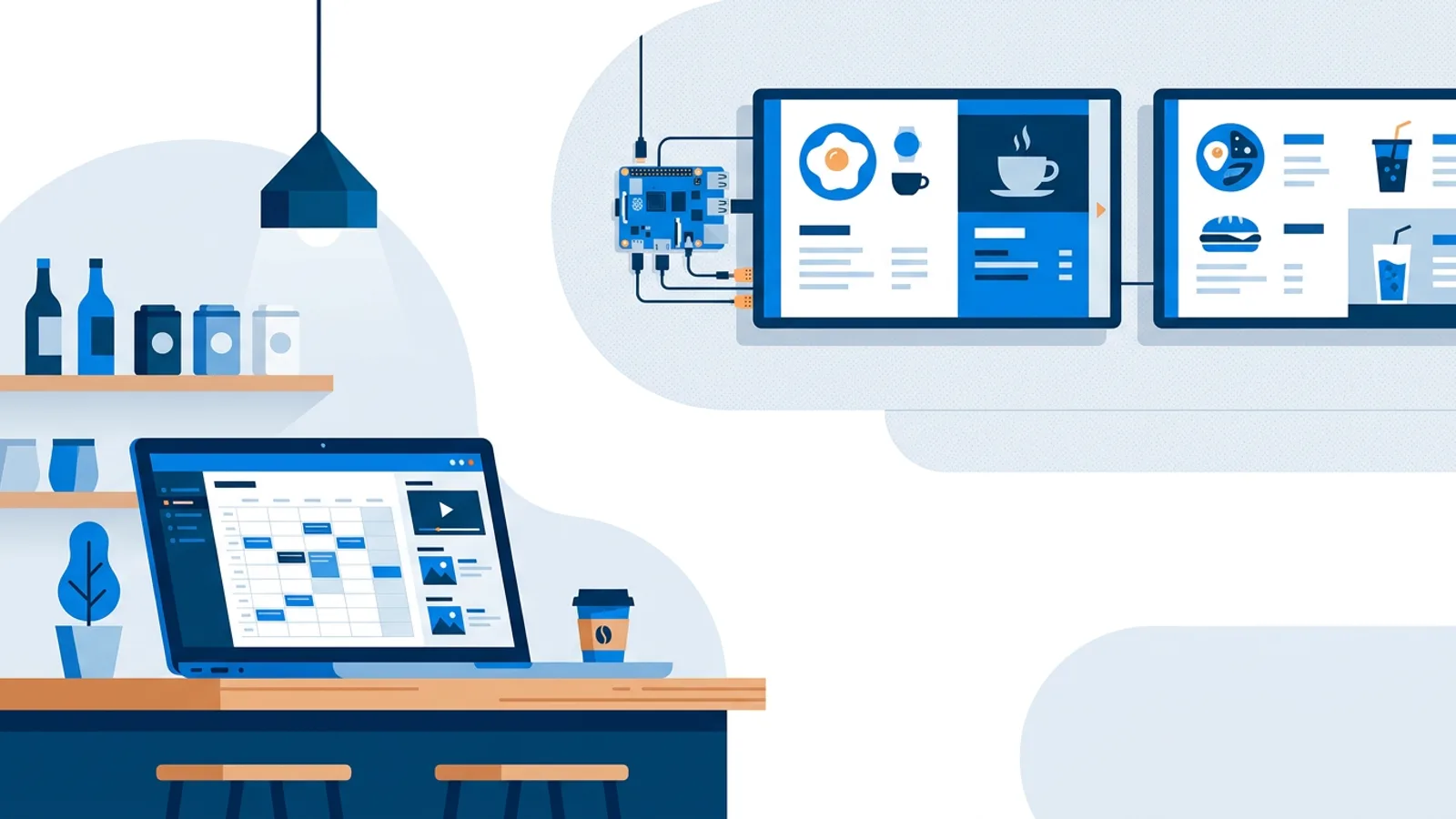
Calendar scheduling works at the playlist level: you assign which playlist plays on a screen using a calendar, with one-off entries for a specific event day and weekly repeating slots, like a lunch menu that runs weekdays 11:00 to 14:00. You can plan a whole year ahead in one sitting. When nothing is scheduled, the screen falls back to its default playlist, so you're never left with a blank screen because a calendar entry ended. The Free plan includes 1 calendar and 2 scheduled items; Starter raises that to 5 calendars and 20 items, enough for most single-location businesses running a handful of recurring promos and one seasonal calendar. Players keep following the schedule even during an internet outage. Our scheduling guide goes deeper into dayparting patterns if you want examples beyond lunch menus.
AI Studio and Designer: skipping the hired-designer step
Easy digital signage software with no design skills required usually means one of two things: templates you fill in, or a generator that builds the layout for you. TVpilot has both. The Designer is a canvas editor: text, photos, shapes, icons, QR codes, 14 built-in fonts (plus your own uploaded fonts), and a template gallery to start from instead of a blank canvas.
AI Studio goes a step further: describe what you need (a lunch special, an opening-hours screen, a welcome message) and it generates a designed slide from that brief. It won't replace a professional designer doing brand work, but for a shop owner who needs a decent-looking screen live before the lunch rush, it removes the step where you'd otherwise be stuck in an image editor for an hour.
Where TVpilot fits, honestly
TVpilot is hosted software, not something you install on your own server, and there's no self-hosted or open-source version. If you specifically want to own the infrastructure or run fully offline, that's a real trade-off worth knowing before you sign up, and our open-source signage cost breakdown covers what the DIY route actually involves in time and maintenance.
Screens also need an internet connection to receive content updates. A Pi player recovers automatically once connectivity returns, and it keeps following its last-known schedule during a short outage, but this isn't built for a location with no reliable connection at all.
Where it does fit well: a single retail counter, a cafe with a lunch menu that changes by daypart, a small office lobby, a real-estate window display, a clinic waiting room. One to five screens, one person managing content, no IT department, a want-to-swap-content-from-a-phone-in-two-minutes kind of need. That's the actual target of a small-business signage budget, and it's what the Free and Starter plans are priced around.
A five-minute test for any signage software
Before you commit to any platform, not just this one, run this checklist against it:
- Sign up and get one real slide of your own content playing on a real screen within 15 minutes. If it takes longer, the setup complexity will show up again every time you need to make a change.
- Check the price at your actual screen count, not the cheapest advertised tier or the enterprise tier. Multiply by 12 and see if it's still a number you're comfortable with a year from now.
- Try scheduling one recurring time slot (a lunch special, a happy-hour offer) without reading documentation. If you need a manual for that, it'll get skipped in practice.
- Build one slide using only the built-in design tools, no external editor. If the result looks amateur, budget for either a paid template pack or more time.
- Turn off your Wi-Fi for a minute and confirm the screen keeps playing instead of going blank.
A platform that passes all five for your specific screen count and content type is genuinely a fair pick, whatever the marketing pages claim about each other.
If you want to run that test yourself, start a free TVpilot account: one screen, no card, no time limit, and you'll know within the hour whether it's the right fit for your shop.
Frequently asked questions
What's the cheapest way to start with digital signage for a small business?
If your TV already has a built-in browser, you can point it at a player URL and start showing content with no extra hardware. TVpilot's Free plan covers one screen at no cost forever, with 250 MB storage and AI Studio included, so the first screen genuinely costs nothing beyond the TV you already own.
Do I need design skills to make a digital sign look professional?
No. TVpilot includes a built-in Designer with templates, fonts, shapes, and QR codes, plus an AI Studio that generates a designed slide from a short text brief, such as a lunch special or opening-hours screen. Neither replaces a professional brand designer, but both get a decent-looking screen live without hiring one.
How much does digital signage software cost for 5 screens?
With TVpilot, five screens fall under the Starter plan at \u20ac9 per month total for the location (3 screens included plus 2 extra screens at \u20ac2 each), with 2 GB storage and standard plugins included. That's the plan most small shops, cafes, and offices running two to five screens land on.
Can digital signage software work if my internet goes down?
TVpilot screens need an internet connection to receive new content updates, but a Raspberry Pi player keeps following its last-known schedule during a short outage and reconnects automatically once the connection returns. It's not built for a location with no reliable connection at all, so factor that in if your site has frequent outages.