Digital Signage Features: The Complete Checklist for 2026
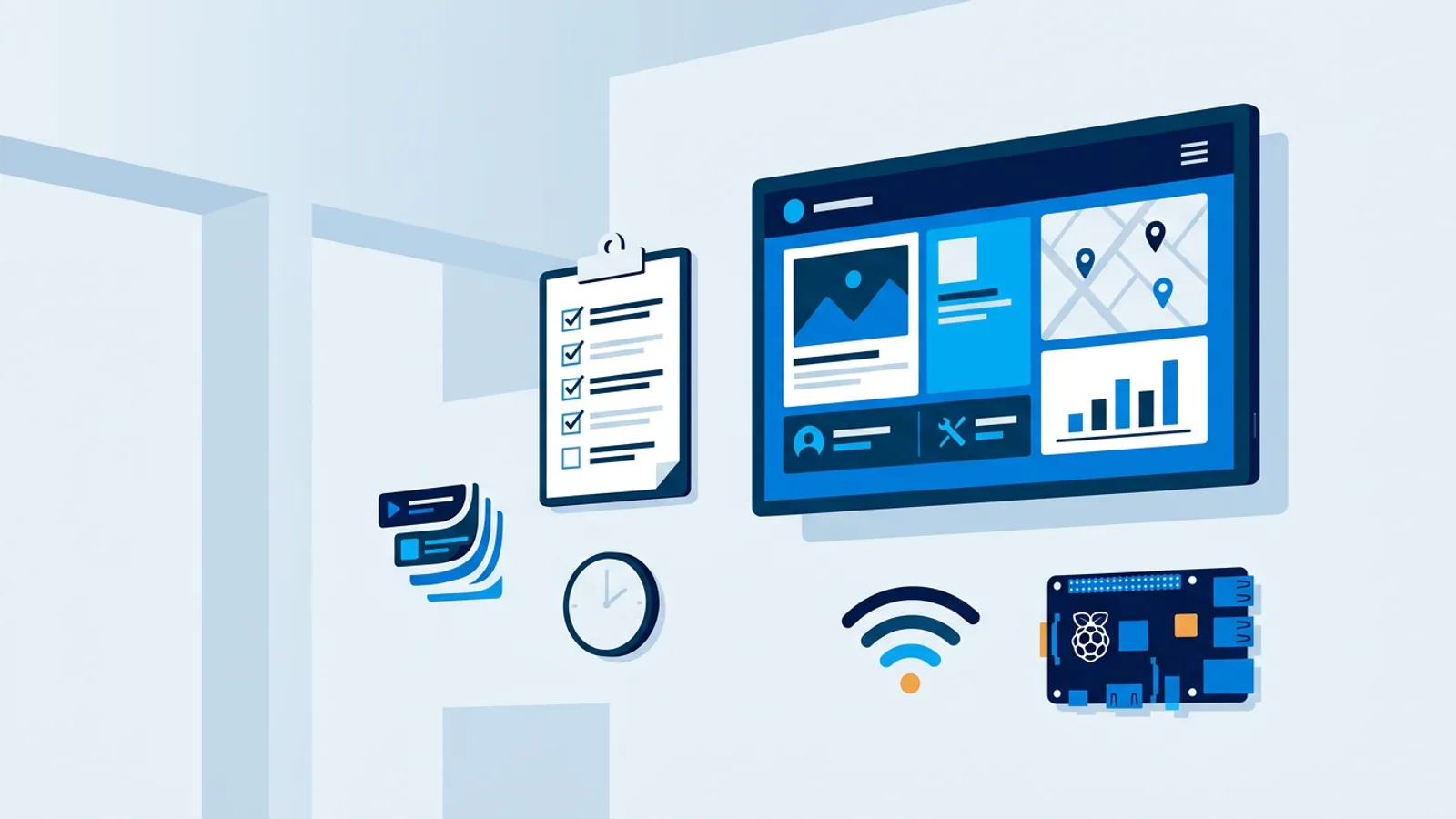
If you're comparing platforms, the digital signage features that actually matter come down to five things: how content gets onto the screen, how it's scheduled, what hardware it runs on, whether you can monitor it remotely, and what happens when the internet drops. Everything else, like fancy transition effects or a big library of stock templates, is decoration that's nice to have once the basics work.
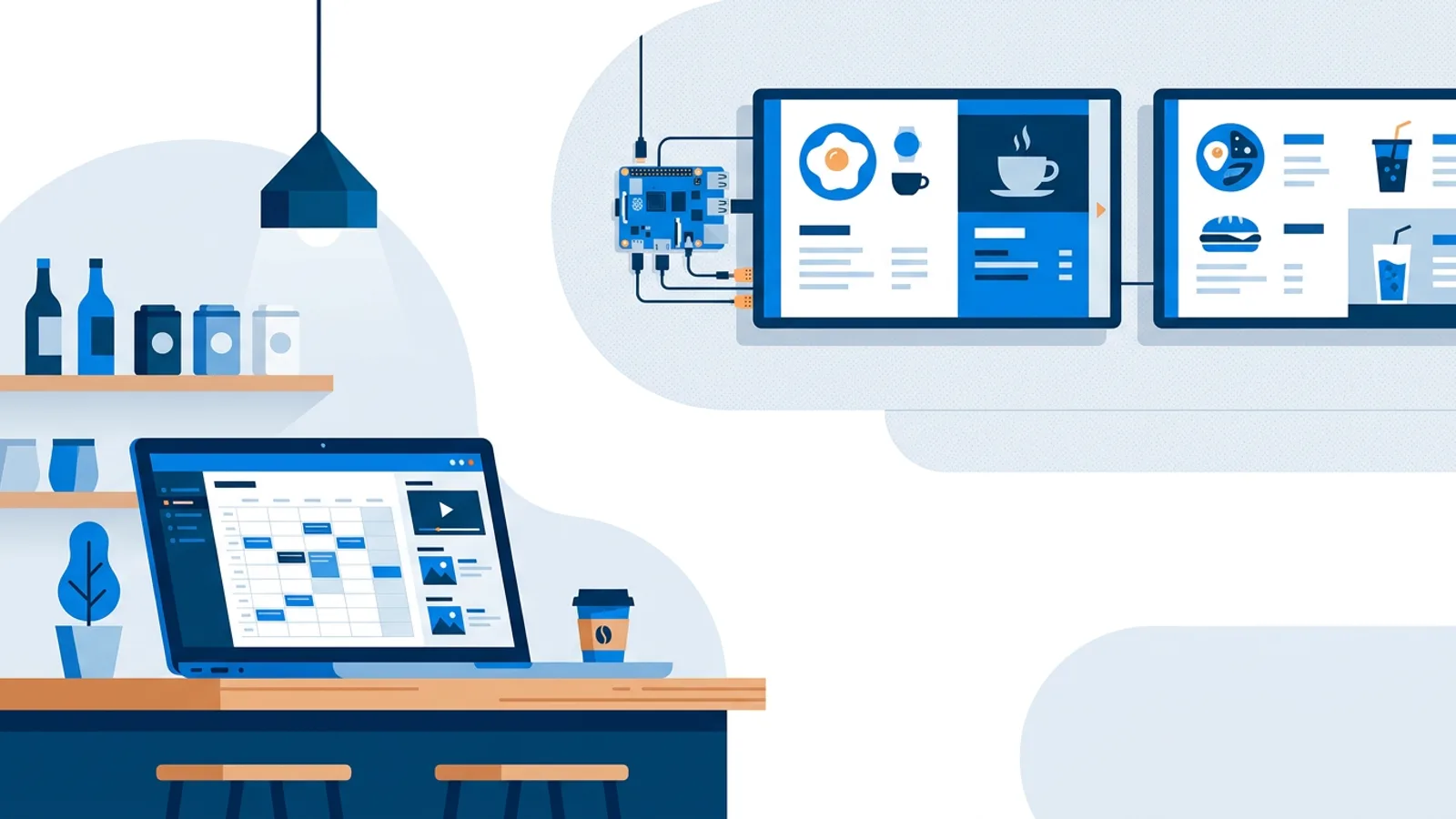
Most small businesses start with one screen, usually a spare TV in a lobby or behind a counter, and add more once it earns its place on the wall. What that first screen runs on matters more than people expect. A lot of shops end up running the player on a Raspberry Pi, because it's cheap, quiet, and doesn't need a full computer sitting behind the TV. But the hardware is only half the story: the software managing that Pi (or smart TV, or old laptop) is what decides whether you're updating content in two minutes or fighting with USB sticks every week.
This is a checklist, not a sales pitch. Some of these features you genuinely need on day one. Some you won't need until you have ten screens across three locations. Knowing which is which saves you from either overpaying for a platform you'll never fully use, or hitting a wall three months in.
Core digital signage features you actually need
Content management that isn't painful
At minimum, the software should let you build a playlist mixing images, videos, web pages, and PDFs, then reorder items by dragging them instead of editing a config file. If uploading a new promo image takes more than a minute from your phone, that's a sign the platform was built for IT departments, not for someone running a cafe.
Scheduling by day and time
A lunch menu shouldn't show at 8am. Look for scheduling that lets you assign different playlists to different time slots and days of the week, and separately, a way to control when the TV itself turns on and off. Manually flipping a power switch every morning gets old fast; see our notes on scheduling a TV to turn on and off automatically if that's not already part of your setup.
Remote monitoring
Once you have more than one screen, you need to know if one has gone offline without driving there to check. Basic monitoring (online/offline status, last-seen heartbeat) is the difference between noticing a blank screen in five minutes versus five days.
Orientation and hardware flexibility
Portrait menu boards, landscape lobby displays, a mix of both across locations. The software should support both orientations without forcing you into separate accounts or duplicate setups.
Remote updates and reboots
If the player software needs a manual reinstall every time there's a bug fix, or you have to physically unplug a device to fix a frozen screen, that's a maintenance cost that adds up. A remote reboot button and automatic background updates matter more than they sound like they would.
Features that matter less than you'd think
Some things get marketed hard but rarely decide whether a platform works for you:
- Huge template libraries. Useful for inspiration, but most screens end up using two or three templates on repeat.
- Dozens of transition animations. Nobody watching a menu board cares if the slide fades or wipes.
- Native apps for every possible TV brand. A modern browser covers most smart TVs and Android TV boxes just fine; see our guide on displaying a website on a TV 24/7 for the browser-based approach.
A digital signage software checklist
Here's a shorter version you can actually use while comparing platforms:
| Feature | Why it matters | Skip it if... |
|---|---|---|
| Drag-and-drop playlists | Fast content updates without a designer | You only ever show one static image |
| Day/time scheduling | Right content, right hours | Content never changes by time of day |
| Remote monitoring | Catch offline screens early | You walk past the screen daily anyway |
| Web page / PDF support | Reuse existing content (menus, flyers) | Everything is custom-designed images |
| Remote reboot/update | Fix frozen screens without a site visit | The screen is in the next room |
| AI or template generation | Speeds up design for non-designers | You already have a designer on staff |
| Multi-screen grouping | Push updates to several TVs at once | You only ever run one screen |
Digital signage requirements: hardware side
Software features only matter if the hardware behind them is reliable. A few requirements worth checking before you commit:
- Does the player recover on its own after a power cut or a frozen browser, or do you need to manually restart it?
- Can it run on cheap, replaceable hardware, or does it require a proprietary box you can only buy from one vendor?
- Does it support HDMI-CEC so the software can turn the TV on and off through the same cable, instead of needing a separate smart plug?
- What happens to playback if the internet connection drops for an hour? Does it keep showing the last content, or go blank?
These are the questions that separate a signage setup that runs unattended for months from one that needs a person checking on it every week.
Where TVpilot fits, and where it doesn't
TVpilot is a hosted signage platform: you manage screens from a web dashboard, and the player runs on a Raspberry Pi, a smart TV browser, or almost anything with a modern browser. On the Raspberry Pi it sets up Chromium kiosk mode automatically with a one-command installer, restarts itself within about 10 seconds if the browser crashes, and checks for player updates daily at 3am so you're not manually patching anything. It also handles TV power scheduling over HDMI-CEC, so the screen turns on and off on its own without a smart plug.
Content-wise, it covers the checklist above: playlists of images, video, web pages and PDFs, day/time scheduling, portrait or landscape orientation, and remote monitoring with online/offline status. AI Studio can generate a designed screen (a promo, a menu, opening hours) from a short written brief if nobody on your team wants to open a design tool.
Where it isn't the right fit: TVpilot is hosted SaaS, not open source, and you can't self-host it. If you need full control over your own server or want to avoid any recurring cost entirely, our piece on open source signage and its real costs is worth reading first. There's also no dedicated native app for Android TV or Fire TV yet; those run through the browser instead, which works but is a different experience than a purpose-built app. And like most cloud signage tools, players need an internet connection to pull new content, though the Pi player does reconnect and recover on its own once the connection is back.
The Free plan (one screen, 250MB storage, AI Studio included, no card required) is enough to test all of this on a real screen before deciding whether to pay for more screens or storage. Paid plans start at €5/month with 3 screens included (up to 10) and scale up from there.
Getting started
If you're weighing all this against a spare TV and a laptop, our starter guide for small business signage covers the low-cost path in more detail. Otherwise, the fastest way to know if a platform's feature set fits your actual use case is to put one screen on it and watch how it behaves for a week: does it stay online, does the schedule run correctly overnight, is updating content something you'd trust a non-technical staff member to do. Sign up at /signup and put a real screen on it before you commit to anything bigger.
Frequently asked questions
What features should I look for in digital signage software?
Prioritize five things: easy content management (drag-and-drop playlists of images, video, web pages, PDFs), day-and-time scheduling, support for cheap and replaceable hardware like a Raspberry Pi, remote monitoring so you know when a screen goes offline, and remote reboot/update so you don't need a site visit for every fix. Template libraries and animation options are nice extras, not requirements.
Do I need dedicated signage hardware or can I use a browser?
A modern browser handles most cases: smart TVs, Android TV boxes, and Fire TV Sticks with a browser app can all display signage content without special hardware. A small dedicated player like a Raspberry Pi is worth it mainly for reliability features like kiosk mode, auto-restart after a crash, and HDMI-CEC power control, which a plain browser tab doesn't offer on its own.
What's the difference between free and paid digital signage software?
Free tiers are usually limited by number of screens and storage rather than missing core features. TVpilot's Free plan, for example, covers one screen with 250MB storage and AI Studio included at no cost and no card required; paid plans raise the screen count and storage and add features as you scale up to more locations.
Does digital signage software work without an internet connection?
Most cloud-based signage platforms need an internet connection to push new content and schedule changes, so playback during an outage is limited to whatever was already loaded. A well-built player should reconnect and recover automatically once the connection returns, rather than needing a manual restart.