Digital Signage for Coffee Shops and Bakeries That Works
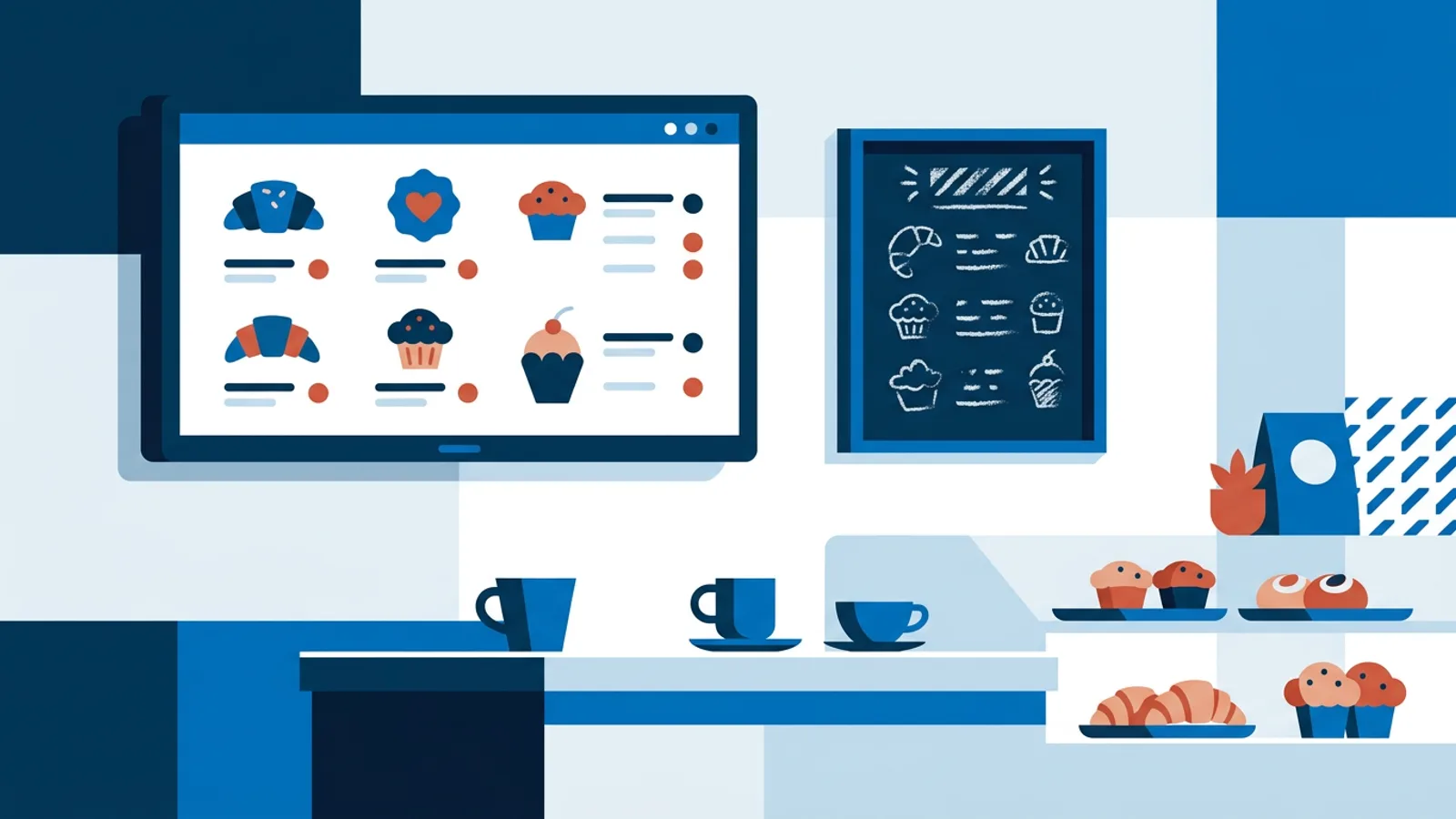
A chalkboard special only changes when someone remembers to wipe it and write a new one. Digital signage for coffee shops fixes that: you set the price and photo once in a dashboard, and every screen in the shop updates at the same time, on schedule, without anyone touching a marker. This guide covers what to actually show, which hardware makes sense for a small cafe, and how to keep the setup boring and reliable instead of another thing that breaks on a Saturday morning rush.
Most cafes start with one screen behind the counter and expand once they see it saves time. The cheapest reliable way to run that screen is a Raspberry Pi connected to any TV you already own, and we've written a full setup walkthrough for signage on a Raspberry Pi if you want the mechanics before you commit to a plan.
Why bother replacing a chalkboard or printed menu
A printed menu insert costs money every time your supplier changes a price or you run out of oat milk. A chalkboard is free but slow to update and starts to look sloppy by week three, smudged corners, leftover ghost letters from last month's promo. A screen removes both problems: change happens in a dashboard, not on a ladder with a wet rag.
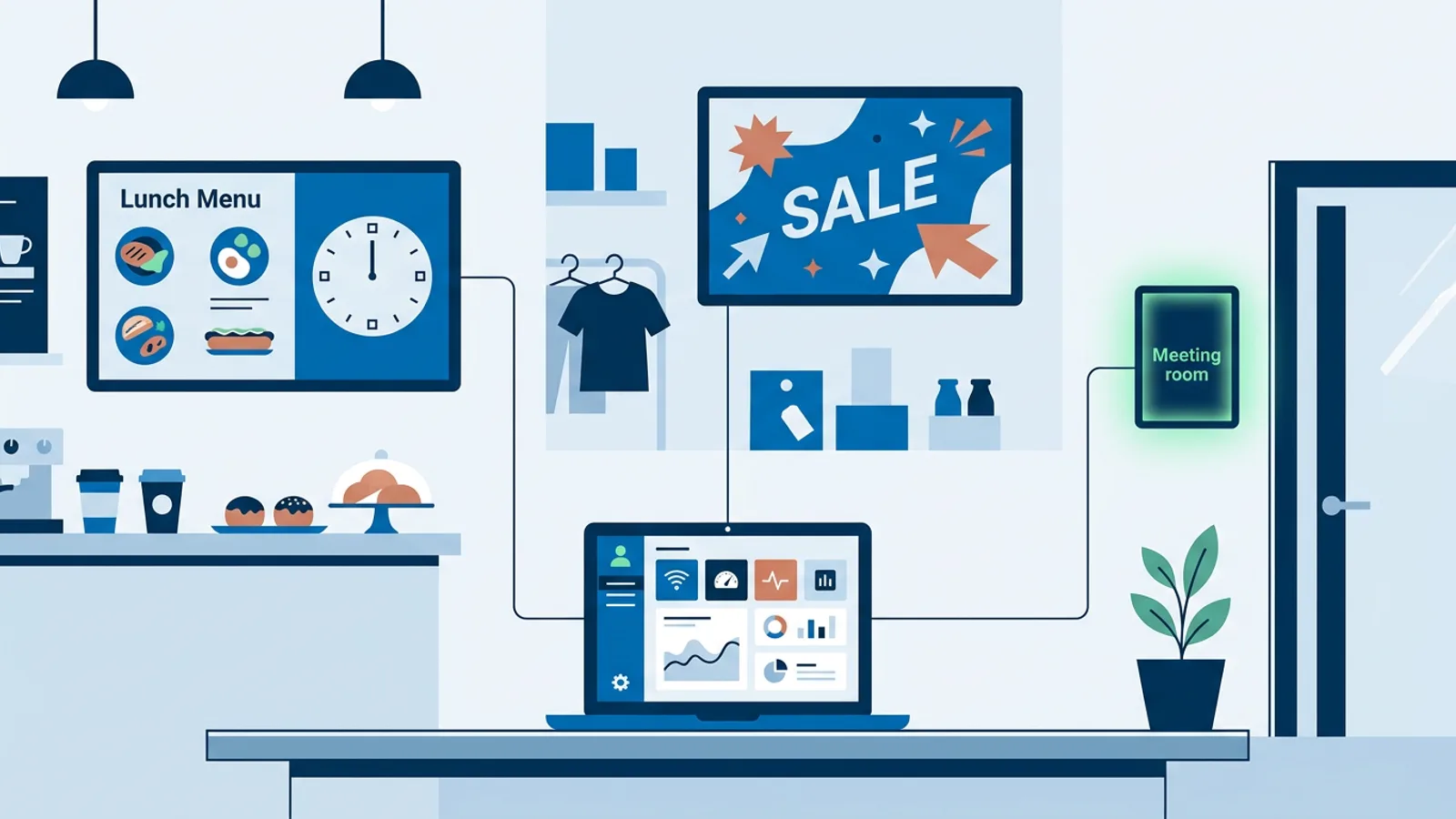
The other reason cafes switch is that a screen can do more than one job. The same panel that shows your espresso menu at 7am can show a lunch board at noon and a happy-hour pastry deal at 4pm, on a schedule you set once. That flexibility is the actual argument for digital signage in a small food business, not novelty.
What to put on a cafe or bakery screen
Daily specials screen for cafe counters
A specials board works best when it changes on its own. Build one playlist with your rotating items (soup of the day, seasonal latte, bakery item of the week) and let scheduling handle the rest instead of manually swapping content every morning. TVpilot's per-slide scheduling lets you set a slide to appear only on certain weekdays or between certain hours, with an optional expiry date, so a Tuesday soup slide won't show up on Wednesday even if nobody remembers to remove it.
For a full week of different specials, calendar scheduling handles the bigger picture: assign a different playlist to Monday, a different one to the weekend brunch rush, and a lunch-only board that runs 11:00 to 14:00 on weekdays. Free accounts get one calendar with two scheduled items, which is enough for a simple weekly rotation; Starter raises that to five calendars and twenty items if you want more granularity across specials, seasonal drinks and events.
Bakery digital menu screen basics
A bakery menu board has different pressure than a specials board: customers are scanning prices for a dozen items while a queue builds behind them. Keep the primary board simple, item name, price, maybe an allergen icon, and use a secondary screen (or a scheduled slide) for the rotating photography and seasonal items. The built-in Designer has templates and a canvas editor with text, shapes, icons, background photos and nine logo-anchor positions, so you can build a clean two-column menu without hiring a designer. If writing the copy is the slow part, AI Studio generates a designed menu screen from a short text brief, which is a faster starting point than staring at a blank canvas.
One practical bakery detail: prices change more often than people expect, flour and butter costs move. A digital board means a price update takes thirty seconds instead of reprinting a laminated sheet.
Cafe TV display ideas beyond the menu
Once the menu board is running, a second screen (or a rotating slot in a playlist) earns its keep with content that makes people linger or come back:
- A live social wall pulling your Instagram handle's latest posts, refreshed automatically, so the latte art your regulars post ends up on your own wall.
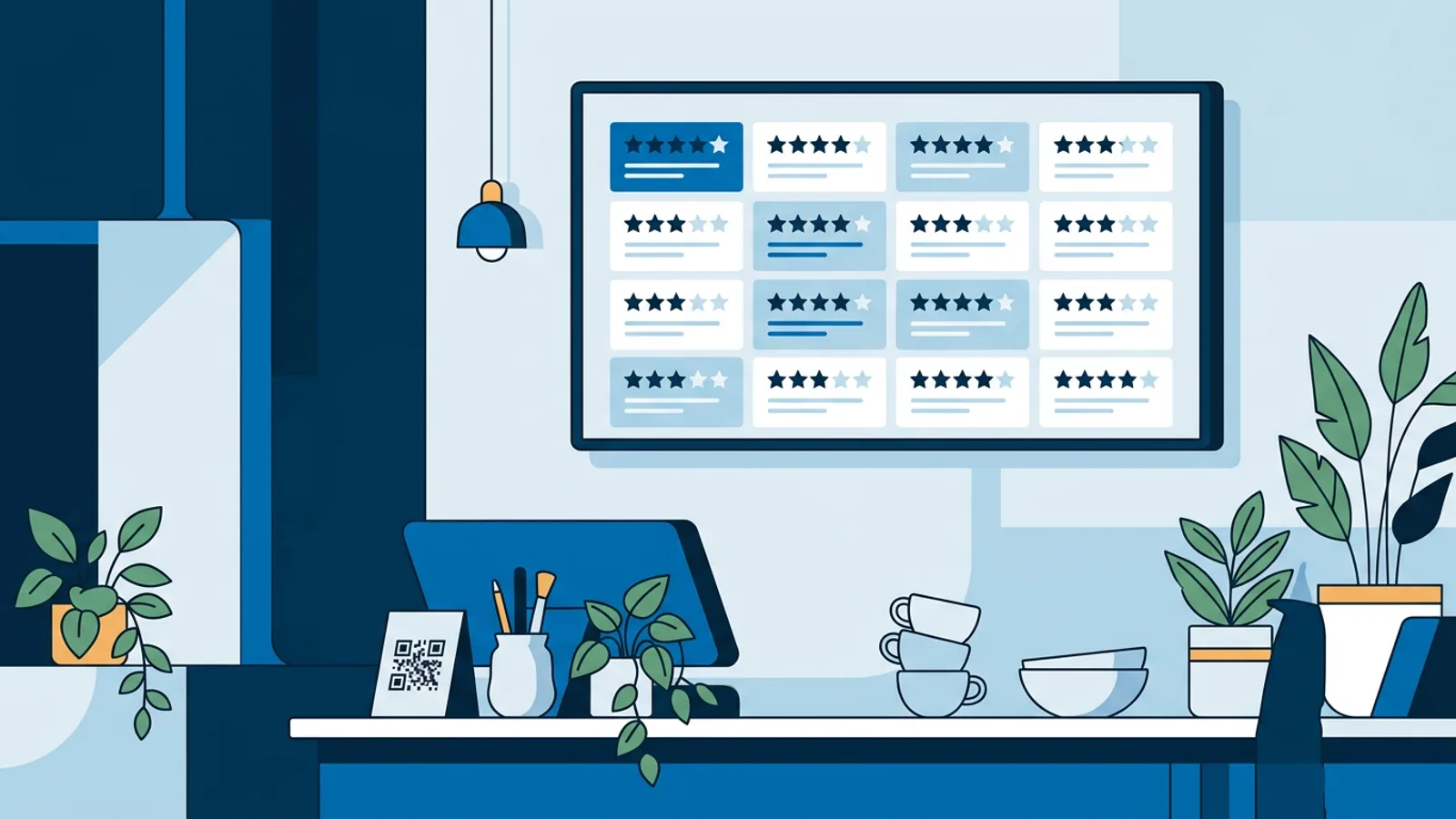
- A Google or Trustpilot reviews widget rotating your best reviews, useful near the till where new customers are deciding whether to trust the place.
- A countdown timer for a seasonal launch (pumpkin spice week, a new bakery item drop) that flips to a celebration message once the date arrives.
- Weather and a full-screen clock as filler content between specials, low effort, always relevant to someone deciding whether to sit outside.
Loyalty screens that actually get looked at
A loyalty screen works better as a QR code plus a short, clear line of text than as a wall of small print nobody reads while holding a hot cup. The Designer includes a QR code element you can drop straight into a slide pointing at your loyalty signup or app. If you run a Shopify, WooCommerce or Lightspeed eCom point-of-sale integration, you can also show a live wallboard of today's best sellers behind the counter, which doubles as social proof ("12 people bought the cinnamon roll today") without any extra design work.
Hardware: what to actually run this on
Most small cafes fall into one of three setups. Here's how they compare in practice:
| Setup | Upfront cost | Good for | Watch out for |
|---|---|---|---|
| Raspberry Pi + existing TV | Lowest (Pi + SD card) | Cafes that want full control and HDMI-CEC power scheduling | Needs someone comfortable running one install command |
| Smart TV browser app | None if you already own the TV | Fastest to get running, no extra box | Depends on the TV's built-in browser being current |
| Fire TV Stick with a browser app | Low | Cafes already using Fire TV elsewhere | No dedicated signage app yet, browser route only |
The Raspberry Pi route is the one we'd point most cafe owners to for a permanent screen: a one-command installer sets up kiosk mode, auto-start, and a watchdog that restarts the player within about ten seconds if anything crashes, no need to walk over and unplug the TV during the morning rush. The Pi also handles HDMI-CEC, so the dashboard's power schedule turns the TV on before opening and off after close without a smart plug. If you're deciding between that and just using a smart TV's built-in browser, the Raspberry Pi vs smart TV comparison walks through the tradeoffs in more depth. For opening-hours automation specifically, see the opening hours scheduling guide.
When TVpilot fits a cafe, and when it doesn't
TVpilot is a good fit for a cafe or bakery that wants one dashboard covering the menu board, specials rotation, social wall and loyalty QR code, without hiring anyone to maintain it. The Free plan covers a single-screen shop with AI Studio included and no credit card required, so it's a reasonable way to test the daily specials workflow before paying anything.
It's a worse fit if you need a fully offline system with no internet dependency at all (players need a connection for content updates, though a Raspberry Pi recovers automatically once the connection returns) or if you specifically want self-hosted, open-source software you run on your own server. TVpilot is hosted SaaS, not self-hostable, and that's a real tradeoff worth knowing before you build a menu library around it.
Set up the specials board this week instead of writing another chalkboard update: start free at TVpilot and put your first screen live before the next rush.
Frequently asked questions
What's the cheapest way to run digital signage in a small cafe?
A Raspberry Pi connected to a TV you already own is usually the cheapest reliable option: the board costs a small one-time amount and the software can run on a free plan for a single screen. A smart TV's built-in browser can also work with no extra hardware, though update reliability depends on how current the TV's browser is.
How do I show different specials on different days automatically?
Use per-slide scheduling to set a slide to appear only on chosen weekdays or between chosen times, with an optional expiry date. For a full weekly rotation across multiple playlists, calendar scheduling lets you assign a different playlist to specific days or repeating weekly time slots, like a lunch menu that runs weekdays 11:00 to 14:00.
Can I show my Instagram posts on a cafe screen automatically?
Yes. Entering your Instagram handle lets screens display your latest posts, photos, captions and likes, as a live social wall that refreshes on its own. This currently works with Instagram only.
Do I need a fast internet connection for a cafe menu screen?
No. Digital signage players use modest bandwidth for content updates, not continuous streaming, and a well-set-up player keeps playing its last content during a brief outage. A Raspberry Pi-based player reconnects and resumes automatically once the connection is back.