How to Show Google Reviews on a TV Screen in Your Shop
Customers trust a TV showing real, current reviews far more than a laminated printout from 2022. Getting google reviews on tv in your shop, restaurant, salon or dental practice comes down to three routes: a signage plugin that reads your public Google profile, a review widget embedded as a web page, or a screenshot slide you update by hand (and the staleness that comes with that last one).
This guide walks through all three, with the practical settings that make a review screen look good instead of looking like a chore someone forgot to do. TVpilot has a Google Reviews integration in its plugin catalog, and we'll point to it where relevant, but most of the advice below applies whether you build this yourself or use any signage tool.
Three ways to put google reviews on tv
1. A signage plugin that reads your public Google profile
This is the low-maintenance option. A review plugin reads your public business listing and shows your rating and reviews on screen without you maintaining a scraper or copying text by hand. TVpilot's catalog includes review plugins for several platforms, all working from a public link or business search, no login needed on the signage side. The Trustpilot plugin, for example, works from the business domain, shows reviews in rotate, grid or summary view, filters by a minimum star rating and applies your brand colors, with no account or API key required. Tripadvisor and Yelp work the same way from a public business page link. For the exact setup steps and view options for Google reviews specifically, the integration page is the place to check, since that's where the current details live.
2. A review widget embedded as a web page
If you already run a review widget on your website (a third-party embed script, for instance), you can sometimes point a signage web-slide at that same page and let it play full-screen on the TV. This works, but it comes with baggage: website widgets are built for scrolling pages, not static TV loops, so you often get awkward whitespace, a cookie banner, or a "load more" button nobody can click because there's no mouse in the room. You also inherit whatever the widget provider changes about their layout, with no control over filtering or brand colors on the signage side.
3. A screenshot slide updated by hand
The simplest possible version: screenshot your Google Business Profile reviews and drop the image into your signage playlist. It costs nothing and takes two minutes to set up.
The problem shows up around month three. Nobody remembers to update it, so the screen quietly displays reviews from eight months ago while three new ones (maybe a couple of negative ones) have landed since, and nobody in the shop realizes the screen is out of date. A review wall that's visibly stale, same five reviews, same date range, every single visit, does more harm than no review wall at all, because repeat customers notice.
Picking a layout that actually works on a shop floor
A few settings matter more than people expect:
- Filter to 4 and 5 stars. You're free to choose which of your own public reviews you surface on a screen inside your store, as long as you don't edit the words inside them.
- Put the rating and count in a header. "4.8 stars, 212 reviews" at the top of the screen does more convincing in two seconds than any individual quote. A summary view that leads with the number, with individual reviews below or rotating underneath, usually reads better than quotes alone.
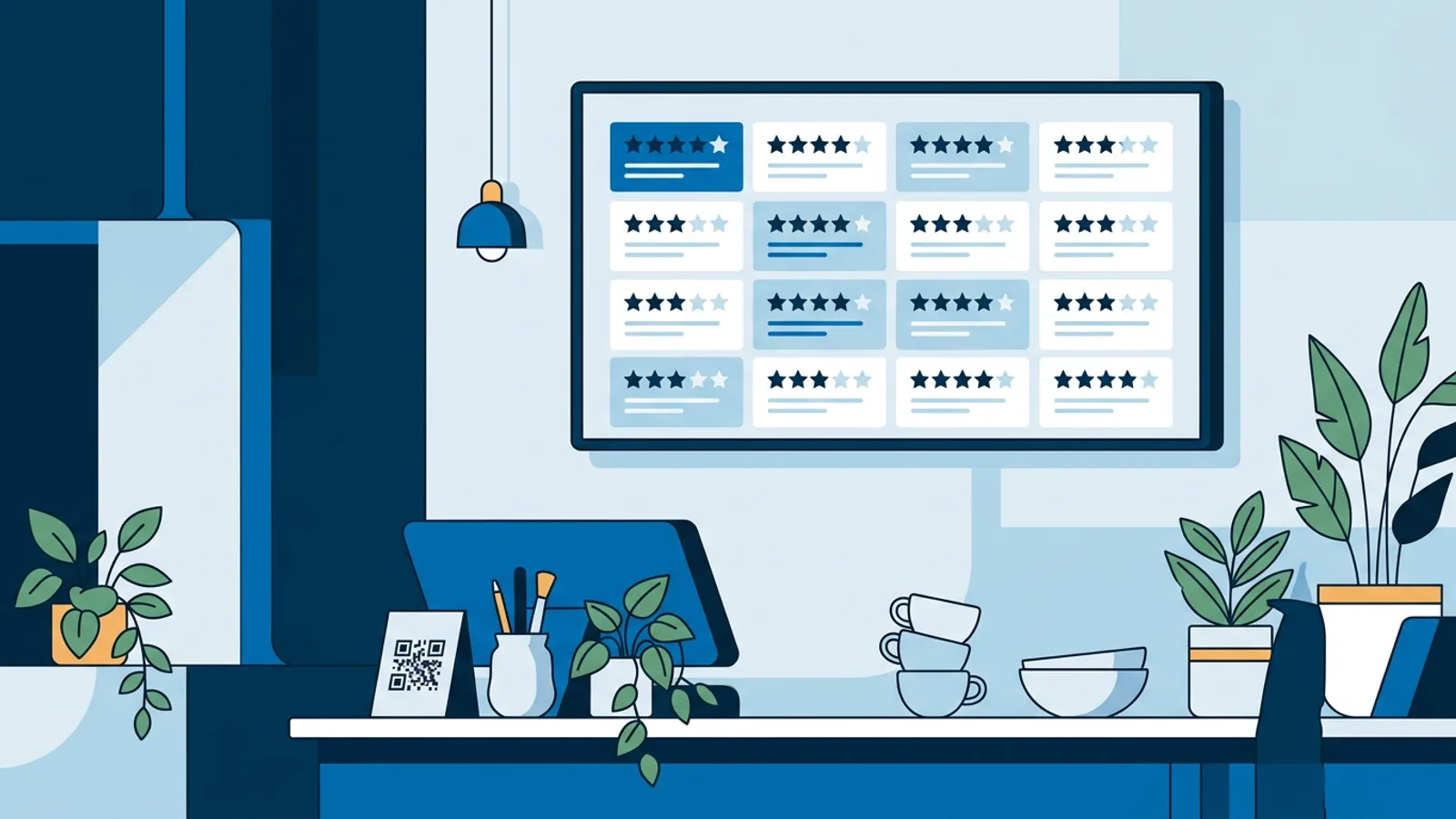
- Rotate one review at a time in a window display, and use a grid above the counter. A single big review is easier to read from across the street or through glass. Inside, near the register or counter, a grid of four to six reviews works better because people are standing closer and have more time to read.
- Keep author first names, drop full names for sensitive businesses. A dental practice or a mental health clinic should strip surnames even though the review itself is public; patients didn't necessarily sign up to have their full name displayed on a waiting room TV.
- Pair the review screen with a QR code asking for a review. Reviews compound: showing them encourages more of them. A QR code pointing to your Google review link, placed as a small overlay or a separate rotating slide, turns passive social proof into an active review funnel. TVpilot's built-in Designer includes a QR code tool you can drop onto a slide alongside your reviews; for guest-facing Wi-Fi and QR setups more broadly, see QR & Wi-Fi.
The Google policy angle
Google's own help center for Google Business Profile covers what's allowed when you reuse reviews: you can display the reviews as written, but you cannot edit the text, cherry-pick words out of context to misrepresent what a reviewer said, or fabricate reviews. Check Google's current guidance directly before building anything review-related, since policy pages change and a shop or practice should not rely on a blog post for compliance.
Within that boundary, choosing which reviews to show is a design decision, not a text edit. Filtering to 4 and 5 stars changes which reviews appear on your screen; it doesn't change a single word inside the ones you do show. Keep the text exactly as written, every time, and link back to the review itself where your tool allows it.
Setting it up with TVpilot
If you're using TVpilot, add the Google Reviews plugin from the integrations catalog and follow the setup steps on the integration page for your current options. Drop the result into a playlist alongside your menu, promos or opening hours, using per-slide scheduling if you only want reviews visible during certain hours. Changes save as a draft and only go live once you hit "push to screen," so you can set everything up without worrying about a half-finished layout appearing on the shop floor.
For restaurants also running a menu board, see the digital menu board guide for how reviews and menu content can share a screen or a schedule.
When TVpilot is (and isn't) the right fit
TVpilot is a good fit if you want reviews on screen without maintaining a scraper or manually screenshotting anything, and you'd rather have the review slide live in the same playlist as your menu, opening hours or promos. It isn't the right fit if you need to edit or respond to reviews: that happens in Google Business Profile itself, not in a signage tool. It also isn't the right fit if you need a fully custom review layout beyond the view options the plugin currently offers.
If your only need is a single static review poster that changes once a quarter, a screenshot slide genuinely is fine, and setting up a plugin integration for that case is more effort than it's worth.
Getting started
A review screen that updates itself, filters out the low scores, and pairs with a QR code to collect more reviews pays for itself in the first week just by looking current. Sign up free and connect a Google Reviews slide to a screen in a few minutes, no credit card required for the Free plan.
Frequently asked questions
Do I need an API key or developer to show Google reviews on a TV?
With a signage plugin built for this, no. You typically point the plugin at your business listing (a search or a Maps link) and it handles the rest. Check the specific integration's setup page for the exact steps, since these can change as a plugin develops.
Can I show only my 4 and 5 star Google reviews on screen?
Yes. Choosing which of your own public reviews to display is a curation decision, not an edit to the reviews themselves. What you can't do is alter the wording of a review you keep, cherry-pick a misleading snippet, or fabricate one. For the current rules, check Google's own help pages for Google Business Profile rather than relying on a summary.
Should I hide customer names on a review screen?
For most businesses, first names are fine since the review is already public. For sensitive categories like dental, medical or mental health practices, it's worth stripping surnames even though the review itself is public, since patients didn't necessarily expect their full name on a waiting room TV.
Is a manual screenshot of my Google reviews good enough?
It works for a quick start and costs nothing, but it tends to go stale: most businesses stop updating it after a month or two, and a visibly outdated review wall (same reviews, same dates, every visit) can do more harm than showing none at all once regulars notice.