Welcome Screen Design for Your Lobby or Reception
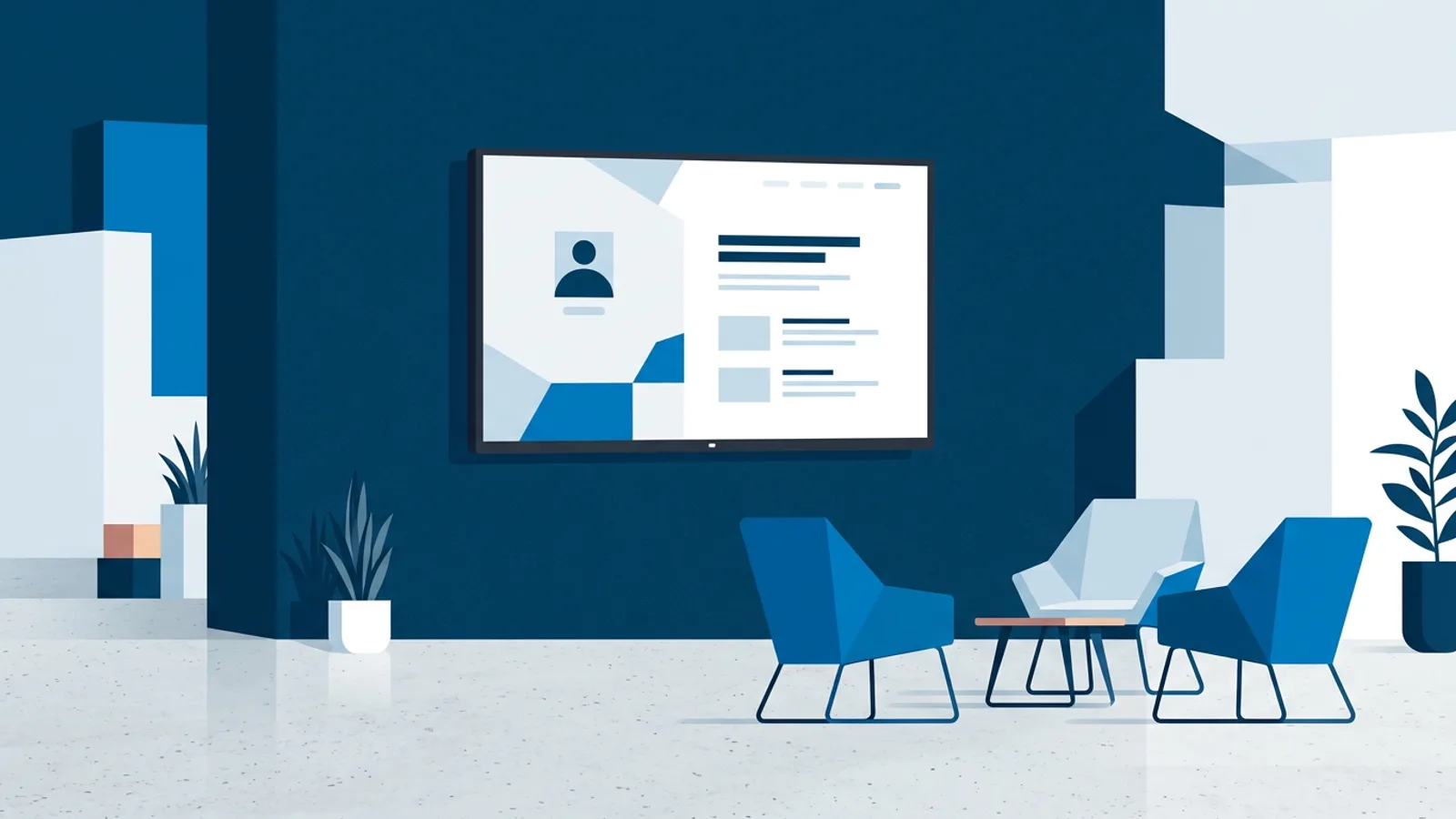
A welcome screen is usually the first digital thing a visitor sees when they walk into your building, and its one job is to make them feel like they're in the right place, fast. Good welcome screen design comes down to clarity: a legible greeting, the right names, the right room, and a reason to keep glancing at it while they wait.
Most lobby screens fail for the same reason: someone treats them like a TV playing a slideshow of stock photos, when they should work like a piece of wayfinding. Before you touch a template, decide what the screen is for. Greeting a specific visitor? Showing today's meeting schedule? Reassuring people the office is open and staffed? Each answer changes the layout.
If you haven't picked hardware yet, the easiest starting point for a reception screen is usually whatever smart TV or monitor you already own, run through a browser, rather than buying a dedicated media player. Our guide to running signage on a browser or smart TV covers the tradeoffs if you're not sure which route fits your building.
Welcome screen design: what it needs to do
Strip away the visual polish and a reception screen has three jobs, in order of importance:
- Confirm the visitor is in the right place. Company name or logo, clearly visible from the door.
- Tell them what to do next. Check in at the desk, take a seat, scan a QR code, call an extension.
- Fill the waiting time with something useful or reassuring. Today's schedule, a welcome message for a specific guest, weather, or light branding content.
Everything else (animations, background video, extra widgets) is optional and should never compete with those three jobs for attention.
Layout basics that matter
- One focal point at a time. A screen split into six panels looks busy, not professional. Rotate content in a slow, predictable sequence instead.
- Big type, short words. Someone reading from 4-5 metres away while walking shouldn't have to slow down. If you can't read your own design from across the room, it's too small.
- Contrast over cleverness. Light text on a dark background (or the reverse) reads better under lobby lighting than pastel-on-pastel branding, even if the brand guide says otherwise.
- Leave breathing room. A logo, a greeting line, and empty space communicate more confidence than a screen crammed with every company achievement.
For the deeper mechanics of legibility (font sizing, contrast ratios, safe margins), our design best practices guide goes further than we can here without repeating it.
Content ideas for a lobby or reception screen
A welcome screen doesn't need to be static. Rotating a handful of slides on a timer keeps it feeling alive without becoming distracting.
| Slide type | Good for | Update frequency |
|---|---|---|
| Personal greeting ("Welcome, Acme Corp") | Scheduled visitor meetings, interviews | Per meeting |
| Company logo + tagline | Baseline branding when nothing else is scheduled | Rarely |
| Today's meeting rooms / schedule | Multi-room offices, coworking spaces | Daily |
| Local weather widget | General waiting areas | Auto-updating |
| Wifi guest network + password | Any visitor-facing lobby | Rarely |
| Safety or check-in instructions | Regulated offices, warehouses, clinics | Rarely |
| Light brand content (awards, milestones, culture photos) | Filler between the above | Weekly or monthly |
A sensible rotation might be: greeting slide (10 seconds), schedule or wifi info (8 seconds), one branding slide (6 seconds), repeat. Keep total loop time under a minute so returning visitors aren't staring at a stale screen.
Personalized welcome slides
Naming a specific visitor or company on the screen ("Welcome, Jane from Acme Corp") is one of the highest-impact, lowest-effort things you can add. It requires manually swapping a slide or scheduling it ahead of a meeting, which is more manageable than it sounds if your signage tool lets you schedule content by time slot rather than editing a playlist by hand every morning.
Common mistakes to avoid
- Autoplaying video with sound. Nothing says "we didn't think this through" like a lobby suddenly playing audio. Mute everything by default.
- Vertical content on a landscape TV (or the reverse). Decide orientation before you design, not after; stretched or letterboxed content looks unfinished.
- Too much text. A welcome screen is glanced at, not read. If a slide needs more than two sentences, it belongs on a webpage, not the lobby TV.
- No fallback state. If nothing is scheduled, the screen should default to a clean branding slide, not a blank blue screen or a frozen error message.
- Forgetting to turn it off. A lobby screen blazing away at 11pm in an empty office wastes power and looks neglected. Scheduling the TV to power on and off automatically (see our guide on that) solves this without anyone remembering to flip a switch.
Hardware: what runs a lobby screen
You have three realistic options for a reception display:
- The smart TV's built-in browser or apps. Works if the TV's browser is reasonably modern, but many smart TV browsers are slow, get discontinued, or lack the auto-restart behaviour you want for something running unattended all day.
- A dedicated small computer plugged into HDMI, like a Raspberry Pi. This is the more reliable path for a screen that needs to survive power blips and stay in kiosk mode without anyone touching it. Our Raspberry Pi digital signage guide walks through the full setup.
- An old laptop or mini PC propped behind the TV, running a browser in kiosk mode. Fine as a stopgap, less elegant long-term.
For most single-lobby setups, a Raspberry Pi 4 or 5 with an HDMI connection is the sweet spot: cheap, quiet, and it can also power the TV on and off over HDMI-CEC on the same schedule as your content, so reception doesn't need a smart plug.
Where TVpilot fits, and where it doesn't
TVpilot is a hosted dashboard for managing what plays on a screen: playlists of images, videos, web pages and PDFs, scheduled by time slot and day of week, with an AI Studio that can generate a welcome screen layout from a short text brief if you don't want to design one from scratch. On a Raspberry Pi, the one-command installer sets up Chromium kiosk mode with a watchdog that restarts the display automatically if it crashes, plus the HDMI-CEC scheduling mentioned above. If you'd rather point an existing smart TV browser at a player URL, that works too, though there's no dedicated native app for Android TV or Fire TV yet, so those run through the browser.
It's a good fit if you want a lobby screen you can update remotely without walking over with a USB stick, and if you're comfortable with a hosted (not self-hosted) tool, since TVpilot isn't open source. It's a less obvious fit if you only ever need one static logo slide that never changes, in which case a browser bookmark or a free tier (see our breakdown of what free signage tools actually give you) may be all you need. The free plan covers one screen with 250MB storage, which is plenty for a simple welcome rotation, and paid plans start at €5/month if you outgrow it.
Getting a reception screen right is mostly a design discipline: pick the two or three things it needs to communicate, size the text so it's readable from the doorway, and keep the rotation short enough that returning visitors don't get bored. Once the content plan is settled, sign up for a free TVpilot account and you can have a welcome screen scheduled and running within an afternoon.
Frequently asked questions
What size TV is best for a reception welcome screen?
For most lobbies, a 43 to 55 inch TV mounted at eye level or slightly above works well. Anything smaller becomes hard to read from across the room; much larger can feel overwhelming in a small entryway. Match the size to the distance visitors typically stand or sit from it.
Should a lobby welcome screen include sound?
Generally no. Autoplaying audio in a reception area feels intrusive and often startles visitors. Keep video content muted and rely on text, imagery and clear layout to communicate instead of sound.
How often should welcome screen content be updated?
Baseline branding slides can stay the same for weeks, but anything tied to a specific visit (a personalized greeting, a meeting schedule) should be updated per event. Scheduling content by time slot rather than manually swapping files each morning makes this much less tedious.
Can I use an existing smart TV instead of buying dedicated signage hardware?
Yes, many smart TVs can run a browser pointed at a signage player URL, which is the simplest starting point if the TV's browser is reasonably modern. For a screen that needs to run unattended all day without freezing, a small dedicated device like a Raspberry Pi is generally more reliable long-term.