What Is Display-as-a-Service (DaaS)? A Plain-English Guide
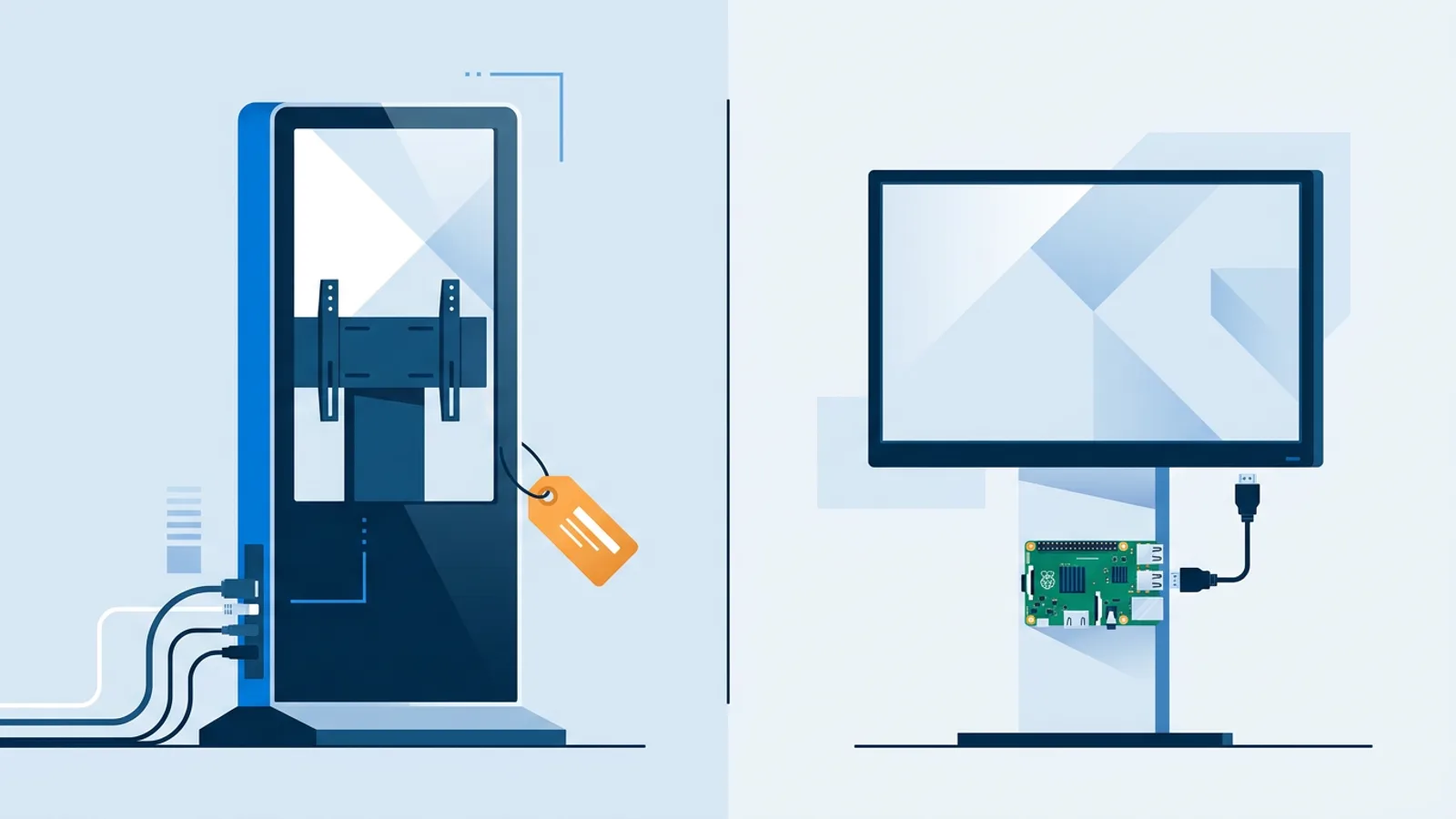
Display-as-a-service (DaaS) is a rental model for digital signage: a vendor ships you a screen or media player already loaded with software, installs it, keeps it running, and swaps it out if it breaks, all for one recurring fee. You never own the hardware. You're paying for the whole stack as a subscription, not just the software that runs on it.
That's the plain-English version. In practice a DaaS contract usually bundles four things into one line item: the physical screen or media player, the installation (someone mounts it and gets it online), ongoing maintenance (firmware updates, remote monitoring, a replacement unit if something dies), and the content management software that lets you push what plays on it. You sign a contract, pay monthly or annually, and if a unit fails, the vendor sends a new one instead of you troubleshooting a dead HDMI port at 7am before opening.
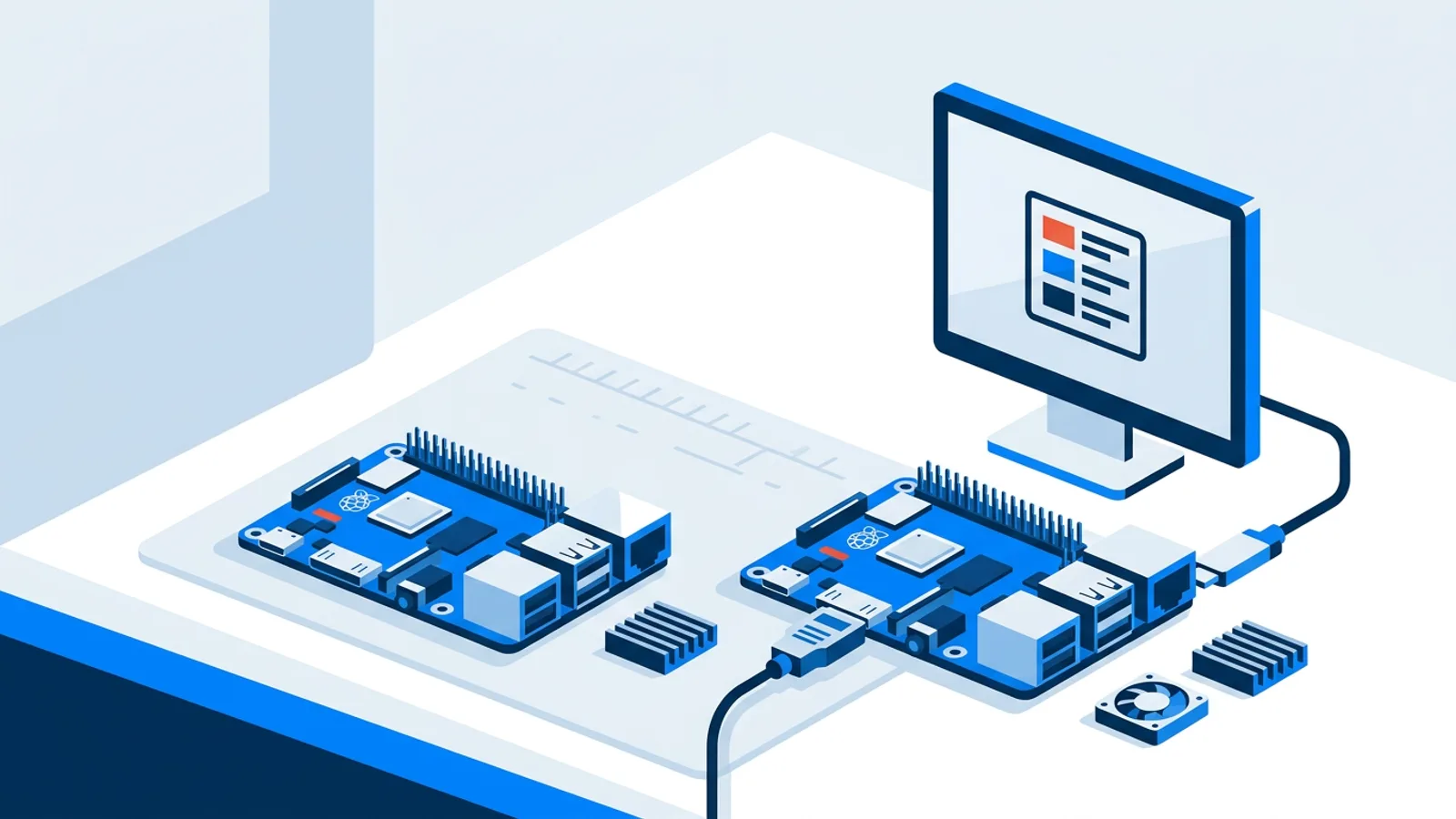
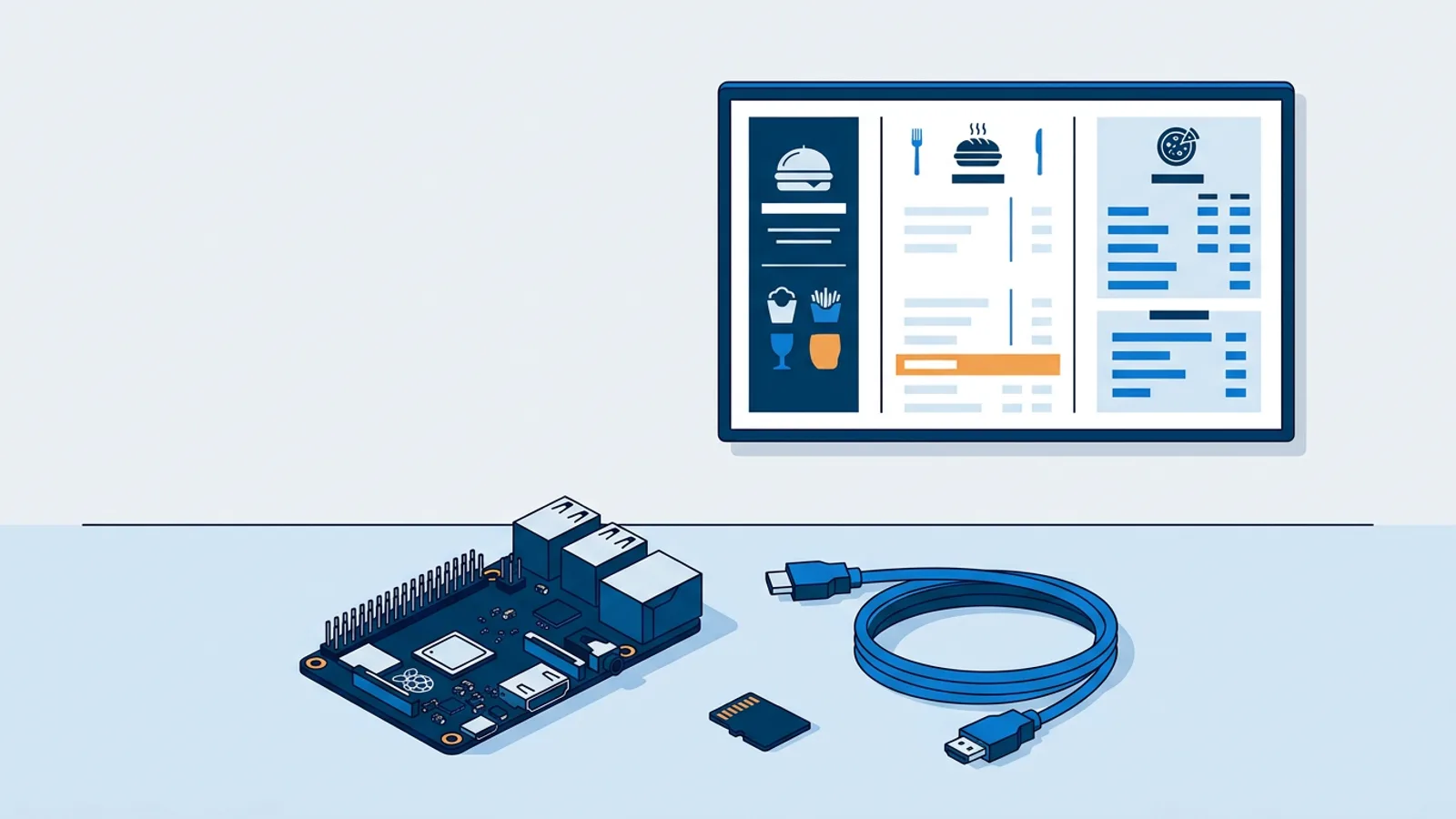
For a business with one screen in one location, that whole bundle is often more than you need. A Raspberry Pi running signage software costs less than a single month of most DaaS plans, and you probably already own the TV. If you want to see what that alternative actually looks like before deciding, the Raspberry Pi signage page walks through the hardware and setup step by step.
What Is Display-as-a-Service (DaaS), Exactly?
Think of it the way you'd think of leasing a photocopier instead of buying one. The leasing company owns the machine, sends a technician when it jams, and charges you a flat monthly rate that covers the hardware, the service, and often the toner. You get predictable costs and no ownership headaches, but you pay for that convenience every month for as long as the contract runs, and you never end up owning the copier outright.
Digital signage DaaS works the same way. A typical bundle includes:
- Hardware: the screen itself, or a compact media player that plugs into a screen the vendor supplies.
- Installation: a technician mounts the unit, runs the cabling, and connects it to your network.
- Maintenance: firmware patches, remote monitoring, and hardware replacement if something fails, usually without a separate site-visit invoice.
- Software: the content management system used to schedule and push what plays on screen.
All four are folded into one recurring fee. You don't buy a screen, you don't own a media player, and at the end of the contract the hardware typically goes back to the vendor, not into your storage closet.
Who DaaS Actually Fits
DaaS makes sense for organizations that have a lot of screens and no appetite for managing physical devices across many sites. Picture, purely as an illustration, a regional bank with forty branches, a franchise chain with signage in every store, or a hospital network with wayfinding screens across a dozen buildings. None of these are real customers of any specific vendor, they're just examples of the pattern: someone has to keep hundreds of individual pieces of hardware alive, and that someone probably isn't on staff. Paying a vendor a flat per-screen fee to own that problem, including the truck rolls when a unit dies in a city you've never visited, is a reasonable trade. It converts an unpredictable maintenance headache into a predictable line item on a budget spreadsheet, and it means nobody at head office has to know what HDMI-CEC is.
Who DaaS Doesn't Fit
A single-location coffee shop, salon, or gym with one or two screens is a different situation. You almost certainly already have a spare TV, or you're about to buy one anyway. Adding a Raspberry Pi to run the signage software costs a fraction of what a DaaS contract charges per month, and the Pi keeps running until you decide to replace it, not until a contract term ends. The Raspberry Pi hardware list covers exactly what to buy if you go this route.
The honest test is simple: how many screens do you have, and how many locations are they spread across? One screen at one counter doesn't need a vendor managing hardware logistics on your behalf. Twenty screens across fifteen cities might.
The Real Cost Breakdown: DIY Hardware Plus Software vs a DaaS Bundle
Here's the comparison broken into its actual parts, using real numbers where we have them.
| Cost item | DIY: Raspberry Pi + TVpilot | Typical DaaS bundle |
|---|---|---|
| Hardware | One-time cost for a Raspberry Pi 4 or 5, power supply, and SD card, plus a TV you likely already own | Included in the monthly fee, you never own it |
| Installation | You install it yourself using the one-command setup script generated in the dashboard | Vendor sends someone, included in the fee |
| Software | Free for 1 screen, then €5/month (Starter, 3 screens included, up to 10) or €29/month (Pro, 10 screens included, up to 100) | Bundled with hardware and service, rarely itemized separately |
| Maintenance and replacement | Your responsibility, though Pi hardware failure is uncommon and a replacement unit is cheap | Included, vendor handles failures and swaps |
| Ownership after year one | You own the hardware outright and can reuse or resell it | You own nothing, hardware is often returned at contract end |
We don't have verified pricing for any specific DaaS vendor, so we're not putting a number on that column, and you shouldn't trust a comparison chart anywhere that invents one either. What you can compare honestly is the shape of the two models: DIY has a small upfront hardware cost and a low recurring software fee, DaaS has no upfront cost but a higher, indefinite recurring fee that includes a service layer you may or may not need.
Where TVpilot Fits, and Where It Doesn't
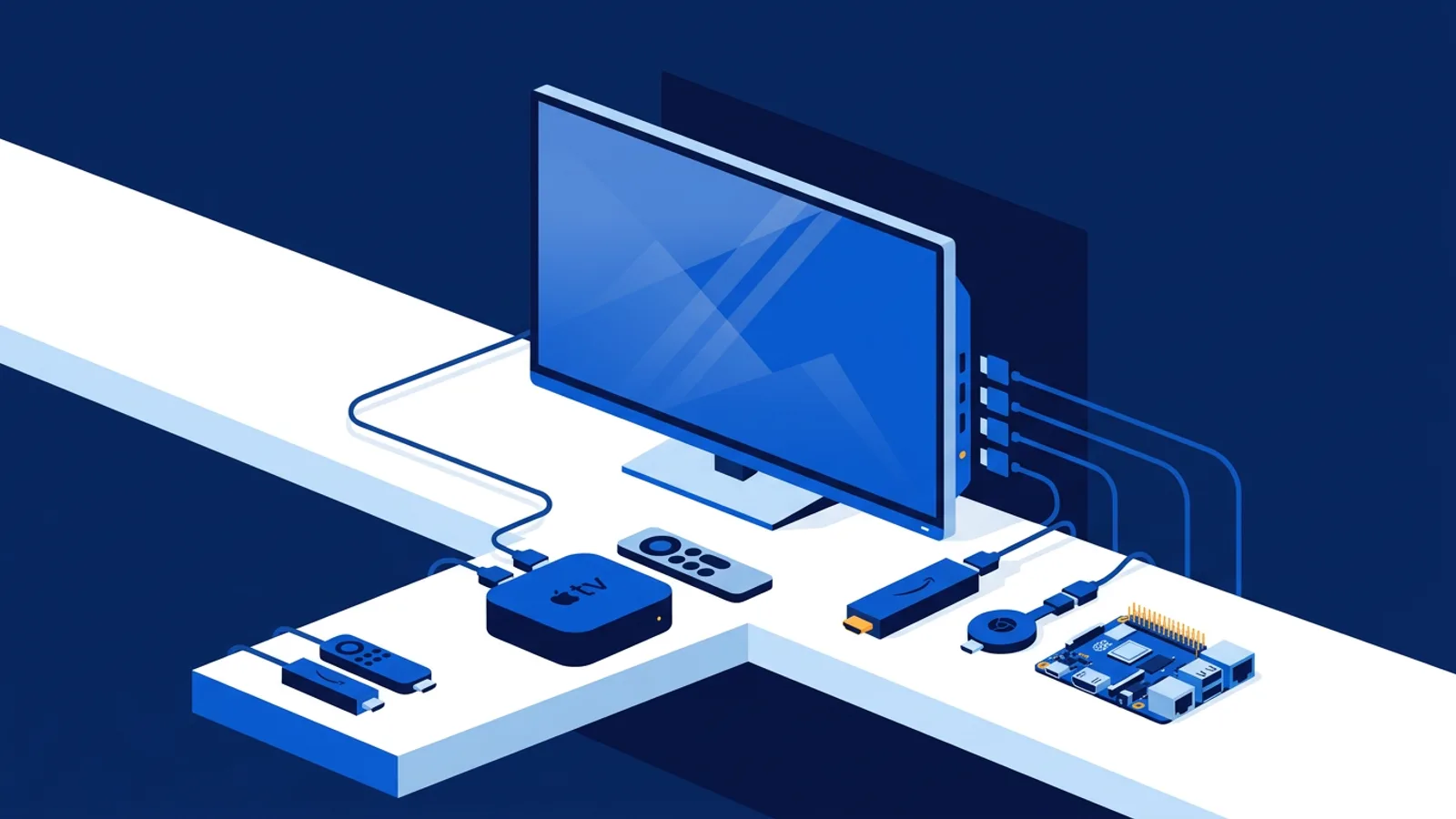
TVpilot is not a DaaS provider. We don't lease, ship, or own any hardware, and we never will as the product stands today. TVpilot is hosted software: you run it on a screen you already have, paired with a Raspberry Pi, a smart TV's built-in browser, or a Fire TV Stick's browser app. The dashboard lives at tvpilot.app and handles scheduling, playlists, and monitoring, but the physical box on your wall belongs to you, not to us.
The Free plan costs nothing forever for one screen with 250 MB of storage, no credit card required, and AI Studio is included even on that plan. If you outgrow one screen, Starter is €5/month with 3 screens included (up to 10, extra screens €2/month each), and Pro is €29/month with 10 screens included (up to 100). There's no trial period to worry about running out, because the Free plan simply doesn't expire.
Is TVpilot Right for You?
It's a good fit if you have a small number of screens, you're comfortable owning a Raspberry Pi or using a TV's browser, and you want low, predictable software costs without a hardware contract. The Pi route is covered step by step in the Raspberry Pi signage tutorial, and the player includes a self-healing watchdog that restarts itself automatically if something crashes.
It's not the right fit if you need someone else to physically manage dozens of screens across many sites, replace failed hardware without you lifting a finger, or handle installation crews at scale. That's the actual value DaaS and full managed services sell, and for a large multi-location rollout it can be worth paying for. The managed service vs software comparison goes deeper into that specific tradeoff if you're running more than a handful of locations.
If you're running one screen or a handful of them and you're willing to own a Raspberry Pi instead of renting the whole stack, sign up free and see what it costs to run your own signage instead of leasing someone else's.
Frequently asked questions
Does display-as-a-service include the screen itself, or just the software?
It usually includes both, plus installation and maintenance. A typical DaaS contract bundles the physical screen or media player, the setup work, ongoing firmware/monitoring, and the content management software into one recurring fee. You never buy or own the hardware separately.
Is TVpilot a DaaS provider?
No. TVpilot does not lease, ship, or own any hardware. It is hosted signage software you run on equipment you already have or buy yourself, such as a Raspberry Pi, a smart TV's built-in browser, or a Fire TV Stick's browser app. You own the physical device; TVpilot only handles the dashboard, scheduling, and content.
Is DaaS more expensive than buying hardware outright?
There's no verified, general answer because DaaS pricing varies by vendor and contract length, and we don't quote specific vendor numbers. What's true structurally is that DIY hardware plus a software subscription has a small one-time hardware cost and a low recurring software fee, while DaaS has no upfront hardware cost but a higher recurring fee that folds in installation and maintenance for as long as the contract runs.
When does DaaS make more sense than setting up a Raspberry Pi myself?
DaaS tends to make sense when you have many screens across many locations and no staff time to manage physical devices, replace failed units, or coordinate installers. A single-location business with one or two screens usually doesn't need that layer of service and can run a Raspberry Pi plus signage software for a lot less per month.