Digital Signage on Apple TV: What to Use Instead
If you're searching for digital signage on Apple TV, you're looking for an app that doesn't exist. Apple's tvOS has no web browser and doesn't allow sideloading, so a browser-based signage player, including TVpilot, cannot run directly on an Apple TV box. Apple built tvOS to only accept apps through the App Store, with no sideloading path and no browser, so there's no way for a hosted signage player to render a page on the device itself.
This page won't promise you an Apple TV app is coming, because we don't have one and can't give you a date. What it will do is walk through why the App Store route is closed, and what people running signage on a TV that happens to have an Apple TV plugged into it actually do instead. If you already own an iPad or a Mac, the most direct option is described on our iPad and Mac signage page, including how to lock the screen down with Guided Access so nobody can swipe out of the player.
Why there's no digital signage app for Apple TV
tvOS apps only install through the App Store. There is no sideloading path for regular users, and there is no Safari or any other browser on the platform, so a hosted signage dashboard has nowhere to render a page. Compare that to Android-based TV boxes, where a browser like Silk or Fully Kiosk can just open a URL and stay there.
Apple does offer Single App Mode through Apple Configurator or an MDM profile, which locks an Apple TV to one already-installed app. That's genuinely useful in classrooms and retail kiosks running Apple's own apps. Single App Mode only locks down an app that's already installed, so it doesn't help when no signage app exists to lock into.
TVpilot doesn't have a tvOS app in the App Store today, so it can't appear on an Apple TV through official channels either. This isn't a hidden workaround: if a site or forum post tells you there's a way to sideload a signage app onto Apple TV, treat it with suspicion.
What people actually use instead
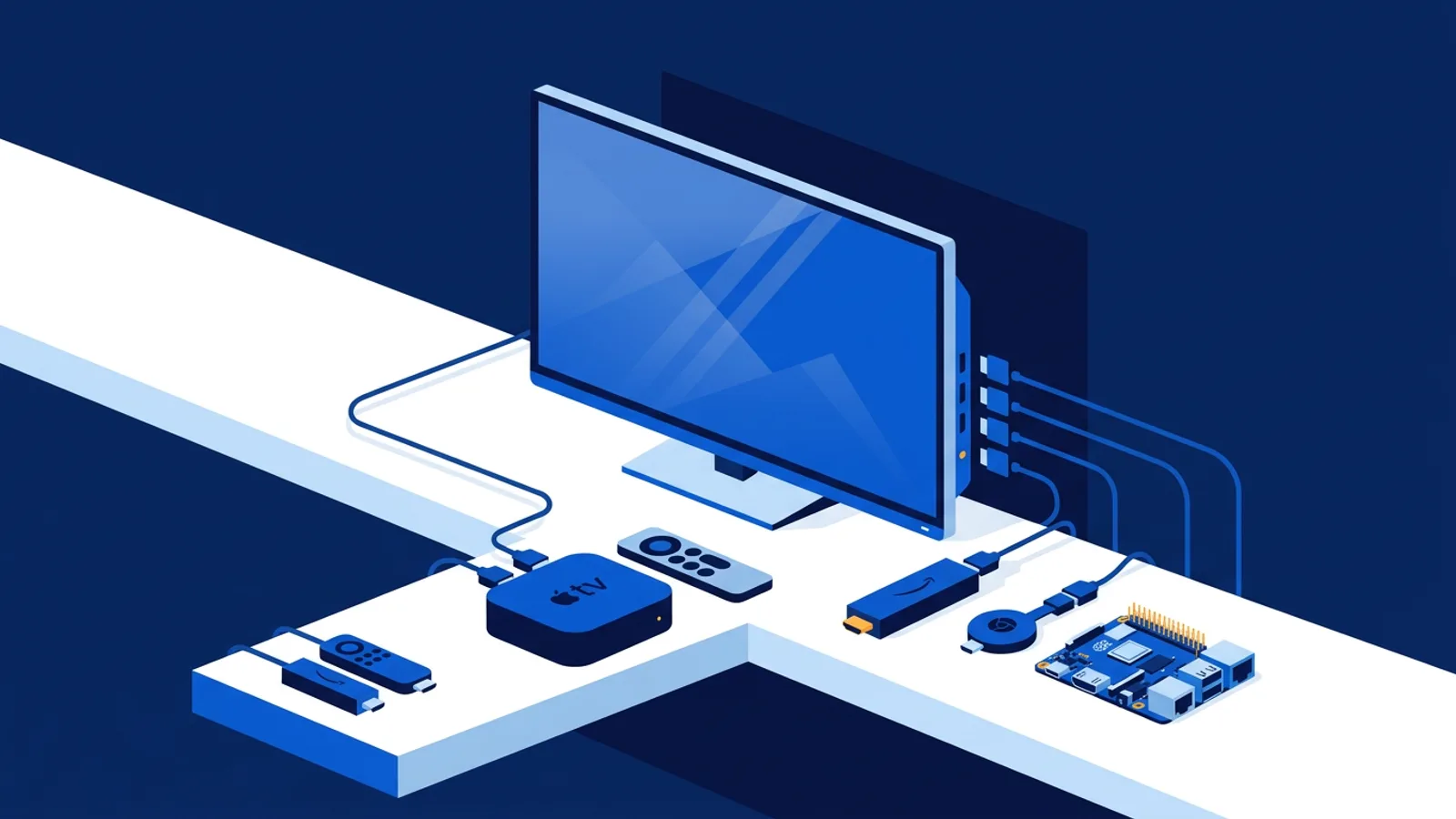
Everyone running a screen that used to have (or almost got) an Apple TV attached ends up doing one of four things. Which one makes sense depends on whether you already own Apple hardware, how many screens you're managing, and how much setup time you're willing to spend once versus how much remote control you want later.
A Mac mini or iPad next to the screen
If you already have a spare iPad or Mac, this is often the fastest path with zero new hardware to buy. An iPad in Guided Access mode, or a Mac running a browser in kiosk mode and set to never sleep, both work as signage players today. The iPad and Mac signage guide covers the exact settings, including how Guided Access stops someone from accidentally backing out to the home screen.
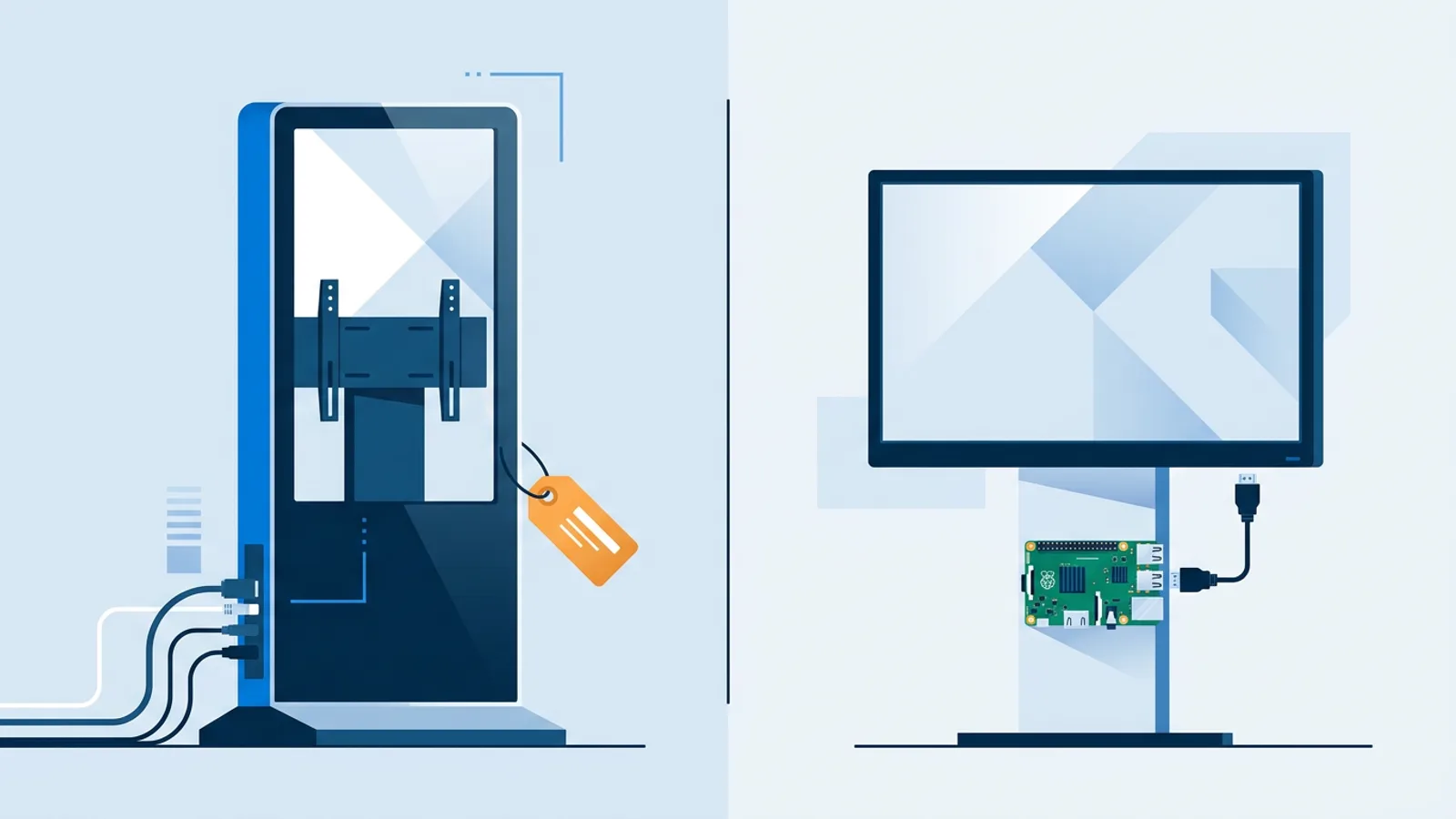
The catch is cost and bulk if you're buying new: a Mac mini or iPad is a general-purpose computer priced like one, and mounting an iPad behind a TV needs a bracket or stand that a stick-sized device doesn't.
A Fire TV Stick or Chromecast with Google TV
This is the option most people land on once they realize an Apple TV app isn't coming. Both devices plug into the same HDMI port an Apple TV would use, and both cost a fraction of what a Mac mini or iPad does. Fire TV Stick runs the Silk browser (or Fully Kiosk Browser) pointed at a player URL; Chromecast with Google TV runs a browser the same way. TVpilot works on any device with a modern browser, so either stick becomes a signage player without any app store approval needed on our end.
Setup is largely a matter of getting the device on Wi-Fi, opening the browser, and typing the player URL from the dashboard. See the Fire TV Stick setup page and the Chromecast with Google TV page for the exact steps.
A Raspberry Pi
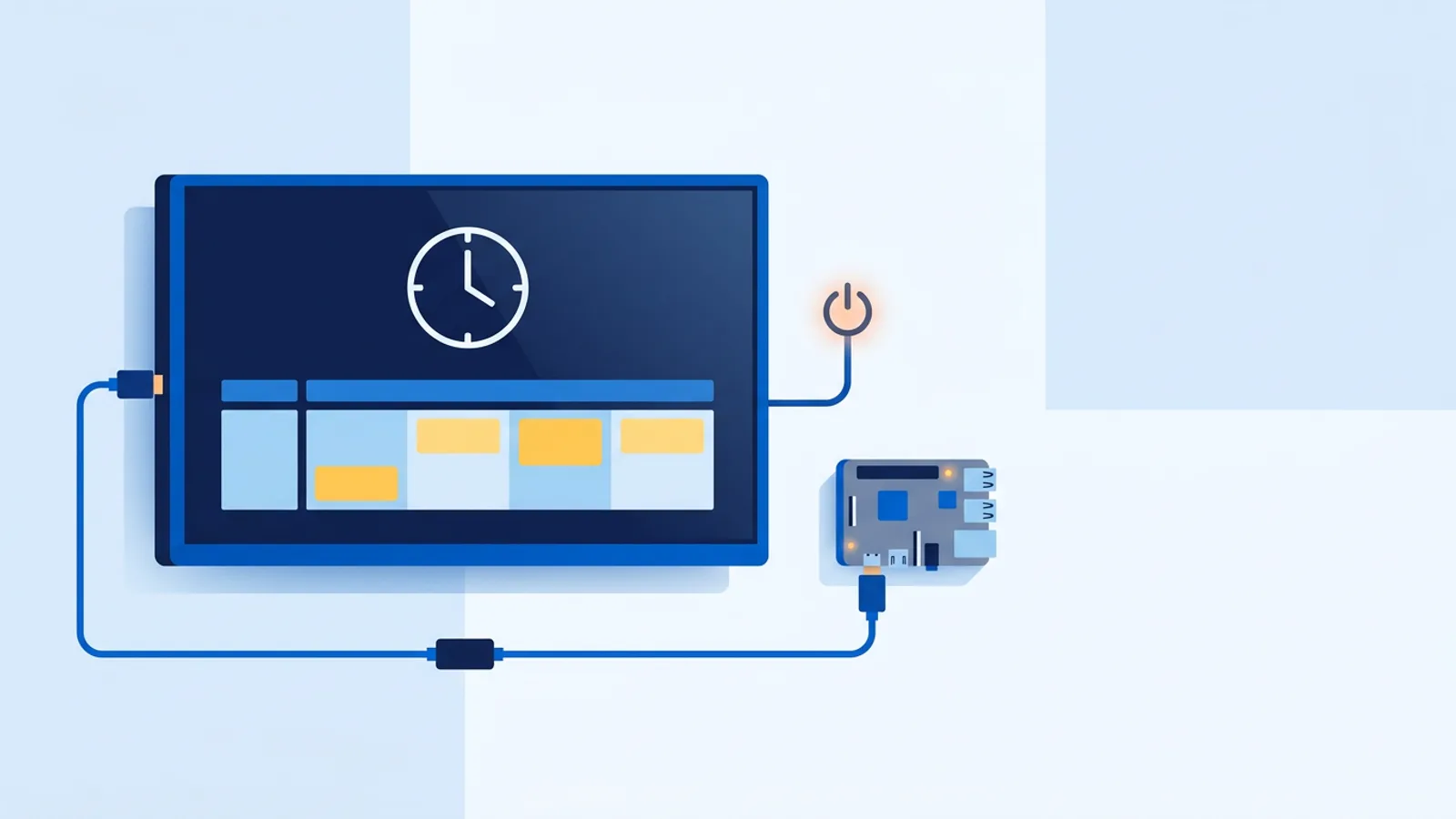
A Raspberry Pi is the option worth considering if you're managing more than one or two screens, want the TV to switch itself on and off with the venue's opening hours, or just want the sturdiest setup. TVpilot's Pi installer is a single command generated in the dashboard with a 6-character claim code; it sets up Chromium in kiosk mode, auto-start on boot, a watchdog that restarts the player within about 10 seconds if it crashes, and hidden cursor and quiet boot so nothing looks unfinished on screen. HDMI-CEC power scheduling on the Pi checks the dashboard's power schedule every minute and switches the TV on or to standby without a smart plug.
The tradeoff against a Fire TV Stick or Chromecast is setup time: flashing an SD card and running the installer is a longer, one-time job compared to opening a browser on a stick, though the Raspberry Pi signage guide walks through it step by step. Once it's running, a Pi tends to need less day-to-day attention.
AirPlay mirroring as a stopgap
If you already have a Mac in the building, you can mirror a browser tab to the Apple TV over AirPlay and call it done for an afternoon. It genuinely works for a demo, a meeting, or a one-off event screen. The mirror drops the moment the Mac sleeps, locks, loses Wi-Fi, or someone closes the lid, and there's no watchdog to bring it back. Nobody is monitoring that screen remotely, and nobody gets an alert when it goes dark. Use it to cover a single event or demo, then move to one of the setups above for anything permanent.
Cost, setup time and remote management compared
| Option | Relative cost | Setup time | Remote management |
|---|---|---|---|
| Mac mini or iPad (browser + Guided Access) | High if buying new, free if you already own one | Longer, one-time setup | Manual restart on-site if it hangs |
| Fire TV Stick (Silk or Fully Kiosk) | Low | Quick, open the browser and enter the URL | Reload and status checks from the TVpilot dashboard |
| Chromecast with Google TV (browser) | Low | Quick, same browser setup | Reload and status checks from the TVpilot dashboard |
| Raspberry Pi | Low to mid, depending on the kit | Longer, one-time setup (flashing the SD card, running the installer) | Full remote reboot, cache clear, screenshots, CEC power schedule |
| AirPlay mirroring from a Mac | Free if you own the Mac | Fastest to start, but not durable | None, breaks on sleep or Wi-Fi drop |
However you slice it, once the browser is open and pointed at a player URL, everything else, playlists, scheduling, widgets, monitoring, works the same way regardless of which box is plugged into the HDMI port. Running a hosted dashboard means the hardware underneath is close to interchangeable.
When TVpilot is (and isn't) the right fit
TVpilot is a solid fit if you're willing to plug in a Fire TV Stick, a Chromecast with Google TV, a Raspberry Pi, or use an existing iPad or Mac. Any of those give you the full dashboard: playlists, per-slide scheduling, the calendar scheduler, screen monitoring with offline alerts, and the 41 built-in plugins, all included on every plan starting at Free for one screen.
It is not the right fit if the requirement is that the signage app must run natively on the Apple TV box itself with no second device anywhere near the HDMI port. That path doesn't exist for TVpilot or for any other browser-based signage vendor, because tvOS doesn't allow it. If that's a hard constraint, a Fire TV Stick sitting next to the Apple TV, invisible from the couch, is usually the practical compromise businesses land on.
For a broader look at picking hardware before committing, the player alternatives guide compares more of these boxes side by side.
Pick a Fire TV Stick, a Chromecast with Google TV, a spare iPad, or a Raspberry Pi, plug it into the TV that was going to run an Apple TV app, and sign up free to get a player URL and a screen running in a few minutes.
Frequently asked questions
Is there an official TVpilot app for Apple TV?
No. TVpilot doesn't have a tvOS app in the App Store, and there's no date for one. tvOS has no browser and doesn't allow sideloading, so a hosted signage player has no way to run on the device itself. Businesses running signage on a TV that has an Apple TV attached use a second, cheap device such as a Fire TV Stick, a Chromecast with Google TV, a Raspberry Pi, or an existing iPad or Mac instead.
Can I use Apple TV's Single App Mode for digital signage?
Single App Mode (set up through Apple Configurator or an MDM profile) locks an Apple TV to one app that's already installed on the device. It's used for kiosks running Apple's own apps, but it doesn't solve the signage problem, because there's no signage app on tvOS to lock the device into in the first place.
What's the cheapest way to run digital signage instead of an Apple TV app?
A Fire TV Stick or a Chromecast with Google TV are the lowest-cost options. Both plug into the same HDMI port an Apple TV would use, cost a fraction of a Mac mini or iPad, and run a browser (Silk, TV Bro, or Fully Kiosk on Fire TV) pointed at a TVpilot player URL. Setup is mostly getting the device on Wi-Fi and opening the browser to the right address.
Can I just mirror a Mac's screen to Apple TV with AirPlay for signage?
You can, and it works fine for a one-off demo or event. It's not reliable for ongoing signage: the mirror stops the moment the Mac sleeps, locks, loses Wi-Fi, or the lid closes, and nothing restarts it automatically or alerts you when the screen goes dark. Treat AirPlay mirroring as a short-term bridge, not a permanent setup.