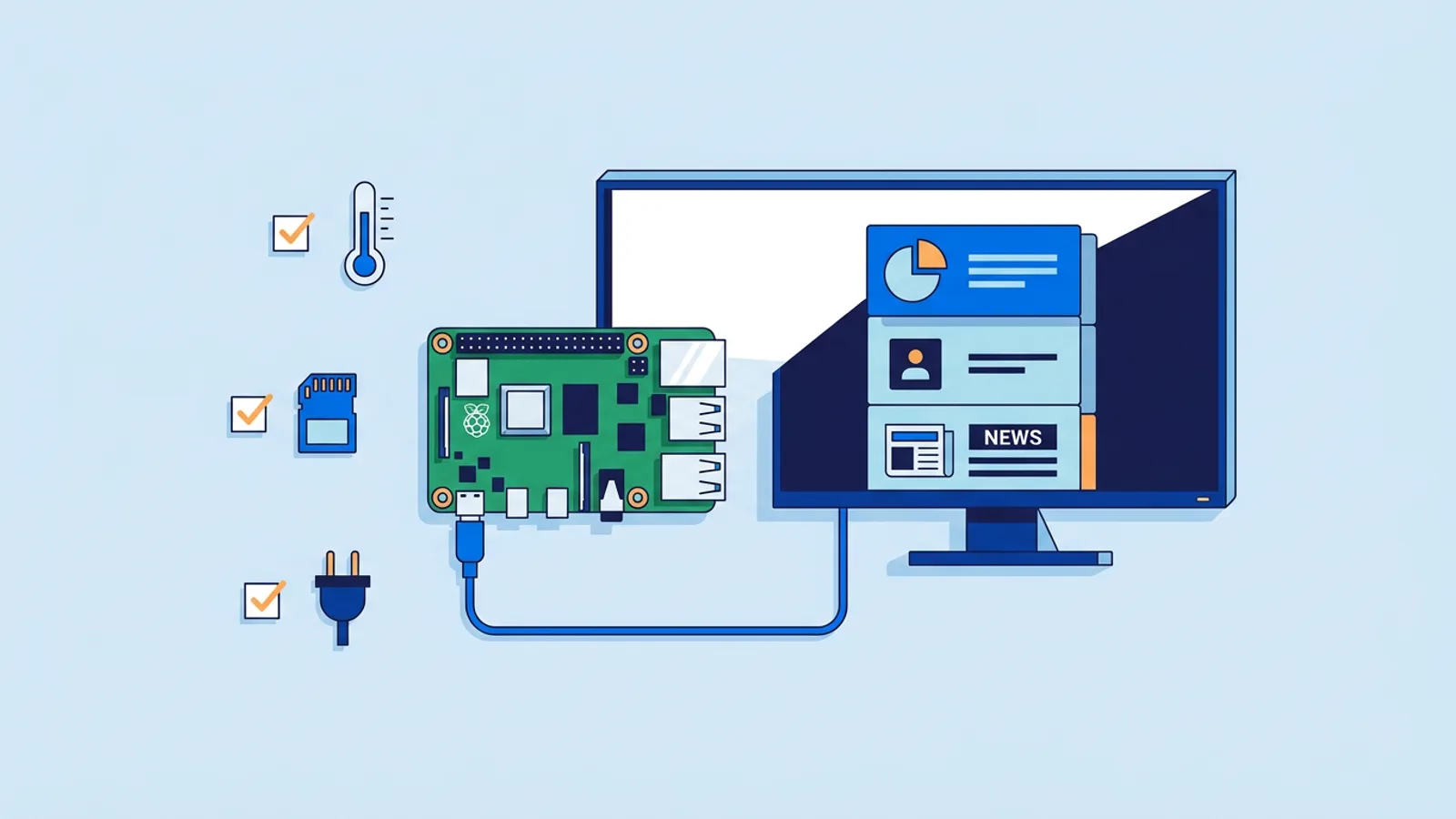
HDMI-CEC Not Working on Digital Signage? How to Fix It
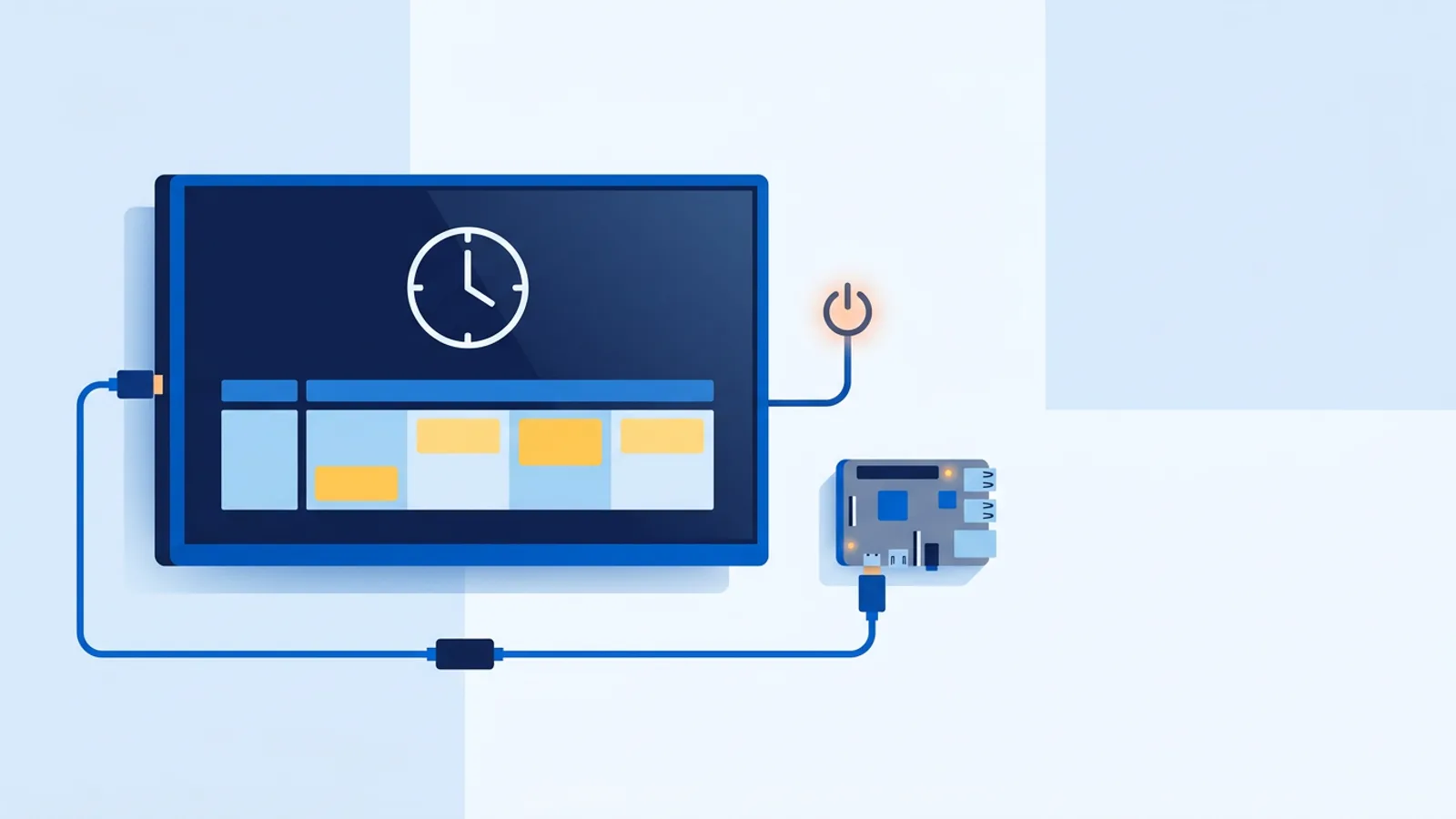
If your signage TV ignores its power schedule, the cause is usually one of three things: CEC is switched off in the TV menu, the player is in the wrong HDMI port, or a cable or box between player and TV is dropping the signal. Run these three checks first when you find HDMI-CEC not working on digital signage:
- Turn CEC on in the TV menu. Many brands rename CEC: Samsung says Anynet+, LG says SimpLink, Sony says Bravia Sync (full table below). After switching it on, unplug the TV from the wall for 30 seconds.
- Use the right HDMI port. Some TVs only handle CEC on one port, often HDMI 1 or the one labelled ARC. Move the player there.
- Connect directly. Plug the player straight into the TV with a short, known-good HDMI cable. Take out any switch, splitter, extender or AV receiver in between.
If the screen is driven by a Raspberry Pi, the Pi side is rarely the weak link, because its CEC support is solid and well documented. The TV's CEC implementation is where most of the variation lives, so most of this guide is about the TV, the cable and the other devices on the HDMI chain.
HDMI-CEC (Consumer Electronics Control) lets one HDMI device send power and control commands to another over the same cable that carries the picture. Signage players use it to switch the TV on at opening time and put it into standby after closing, without a smart plug or an IR blaster. It is also one of the least consistent features in consumer electronics, which is why it causes so many signage support questions.
Why HDMI-CEC is not working on digital signage displays
CEC is part of the HDMI spec, but manufacturers ship it under their own brand names, with their own defaults and quirks. Some TVs ship with it off. Some only accept commands on one port. Some follow the spec loosely and accept "standby" but ignore "power on". CEC firmware bugs are common and not always fixed in updates.
CEC also runs on its own pin inside the HDMI cable. A cheap cable, a worn port, or an HDMI switch or splitter can drop that pin while the video keeps working. The picture can be perfect while the power command never arrives.
Two more checks: the cable and eco mode
If the three quick checks did not solve it, two causes are left that people rarely suspect, because neither one affects the picture.
- Cable rating and length. Use a real HDMI cable rated for your resolution, ideally under 2 metres for testing. Very long passive cables, cheap HDMI-to-something adapters and some wall-plate extensions lose the CEC line while still carrying video. If your TV is wall-mounted with a 10-metre run behind the plasterboard, test with a short cable and the player held next to the TV before blaming the TV.
- Eco mode cutting HDMI power. Many TVs have a power-saving or eco setting that powers down the HDMI ports in standby. A TV in that state cannot hear the wake command, so standby works and wake never does. Look for settings such as "quick start", "instant on" or "network standby" and switch them on, and switch off any option that cuts power to inputs in standby.
Find the CEC setting by brand
These are the names you will see in the settings menu. The menu path moves between model years, so search your exact model number plus "HDMI-CEC" if you cannot find it.
| Brand | CEC feature name in the menu |
|---|---|
| Samsung | Anynet+ (HDMI-CEC) |
| LG | SimpLink |
| Sony | Bravia Sync |
| Philips | EasyLink |
| Panasonic | Viera Link |
On Android TV and Google TV sets from other brands, the setting is usually labelled plainly as HDMI-CEC or HDMI control in the system or input settings. A forum screenshot from three years ago may not match your firmware, so trust your own model number over a brand-wide guide.
Multiple CEC devices arguing over control
A soundbar, AV receiver or game console on another HDMI input is also a CEC device, and any of them can claim the "active source" role. A soundbar that wakes up can override the standby command your signage player just sent, or wake the TV seconds after it went to sleep.
The symptom tells you which problem you have. If the TV never responds at all, go back to the checks above. If it turns on and off unpredictably, disconnect the other HDMI devices one at a time until the behaviour stops, or disable CEC on everything except the signage player if your TV allows per-device control.
Checking CEC from the player side
To send a CEC command by hand on a Raspberry Pi, install the cec-utils package, which gives you cec-client:
sudo apt install cec-utils
echo 'scan' | cec-client -s -d 1
echo 'standby 0' | cec-client -s -d 1
echo 'on 0' | cec-client -s -d 1
The scan should list the TV as device 0. If the scan finds nothing, CEC is off on the TV, the port does not support it, or the cable is dropping it. If standby works and on does not, your TV is one of the models that will not wake over CEC (more on that below).
On newer Raspberry Pi OS builds, cec-client may report that it cannot find a CEC adapter. In that case install v4l-utils and use cec-ctl instead. A Pi 4 or 5 has two HDMI ports, so /dev/cec0 is the port nearest the USB-C power input and /dev/cec1 is the other one:
sudo apt install v4l-utils
cec-ctl -d /dev/cec0 --playback -S
cec-ctl -d /dev/cec0 --to 0 --standby
cec-ctl -d /dev/cec0 --to 0 --image-view-on
If you run TVpilot on the Pi, keep in mind that the player has a self-healing watchdog that restarts it within about 10 seconds. Killing the browser or player process to free up the CEC line does not work, because the watchdog restarts it. If your results look inconsistent, search the in-dashboard help center for how to pause the player, and when you are done use remote reboot from the dashboard to bring the screen back to its normal state.
If you are chasing broader Pi issues, the Raspberry Pi signage troubleshooting guide covers boot, display and network problems. It helps rule out cases that look like CEC but are something else, such as the player stopping and the TV going to sleep by itself after a few minutes with no signal.
When to stop fighting CEC and use a smart plug
Some TVs, especially budget models and older sets, have CEC that is present but unreliable: they accept the on command most days and ignore it on others, or need one press on the remote before they respond to anything. If you have worked through every step above and one model still misbehaves, route around it.
If standby and wake both work in your tests, use CEC. The TV stays in standby, draws a little power and wakes quickly. If wake fails repeatedly, use a scheduled smart plug and set the TV to power on when it gets mains power (many TVs have this option in their power settings). Our guide to turning off signage at night covers the tradeoffs between standby and cutting power at the plug.
Where TVpilot fits, honestly
On TVpilot's Raspberry Pi player, the player checks the power schedule you set in the dashboard every minute and switches the TV on and to standby via HDMI-CEC, with no smart plug needed. The dashboard shows the TV power state (on or standby) for each screen, so you can see whether the command took effect without walking over to the TV.
Where it is not the right fit: the CEC power schedule is a feature of the Raspberry Pi player. If your screen runs TVpilot through a browser, a Fire TV Stick or an Amazon Signage Stick, use the TV's own sleep and on timers, or a scheduled smart plug, alongside your opening hours schedule. And if your TV's CEC is flaky no matter what you try, a cheap smart plug on a timer is a perfectly reasonable, boring solution.
Testing your fix
Don't wait for the next real on or off time to find out whether the fix worked. Say you run a café with one TV on a Pi, scheduled to come on at 07:30 and go to standby at 18:00. After changing the TV settings at 14:00, set a temporary standby time of 14:05 and an on time of 14:10. Because the Pi player checks the schedule every minute, the TV should react within about a minute of each time. Watch the TV, and check the power state in the dashboard.
Test standby and wake separately. It is common for one direction to work and the other to fail, and waking from standby is the one that fails most, because some models only accept it from their own remote or have eco mode cutting the HDMI ports. Once both work, put the real 07:30 and 18:00 times back.
If the TV responds correctly but the schedule seems to fire at the wrong time, CEC is doing its job and the schedule needs attention: check the screen's time zone and your scheduling settings.
If you are setting up a Pi-based screen, sign up for TVpilot and run a test schedule against your own TV this afternoon. You will know within a couple of on and off cycles whether your TV cooperates. The Free plan covers one screen, free forever, with no credit card required, so you can confirm CEC works before adding more screens.
Frequently asked questions
Why does my TV go to standby over HDMI-CEC but not turn back on?
Usually the TV's eco or power-saving mode powers down the HDMI ports in standby, so the TV cannot hear the wake command. Switch on settings like quick start, instant on or network standby, and turn off any option that cuts power to inputs in standby. Some budget models simply do not accept power-on over CEC; for those, a scheduled smart plug with the TV set to power on with mains is the reliable fix.
Can an HDMI cable stop CEC from working even if the picture looks fine?
Yes. CEC uses its own pin in the HDMI cable, and cheap cables, long passive runs, adapters, wall plates, switches and splitters can drop that pin while video still passes. Test with a short, known-good cable plugged directly from the player into the TV before blaming the TV.
How do I test HDMI-CEC on a Raspberry Pi?
Install cec-utils and run echo 'scan' | cec-client -s -d 1 to see if the TV shows up as device 0, then send 'standby 0' and 'on 0' to test both directions. On newer Raspberry Pi OS builds, install v4l-utils and use cec-ctl with /dev/cec0 (the HDMI port nearest the USB-C power input) or /dev/cec1.
Does TVpilot's TV power schedule work on every player?
No. HDMI-CEC power scheduling is a feature of the TVpilot Raspberry Pi player, which checks the dashboard power schedule every minute and switches the TV on or to standby. On browser players, Fire TV Sticks or the Amazon Signage Stick, use the TV's own on and sleep timers or a scheduled smart plug instead.