Raspberry Pi Signage Troubleshooting Guide
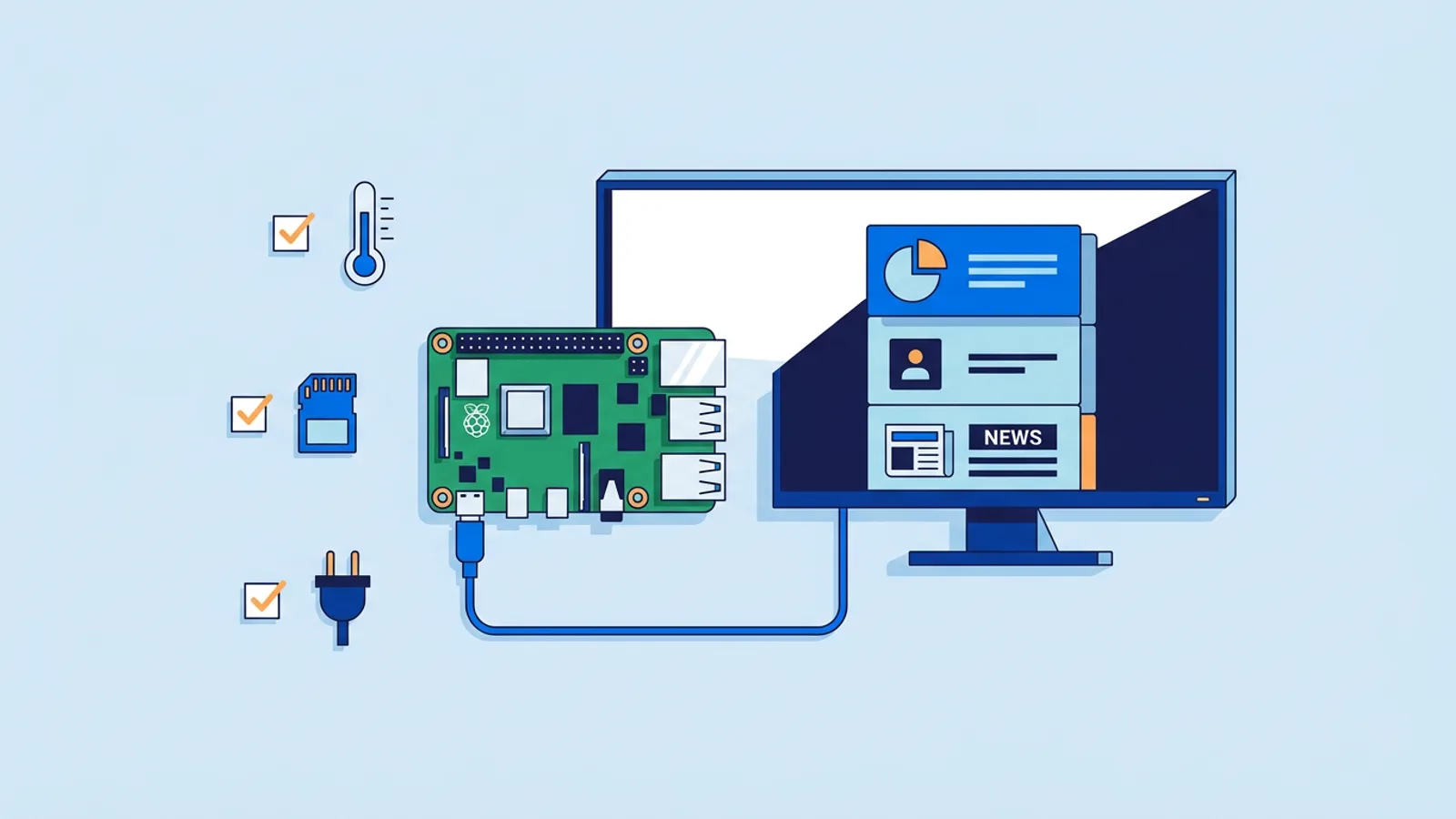
A Raspberry Pi signage player that reboots on its own, freezes on a black screen, or shows the desktop instead of your playlist almost always traces back to one of five things: power, the SD card, the GPU/video decoder, heat, or a Chromium process that died and never came back. Raspberry Pi signage troubleshooting is mostly a process of elimination, not guesswork, and most of these have a known fix. If you're setting up a Pi for the first time rather than debugging one, the Raspberry Pi signage page walks through the install steps this article assumes you've already done.
Work through the sections below roughly in order. Power and SD card problems cause the majority of "random" reboots, so rule those out before you start editing config files.
Raspberry Pi signage troubleshooting starts with the power supply
An undervolted Pi doesn't always crash cleanly. It throttles the CPU, drops Wi-Fi, corrupts writes to the SD card, or reboots the moment a video starts decoding and current draw spikes. This is the single most common cause of a Pi signage player that "just freezes sometimes."
Signs you're underpowered:
- A rainbow square or lightning bolt icon in the corner of the screen on boot
- The player reboots specifically when video content starts, not during static images
vcgencmd get_throttled(run over SSH) returns anything other thanthrottled=0x0
Use the official power supply for your Pi model (5V/3A USB-C for Pi 4 and 5) and a short, decent-quality cable. Long or thin USB cables cause voltage drop that a multimeter at the wall socket won't reveal. If you're powering the Pi from a TV's USB port, stop: most TV USB ports cap out well under what a Pi 4 or 5 needs under load, especially with an HDMI dongle or SD card also drawing current. Raspberry Pi's own documentation on power supply requirements is worth five minutes if you've never checked.
SD card corruption
SD cards fail in signage use in a specific way: constant power cycles (someone switches the wall socket off at night, or a brownout hits) interrupt writes mid-operation, and after enough of these the filesystem gets corrupted. Symptoms range from slow boots to the Pi hanging at a blinking cursor to random freezes that look unrelated to anything you changed.
A few things reduce this risk substantially:
- Use a proper A1/A2-rated card from a known brand, not a bargain multipack card
- Don't cut power to the Pi abruptly if you can avoid it; use HDMI-CEC to put the TV in standby instead of pulling the plug
- Keep a spare card imaged and ready so a bad card is a five-minute swap, not a lost afternoon
If you suspect corruption, boot into a Pi with a card reader and run fsck against the SD card, or just reflash from a fresh image and reinstall your signage software rather than chasing filesystem errors. Our Raspberry Pi digital signage hardware list has specific card recommendations if you're buying a replacement.
Chromium kiosk crashes on Raspberry Pi
Chromium is the component doing the heaviest lifting on a signage Pi, and it's also the most likely thing to crash outright, especially on Pi 3 or older Pi Zero boards being asked to play video. Chromium kiosk crashes on Raspberry Pi usually show up as one of:
- The screen goes to a blank desktop or wallpaper, no error message
- The browser window closes and doesn't reopen
- Video content stutters badly, then the tab crashes a few seconds later
GPU memory split matters here. If you're running a manual kiosk setup rather than a packaged signage tool, check /boot/config.txt for gpu_mem and make sure it's high enough (128 or higher) for video-heavy playlists on older Pi models. Also check that hardware video decoding is actually enabled; software-decoded 1080p video on a Pi 3 will eventually fall over.
The other common cause is a memory leak in a single long-running Chromium tab. Web pages with animated JS, auto-refreshing widgets, or embedded analytics dashboards that poll every few seconds can slowly eat RAM over days until the tab dies. A kiosk setup that restarts the browser on a schedule, or one with a watchdog that detects a dead process and relaunches it, avoids this turning into a multi-day outage.
Overheating and thermal throttling
A Pi in a sealed plastic case, mounted behind a TV in a warm equipment cupboard, with no airflow, will throttle under sustained load. Throttling under video playback shows up as dropped frames or stutter; sustained overheating can trigger a full reboot as a protection measure.
Check temperature with vcgencmd measure_temp while the signage content is playing, not at idle. If you're consistently near or above 80°C, add a heatsink case or a case with a small fan, and make sure the Pi isn't sitting directly against a TV's exhaust vent. Our Pi 4 vs Pi 5 for signage comparison covers thermal differences between the two boards if you're deciding which to buy for a heat-prone install location.
A quick diagnostic table
| Symptom | Most likely cause | First thing to check |
|---|---|---|
| Reboots only during video playback | Power supply undervolting | vcgencmd get_throttled |
| Blank screen, no error, happens after days of uptime | Chromium memory leak or crashed tab | Watchdog / auto-restart logs |
| Slow boot, occasional filesystem errors | SD card wear or corruption | Reflash a spare card and test |
| Frame drops, stutter, hot to the touch | Thermal throttling | vcgencmd measure_temp under load |
| Freezes after Wi-Fi drops, doesn't recover | Network stack hang, no reconnect logic | Router logs, signal strength |
Network flakiness that looks like a freeze
Sometimes the Pi hasn't crashed. It's sitting on a stale connection, waiting on a request that never completes, with no timeout to fall back on. This looks identical to a freeze from the viewer's side. Weak Wi-Fi signal, a router that drops idle connections, or a captive portal on guest Wi-Fi are common culprits in retail units and waiting rooms. A wired Ethernet connection resolves most of this if the location allows for it; if it doesn't, check signal strength and consider a Wi-Fi extender near the screen rather than troubleshooting software that's actually working fine.
Build in a watchdog so it recovers on its own
The realistic goal for any unattended signage Pi is fast recovery. A crash should turn into a few seconds of blank screen, not a dark display that stays that way until someone happens to notice. A Pi signage watchdog does exactly that: a small background process that checks whether the kiosk browser is still alive and responsive, and if it isn't, kills and restarts it automatically.
If you're running a fully manual setup, this means writing a systemd service with Restart=on-failure, or a cron job that checks for the Chromium process and relaunches it if missing. It works, but it's another thing to maintain and debug when it itself breaks.
TVpilot's Raspberry Pi installer sets this up for you as part of the one-command install: a systemd service with a self-healing watchdog that restarts the player within about 10 seconds if it detects a crash, along with quiet boot and a hidden cursor. It also checks for player updates daily at 03:00 and lets you trigger a remote reboot or update from the dashboard if a screen needs a nudge without a site visit. None of that stops a bad SD card or a failing power supply from happening in the first place, but it does mean a crash turns into a 10-second blip instead of a screen that's dark until someone notices.
When TVpilot is (and isn't) the right fit
If you've got one or a handful of Pi signage screens and you're comfortable with SSH, systemd, and reading logs, a fully DIY kiosk setup is genuinely fine, and our DIY Pi signage guide covers that route honestly. Where TVpilot earns its keep is the parts that are tedious to build yourself: the watchdog, scheduled content, remote monitoring of online/offline status and Wi-Fi signal, and being able to push a playlist change to five screens across different locations without touching any of them physically.
It's hosted software, not open source, and it isn't self-hostable, so if that's a hard requirement, look elsewhere. It also isn't the right tool if you need full offline operation with no internet connection ever; the Pi player recovers automatically after an outage, but it needs connectivity for content updates. For everything else, from a single-screen setup to two dozen locations, the Pi signage tutorial shows how quickly the install actually goes.
Most Pi signage problems have a fix once you narrow down which of the five causes above is actually happening, and the diagnostic table gives you a starting point rather than a guess. If you'd rather skip the systemd file and get a self-healing kiosk running in one command, sign up free and generate a claim code from the dashboard.
Frequently asked questions
Why does my Raspberry Pi signage screen randomly reboot?
Random reboots on a signage Pi are most often caused by an undervolted power supply, especially if the reboot happens right when a video starts playing and current draw spikes. Run `vcgencmd get_throttled` over SSH; anything other than `throttled=0x0` points to a power problem. Use the official 5V/3A USB-C supply for Pi 4 or 5 and a short, good-quality cable, and never power the Pi from a TV's USB port.
How do I fix Chromium kiosk crashes on a Raspberry Pi?
Check the GPU memory split in `/boot/config.txt` (the `gpu_mem` value should be 128 or higher for video-heavy playlists on older Pi models) and confirm hardware video decoding is enabled rather than falling back to software decoding. If crashes happen after days of uptime rather than immediately, suspect a memory leak in a long-running tab from an animated or auto-refreshing web page, and add a watchdog or scheduled browser restart so a crash recovers automatically instead of leaving the screen dark.
What is a Pi signage watchdog and do I need one?
A watchdog is a small background process that checks whether the kiosk browser is still running and responsive, and restarts it automatically if it has crashed or hung. For any unattended screen, yes, it's worth having; without one, a crash at 2am means a dark screen until someone physically notices and reboots it. TVpilot's Raspberry Pi installer sets one up automatically as part of the one-command install, restarting the player within about 10 seconds of detecting a crash.
Can a bad SD card cause a Raspberry Pi signage player to freeze?
Yes. Repeated power cycles, especially abrupt ones like switching a wall socket off at night, can interrupt writes to the SD card and corrupt the filesystem over time. This shows up as slow boots, occasional filesystem errors, or freezes that seem unrelated to any recent change. Use an A1/A2-rated card from a known brand, avoid cutting power abruptly (HDMI-CEC standby is safer than pulling the plug), and keep a spare card imaged so a bad card is a quick swap rather than a lost afternoon.