Digital Signage for Gyms: Classes, Promos and Motivation
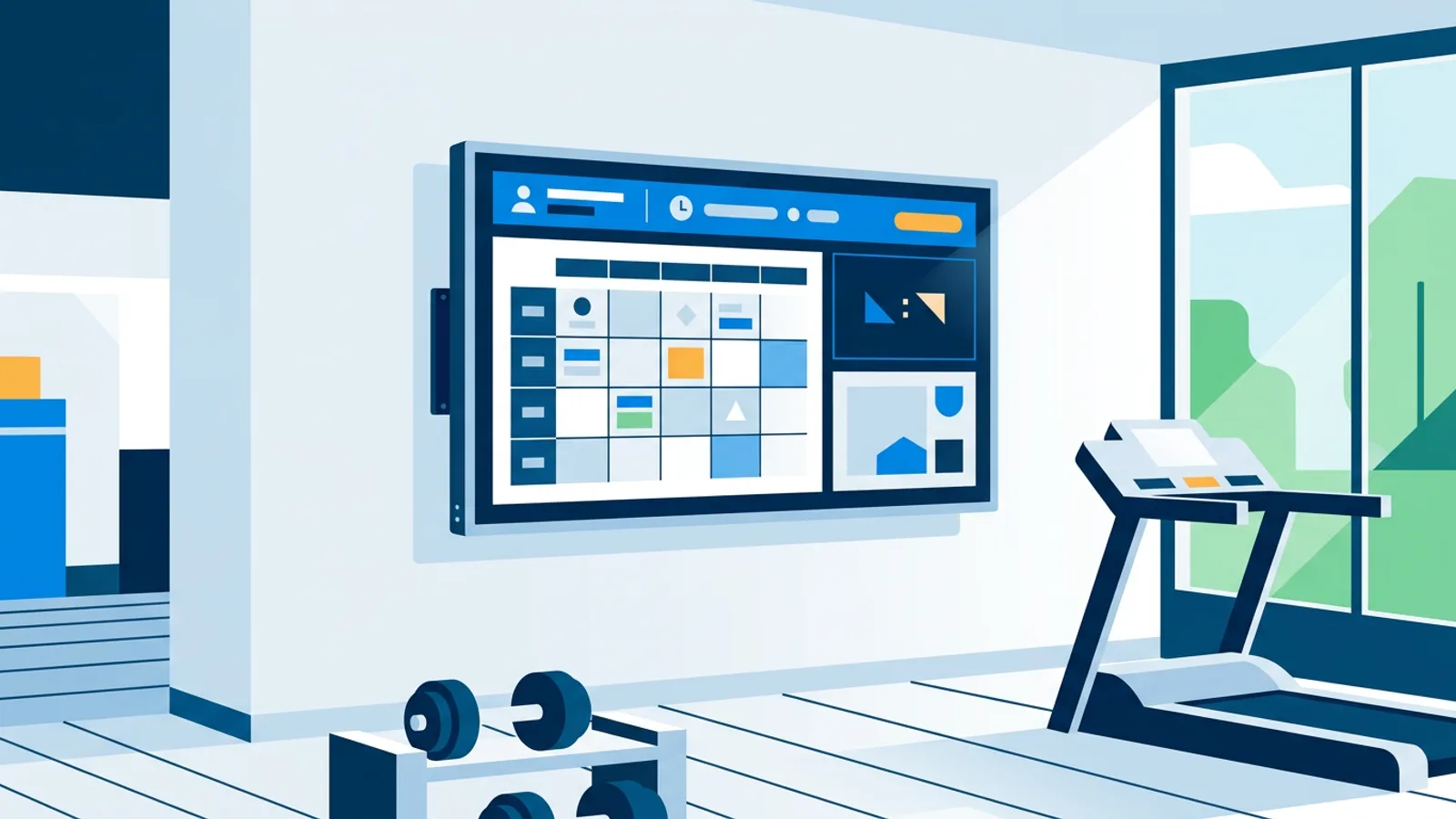
Digital signage for gyms turns the TVs in your gym or studio into screens that show the class schedule, member news, promotions and motivation. Everything updates from a web dashboard, so the timetable on the wall matches the real one without anyone printing a new poster.
If you run a gym or studio, the TV on the wall is often turned off or stuck on a news channel nobody watches while lifting. A managed screen replaces that with the day's class lineup, a promo for the next challenge, member posts and a countdown to the 18:00 spin class, all edited from a laptop instead of a laminator and a roll of tape.
Most gyms already own the TV. What's missing is a small player and software that pushes content to it remotely. A cheap Raspberry Pi player is the most common route: plug it into the back of the TV, run one setup command, and it boots straight into kiosk mode every time, on the TV you already have.
Digital signage for gyms: a rotation rule that works
Gym screens need to earn a glance between sets. Use one rule per rotation: the schedule slide, plus at most one promo slide and one social or trust slide, each on screen for 8 to 10 seconds. The "apply to all" option sets one duration and transition across the whole playlist in a single step.
That keeps a full loop to 30 seconds or less, so a member who looks up twice during a rest period sees the timetable at least once. Add more slide types and the schedule shows up less often; run the schedule alone and people stop looking because nothing changes. The zone sections below say which promo and social slide suit each spot.
What to show on gym screens
The right content depends on where the screen hangs and how long people look at it. Plan per zone.
Entrance and reception
Members glance at this screen for a few seconds while checking in, and new visitors stand there longer while they wait for a tour. Show today's classes plus one trust signal. Example: a playlist that alternates the day's timetable with a Google reviews slide showing your rating and recent reviews, so a walk-in sees both what's on and what members think. Ideas for desk screens in general are in our guide to reception digital signage.
The gym floor
People look up between sets, from a distance, often without their glasses. Use big type and slides that make sense in a few seconds. Example: a full-screen countdown to the launch of your summer challenge in the flip style, rotated with an Instagram wall of members tagging the gym. The social media feed takes your Instagram handle and refreshes the posts automatically; it's Instagram only for now, so post member shout-outs there. Keep video muted, because the music system already owns the room.
The studio door
A studio door screen should show what's next in the room and whether there's space. How you get there depends on your booking tool. With Trainin, filter the plugin to that studio's classes and the screen shows the next ones with time, class, trainer and free spots. With a calendar feed, give each room its own calendar and paste that room's iCal link; the screen shows what's in the events, so put the trainer's name in the event title if you want it on screen. Both options are covered in the next section.
The changing area
Nobody wants a busy screen here. Use it for practical member news. Example: a single designed slide with opening hours for the holiday weekend, the towel policy and a QR code to the members' app, built in the Designer or generated by AI Studio from a one-line brief. Set it to expire after the holiday so it removes itself.
Class schedule on a screen
Most studios already keep their timetable somewhere: a shared Google Calendar, an Outlook calendar, or a booking system that publishes an .ics feed. You don't need to retype it into slides.
The calendar widget takes the iCal link of any calendar (Google Calendar, Outlook, Apple Calendar or another .ics feed) and shows that schedule live on the screen as an agenda, day or week view. When an instructor moves a class in the calendar, the screen follows. A practical setup:
- Copy the calendar's iCal link (in Google Calendar it's under the calendar's settings, listed as the iCal address).
- Paste it into the calendar widget in the dashboard and pick a view: agenda for a reception screen, day view for a studio door, week view for a big screen near the entrance.
- Add the widget to the screen's playlist and press "Push to screen".
If your studio books classes in Trainin, the Trainin class schedule plugin goes a step further. Enter your yourstudio.trainin.app address (no key or login) and the screen shows upcoming classes with time, class, trainer and free spots, including an occupancy bar and almost full, full or waiting list labels, in the activity colours and logo you set in Trainin. Views are today, today and tomorrow, or the week in columns; you can filter classes and hide full ones. It refreshes every few minutes. If your Trainin schedule isn't public, the Trainin iCal link works too, without free spots.
Scheduling which content plays when
The timetable widget handles the schedule itself. Calendar scheduling decides which playlist runs on a screen at which time. Set a weekly repeating slot for a "morning" playlist from 6:00 to 11:00, another for "evening" from 16:00 to 21:00, and a one-off item for a special event day. One-off items beat the weekly pattern, so a Saturday bootcamp playlist isn't overwritten by the regular slot. When nothing is planned, the screen falls back to its default playlist.
For finer control, individual slides can be dayparted: a "Spin, 18:00, Studio 2" promo can appear only Monday, Wednesday and Friday between 17:30 and 18:15, with an optional expiry date. If an instructor cancels last minute, "Show now" pushes a replacement playlist to the screen for 30 minutes, an hour, two hours, until a chosen time or indefinitely, and the screen returns to its planning afterwards.
Players keep following the schedule during internet outages, and a backup playlist per screen plays if the assigned content is empty or unavailable. That matters in a gym, where a black TV next to the free weights makes the place look neglected.
Plan limits: Free has 1 calendar and 2 scheduled items, enough for a single small studio with a simple weekly rhythm. Starter has 5 calendars and 20 items; Pro and Business have 25 calendars and 200 items, closer to what a multi-room facility needs. The mechanics are covered in our scheduling guide.
Gym TV display ideas beyond the schedule
The zone examples already cover the challenge countdown, the Instagram wall, reviews and designed promos. These ideas add something different to the rotation:
| Content type | What it does | TVpilot feature |
|---|---|---|
| Closing-time countdown | Counts to the same time every day at the front desk, with an optional red warning state in the final minutes | Countdown timer widget |
| Weather | Helps outdoor bootcamps, run clubs and cycling groups plan the session | Weather widget |
| Technique or class-preview clips | Shows a 20-second preview of a new class or the correct form for a machine | Vimeo or YouTube |
| Last-minute notices | A short text such as "Studio 2 class moved to 19:00" | On-screen Messages bar |
| Full-screen clock | Gives members on the floor a big, readable time for intervals and rest periods | Clock widget (four styles) |
For clips, Vimeo plays your own videos without ads, and with sound off and loop on it runs in background mode with no overlays. YouTube links work too, but YouTube decides whether a video carries ads, so stick to your own ad-free uploads there.
Fitness studio signage across multiple locations
A small chain with three or four locations manages every screen from one account, and each screen keeps its own playlist and calendar, so class times at one site don't have to match another. Pro (10 screens included, up to 100) and Business (25 screens included, up to 100, €99/month) leave room for a multi-site rollout, and 25 calendars with 200 scheduled items cover several independent schedules. On Pro and Business, blackout dates (including Dutch holiday presets) mean a chain-wide closure isn't scheduled by hand at every site. The setup pattern is in our multi-location setup guide.
Hardware: what to actually put behind the screen
A Raspberry Pi 4 or 5 running Raspberry Pi OS is the cheapest reliable player. The one-command installer sets up Chromium in kiosk mode, a watchdog that restarts the player within about 10 seconds if it crashes, and a systemd service so it survives reboots. It also handles HDMI-CEC power scheduling: the player checks the power schedule every minute and switches the TV on before opening and to standby after closing, no smart plug needed. Parts are listed in the Raspberry Pi hardware list.
If you already have a smart TV or a Fire TV Stick, those work too. Fire TV runs the TVpilot app from the Amazon Appstore (or the Silk browser), and smart TVs point their browser at the player URL. You get the same playlists, without the CEC power scheduling the Pi does.
What does gym digital signage cost?
The software side starts at €0: the Free plan covers 1 screen with 250 MB storage, no credit card. Starter is €5/month with 3 screens included (up to 10), Pro is €29/month with 10 screens included (up to 100) and 10 GB storage, and Business is €99/month with 25 screens included (up to 100). Every plan includes all standard plugins, including the calendar, Trainin, Instagram and countdown widgets. There's no trial; Free stays free within its limits. Say you run a boutique studio with a reception screen, one studio door screen and a floor screen: that's three screens, so Starter at €5/month (or €49/year) plus a Pi per TV. A broader comparison is in our digital signage pricing guide.
When TVpilot fits a gym, and when it doesn't
TVpilot fits a gym or studio that wants a self-updating timetable, a promo rotation and reviews running without hiring anyone to manage them, and that has an internet connection for updates. The Pi player recovers on its own after an outage, but offline playback is limited, so a site without reliable internet is a poor match.
It's hosted software, not open source and not self-hostable. If you want full server control, compare a self-hosted setup instead. There's no Google Play app either: Android TV devices run via a browser such as TV Bro or Fully Kiosk Browser with the player URL, which works but takes a few more setup steps than a Pi or Fire TV.
Start on the Free plan (one screen, 250 MB storage, no card required) at tvpilot.app/signup, paste your class calendar's iCal link or your Trainin address, and put a real schedule on the wall this week.
Frequently asked questions
How do I show my gym's class schedule on a TV?
Connect a player such as a Raspberry Pi or Fire TV Stick to the TV, then add a calendar widget with the iCal link of your class calendar (Google Calendar, Outlook, Apple Calendar or any .ics feed). The screen shows the schedule as an agenda, day or week view and updates when the calendar changes. Studios that book in Trainin can use the Trainin plugin instead, which also shows trainers and free spots.
What should a gym show on its TV screens?
Plan per zone. At reception, show today's classes plus a reviews slide. On the gym floor, use big, quick slides such as a challenge countdown, an Instagram wall or a full-screen clock. At studio doors, show the next classes in that room and whether there's space. In changing areas, keep it to one practical slide such as holiday opening hours.
Can the gym TVs turn on and off automatically?
Yes, with a Raspberry Pi player. It checks the power schedule in the dashboard every minute and switches the TV on or to standby over HDMI-CEC, so the screen turns on before opening and off after closing without a smart plug. Smart TVs and Fire TV Sticks play the same content but don't do this CEC power scheduling.
How much does digital signage for a small gym cost?
TVpilot's Free plan covers one screen with 250 MB storage at no cost. Starter is €5 per month with 3 screens included (up to 10) and Pro is €29 per month with 10 screens included (up to 100). All standard plugins, including the calendar, Trainin and Instagram widgets, are included on every plan. Add the cost of a player per TV if you don't use the TV's own browser.