Salon screens that fill your chairs
Show your treatments and prices, your latest work from Instagram and what clients say about you. A QR code takes passers-by straight to your booking page, even after closing time. TVpilot keeps it all fresh, so your hands stay on your clients.
Free plan, no credit card. Paid plans from €5 per month.
The price list behind the desk is crossed out and rewritten.
Make your price list in the Designer, with AI Studio or in Canva. Change a price once and it is right on every screen, without a reprint.
People stop at your window after closing and walk on.
Keep the window screen on until 22:00 with your best work and a QR code to your online booking page. Then it goes to standby by itself.
Your products sit on the shelf while clients wait.
Put the product of the month on the screen in the waiting area, with an end date so the offer disappears on time.
Real screens, ready to use
Every screen below is a live plugin or a design you make in minutes. Mix them in one playlist, or give each screen its own.
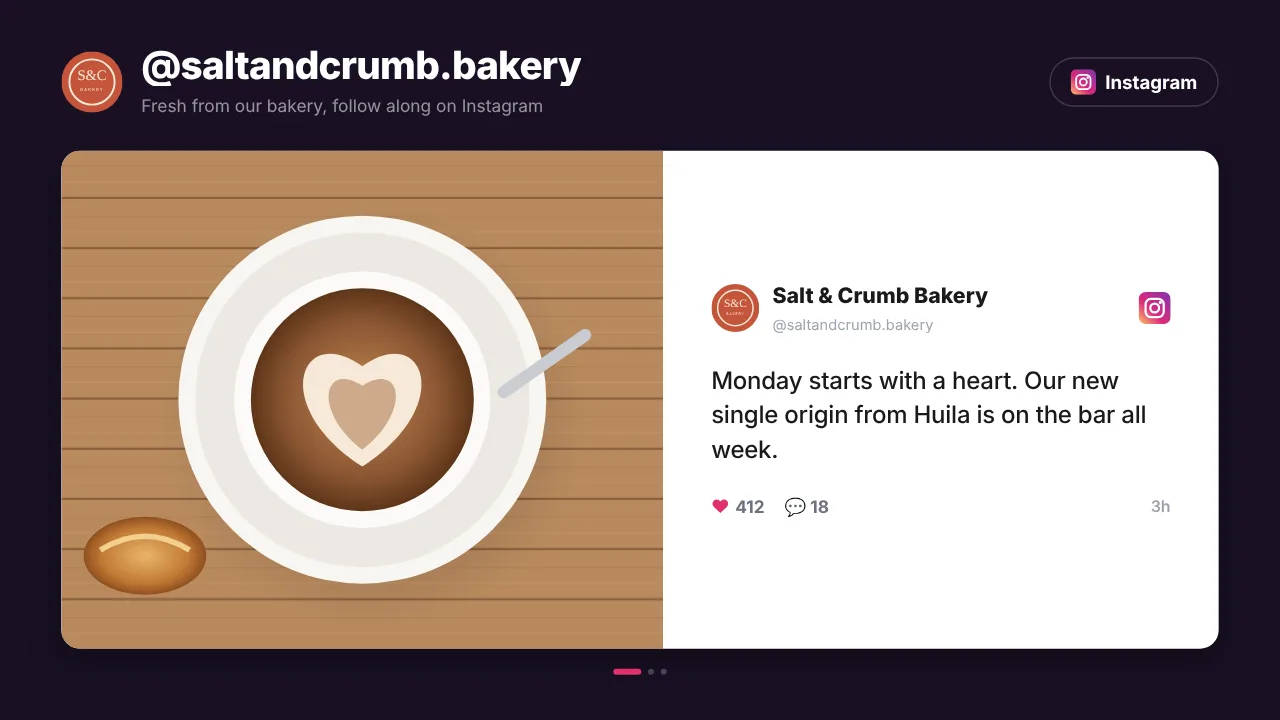
Your Instagram feed
Your latest before and after photos, straight from Instagram. Post once and it shows in the salon too.
See how it works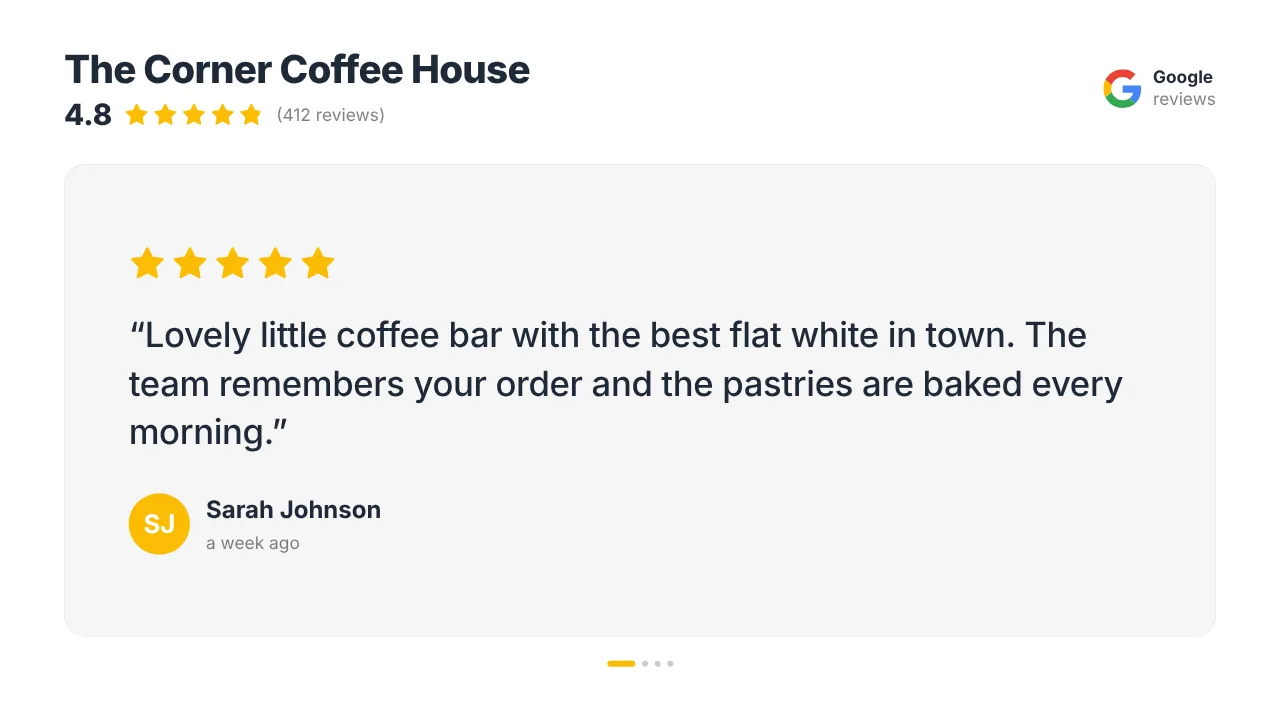
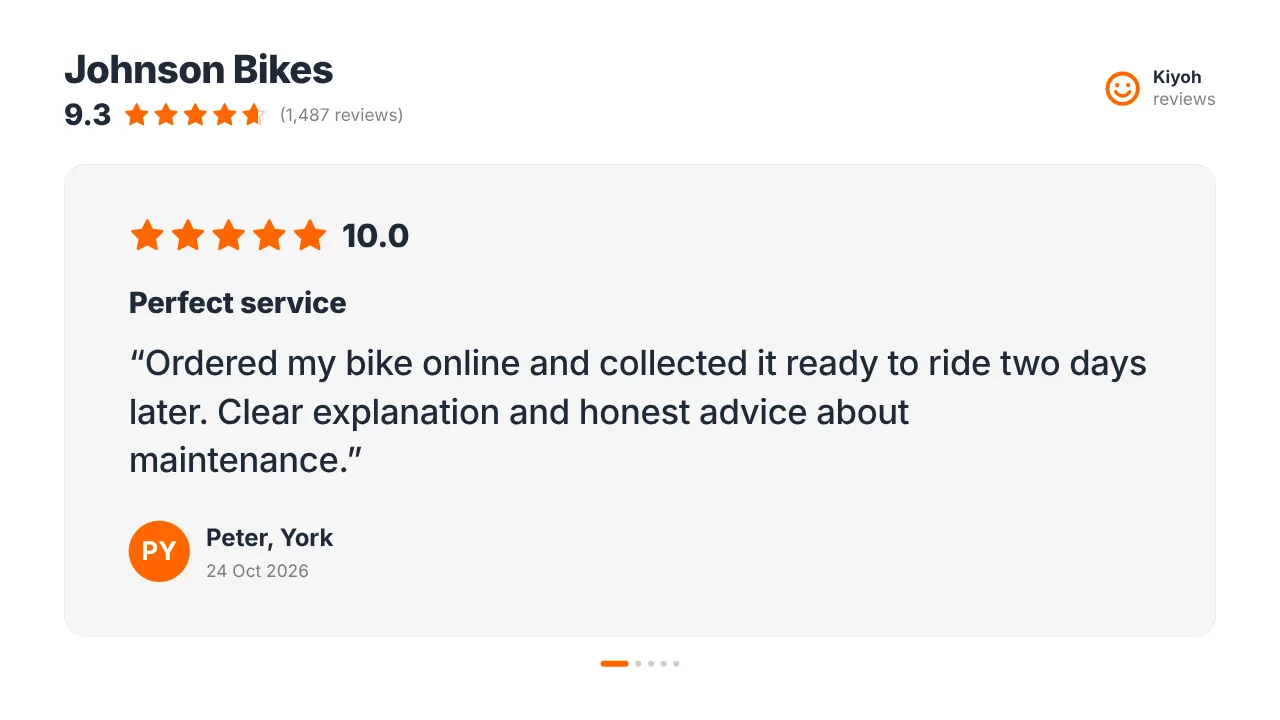
Your Google reviews
Your star rating and rotating client reviews. Kiyoh, Klantenvertellen and Feedback Company work too.
See how it works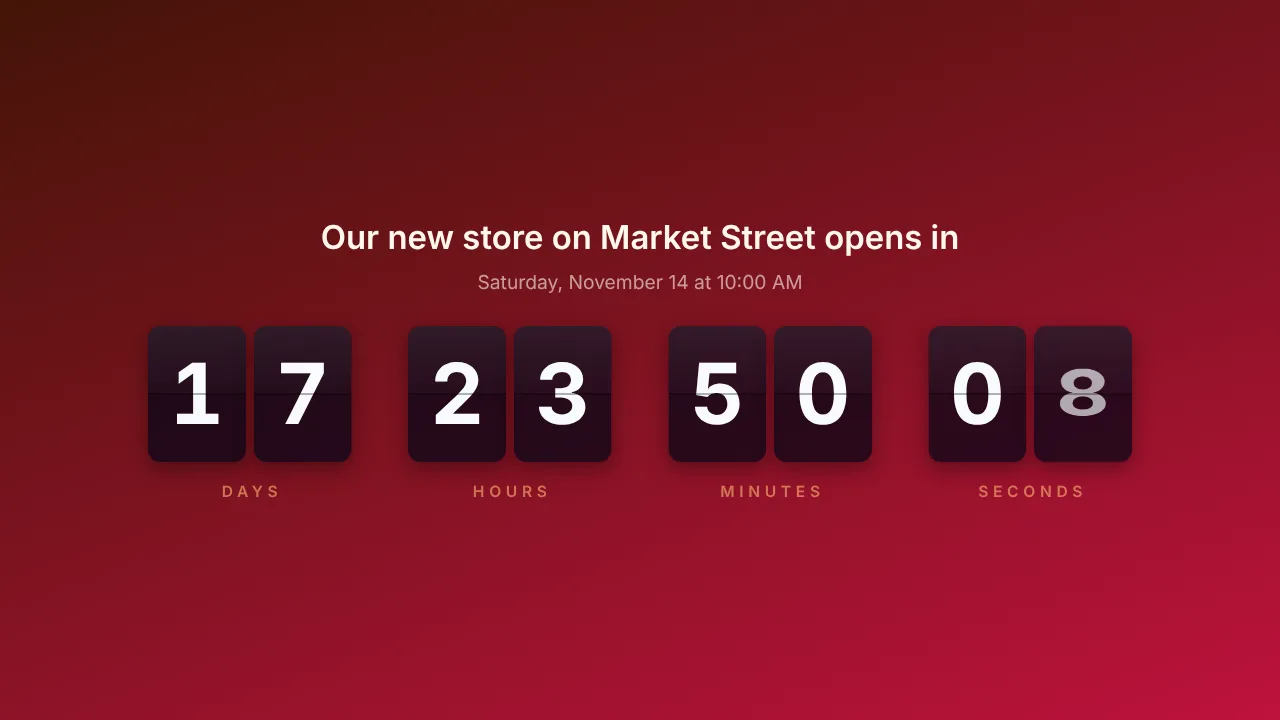
Countdown to your offer
Count down to the end of the summer deal or the opening of your new salon, in flip or digital style.
See how it works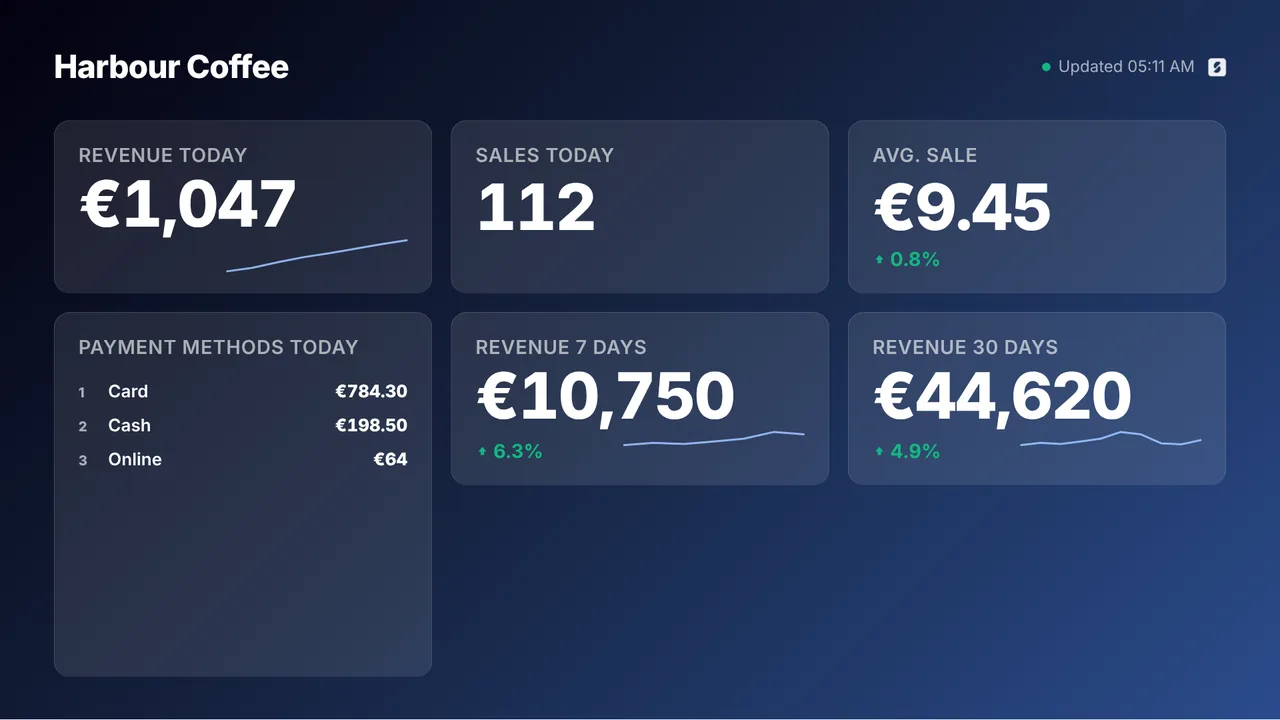
Takings from SumUp
Today's takings, number of sales and average sale on the screen in the back. Per team member by first name, if you like.
See how it worksPlan once, and every screen follows the clock
Give slides weekdays, hours and an end date, or plan whole playlists in the calendar. The screens switch on time, even when the internet drops.
- 08:30
Window on, salon open
The screens wake up with today's opening hours and your price list.
- 10:00
Product of the month
The shampoo offer plays in the waiting area until the end date you set.
- 13:00
Your work, your reviews
Fresh before and after photos and client reviews between the treatments.
- 18:00
Closing time
The screens inside go to standby; the window keeps showing your work and the booking QR code.
- 22:00
Window off
The window screen goes to standby until tomorrow morning.
Everything you need, nothing you don't
Your price list, your style
Design it in the Designer, let AI Studio make it from a short brief, or paste a Canva link that updates itself.
Your work from Instagram
Enter your Instagram handle and your latest posts play as a social wall, refreshed automatically.
Reviews that convince
Google reviews, Kiyoh, Klantenvertellen and Feedback Company on every plan. New clients see what regulars think.
Offers with an end date
Give each promotion slide its weekdays, hours and an expiry date. It takes itself off screen.
Book from the window
A QR code with your logo opens your online booking page. People book while they are standing there.
On and off by schedule
Set on/off hours per screen. A Raspberry Pi switches the TV through HDMI-CEC, no smart plug needed.
Live in fifteen minutes
- 1Create a free account
No credit card, no installation. The dashboard runs in your browser.
- 2Connect a screen
Any TV with HDMI and a small player, or a smart TV browser. Enter the code the screen shows.
- 3Choose what plays
Add a plugin, upload your own media or let AI Studio design a screen. Press Push to screen.
A salon with a screen at the desk, one in the waiting area and one in the window
3 screens included, with every standard plugin: Instagram, Google and Kiyoh reviews and SumUp. A 4th screen for SumUp in the back is €2 per month. A single screen is free.
Compare all plansPrices excl. VAT, cancel monthly.
Frequently asked questions
Do I need design skills for my price list?
No. AI Studio makes a designed price list from a short brief, and the Designer has templates. Already working in Canva? Paste the share link and your edits appear on screen by themselves. Or let our designers make 5 designs in your branding with the Content bundle, €99 once.
Which review sites can I show?
Google reviews, Kiyoh, Klantenvertellen and Feedback Company work on every plan. Kiyoh and Klantenvertellen connect with the connector hash from your own account and show your score on their 10-point scale.
Can clients book from the screen?
Yes, through a QR code. The QR plugin puts a code with your logo on screen that opens your online booking page. TVpilot does not take bookings itself; it sends people to the booking page you already use.
Can the window screen stay on after closing?
Yes. Set on/off hours per screen, so the window runs until 22:00 while the screens inside switch off at closing time. A Raspberry Pi switches the TV through HDMI-CEC.
Can I play our brand videos?
Yes. Paste a YouTube or Vimeo link and it plays full screen, without player controls. Vimeo plays without ads; on YouTube your own ad-free videos play clean, but YouTube decides whether a video carries ads.
What does it cost for a salon?
One screen is free forever, no credit card needed. Starter is €5 per month with 3 screens included and every standard plugin, reviews and SumUp among them. Prices exclude VAT; you never pay per user.
Also see: Instagram on screen · Google reviews · Canva designs · Pricing
TVpilot in other industries
Let your screens fill your chairs
Create a free account, put your price list and booking QR code on screen and connect your Instagram. Live in fifteen minutes.
Free plan, no credit card. Paid plans from €5 per month.