Clubhouse screens that pay for themselves
Run your sponsors in the canteen and show them that their logo was on screen. Put today's matches and fields on the wall, the canteen prices at the bar and the rain radar for tonight's training. TVpilot runs the screens for you, so your volunteers can spend Saturday on the touchline.
Free plan, no credit card. Paid plans from €5 per month.
Sponsors pay for a spot on the screen but never see proof that it ran.
Put each sponsor in their own playlist. TVpilot counts every play and emails the sponsor a verified advertiser report on the 1st of every month.
On Saturday morning everybody asks which field they play on.
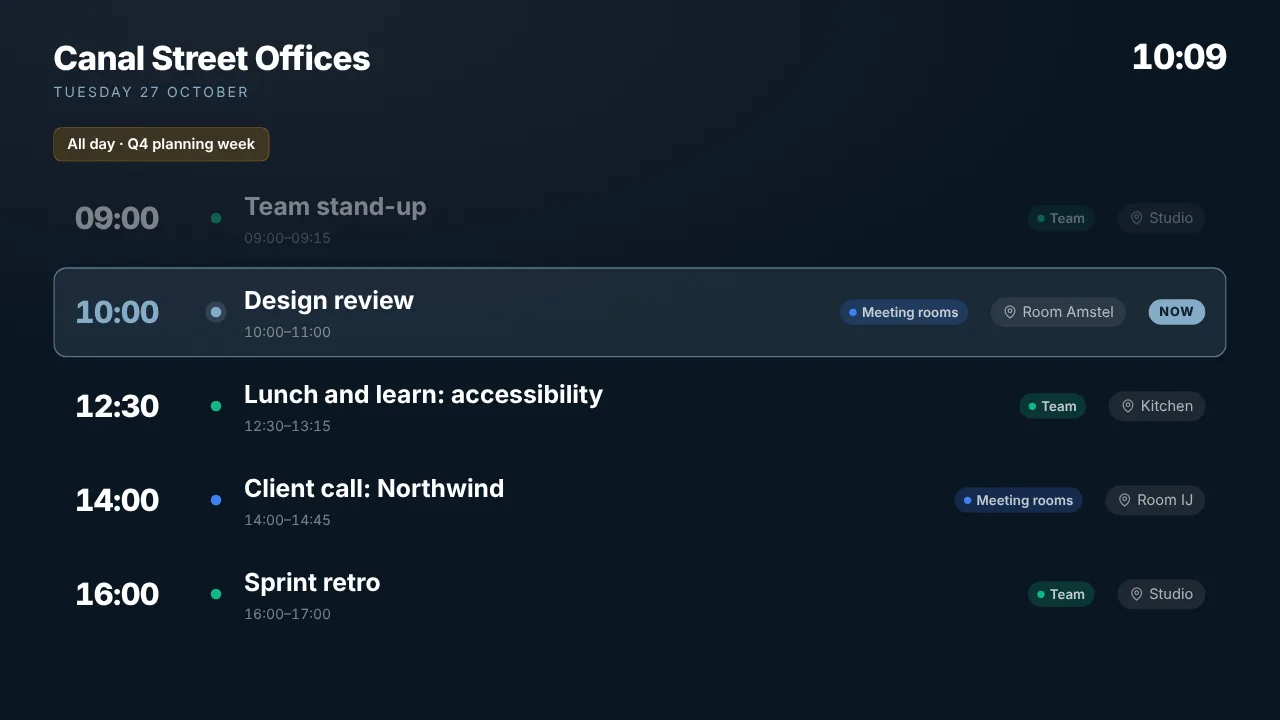
Share the match calendar as an iCal link and the Calendar widget shows today's matches live on the canteen screen. Change the calendar and the screen follows.
The volunteer who knew how the TV worked has left the club.
Everything runs from a web dashboard in any browser. Set on/off hours once and the screens follow the clubhouse opening times by themselves.
Real screens, ready to use
Every screen below is a live plugin or a design you make in minutes. Mix them in one playlist, or give each screen its own.
Today's matches
Matches, training sessions and events from your club calendar, as an agenda, day or week view.
See how it works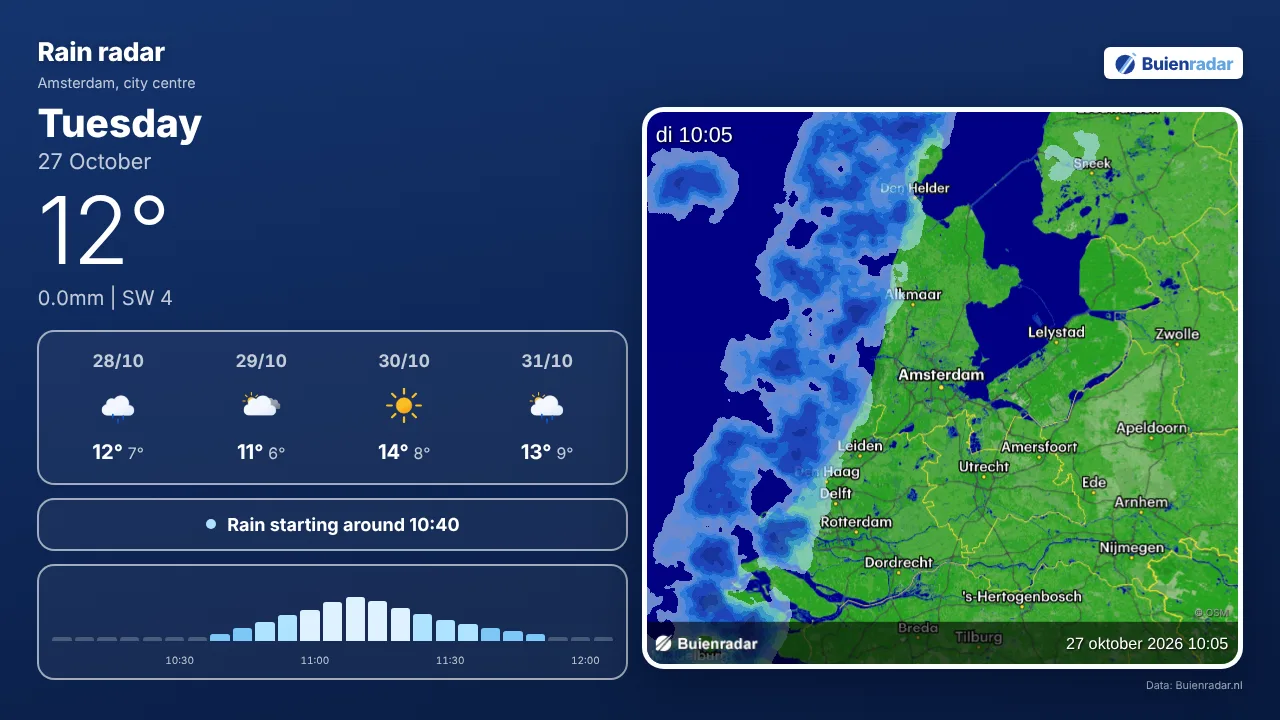
Rain radar before training
Where the rain is now and what is coming in the next hours, so members can see for themselves.
See how it works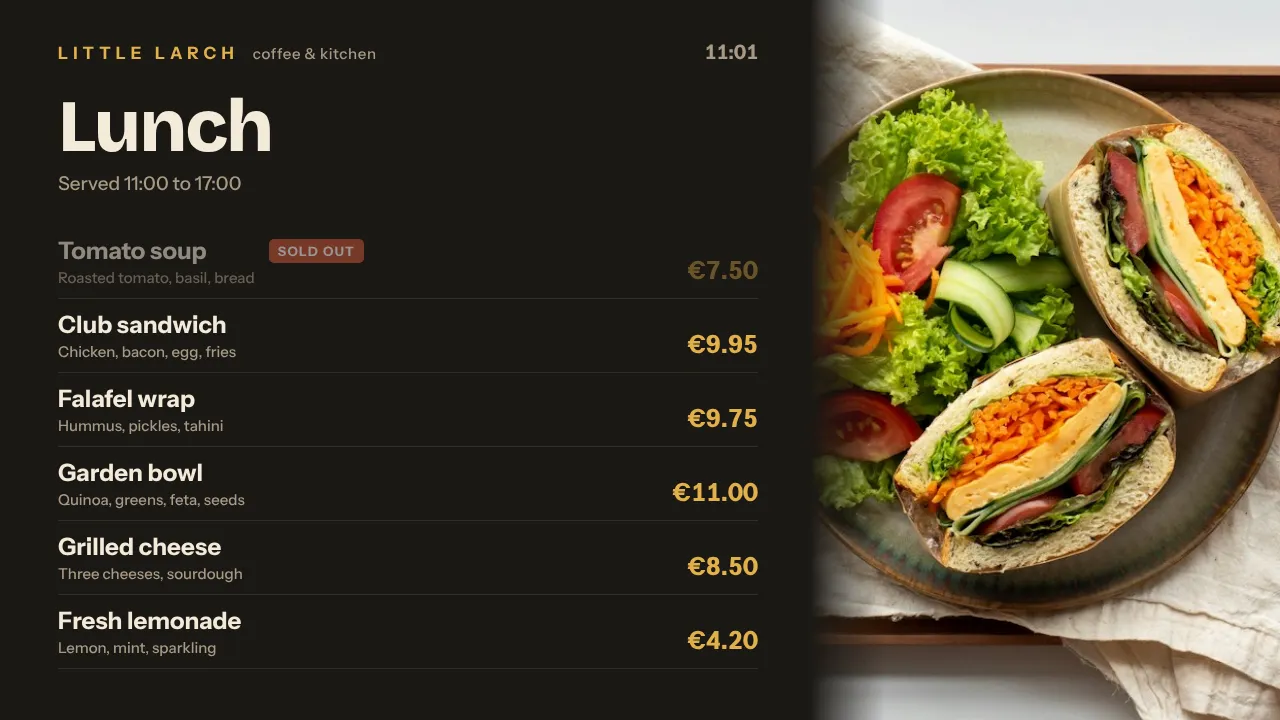
Canteen prices
Your price list made in the Designer, with photos and prices you change in a minute.
Countdown to the club party
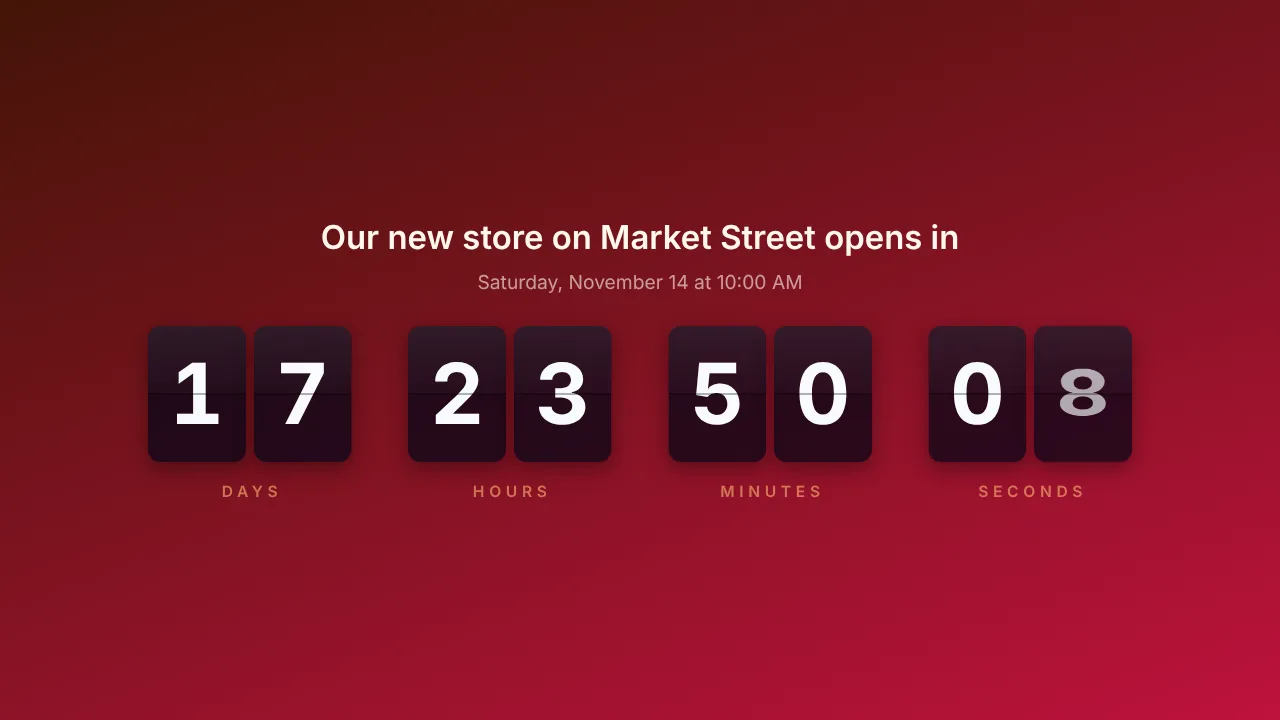
Count down to the tournament, the club party or the end of the season in flip or digital style.
See how it worksPlan once, and every screen follows the clock
Give slides weekdays, hours and an end date, or plan whole playlists in the calendar. The screens switch on time, even when the internet drops.
- 08:00
Saturday, first matches
The canteen screen switches on and shows today's matches and fields.
- 10:00
Between matches
Sponsor loop, canteen prices and a QR code to sign up as a volunteer.
- 14:00
First team plays
Countdown to kick-off, then the club's Instagram photos of the day.
- 17:00
After the match
Drinks prices at the bar and the countdown to the club party next month.
- 19:00
Tuesday training
On training nights the rain radar and weather play first, so members know what to expect.
Everything you need, nothing you don't
Sponsor screens with proof
One playlist per sponsor, proof-of-play certificates and an automatic monthly advertiser report. On every paid plan.
Matches and events live
Paste the iCal link of your club calendar and the Calendar widget keeps the schedule on screen up to date.
Canteen prices
A price list in the Designer with your club colours and logo. Change a price once and every screen shows it.
Volunteers wanted
A QR code on any slide opens the sign-up form for bar shifts, referees or the tournament crew.
Weather and rain radar
The weather forecast and Buienradar on screen, so members can see what the training evening will bring.
On and off by itself
On/off hours per screen follow the clubhouse opening times. A Raspberry Pi switches the TV itself through HDMI-CEC.
Live in fifteen minutes
- 1Create a free account
No credit card, no installation. The dashboard runs in your browser.
- 2Connect a screen
Any TV with HDMI and a small player, or a smart TV browser. Enter the code the screen shows.
- 3Choose what plays
Add a plugin, upload your own media or let AI Studio design a screen. Press Push to screen.
A clubhouse with a screen in the canteen, one at the bar and one at the entrance
3 screens included, every standard plugin, proof of play and advertiser reports for your sponsors. Start free with 1 screen.
Compare all plansPrices excl. VAT, cancel monthly.
Frequently asked questions
Does TVpilot connect to Sportlink or our club system?
There is no direct connection with Sportlink or other club systems. Any calendar with an iCal link shows live through the Calendar widget, and the Data API (Premium) receives data from any system that can send a web request.
How do sponsors see that their logo was shown?
Put each sponsor in their own playlist and create an advertiser report for it. The sponsor receives a verified report with a shareable link every month. Proof of play and advertiser reports are on every paid plan, not on Free.
Can different volunteers manage the screens?
Starter has 1 user. Pro has up to 3 users with roles, so the board, the canteen committee and the sponsor committee can each have their own login.
Can the screens switch on and off by themselves?
Yes. Set on/off hours per screen. A Raspberry Pi switches the TV on and to standby through HDMI-CEC, without a smart plug.
What hardware do I need?
Any TV with HDMI and a small player: an Amazon Signage Stick, a Raspberry Pi, a Fire TV Stick or an Android TV box. A smart TV can also open the player in its browser.
What does it cost for a club?
One screen is free forever. Starter is €5 per month with 3 screens included, Pro €29 per month with 10 screens, 3 users and every Premium feature. Prices exclude VAT; you never pay per user.
Also see: Calendar widget · Buienradar on a TV · Instagram on a TV · Pricing
TVpilot in other industries
Make the canteen screen earn its keep
Create a free account, put your first sponsor in a playlist and today's matches next to it. Live before the first whistle.
Free plan, no credit card. Paid plans from €5 per month.