Lobby screens that answer before guests ask
Welcome your guests, show today's events and meeting rooms, and put the next flight and train on the screen by the exit. Guests find the Wi-Fi, the breakfast hours and your best reviews without queuing at reception. TVpilot keeps every screen in your property up to date from one dashboard.
Free plan, no credit card. Paid plans from €5 per month.
Reception answers the same five questions all day.
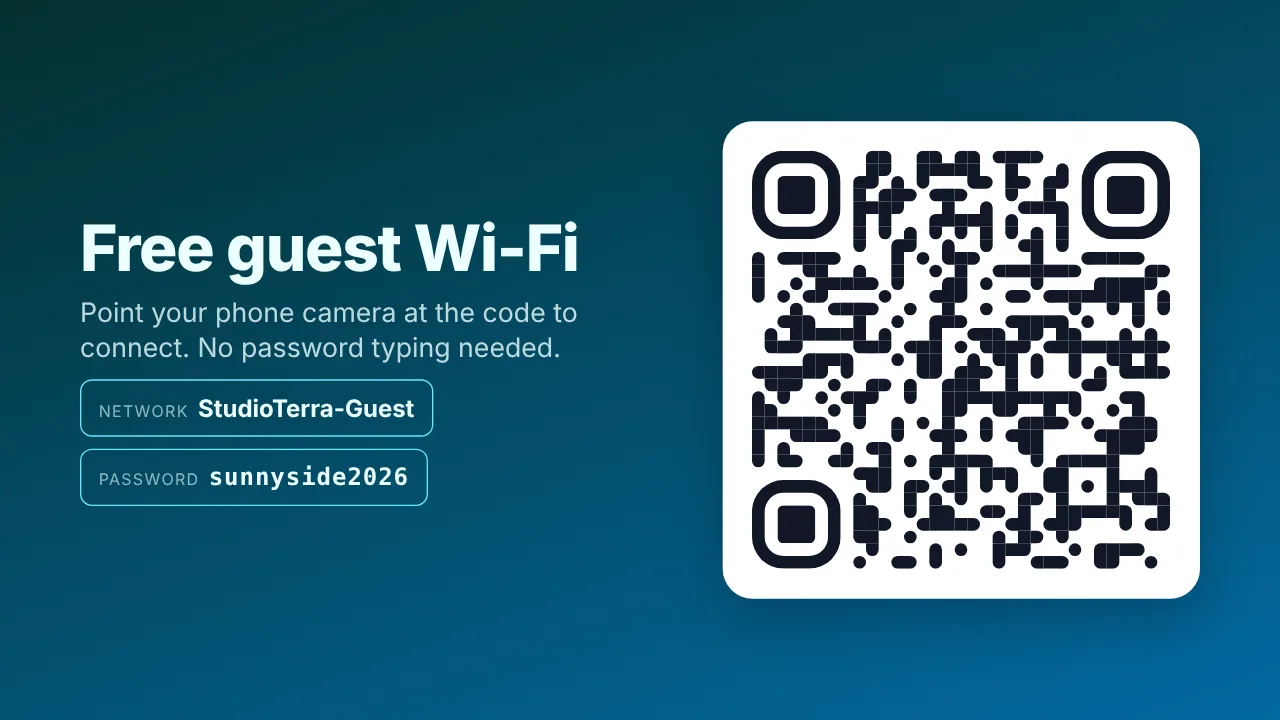
Wi-Fi, breakfast hours, the next train and today's events are on the lobby screen. Guests read it, scan the QR code and walk on.
The events board is rewritten by hand every morning.
Paste the iCal link of your events or meeting room calendar. Today's program shows itself, and the panel at each meeting room shows free or busy.
Guests with a flight to catch keep checking their phones.
Schiphol departures with gate and status, plus live NS trains or bus and tram times, on the screen near the exit.
Real screens, ready to use
Every screen below is a live plugin or a design you make in minutes. Mix them in one playlist, or give each screen its own.
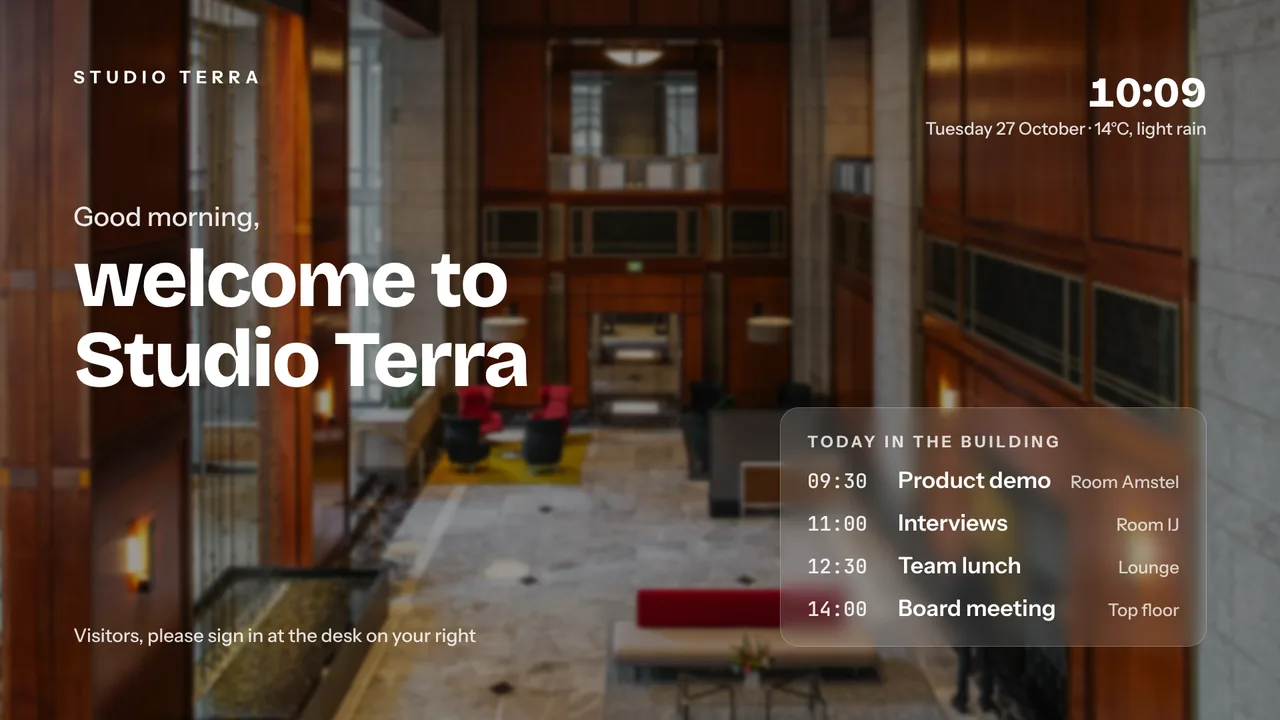
Welcome screen
Made with AI Studio from a short brief, or in the Designer with your own photos and logo.
See how it works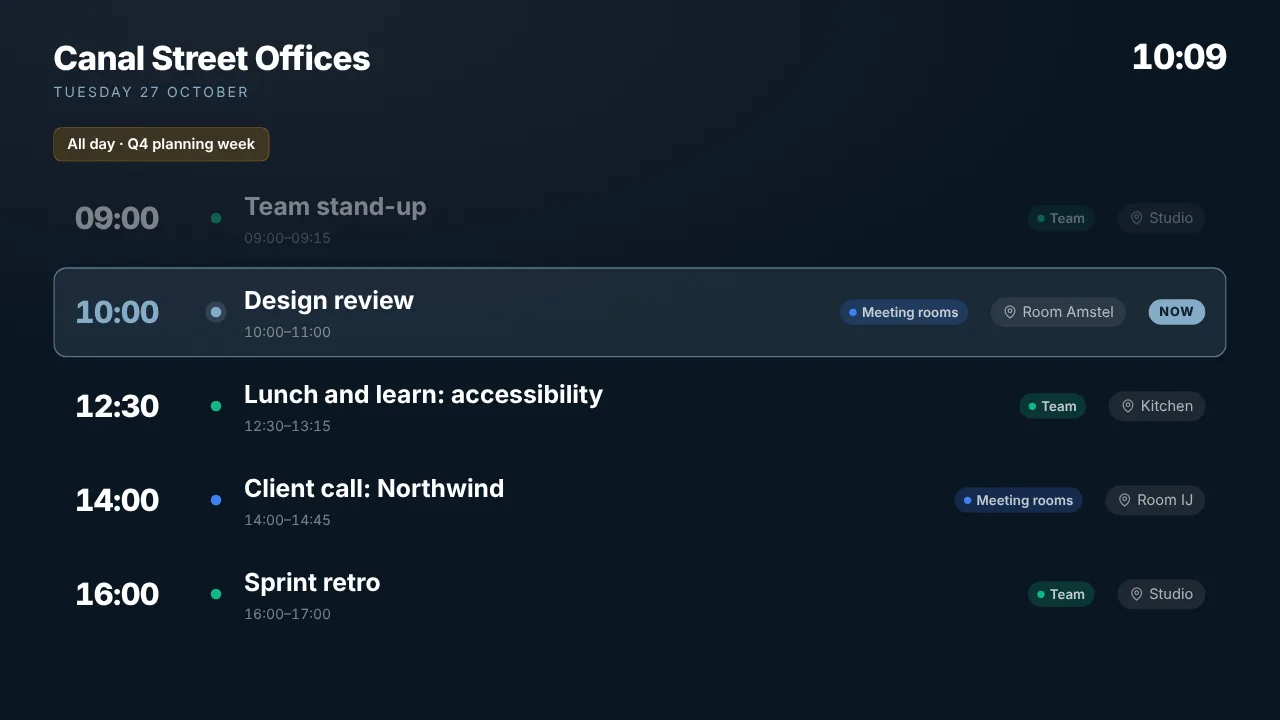
Today's events
The agenda from your Google, Outlook or Apple calendar, live on the lobby screen.
See how it works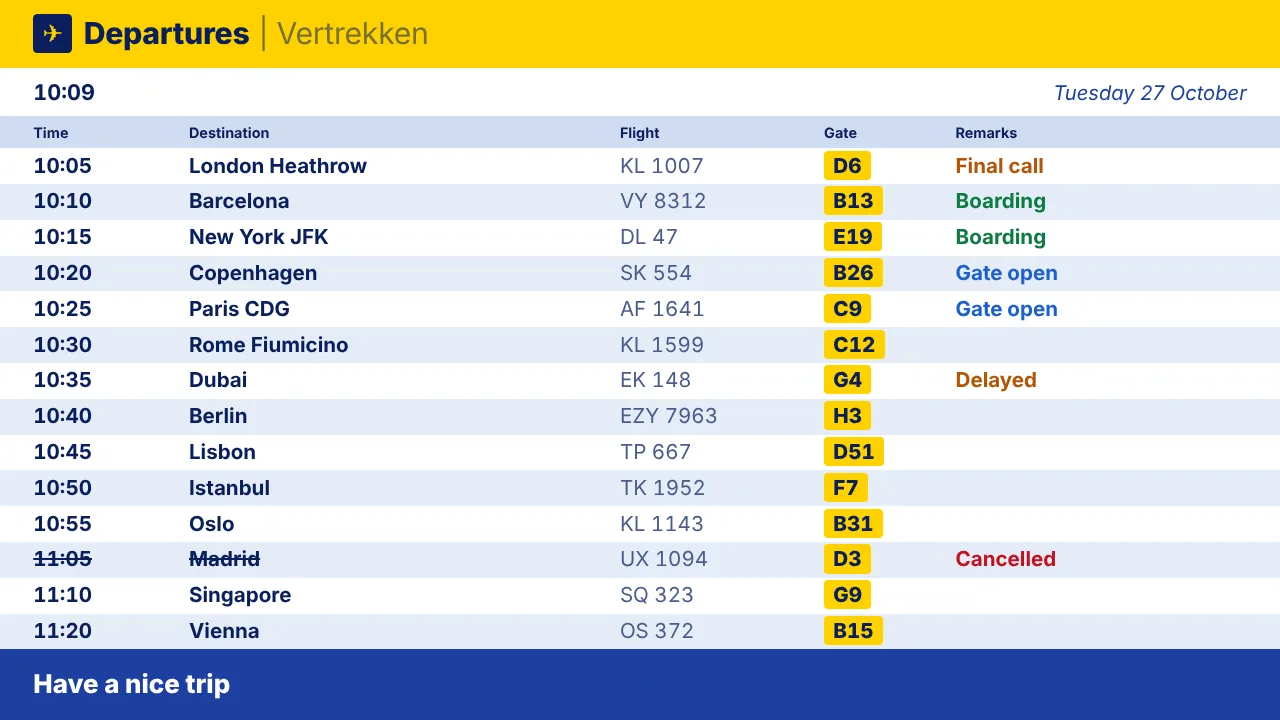
Schiphol departures
Flights with gate and status for guests on their way to the airport.
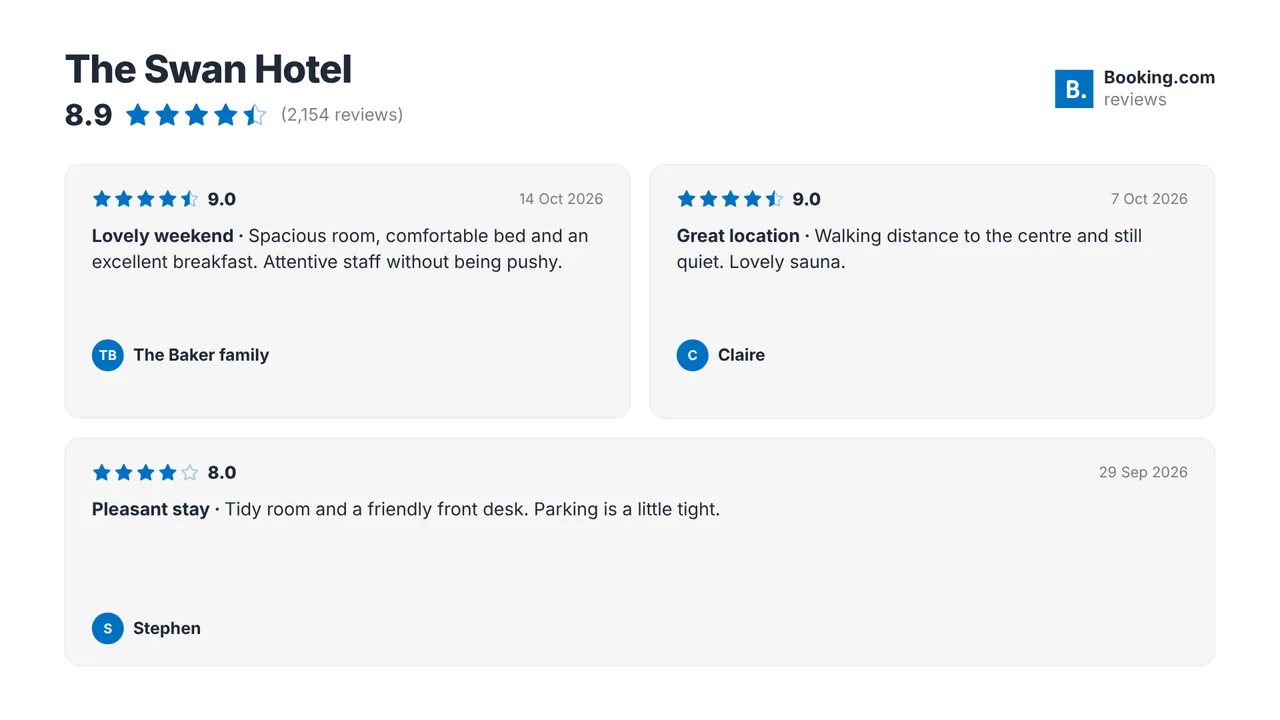
See how it worksYour Booking.com reviews
Your guest rating and best reviews in rotation. A Premium plugin, like Airbnb, Expedia and Tripadvisor.
See how it worksPlan once, and every screen follows the clock
Give slides weekdays, hours and an end date, or plan whole playlists in the calendar. The screens switch on time, even when the internet drops.
- 06:30
Breakfast is served
The lobby shows the breakfast hours and the way to the breakfast room until 10:30.
- 08:00
Check-out rush
Schiphol departures and the next trains near the exit, with today's weather.
- 09:30
Meetings start
Today's events in the lobby and a free or busy panel at every meeting room door.
- 15:00
Check-in
The welcome screen, the guest Wi-Fi QR code and your best reviews.
- 18:00
Evening in the lobby
The bar menu and tomorrow's breakfast hours take over until the morning.
Everything you need, nothing you don't
Welcome screens in minutes
AI Studio designs a welcome screen from a short brief. Fine-tune it in the Designer with your photos and logo.
Events and meeting rooms
The Calendar widget shows today's program from any iCal link. The meeting room panel is green when free and red when busy.
Flights and trains
Schiphol departures, NS trains and bus, tram or metro times through OVapi, with delays and platforms.
Guest Wi-Fi in one scan
A QR code that joins the guest network, with your logo in the middle. Made on the screen itself, so it keeps working offline.
Reviews from booking sites
Booking.com, Airbnb, Tripadvisor and Expedia reviews (Premium), plus Google reviews on every plan.
Emergency alert
One button puts an evacuation or fire message full screen on every screen within seconds. A Premium feature.
Live in fifteen minutes
- 1Create a free account
No credit card, no installation. The dashboard runs in your browser.
- 2Connect a screen
Any TV with HDMI and a small player, or a smart TV browser. Enter the code the screen shows.
- 3Choose what plays
Add a plugin, upload your own media or let AI Studio design a screen. Press Push to screen.
A hotel with screens in the lobby, the breakfast room and at four meeting rooms
10 screens included, every Premium review plugin, the emergency alert and up to 3 users with roles.
Compare all plansPrices excl. VAT, cancel monthly.
Frequently asked questions
Which review sites can I show?
Booking.com, Airbnb, Tripadvisor, Expedia and Hotels.com are Premium plugins, in Pro and Business or as an add-on on Starter. Paste the link to your public page and the screen shows your rating and best reviews. Google reviews, Agoda and Feedback Company work on every plan.
How often do the booking site reviews update?
They are fetched when you make the widget. Press Refresh reviews to fetch the newest ones, at most once every 24 hours.
Can the screens show information in several languages?
Your screens show exactly what you put on them. Make a slide per language and let them play in turn, or plan them for different times. TVpilot does not translate your text for you. The dashboard itself is available in English, Dutch, German, French and Spanish.
Which departures can I show?
Schiphol departures and arrivals, live NS trains for any Dutch station with your own free NS API key, and bus, tram and metro departures through OVapi without a key.
Can I show the meeting room schedule?
Yes. Paste the iCal link of the room calendar from Google Workspace or Microsoft 365. The panel at the door shows the booking now and what is next; the Calendar widget shows the whole day in the lobby.
What does it cost for a hotel?
One screen is free forever. Starter is €5 per month with 3 screens; the Premium add-on (€9 per month) adds the booking site reviews. Pro is €29 per month with 10 screens and Premium included, Business €99 per month with 25 screens and unlimited locations. Prices exclude VAT.
Also see: Booking.com reviews · Schiphol departures · Guest Wi-Fi QR code · Pricing
TVpilot in other industries
Give your reception a break
Create a free account, make a welcome screen with AI Studio and add your Wi-Fi QR code. Your lobby is live in fifteen minutes.
Free plan, no credit card. Paid plans from €5 per month.