Public screens you stay in control of
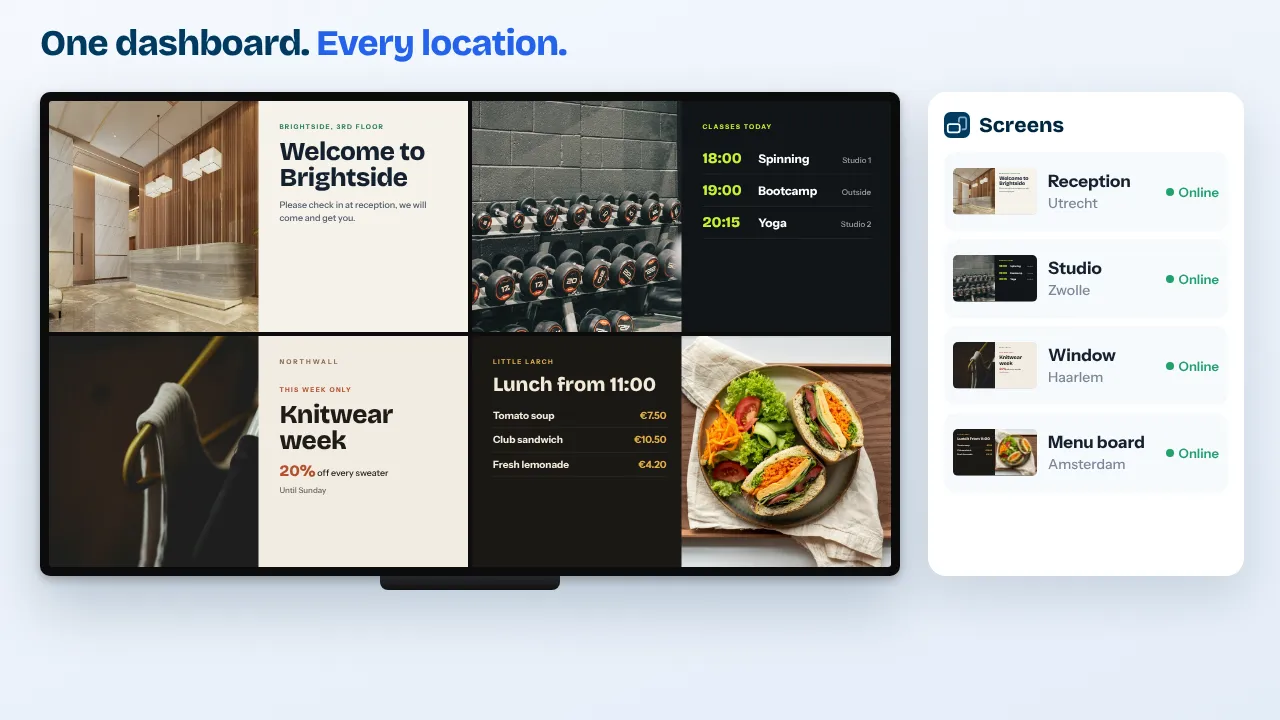
Call visitors to the counter by number, show local news and the next bus home, and reach every screen in a building at once when it matters. TVpilot gives every location its own editors, puts a second pair of eyes before anything goes live and keeps your data in the EU.
Free plan, no credit card. Paid plans from €5 per month.
Visitors at the service desk have no idea how long they will wait.
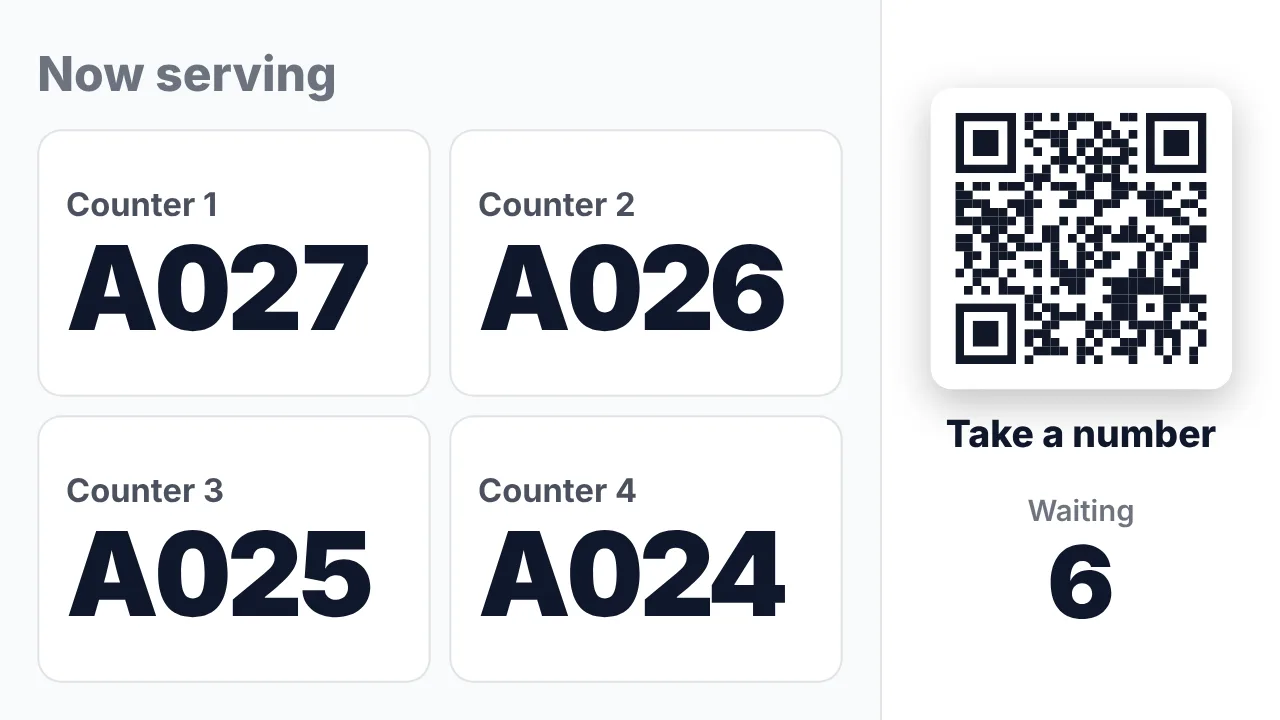
Now serving calls each number on every screen with a chime and an optional spoken call-out. Visitors who scan the QR code see on their phone how many people are ahead and an estimated wait.
Many buildings and many editors, and one mistake is visible to the whole town.
Give each location its own editors with roles from viewer to owner. On Business, playlists, uploads and schedule changes wait for approval, with a four-eyes option.
In an incident you need every screen in one building at once.
The red Emergency alert button puts one message full screen on all screens of a location or tag within seconds, over whatever is playing, and ends by itself.
Real screens, ready to use
Every screen below is a live plugin or a design you make in minutes. Mix them in one playlist, or give each screen its own.
Now serving at the counters
Large, clear numbers per counter that read well from the back of the hall, with a QR code to take a number on your phone.
See how it works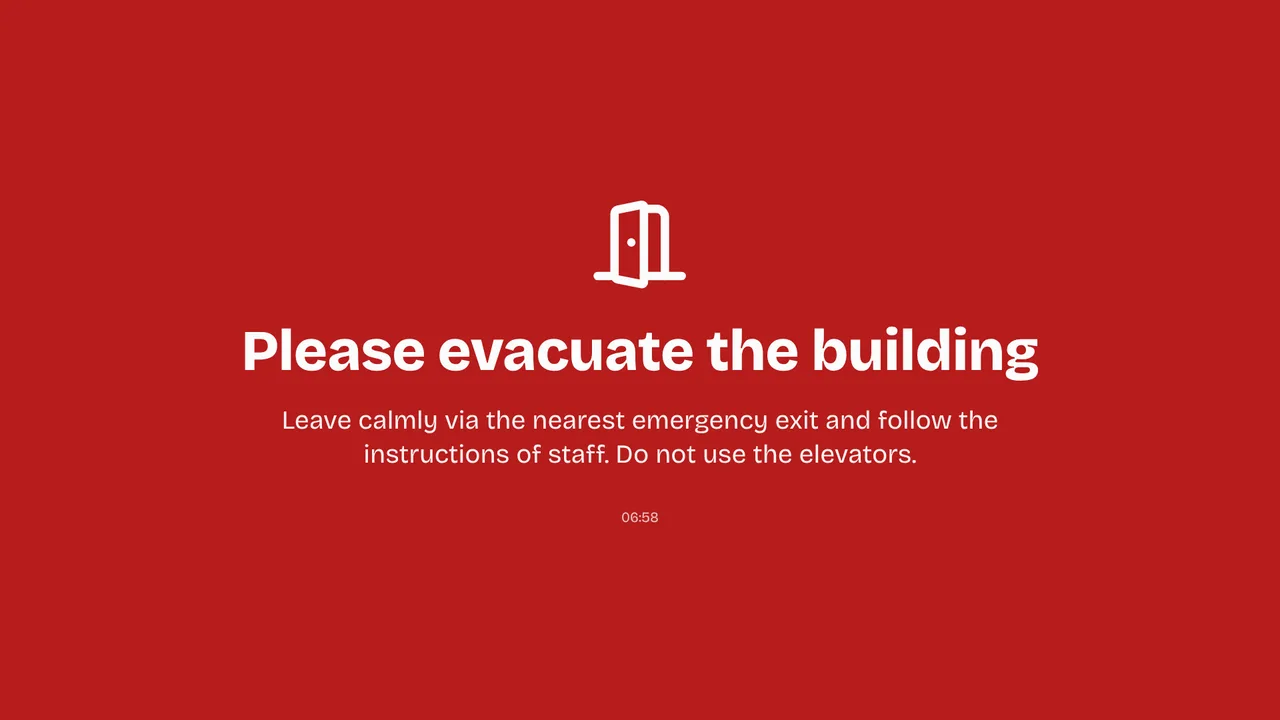
Emergency alert
Evacuate, Fire, Temporarily closed or Disruption, or your own message, full screen on the screens of one building or all of them.
See how it works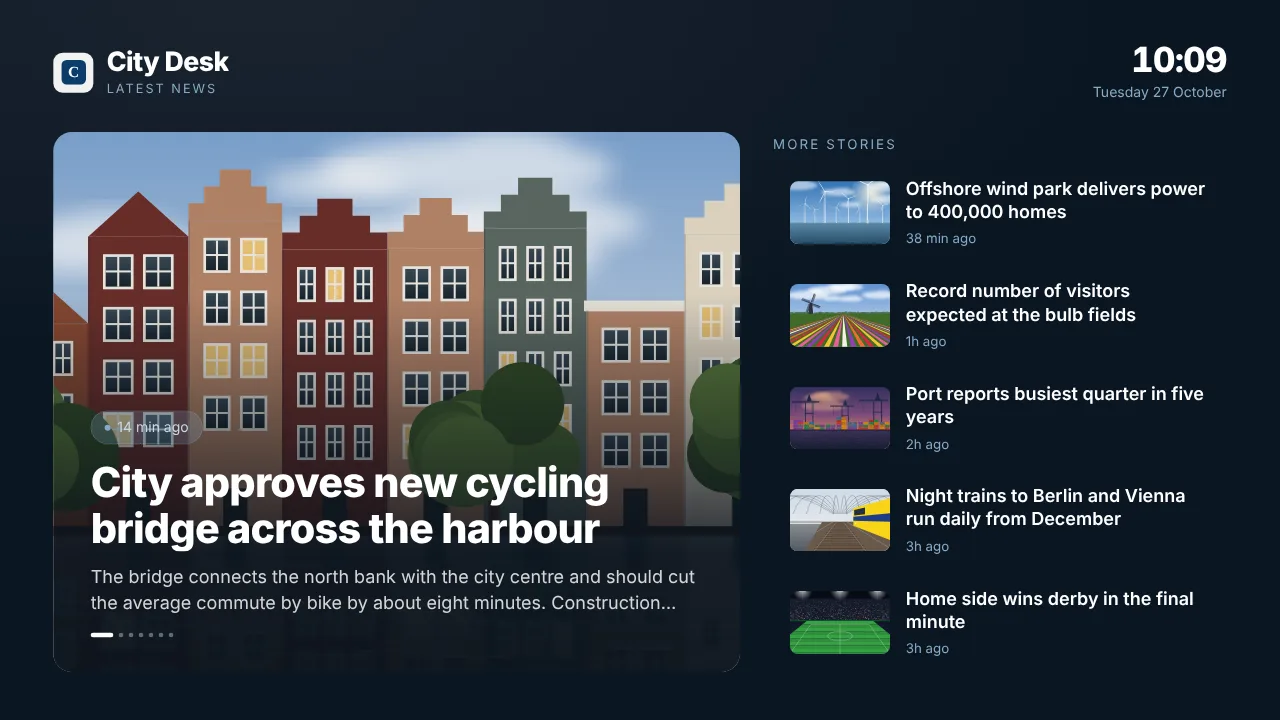
Local news
The RSS feed of your own news page or a local outlet, as a full page or as a ticker along the bottom of every slide.
See how it works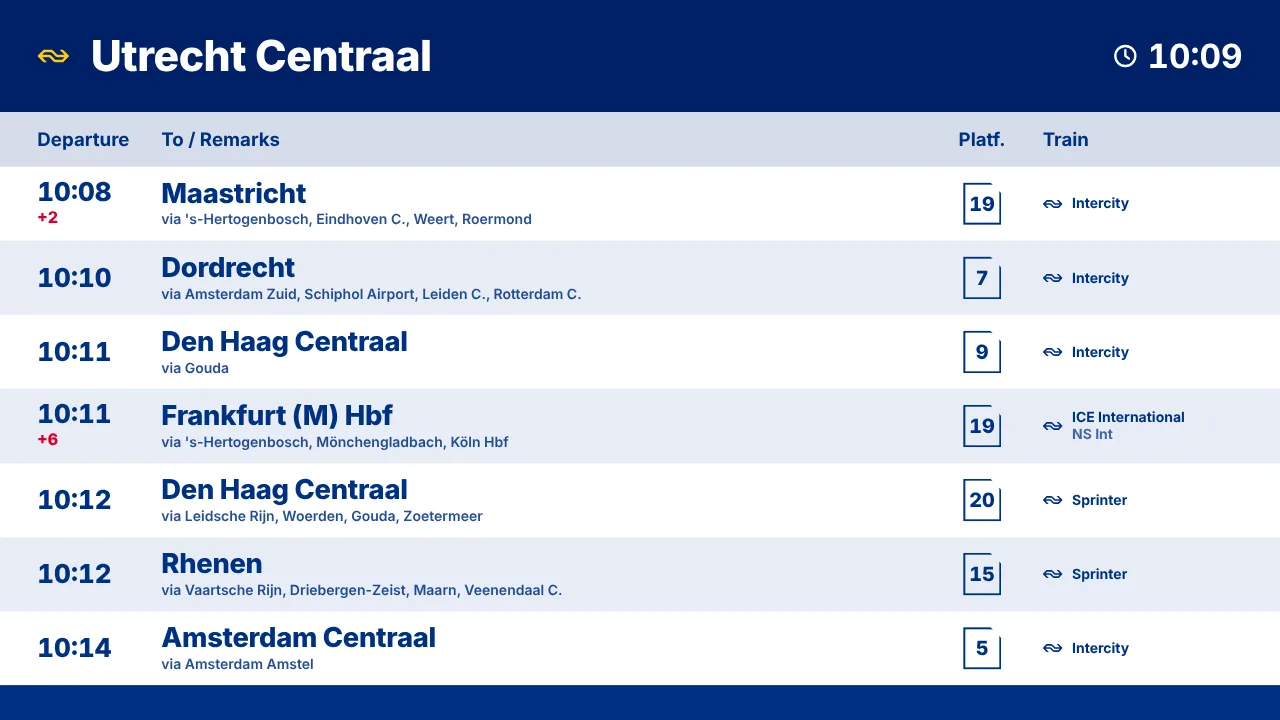
Train and bus departures
Live departures from the nearest station or bus stop with delays and platforms, at the exit of the town hall or library.
See how it worksPlan once, and every screen follows the clock
Give slides weekdays, hours and an end date, or plan whole playlists in the calendar. The screens switch on time, even when the internet drops.
- 08:00
Screens on in every building
The TVs switch on by themselves with the opening hours of the service desk, the town hall and the libraries.
- 08:30
Counters open
Now serving shows as a banner over the playlist; at the busy desks it takes the full screen for several counters.
- 12:00
Council news
An approved announcement about roadworks or an election goes live and takes itself off screen on its expiry date.
- 16:30
Heading home
The screen at the exit shows the weather and the next trains and buses from the stop outside.
- 19:00
Library evening
A weekly slot in the calendar switches the library screens to the evening program and events, Tuesdays and Thursdays only.
Everything you need, nothing you don't
Queue at the counter
Visitors take a number from a paper ticket roll or a QR ticket on their phone. Statistics show the average and longest wait and the busiest hour.
Emergency alert per location
One message on all screens, per location, per tag or chosen screens. Editors and up can start it; owners and admins get an email.
Every building, its own team
Unlimited locations on Business, each with per-member access. A library editor sees the library screens only.
Approval before publishing
On Business, playlists, uploads and schedule changes wait for approval, with a four-eyes option so nobody approves their own work.
Required 2FA and an activity log
Require two-factor authentication for the whole team on Pro and Business. Logins, role changes and publications are recorded in the activity log.
Data hosted in the EU
Your data is hosted in the European Union, and a data processing agreement is available on request. Details on our security page.
Live in fifteen minutes
- 1Create a free account
No credit card, no installation. The dashboard runs in your browser.
- 2Connect a screen
Any TV with HDMI and a small player, or a smart TV browser. Enter the code the screen shows.
- 3Choose what plays
Add a plugin, upload your own media or let AI Studio design a screen. Press Push to screen.
A municipality with a service hall, a town hall and three library branches
25 screens included, up to 25 users, unlimited locations, approval before publishing and Premium with the emergency alert. €990 per year when you pay yearly.
Compare all plansPrices excl. VAT, cancel monthly.
Frequently asked questions
Where is our data stored?
Your data is hosted in the European Union. A data processing agreement is available on request, and the security page lists how TVpilot protects your account.
Can we require two-factor authentication?
Yes. Every user can switch on 2FA on every plan. On Pro and Business you can require it for the whole team.
Can a second person check content before it goes live?
Yes, on Business. Playlists, uploads and schedule changes wait for approval, and the four-eyes option makes sure someone else approves them. The emergency alert skips this step on purpose, so it is never delayed.
Can each library manage only its own screens?
Yes. Put screens in locations and give team members access per location, with the roles owner, admin, editor or viewer.
Do we need a ticket machine for the queue?
No. Visitors take a number from a paper ticket roll or scan a QR code for a digital ticket on their phone. Staff call the next number on a presenter, a wireless button, a keyboard or their phone.
What does it cost for a municipality?
Business is €99 per month with 25 screens, up to 25 users and unlimited locations. Extra screens are €1.50 per month. For more than 100 screens, contact hello@tvpilot.app. Prices exclude VAT.
Also see: Now serving queue display · Emergency alerts · Security · Pricing
TVpilot in other industries
Every building informed, every change checked
Create a free account, connect your first screen and invite the team per location. Your first screen is free.
Free plan, no credit card. Paid plans from €5 per month.