Digital Vehicle Pricing Displays for Car Showrooms
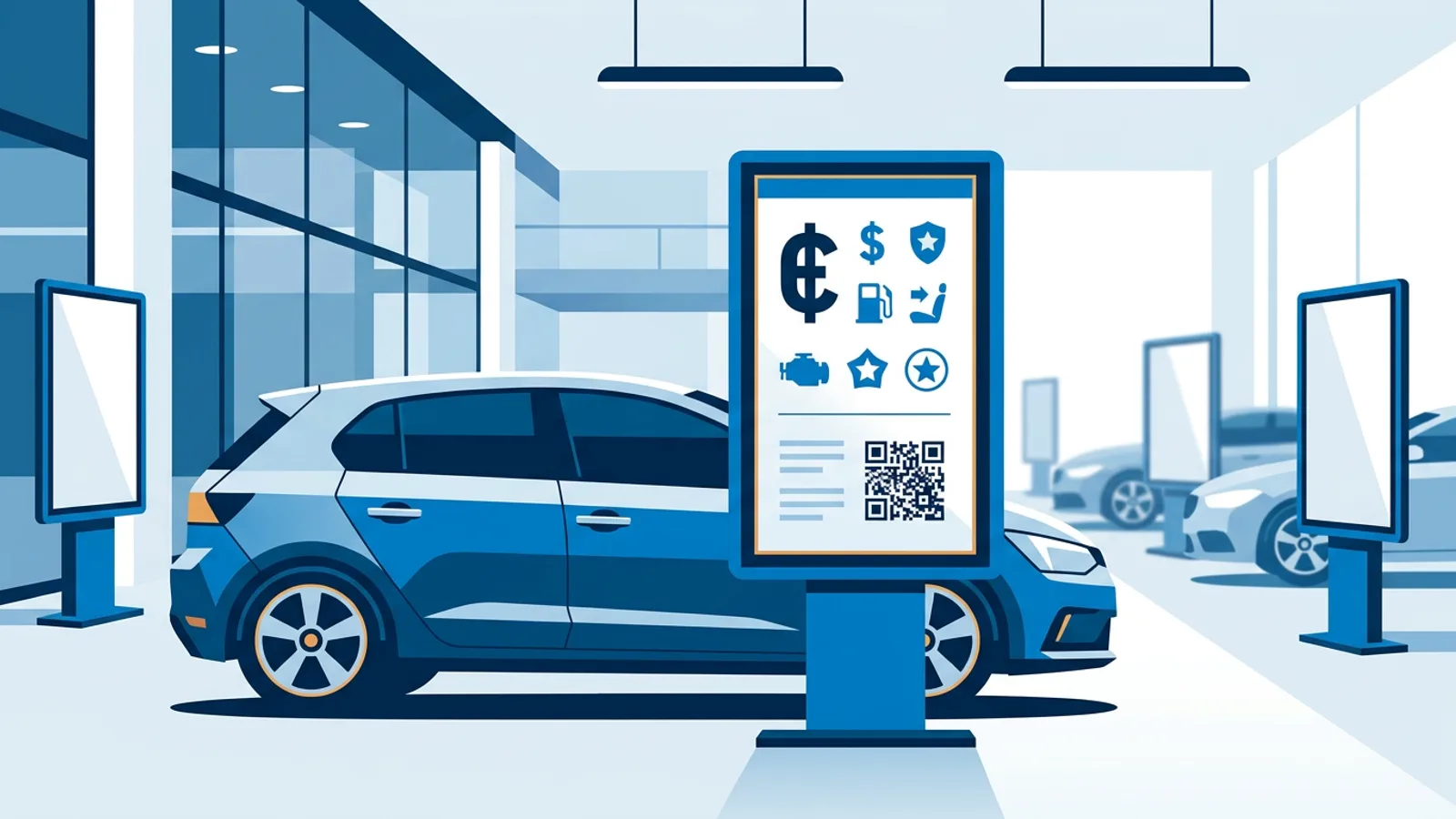
Digital vehicle pricing displays are screens, usually a TV mounted in portrait beside each car, that show the asking price, the key specs, a monthly finance figure and a QR code to the full online listing. They replace the printed windscreen card, and dealers mostly switch for one reason: a price change becomes a two-minute edit in a web dashboard instead of a reprint and a walk across the showroom floor.
This guide covers what belongs on a vehicle price screen, how to set up portrait screens next to the cars, how central price updates and self-ending promotions work, and what a nine-screen showroom costs per month. For the wider picture of screens in shops and showrooms, see our page on digital signage for retail.
The angle here is narrow on purpose: one screen, one car, one price that is always correct. Inventory walls, window screens and brand videos are a different job.
What digital vehicle pricing displays show
A buyer standing next to a car wants to answer three questions in a few seconds: what does it cost, is it the right car for me, and where do I find out more. Everything on the screen should serve one of those.
| Element | Why it is there | Practical tip |
|---|---|---|
| Asking price | The first thing everyone looks for | Make it the largest element, readable from three or four metres |
| Make, model, trim | Confirms which car this is | One line, below or above the price |
| Key specs | Year, mileage, fuel, gearbox, power; range for an EV | Five or six items, icons help |
| Monthly finance | Many buyers think in monthly payments | Show it together with the legally required details for your market |
| QR code | Links to the full listing with photos and history | Big enough to scan from a step back, with contrast around it |
| Stock or bay number | Lets staff and buyers refer to the car quickly | Small, in a corner |
A note on finance figures: in most countries, advertising a monthly payment triggers consumer-credit rules about showing the representative interest rate, term and total amount. A screen is advertising like a printed card is. Check your local rules with your finance provider before you put a monthly figure on screen, and keep the small print on the slide rather than on a separate one that rotates away.
What to leave off: long equipment lists (that is what the QR code is for), scrolling text, and more than one car per screen. A price screen that rotates through six slides means a buyer sees the price only one sixth of the time.
Setting up a vehicle price screen next to the car
Portrait or landscape
Portrait suits a screen on a floor stand beside a car: it takes little floor space, sits at eye height and reads top to bottom like a spec card. A 43 or 50 inch TV rotated 90 degrees is a common choice. Landscape works better on a wall behind a row of cars or in the window, where you show several cars or a promo video.
If you use a consumer TV in portrait, check the manufacturer's manual first. Some models are not designed for vertical mounting because of heat. Our post on digital signage for car dealerships covers the inventory wall and window side of a showroom in more detail.
Player hardware
The screen needs something to play the content. With TVpilot, the options are:
- A Raspberry Pi behind the screen. Any Pi with Raspberry Pi OS and a desktop works; a Pi 4 or 5 is recommended if you also play video. The player is installed with one command from the dashboard, starts on boot and restarts itself within about ten seconds if it crashes. It can also switch the TV on and to standby through HDMI-CEC on a schedule, so price screens go dark after closing without smart plugs.
- An Amazon Signage Stick, plugged into the HDMI port and set up with the Amazon Signage app. TVpilot starts in kiosk mode on every boot, also after a power cut.
- The TV's own browser or a Fire TV Stick, pointed at a player URL. Fine for a test, less tidy on a floor stand.
Rotate the picture in the player device's display settings (on a Raspberry Pi, the Screen Configuration tool in Raspberry Pi OS) and design your slides in portrait proportions so nothing is stretched.
Power and network on the floor
A floor stand in the middle of a showroom needs power at floor level, and a cable taped across a walkway is a trip hazard and looks bad. Plan floor boxes or position stands near pillars and walls. Check Wi-Fi strength at each car position too; showroom glass and metal car bodies weaken signals. The TVpilot dashboard shows Wi-Fi signal per screen, so you can spot a weak spot before it causes a frozen screen.
Designing a price slide template staff can update
Build one template and reuse it for every car. In the TVpilot Designer you place the photo, text, shapes, icons and a QR code on a canvas, add your logo at one of nine anchor positions, and save it. For each car you duplicate the slide and change five things: photo, name, price, specs and the QR link.
The QR code element points to the car's listing on your website. When a buyer scans it, they get the photo gallery, history report and contact form on their own phone, which keeps the screen simple.
The Designer also has widget boxes: a live plugin in a resizable box on the slide. A narrow strip at the bottom with your Google reviews rating is a reasonable use on a price screen, because it answers the "can I trust this dealer" question without taking space from the price. Keep it small.
If you would rather not design the template yourself, TVpilot's Content bundle (99 euro once, excl. VAT, available on every plan including Free) gets you five designs in your branding, delivered in your Designer within five working days after you send the details. AI Studio can also generate promo screens from a short brief.
Updating prices centrally without walking the floor
Updating a price takes three steps:
- Open the car's slide in the dashboard and change the price.
- Press Push to screen. Until you do, edits stay as a draft and the screen keeps showing the last pushed version, so a half-typed price never appears in front of a customer.
- The screen beside the car updates.
For a price drop planned for a specific moment, say Saturday 09:00 when the weekend traffic starts, a scheduled change lets the screen download the new version in advance and switch at that exact time, even if the connection is down at that moment.
When a car sells, remove or pause its slide and move the next car into the bay. Give every screen a backup playlist (a general showroom promo works) so a screen whose playlist is empty or unavailable plays that instead of going black.
If you run more than one branch, locations keep things separate. Pro includes three locations and Business unlimited, with per-member access, so a sales manager at one site edits only their own screens. Each screen can follow its own calendar schedule, which means one branch can run a weekend event playlist while the other runs its normal one.
Promotions that end on their own
The classic failure with printed promos is the "0% finance until 31 March" card still on the windscreen in mid-April. On screen, every slide can have an expiry date, after which it takes itself off. Set it once when you create the promo and you never have to remember it.
The same per-slide scheduling can limit a slide to certain weekdays or hours. A "Saturday test-drive day" banner can show only on Saturdays, and a countdown widget can count down to the end of a sale event, showing your own message when time is up.
For a one-off event such as an open weekend, the calendar on the Schedule page can switch a screen to a special playlist for those days. When nothing is planned, the screen falls back to its default playlist.
Worked example: nine screens in a used-car showroom
Say you run a used-car showroom with eight cars indoors and one window facing the road.
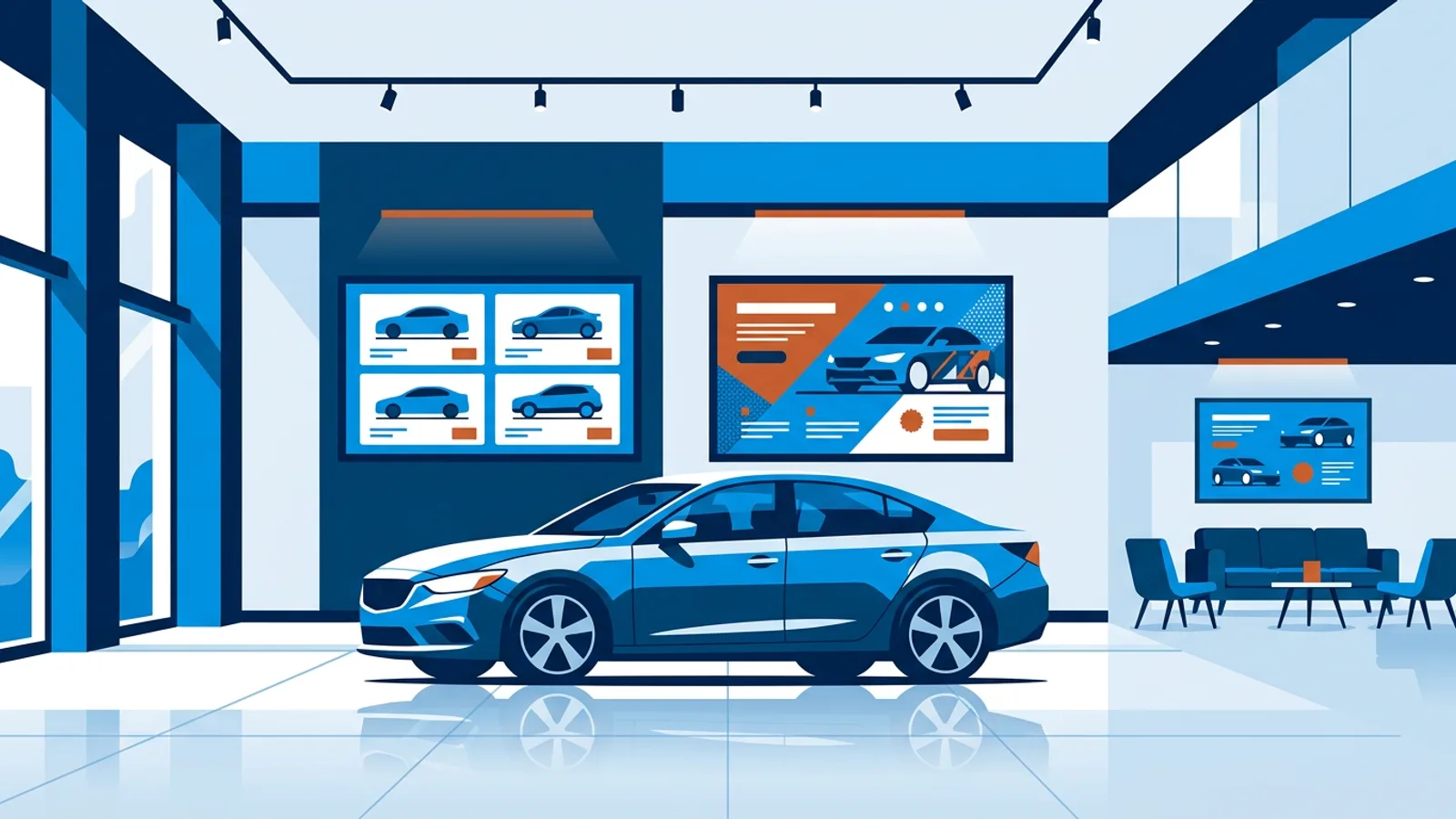
The setup. Eight 43 inch TVs in portrait on floor stands, one per car, and a landscape TV in the window rotating through all eight cars plus a finance promo. That is nine screens.
The plan. Starter includes three screens and goes up to ten. Six extra screens at 2 euro per month each brings it to 5 + 12 = 17 euro per month, or 49 + 120 = 169 euro per year if you pay yearly (prices excl. VAT). Two GB of storage is plenty for image slides. A second branch with another nine screens means 18 screens and two locations, which needs Pro: 29 euro per month for ten screens, plus eight extra at 2 euro, so 45 euro per month.
The weekly routine.
- Monday morning: the sales manager reviews prices against the website and edits the slides that changed, then pushes.
- A car sells on Wednesday: its slide is removed from that screen's playlist and the replacement car's slide (built from the template) goes in when the new car is parked.
- A finance promo runs until the end of the month: the slide gets an expiry date on the last day and disappears by itself.
- The Pi players switch the TVs to standby at closing time and back on before opening through the power schedule.
The window screen has its own playlist with landscape versions of the car slides. Because each car slide is a separate copy, a price change must be made on the window slide too, so add the window playlist to the Monday check and to every mid-week price edit.
Failure modes to avoid
- Screen and website disagree. A buyer who sees one price on the floor and another online loses trust fast. Make one person own price changes and update both in the same sitting.
- The wrong car next to the screen. Cars get moved for cleaning and test drives. Name screens by bay number in the dashboard and put the stock number on each slide.
- Unscannable QR codes. A small QR in a busy corner, or one behind glare from the showroom lights, fails. Test it from where a buyer stands.
- Too much text. If the price is not the first thing you see from four metres, the slide is too busy.
- Expired promos. Set the expiry date when you create the slide, never later.
- Weak Wi-Fi at the far bays. Check signal per screen before the opening weekend, not after.
When TVpilot fits, and when it does not
TVpilot fits a dealership that wants a handful to a hundred screens, edits prices by hand in a web dashboard, and values things like drafts, expiry dates and per-location access. The Free plan runs one screen forever, which is enough to test one car properly.
It is a weaker fit if you need prices to sync automatically from your dealer management system to each car's slide. There is no direct connection to dealer systems; per-car slides are edited by hand. The Data API (Premium) can push a price list in a Menu shape from any system that sends web requests, which suits an "under 15,000" list screen, but it needs someone technical to set up. Screens also need an internet connection to receive updates, and TVpilot is hosted software, not something you can self-host.
Getting started
Start with one car: put a TV in portrait next to your best-selling model, build the template in the Designer with price, specs, finance details and a QR code to the listing, and run it for a week before rolling it out across the floor. You can create a free TVpilot account for that first screen without a credit card and add the rest of the showroom when the template works.
Frequently asked questions
What does a digital vehicle pricing display show?
A typical vehicle price screen shows the asking price as the largest element, the make, model and trim, five or six key specs (year, mileage, fuel, gearbox, power or EV range), a monthly finance figure with the legally required details, a QR code linking to the full online listing, and a small stock or bay number.
Should a car showroom price screen be portrait or landscape?
Portrait is the better choice for a screen on a floor stand next to a single car, because it takes little floor space and reads like a spec card. Landscape suits wall screens behind a row of cars or window screens showing several cars or promo video. Check that your TV model allows vertical mounting before rotating it.
How do I update prices on several showroom screens at once?
With hosted signage software such as TVpilot you edit each car's slide in a web dashboard and press Push to screen, and the screen updates without anyone walking the floor. If the same car appears on more than one screen as separate slide copies, edit each copy. A scheduled change can switch prices at an exact time, such as Saturday 09:00.
Can a promotion on a dealership screen end automatically?
Yes. In TVpilot every slide can get an expiry date, after which it takes itself off the screen, so a finance offer that ends on the 31st disappears without anyone remembering to remove it. Per-slide scheduling can also limit a slide to chosen weekdays or hours.