Software for Samsung Smart Signage Platform: SSSP or Not?
If you own a Samsung commercial display, you already have Samsung Smart Signage Platform (SSSP) built into the TV's Tizen operating system. The question is whether you need Samsung's own authoring tools to manage content, or whether simpler software for Samsung Smart Signage Platform displays, like a browser-based CMS pointed at a player URL, does the job just as well. For a lot of single-location setups, a browser-based tool is easier to learn and cheaper to run, though there are real tradeoffs worth understanding before you commit either way.
This guide covers what SSSP is, how a service like TVpilot's browser-based smart TV player can fit on Tizen hardware, and where that approach falls short of staying inside Samsung's native platform. No hype either direction: some businesses genuinely need more device-level control than a browser tab can offer, and some just need a screen that shows a playlist reliably.
What Samsung Smart Signage Platform actually is
SSSP is Samsung's name for the signage software built into its commercial display lines, which run on Tizen, the same operating system family Samsung uses across its smart TVs. The general idea is that a commercial Samsung display can act as a signage screen on its own, without a separate media player plugged into the HDMI port.
Beyond that general shape, the specifics get harder to pin down from the outside. What authoring tools ship with a given SSSP display, what fleet-management features are included, how licensing works: all of that varies by model, region, and Samsung's own product decisions, which change over time. If you're weighing whether to lean on SSSP's native tools for your fleet, check the documentation and spec sheet for the exact model in front of you rather than assuming a fixed feature set. Commercial signage lineups get revised often enough that a generic description of "what SSSP includes" goes stale fast.
Do you have to use Samsung's native SSSP tools?
Not necessarily, but whether an alternative works depends on your specific display. Many Tizen-based Samsung TVs and commercial displays ship with a browser app, similar to the one a consumer smart TV uses for streaming services, and on some models that browser can be pointed at an arbitrary URL. If yours works that way, you can load a hosted signage dashboard that has nothing to do with Samsung's own software. But browser availability, and how open it is to manual URL entry, varies by model, firmware version, and sometimes region. It isn't safe to assume every SSSP display behaves the same way. Check the apps menu on your unit, or its manual, before planning a setup around this.
If your display does have an open browser, a samsung smart signage platform alternative doesn't have to mean a competing piece of hardware. It just needs to run as a webpage inside the browser your Samsung TV already has, which is the idea behind running digital signage on a Samsung TV without touching SSSP's authoring tool at all.
How browser-based software for Samsung Smart Signage Platform works
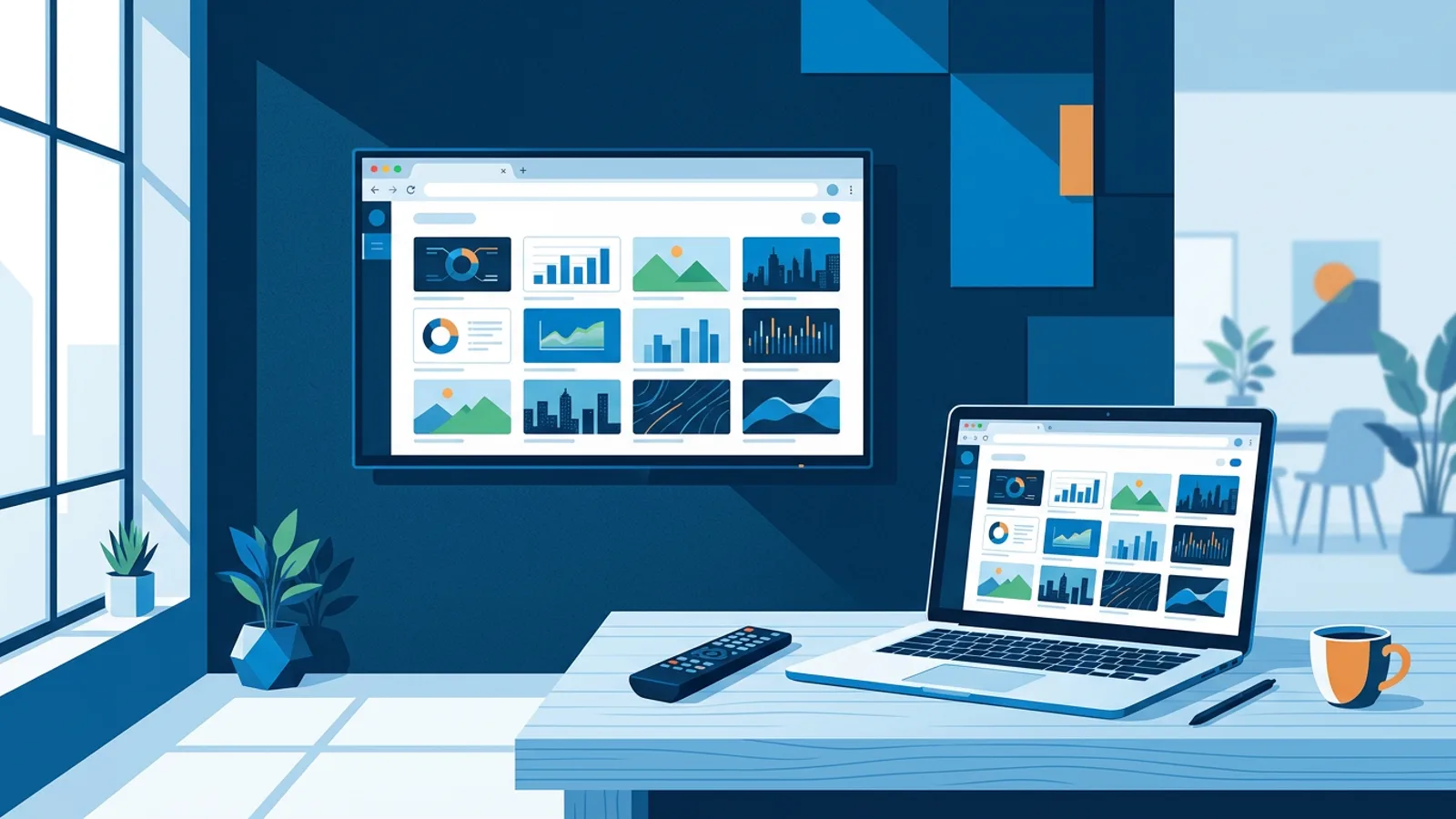
Assuming your display's browser can load an arbitrary URL, the mechanics are simple. You build and schedule content in a web dashboard, the dashboard generates a player URL for that screen, and you open that URL in the TV's built-in browser app. The browser fetches the current playlist and scheduling rules from the dashboard and plays them full-screen. Update the playlist from your laptop or phone, and the screen picks up the change on its next refresh.
With TVpilot specifically, that means:
- Playlists of images, videos, web pages and PDFs, arranged by drag-and-drop with transitions between items.
- Scheduling by time slot and day of week, so a lunch menu swaps to a dinner menu automatically.
- Landscape or portrait orientation, matched to how the display is mounted.
- AI Studio, which generates a designed screen (a promo, a menu, an opening-hours notice) from a short written brief when you don't want to build a layout from scratch.
- Screen monitoring in the dashboard, so you can see whether a given display is online and check in remotely instead of walking over to look at it.
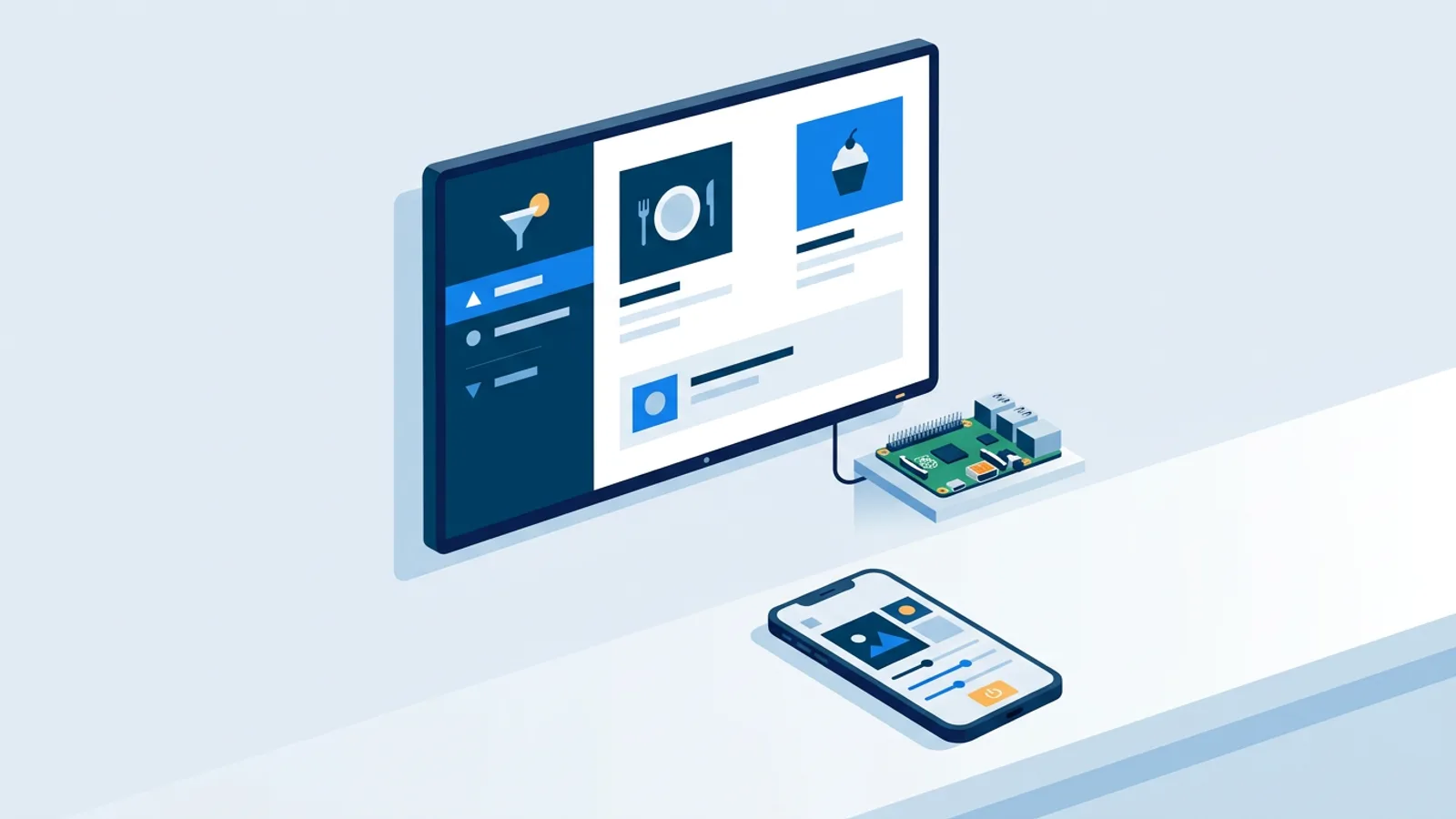
All of that runs the same way whether the browser sits on a Raspberry Pi, an old laptop, or a Samsung Tizen display with a compatible browser. The dashboard doesn't know or care what hardware is rendering the page.
TVpilot runs in the browser, not as a native SSSP app
TVpilot doesn't offer a dedicated native SSSP or Tizen app. Setup on a Samsung display is browser-based: you open the TV's browser app and enter a URL, rather than installing a purpose-built widget through Samsung's app ecosystem. That's a different experience from the one-command installer TVpilot offers for Raspberry Pi, where a single script sets up kiosk mode, auto-start, and a watchdog service automatically.
A couple of Pi-specific features also don't carry over to Samsung's own OS. HDMI-CEC TV power scheduling and the systemd self-healing watchdog are built for the Raspberry Pi player; they're not part of how a browser tab behaves inside Tizen. If you want the TV itself to turn on and off on a schedule, that's controlled through the Samsung display's own settings menu, separate from the signage software running inside the browser. And like any browser-based player, it needs an internet connection to pull content updates; it isn't built for fully offline operation. Our guide on offline playback covers what "offline-capable" realistically means for browser-based setups if that's a concern for your location.
The browser route trades some native polish for simplicity and cost, which for a lot of single-screen or few-screen deployments is a fair trade, as long as your specific display supports it.
What you gain from managing content this way
The upside of running a hosted dashboard instead of staying entirely inside SSSP's native tools is mostly about flexibility across devices and people. One dashboard can manage a Samsung display in the lobby, a Raspberry Pi behind a menu board, and an old laptop in a back office, all from the same login. Playlists, schedules, and monitoring live in one place instead of being split across whatever authoring tool each piece of hardware happens to ship with.
It also lowers the skill floor for building content. AI Studio produces a usable screen from a short brief, which matters if nobody on staff wants to learn a layout tool. And because the dashboard is web-based, anyone with the login can update a playlist from a phone during a slow shift, without walking up to the TV or touching the display's on-device settings.
Setting up a browser-based signage dashboard on a Samsung display
Before you start, confirm your Samsung display's apps menu includes a browser that accepts manual URL entry; not every SSSP model exposes that. If it does:
- Create an account at /signup and add a screen in the dashboard.
- Build a playlist (or generate one with AI Studio) and set a schedule if the content should change by time or day.
- Copy the player URL the dashboard generates for that screen.
- On the Samsung display, open the built-in browser app and enter the URL.
- If the TV supports launching a specific app or URL on startup, set that in the TV's own settings so the screen comes back up automatically after a power cycle.
That's the whole setup on a compatible display: a browser tab pointed at your player URL, without touching Samsung's authoring tool at all.
Pricing: SSSP licensing versus a browser dashboard
Samsung's own signage licensing, device-management tiers, and hardware costs vary by display model and reseller, so this isn't a place for hard numbers on that side. What's worth knowing is what a browser-based dashboard costs on its own:
| Plan | Price | Screens | Storage |
|---|---|---|---|
| Free | \u20ac0 forever | 1 | 250 MB |
| Starter | \u20ac5/month | up to 5 | 1 GB |
| Pro | \u20ac19/month | up to 25 | 10 GB |
| Business | custom | 25+ | 100 GB |
The Free plan has no credit card requirement and includes AI Studio, so it's a reasonable way to test whether a browser-based approach works on your specific Samsung display before paying for anything. There's no separate trial period to run out on; Free simply stays free within those limits.
When TVpilot is (and isn't) the right fit for a Samsung display
It's a good fit if you're running a small number of Samsung screens showing playlists, menus, promos, or a welcome screen, your display's browser accepts a manual URL, and you want one dashboard that also happens to work across other hardware you own, like a Pi player elsewhere in the same building. It's also a reasonable choice if you want AI Studio to generate screens quickly rather than learning a design tool. Check our digital signage features checklist if you're comparing what a CMS should cover.
It's not the right fit if your display's browser doesn't accept manual URLs, or if you specifically need whatever device-level management is bundled into SSSP for a large estate of displays, since the exact capabilities vary by model and a browser tab can't reach into that layer. It's also not the right fit if your location has unreliable internet and needs a player designed around fully offline operation. In those cases, staying inside SSSP's native tools, pairing it with a dedicated device-management platform, or connecting a small Raspberry Pi player over HDMI instead, is the more honest answer.
If a browser-based dashboard sounds like the simpler path for your Samsung screens, sign up free, confirm your display's browser accepts a manual URL, and point the player URL at it to see it running in a few minutes.
Frequently asked questions
Does every Samsung commercial display support running a browser-based signage dashboard like TVpilot?
Not guaranteed. Many Tizen-based Samsung displays include a browser app, but whether it accepts manual URL entry varies by model, firmware version, and sometimes region. Check the apps menu on your specific unit, or its manual, before assuming this route will work.
If I use a browser-based CMS, do I still need Samsung's SSSP?
You don't need to use Samsung's native authoring tools, and the TV keeps SSSP as its underlying platform either way since it's part of Tizen. A browser-based dashboard simply runs as a webpage inside whatever browser app the display already has, without touching Samsung's own signage software.
Will HDMI-CEC power scheduling work on a Samsung TV through TVpilot?
No. HDMI-CEC power scheduling and the systemd watchdog are features of TVpilot's Raspberry Pi player, not of a browser tab running inside Samsung's Tizen OS. On a Samsung display, turning the TV on and off on a schedule has to be handled through the TV's own settings menu.
What if my Samsung display's browser can't be pointed at a custom URL?
Then the browser-based approach described here won't work directly on that unit. Options include staying with Samsung's own native SSSP tools, or connecting an external player, such as a Raspberry Pi running TVpilot over HDMI, and using the TV purely as a display.