Trustpilot Reviews on TV: Show Your TrustScore In-Store
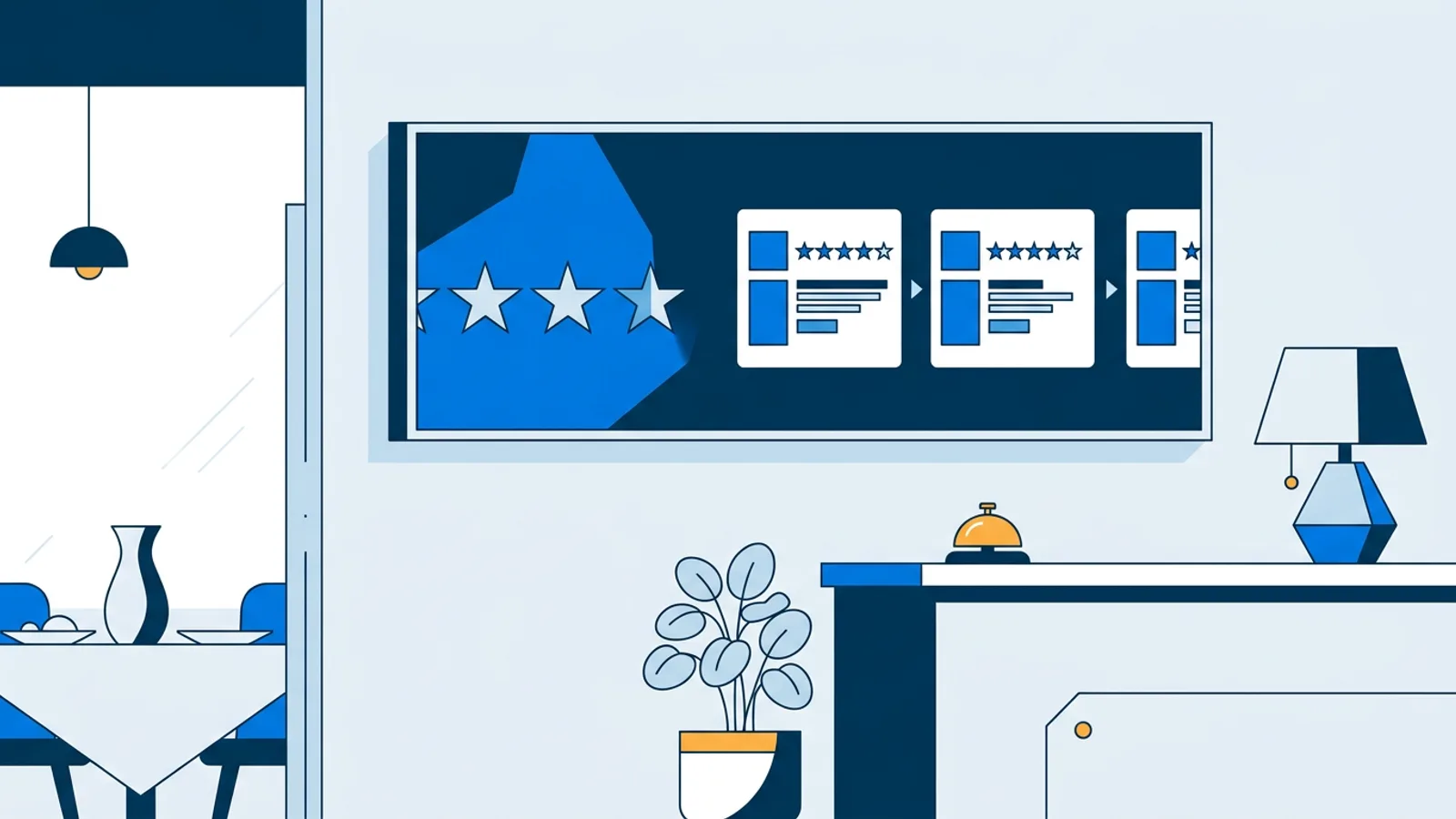
To show Trustpilot reviews on TV, you need a signage player that reads your public Trustpilot page and a screen where customers wait or pay. With TVpilot you enter your business domain, pick a rotating, grid or summary view, set a minimum star rating, and the reviews and TrustScore appear on screen in your brand colours, with no Trustpilot account or API key.
This guide covers the setup, which reviews to put in front of walk-in customers, which layout reads well from across a shop, and how Dutch shops can mix Trustpilot with Kiyoh, Klantenvertellen or Feedback Company on the same screen. The plugin itself is described on the Trustpilot integration page.
One thing up front, because it affects your budget: in TVpilot the Trustpilot plugin is a Premium plugin. It is included in Pro and Business, or you add Premium to Starter. The Free plan does not include it.
Why Trustpilot reviews on a TV work at the counter
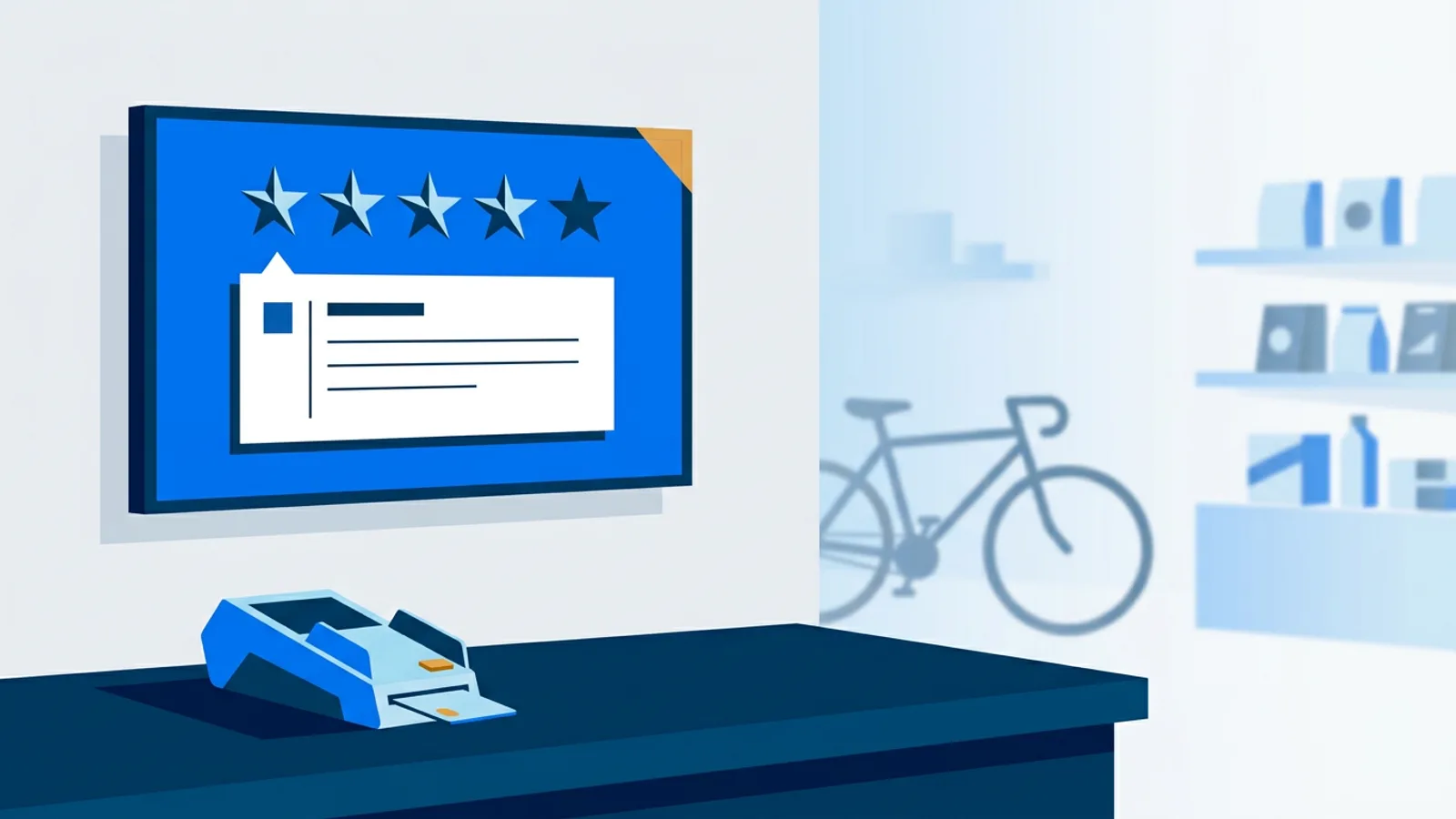
A customer standing at your counter has already walked in. What they are deciding now is how much to spend, whether to add the extended warranty, or whether to order the bigger item online later. Reviews from other buyers answer the doubt that comes up at that moment: will this shop sort it out if something goes wrong?
A TrustScore on a website sits next to dozens of other badges. On a TV behind the till it is the only thing moving in the customer's line of sight while the card terminal processes. Whatever you put there gets read, so choose the reviews more carefully than you would for a web widget.
What you need before you start
The list is short:
- A TV or monitor with HDMI, placed where people wait: behind the counter, near the fitting rooms, or in the window.
- A player. A Raspberry Pi (Pi 4 or 5 recommended), an Amazon Signage Stick, a Fire TV Stick with the TVpilot app, or any smart TV or device with a modern browser pointed at a player URL.
- A Trustpilot business profile with public reviews. You do not need to log in to Trustpilot or request an API key; TVpilot reads the public page from your domain.
- A TVpilot plan with Premium: Starter plus the Premium add-on, Pro or Business.
How to show Trustpilot reviews on TV, step by step
- In the TVpilot dashboard, add the Trustpilot plugin and enter your business domain, for example yourshop.nl.
- Choose the view: rotating, grid or summary.
- Set the minimum rating so only reviews at or above that star level appear.
- Check that the colours match your brand, then add the plugin to a playlist as a slide.
- Press "Push to screen". Edits stay in draft until you do, so a half-finished widget never shows up on the live TV.
If you want the reviews next to other content rather than full screen, open the Designer and drop the Trustpilot plugin into a Widget box. One of the seven Layout templates gives you empty widget boxes, so you can put a promotion on one side and live reviews on the other without a separate zone editor.
Which reviews to show: setting the minimum rating
The minimum rating filter is the most important setting, and the right value depends on your score.
- If most of your reviews are 4 and 5 stars, set the minimum to 4. The mix of 4 and 5 stars looks genuine, and a 4-star review that says "quick delivery, packaging could be better" is more believable than a wall of identical praise.
- If you have a large share of 3-star reviews, set the minimum to 4 anyway and avoid the summary view (see below), because it shows your overall score.
- Set the minimum to 5 only if you have plenty of recent 5-star reviews. With a thin pool, the same three reviews come round again and again, and regulars notice.
The filter controls which stars appear. It does not control what the reviews talk about, and that matters for shops that also sell online. If your Trustpilot profile is mostly about parcel delivery, a walk-in customer reads about couriers and tracking codes, which has nothing to do with the shop they are standing in. Read the last twenty reviews on your profile before deciding whether Trustpilot is the right source for the counter screen, or whether an in-store review source fits better (more on that below).
Rotating, grid or summary: picking a layout
| View | What it shows | Best for |
|---|---|---|
| Rotating | One review at a time, cycling | Counter screens viewed from 1 to 3 metres; long dwell time |
| Grid | Several reviews side by side | Larger screens (50 inch and up) where people stand still, such as a waiting area |
| Summary | Your TrustScore and rating overview | Windows and entrances, where people glance for a second or two |
Decision rule: if people look at the screen for less than five seconds, use summary; if they stand in front of it for half a minute or more, use rotating; use grid only when the screen is big enough that each card stays readable from where people actually stand. A grid on a 32-inch TV behind a counter turns into small grey text nobody reads.
Summary only makes sense when your score is something you want to be judged on. If it is middling, leave it off the window screen and show filtered reviews in rotating view inside instead.
Worked example: a bike shop with two screens
Say you run a bike shop with a webshop on the side. You have a 43-inch TV behind the counter and a 55-inch screen in the window, each with its own Raspberry Pi.
Plan and cost. Two screens fit in Starter (3 screens included) at €5 per month. Trustpilot needs Premium, which is €9 per month on Starter, so you pay €14 per month, or €49 plus €90 = €139 per year when paying yearly (prices excl. VAT). If you later want a third screen and team members with roles, Pro at €29 per month includes Premium and 10 screens.
Counter playlist. Four slides:
- Trustpilot, rotating view, minimum 4 stars, 30 seconds.
- This month's service offer made in the Designer, 10 seconds.
- A QR code from the WiFi/QR plugin that links to your Trustpilot review page, with the line "Tell us how we did", 10 seconds.
- Opening hours, 8 seconds.
That loop takes just under a minute, so someone waiting for a card payment and a receipt sees the reviews at least once. The QR slide lets every customer add to the pool that feeds the screen. Keep the invitation open to all customers, whatever their experience, because Trustpilot's guidelines discourage asking only happy customers for reviews; the minimum rating filter on the screen is a separate display choice.
Window playlist. The summary view with your TrustScore, alternating with a large photo of the current bike promotion. Passers-by get one number and one product.
Optional trigger. Because Premium is active, smart triggers are included. A rule on reviews can make a "Thanks for the new review!" slide join the rotation only when a new review has come in within the last hours. Screens check rules about every minute.
Combining Trustpilot with Kiyoh, Klantenvertellen or Feedback Company
Many Dutch shops collect reviews in more than one place: Trustpilot for the webshop, Kiyoh or Klantenvertellen through the till or booking system, Feedback Company for a specific product line. TVpilot has plugins for all of them, and they all offer the same three views, so a playlist with several sources still looks consistent.
How they connect differs:
- Trustpilot: enter the domain, no account or key.
- Feedback Company: paste the link to your public page; works on every plan, not only with Premium.
- Kiyoh and Klantenvertellen: connect with the connector hash from your own account. Both use a 10-point scale, not stars.
Mixing 10-point and 5-star scores on consecutive slides confuses viewers: a 9.2 followed by a 4.6 out of 5 makes people stop and work out which is better. Keep each source on its own slide with its own branding rather than trying to blend them into one number.
Decision rule for the counter: if one source has mostly in-store reviews (often Kiyoh or Klantenvertellen when invites go out after a till purchase), lead with that one at the counter and use Trustpilot in the window or on the webshop pickup point. If Trustpilot is your only source with real volume, use it everywhere and filter at 4 stars. The full list of review sources is on the review integrations page.
Failure modes to avoid
- Showing the score you would rather hide. Summary view shows your TrustScore. Check it before you put it in the window.
- Off-topic reviews. Webshop delivery complaints filtered to 4 stars are still about delivery. Read the feed before it goes live.
- Unreadable text. Grid view on a small TV or a screen 5 metres away. Test from where customers stand, not from behind the counter.
- A screen that is only reviews. After a few visits regulars tune it out. Mix in offers and practical information, as in the example above.
- Edits that never reach the TV. You changed the minimum rating but forgot "Push to screen". The screen keeps playing the last pushed version.
- Black screen when something fails. Set a backup playlist per screen so the TV plays something useful instead of going dark if the assigned content is unavailable.
When TVpilot is (and is not) the right fit
TVpilot fits if you want Trustpilot reviews on one to a few dozen screens alongside your own promotions, managed from a web dashboard, and especially if you also use Dutch review sources like Kiyoh, Klantenvertellen or Feedback Company. Hardware is cheap (a Pi, a Signage Stick or a smart TV browser) and there is no per-device licence.
It is not the right fit if you only want reviews on your website; Trustpilot's own web widgets cover that. It is also not ideal if you need a free option for Trustpilot specifically: the Free plan includes standard plugins such as Feedback Company and Google reviews, but Trustpilot needs Premium. TVpilot is hosted software, so if your policy requires self-hosted or open-source signage, look elsewhere. Players also need internet to pick up new content and reviews.
Create a TVpilot account, connect one screen and see how your reviews read from where your customers stand.
Frequently asked questions
Do I need a Trustpilot API key or business login to show reviews on a TV?
No. In TVpilot you enter your business domain and the plugin reads your public Trustpilot reviews and TrustScore. No Trustpilot account login or API key is needed.
Can I show only 4 and 5-star Trustpilot reviews on the screen?
Yes. The Trustpilot plugin has a minimum rating filter, so only reviews at or above the star level you choose appear on screen. Note that the summary view shows your overall TrustScore, which the filter does not change, and review invitations themselves should still go to all customers.
Is the Trustpilot plugin included in the free TVpilot plan?
No. Trustpilot is a Premium plugin. It is included in Pro (€29/month) and Business (€99/month), or you can add Premium to Starter for €9/month. Feedback Company and Google reviews plugins are available on every plan, including Free.
Can I show Trustpilot and Kiyoh reviews on the same screen?
Yes. Add both plugins as separate slides in one playlist. Kiyoh and Klantenvertellen connect with the connector hash from your own account and use a 10-point scale, so keep each source on its own slide instead of mixing scores.