Amazon Signage Stick: What signage.amazon.com Offers
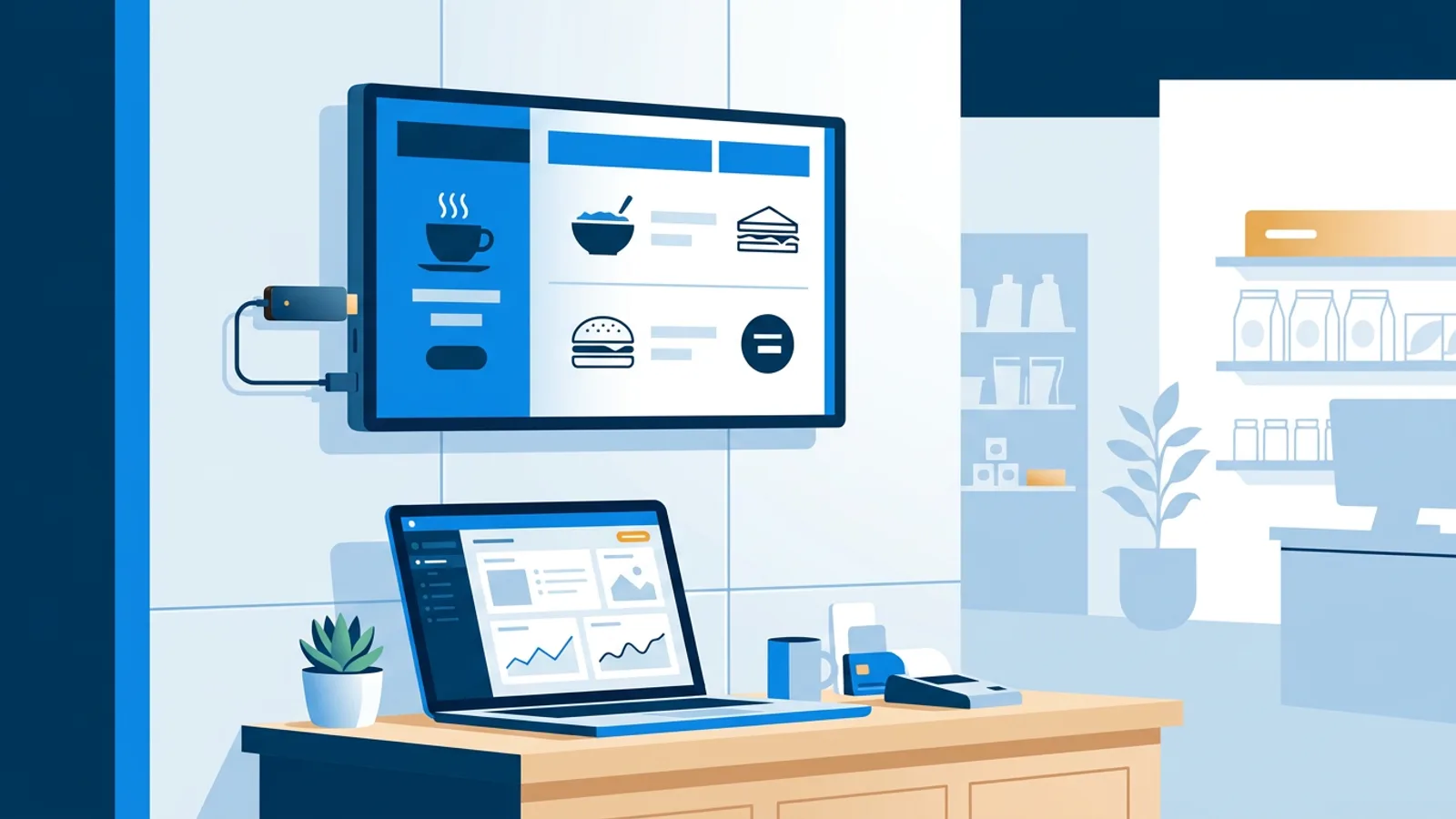
If you searched for an amazon signage stick, you're likely trying to figure out what signage.amazon.com actually sells and whether you can buy one and get it running today. The honest answer is that Amazon's public page for it is thin on details, and most people who search this exact term are actually looking for a simple stick-based sign they can set up themselves this week. If that's you, a regular Fire TV Stick running a browser, or a Raspberry Pi, can do the job now, managed from a normal web dashboard.
This piece covers what signage.amazon.com appears to offer, why the public details are limited, and what the self-serve path looks like if you'd rather not wait on more information.
What signage.amazon.com actually offers
Amazon runs a page at signage.amazon.com describing its own digital signage offering: hardware paired with management software. Beyond that basic description, the public page is limited. There's no published spec sheet for the device, no visible self-serve pricing table, and no clear way from the page alone to buy a single unit and start managing it the way you would with typical consumer electronics.
We're not going to guess at specs, pricing, or how the buying process works, because none of that is documented anywhere reliable outside Amazon itself. If you want current facts about the amazon digital signage device, the only trustworthy source is Amazon's own signage page, or a direct conversation with whoever handles it on their end. Anything else you read about specifics, including here, is speculation.
Why the details are hard to find
Some business hardware is sold through a process that isn't fully visible on a public page: pricing can depend on account size, support needs, or order volume, and finding out means reaching out directly rather than checking a page. That pattern shows up across a lot of business-to-business hardware, not just signage. We don't know that this is exactly how signage.amazon.com works, only that the public page doesn't answer it, so guessing further doesn't help you.
What we do know is what most people typing this search are actually after: an affordable digital signage stick for small business use that they can set up themselves, without a procurement conversation. That's a solvable problem regardless of what Amazon's page eventually tells you.
What small businesses actually need instead
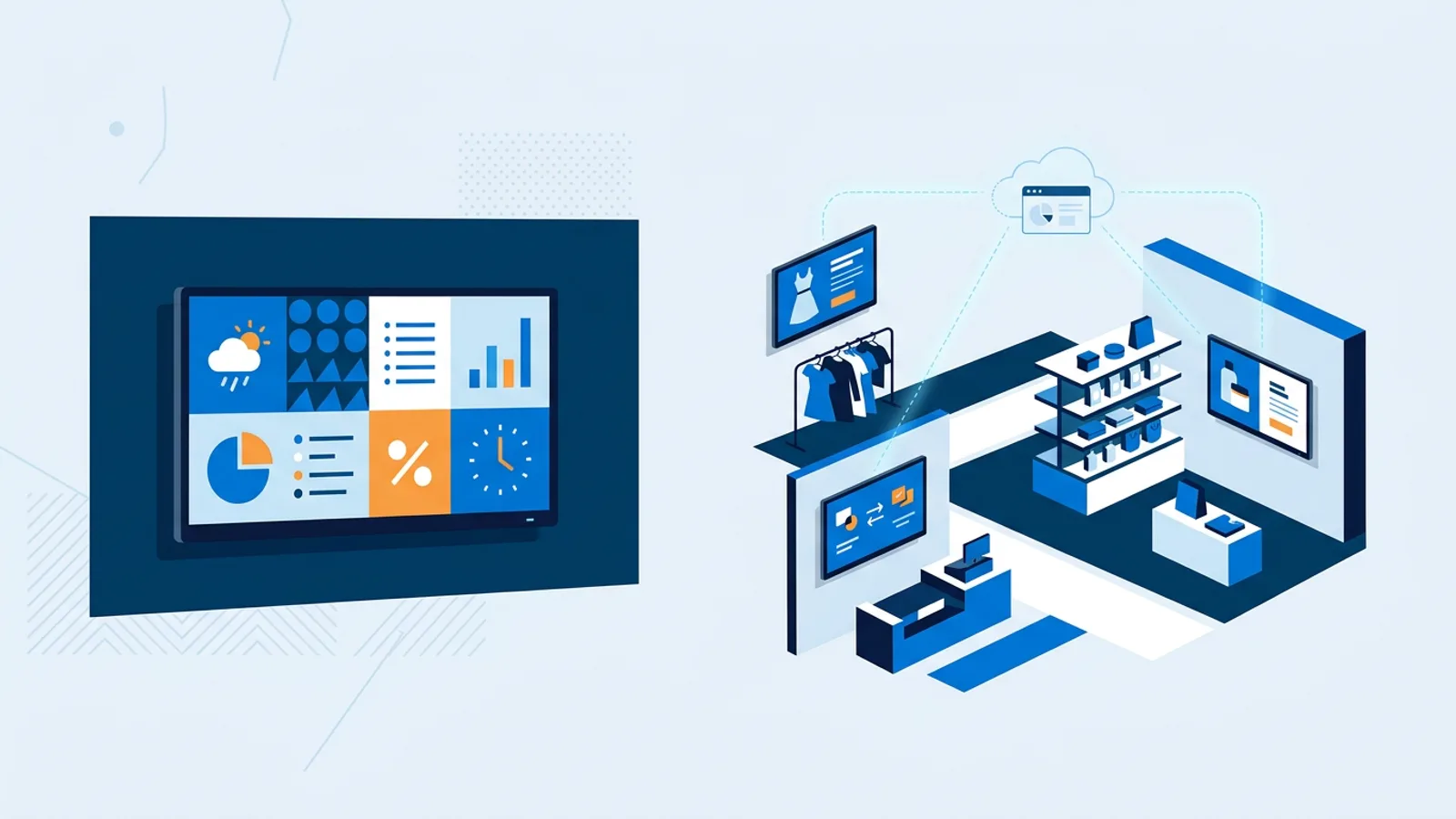
Most single-location businesses need three things from a sign: a screen that stays on, content that updates without a technician visit, and a way to check it's working from wherever they are. None of that requires an enterprise contract. It requires a small piece of hardware, a browser, and a dashboard.
There are two realistic budget routes, covered in more detail in our complete digital signage guide:
- A Fire TV Stick (or similar Android TV/Fire TV device) running a browser in kiosk mode, pointed at a signage player URL.
- A Raspberry Pi running a one-command installer that sets up a kiosk browser automatically.
Both separate the hardware from the software: you buy a cheap stick or Pi once, then manage content from a normal web dashboard on any laptop or phone. If you're looking at an amazon signage stick alternative specifically because you want to skip a sales process, this is what that alternative actually looks like in practice.
The Fire TV Stick route with TVpilot
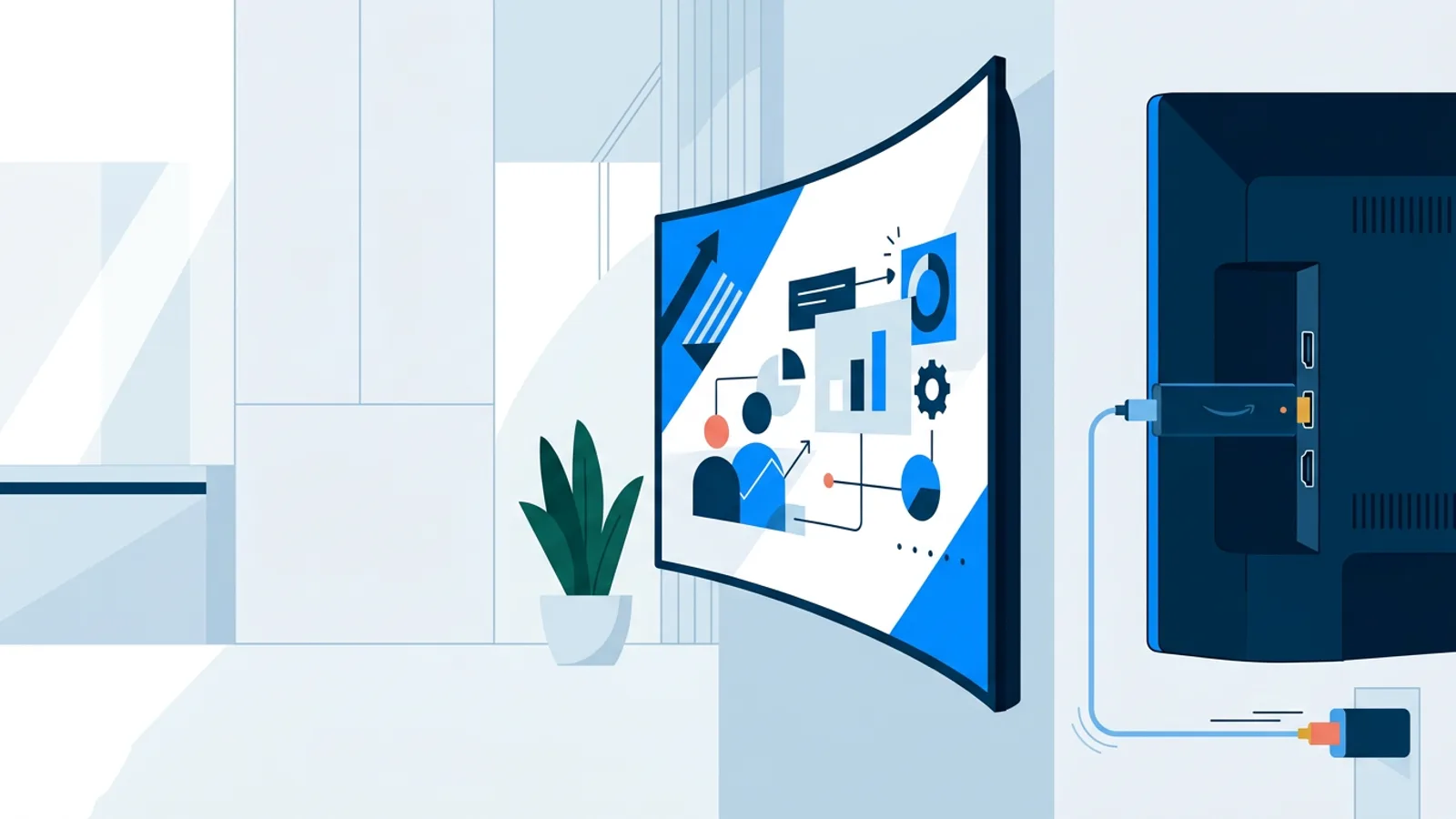
TVpilot is signage software you manage from a dashboard at tvpilot.app. It doesn't have a dedicated Fire TV or Android TV app yet, so the current path on a Fire TV Stick is browser-based: install a browser app on the stick, open it, and point it at your TVpilot player URL. From there the dashboard controls what plays, on a schedule, across image, video, web page, and PDF playlists.
Our Fire TV Stick page walks through the browser setup, and the Fire TV Stick kiosk mode guide covers keeping that browser full-screen and stable so it doesn't drop back to the home screen overnight.
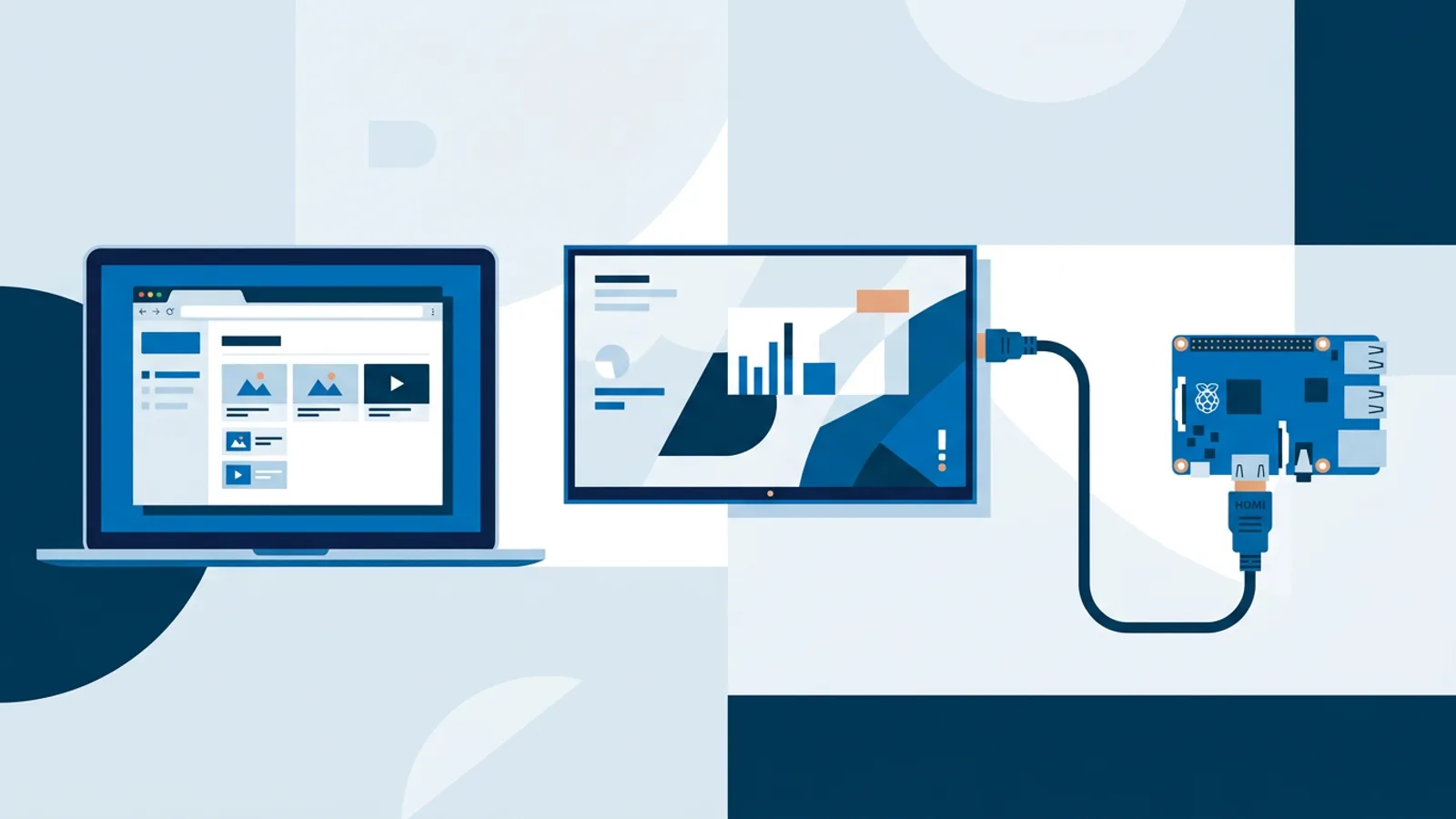
If you'd rather not fight with a TV remote and an app store, a Raspberry Pi is the more reliable option: TVpilot's Pi installer is a single command generated in the dashboard with a short claim code, and it sets up Chromium in kiosk mode, auto-start, and a watchdog that restarts the player automatically if it crashes. The Raspberry Pi signage guide has the full walkthrough, and the cheapest digital signage player comparison is a useful gut check on total hardware cost either way.
Amazon signage stick vs. a self-serve browser player
We can't give you an apples-to-apples comparison table here, because Amazon doesn't publish the pricing, specs, or contract terms you'd need to compare fairly against anything else. What we can lay out clearly is the self-serve side, since every detail of it is public.
With a browser-based setup, you sign up for an account, point a Fire TV Stick, Raspberry Pi, or smart TV browser at a player URL, and manage content from a dashboard the same day. TVpilot's plans are published: Free is one screen, 250 MB storage, no credit card required; Starter is €5/month for up to 5 screens with 1 GB storage; Pro is €19/month for up to 25 screens with 10 GB storage. You know the total cost before you commit anything, and there's no minimum number of screens or locations to get started.
If you contact Amazon and get pricing, specs, or a contract offer, that's genuinely useful information, just information we can't provide on your behalf. Compare whatever they quote you against the numbers above before deciding.
When TVpilot is, and isn't, the right fit
TVpilot fits a business with one to a few dozen screens that wants a normal web dashboard, drag-and-drop playlists, scheduling, and AI-generated screen designs without a long contract. The Free plan is one screen, 250 MB storage, no credit card, forever, which makes it a reasonable way to test the whole setup before spending anything. Paid plans start at €5/month for up to 5 screens and go to €19/month for up to 25, with a custom Business tier above that for larger deployments.
It's not the right fit if you specifically need a native Fire TV or Android TV app instead of a browser, since that doesn't exist yet, or if you need fully offline playback with no internet dependency, since players need connectivity to pull content updates (the Pi player recovers automatically once a connection returns). It's also hosted software, not self-hosted or open source, so if running your own server matters to you, our open source signage cost breakdown is worth reading first. For a single storefront, office, or waiting room, the browser-plus-dashboard route is simpler to start than researching an enterprise product with no public pricing.
If you want to see the difference for yourself, set up a screen on the Free plan with a spare Fire TV Stick or a Raspberry Pi you already own, and see whether it covers what you need before spending more time researching enterprise options.
Frequently asked questions
What is signage.amazon.com exactly?
It's Amazon's own page for a digital signage offering that appears to combine hardware with management software. The public page doesn't list specs, pricing, or a self-serve way to buy a single unit, so for current details you'd need to check Amazon's page directly or contact them.
Is there a cheaper alternative to buying an Amazon signage stick?
Yes. A regular Fire TV Stick or a Raspberry Pi running a browser pointed at a signage dashboard can do the same basic job for a single screen, with published pricing and no sales process. TVpilot's Free plan covers one screen at no cost with no credit card required, which is a low-risk way to try it.
Does TVpilot have a native app for Fire TV or Android TV?
Not yet. TVpilot runs on Fire TV or Android TV through the device's browser, pointed at a player URL from your TVpilot dashboard. A Raspberry Pi with TVpilot's one-command installer is generally a smoother experience if you want kiosk mode with auto-start and automatic recovery from crashes.
Can I use a Raspberry Pi instead of a Fire TV Stick for signage?
Yes, and it's often the more reliable choice. TVpilot's Raspberry Pi installer sets up Chromium in kiosk mode, auto-start on boot, a watchdog that restarts the player within about 10 seconds if it fails, and daily automatic updates, all from a single command generated in the dashboard.