Dynamic Digital Signage Content: Smart Triggers Guide
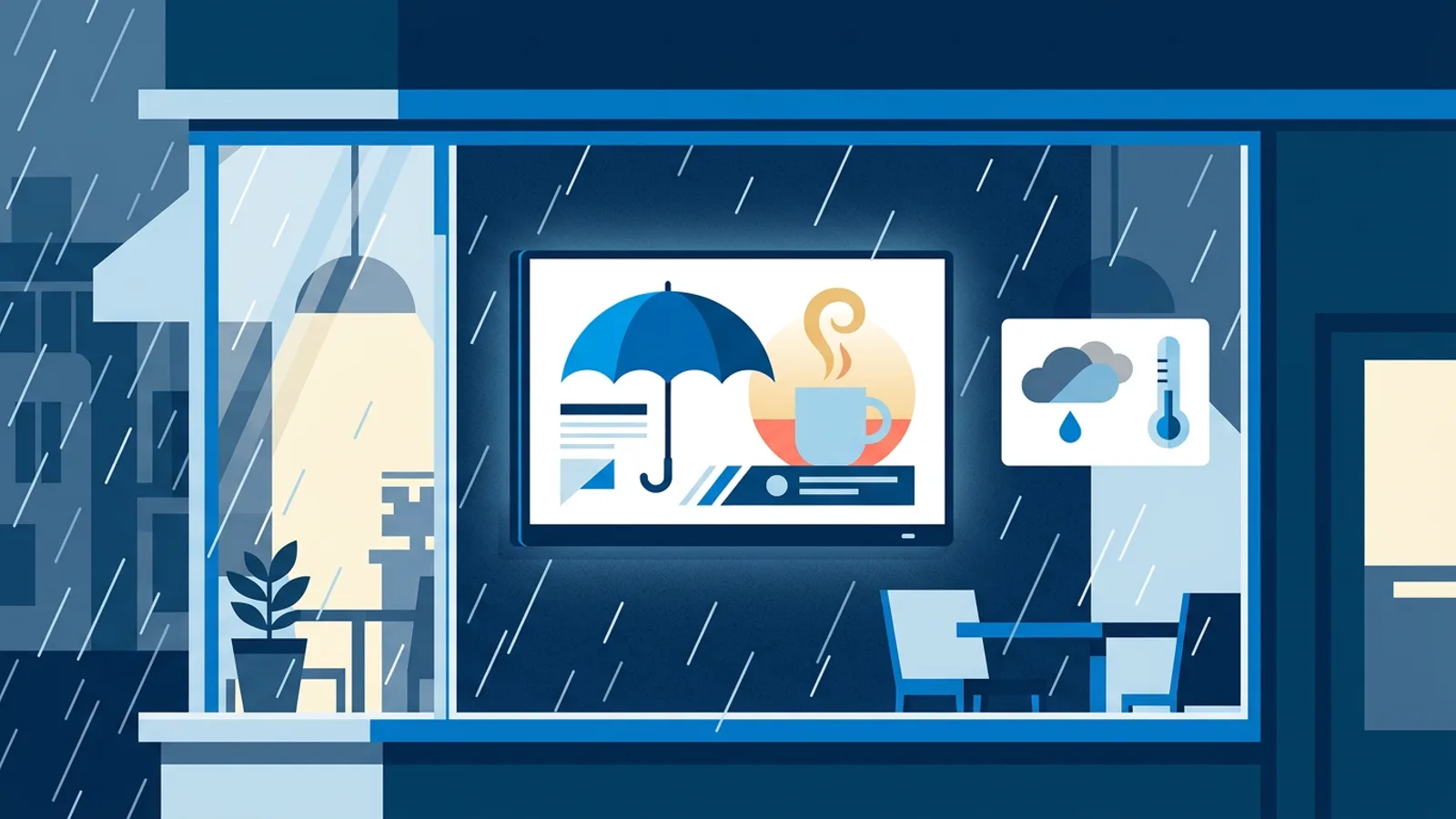
Dynamic digital signage content is content that changes on its own when something in the real world changes: the umbrella promo appears when it starts raining, the ice cream slide shows up when it gets warmer than 25 degrees, and a sold-out dish disappears from the menu the moment the till says it is gone. You set the rule once, and the screen checks it about every minute, so nobody has to walk over and swap slides.
In TVpilot this is called smart triggers. Each trigger is a rule about live data (weather, air quality, reviews or your own data feed), attached to a slide. Triggers are a Premium feature, included in the Pro and Business plans or available as the Premium add-on on Starter; the exact numbers are on the pricing page.
This guide covers which kind of rule fits which situation, the two ways a triggered slide can behave, a worked example with real costs, and the mistakes that make triggered screens look broken.
Time-based or data-based dynamic digital signage content: which do you need?
Most screens already change during the day through scheduling. Breakfast menu until 11:00, lunch until 14:00, a happy hour slide on Fridays. That is time-based content, and per-slide scheduling (dayparting) and the calendar handle it on every plan, Free included.
Triggers solve a different problem: contextual digital signage, content that depends on conditions you cannot predict by the clock. Nobody knows on Monday whether Thursday afternoon will be sunny.
A simple decision rule:
- If you can write the change in a calendar ("weekdays 11:00 to 14:00"), use scheduling. It is cheaper and more predictable.
- If the change depends on the weather, the air, a review or a number in another system, use a trigger.
- If it depends on both (an iced coffee promo only on warm afternoons), combine them: schedule the slide for the afternoon and add a temperature trigger.
Join the rotation or take over the screen?
Every trigger behaves in one of two ways while its rule holds.
In the first, the slide joins the normal rotation. Your playlist keeps running, and the triggered slide takes its turn between the others. When the rule stops being true, the slide drops out again.
In the second, the slide takes over the screen and pushes everything else aside. It is the only thing on screen until the condition ends, and then the playlist resumes.
| Situation | Behaviour | Why |
|---|---|---|
| Promo that fits the weather (umbrellas, ice cream) | Joins the rotation | It is an extra sales message, not urgent |
| Fresh 5-star review | Joins the rotation | Nice to see, should not hide the menu |
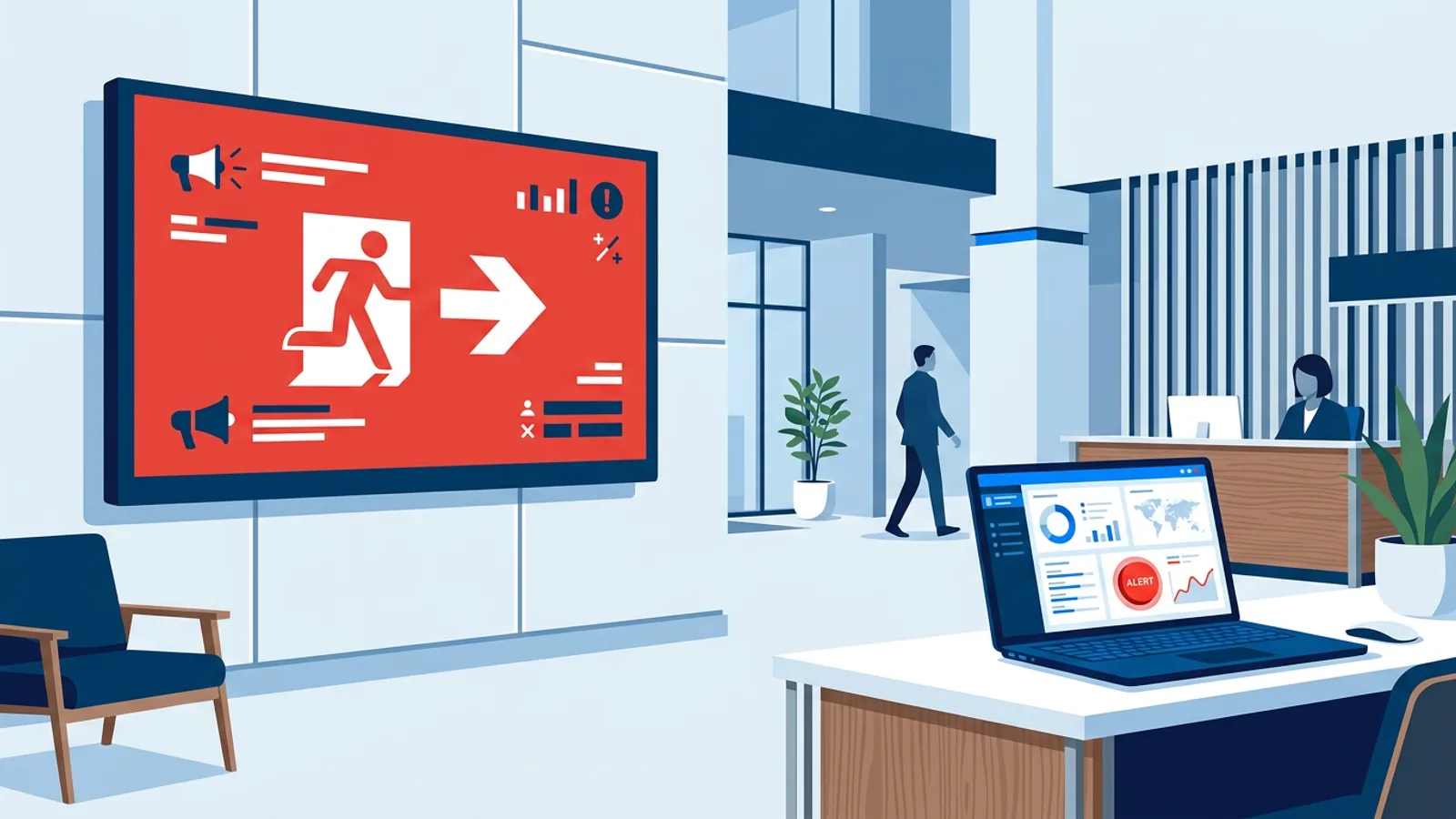
| Poor outdoor air, keep windows closed | Takes over the screen | People need to see it now, once |
| Orders ready for pickup | Takes over the screen, or a dedicated screen | Customers are watching for their number |
| Sold-out item | Joins the rotation, or use the Menu feed | A full-screen "sold out" panel frustrates more than it helps |
The rule of thumb: let a slide take over the screen only for information people have to act on within minutes. Everything that is marketing belongs in the rotation.
Weather triggered digital signage
Weather rules are the easiest place to start, because the effect is obvious to anyone standing in front of the screen. The available conditions are rain, dry, sun, snow, warmer than or colder than a temperature, and wind.
Examples that make sense:
- A shoe or outdoor shop shows umbrellas and waterproof jackets while it rains.
- An ice cream parlour or café shows frozen desserts and iced drinks when it is warmer than 25 degrees.
- A bakery promotes soup and hot chocolate when it is colder than 8 degrees.
- A bike rental puts up a "rental paused, strong wind" message on windy days instead of letting staff explain it twenty times.
- A garden centre shows de-icing salt and snow shovels when it snows.
If you just want a forecast on screen without any logic, the standard weather widget is included on every plan and does not need Premium.
Air quality: the "keep the windows closed" screen
Air quality triggers use the European air quality index for your town, with rules for poor or good air, a specific index value, UV and pollen. Useful setups:
- A school or office hallway screen that takes over with "Air quality is poor outside, please keep the windows closed" while the index is poor, and goes back to the normal playlist when it improves.
- A pharmacy that adds a hay fever product slide to the rotation when pollen is high.
- A sports club that shows a sunscreen reminder when UV is high.
One honest caveat: these rules use outdoor air data. If you want to know whether CO2 is building up inside a classroom or meeting room, you need a CO2 sensor in that room. A trigger cannot measure indoor air.
Review triggers: show a 5-star review the moment it lands
Review rules fire on a rating or on a new review within a number of hours. A restaurant can show "Thanks, Sanne, for the 5 stars this morning" style content in the rotation for a few hours after a new review arrives, and fall back to the regular review summary afterwards.
A trigger can only react as fast as the review data reaches TVpilot. The Premium review plugins (Tripadvisor, Yelp, Booking.com, Expedia, Hotels.com and Airbnb) fetch reviews when the widget is made and are refreshed by hand with "Refresh reviews", at most once per 24 hours. With those sources, "the moment it lands" really means "the next time you press Refresh reviews". Two habits make this work in practice:
- Press Refresh reviews once a day at a fixed moment, for example when you open, so new reviews get picked up on a predictable rhythm.
- Set the hours window wide, 24 to 48 hours, so a review that came in yesterday evening is still on screen for today's lunch crowd instead of expiring before anyone sees it.
For a broader look at review screens, see how to show Google reviews on a TV.
Data driven digital signage with your own systems
The most flexible triggers run on a feed from the Data API, also a Premium feature. Any system that can send a web request (a till, a booking or ticketing system, your own software, or Zapier, Make and n8n) can push live data to your screens within seconds. A feed comes in one of four shapes: Figures, List, Order board and Menu.
Trigger rules on a feed can check:
- a figure higher or lower than a value ("more than 40 tickets left", "fewer than 5 spots in tonight's class")
- orders ready for collection
- sold-out items
For sold-out dishes you often do not need a trigger at all: a Menu feed already strikes sold-out items through or hides them. Use a trigger when you want something extra to happen, such as replacing the croissant promo with a pain au chocolat promo once croissants run out.
Worked example: a café with three screens
Say you run a café with three screens: a menu board behind the counter, a window screen facing the street, and a small screen at the pickup point. Your till can send a web request through Zapier.
Here is how the rules could look:
- Window screen. Base playlist: opening hours, coffee of the week, a QR code to the menu. Trigger 1: warmer than 25 degrees, slide joins the rotation, "Iced latte and soft-serve inside". Trigger 2: rain, slide joins the rotation, "Come in and dry off, hot chocolate 3.50".
- Menu board. A Menu feed from the till, so sold-out items are struck through automatically. Trigger: croissants sold out, a slide promoting the almond pastry joins the rotation.
- Pickup screen. An Order board feed. Ready numbers light up with an optional chime. No trigger needed, because the whole screen is for orders.
Cost: on Starter (3 screens included) you pay €5 a month plus €9 for the Premium add-on, so €14 a month, or €49 plus €90 is €139 a year. Starter goes up to 10 screens at €2 a month for each extra screen, so a fourth and fifth screen bring it to €18 a month, and ten screens to €28 a month, close to the price of Pro. Pro costs €29 a month or €289 a year and includes 10 screens, Premium, up to 3 users and 3 locations. Starter has 1 user and 1 location, so the real reasons to pick Pro are a colleague who also edits, a second branch, or more than 10 screens. For one café with three screens and one person managing them, Starter with the add-on is enough. All prices exclude VAT.
Set-up time for the rules themselves is short. Most of the work is designing the four or five triggered slides, which you can do in the built-in Designer or with AI Studio.
What goes wrong with triggered screens
- Flickering around a threshold. Screens check about every minute. If the temperature hovers at exactly 25 degrees, your ice cream slide can appear and disappear repeatedly. Set the threshold a little away from typical values for your area, or let the slide join the rotation so the change is less noticeable than a takeover.
- A playlist made only of triggered slides. If every slide depends on a condition, a mild, dry, average day can leave very little to show. Keep at least three unconditional slides in every playlist.
- Too many takeovers. If rain, wind and poor air all take over the screen, customers stop reading it. Limit takeovers to one per screen.
- Messages that contradict the moment. "Enjoy the sunshine" on a slide triggered by "dry" looks silly on a grey day. Match the copy to the exact rule.
- Forgetting the source. A Data API trigger is only as good as the system feeding it. If staff do not mark items sold out in the till, the screen will not know either. Test the full chain once: mark an item sold out, wait a minute or two, look at the screen.
When TVpilot is, and is not, the right fit
TVpilot triggers fit small businesses and offices that want weather, air quality, review or till-driven content without writing code, on cheap hardware like a Raspberry Pi, a Fire TV Stick or a smart TV browser.
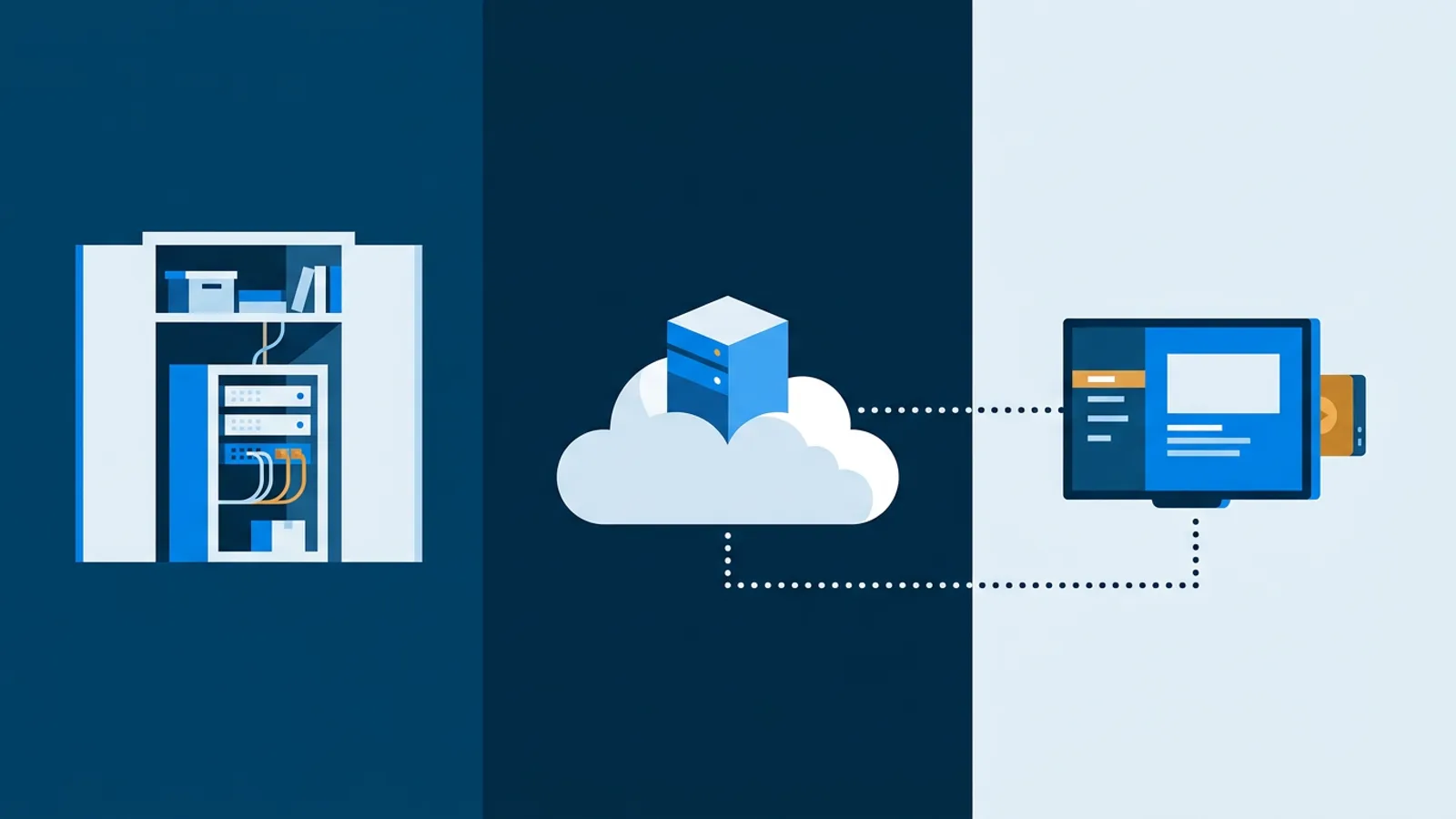
It is a weaker fit if you need triggers on data that is not weather, air quality, reviews or something you can send through a web request, if you need indoor sensor readings, or if you must self-host the software: TVpilot is hosted SaaS and cannot run on your own server. Players also need an internet connection for content updates, and a trigger that depends on live data cannot react while a screen is offline.
If your screens only need to change by time of day, skip Premium entirely and use scheduling on the Free or Starter plan.
Getting started
Pick one rule you can see working this week, for example rain on your window screen or a sold-out item on your menu board, build the slide, attach the trigger so the slide joins the rotation, and watch what happens on the next wet day. The Free plan lets you set up a screen and playlists at no cost, and you can add Premium when you are ready to switch triggers on: create your TVpilot account.
Frequently asked questions
What is dynamic digital signage content?
Dynamic digital signage content changes automatically based on live conditions instead of a fixed schedule. Examples are a rain promo that appears when it starts raining, an ice cream slide above 25 degrees, or a sold-out item disappearing from a menu board when the till marks it sold out. In TVpilot these rules are called smart triggers, and screens check them about every minute.
Which TVpilot plans include smart triggers?
Smart triggers are a Premium feature. They are included in the Pro plan (€29 a month) and the Business plan (€99 a month), and Starter users can add them with the Premium add-on for €9 a month. They are not available on the Free plan. Prices exclude VAT.
What is the difference between a slide joining the rotation and taking over the screen?
When a triggered slide joins the rotation, it plays between your normal slides for as long as the rule holds, which suits promotions and reviews. When it takes over the screen, it is the only thing shown until the condition ends, which suits urgent information such as a poor air quality warning. Use takeovers sparingly, ideally one per screen.
Can a trigger react to indoor CO2 or other sensors in my building?
No. Air quality triggers use outdoor data from the European air quality index for your town. Indoor CO2 needs a CO2 sensor in the room. If a sensor or other system can send a web request, you can push its figures through the Data API (Premium) and trigger on a value higher or lower than a threshold.