Shopify Dashboard on TV: Live Sales for Your Team
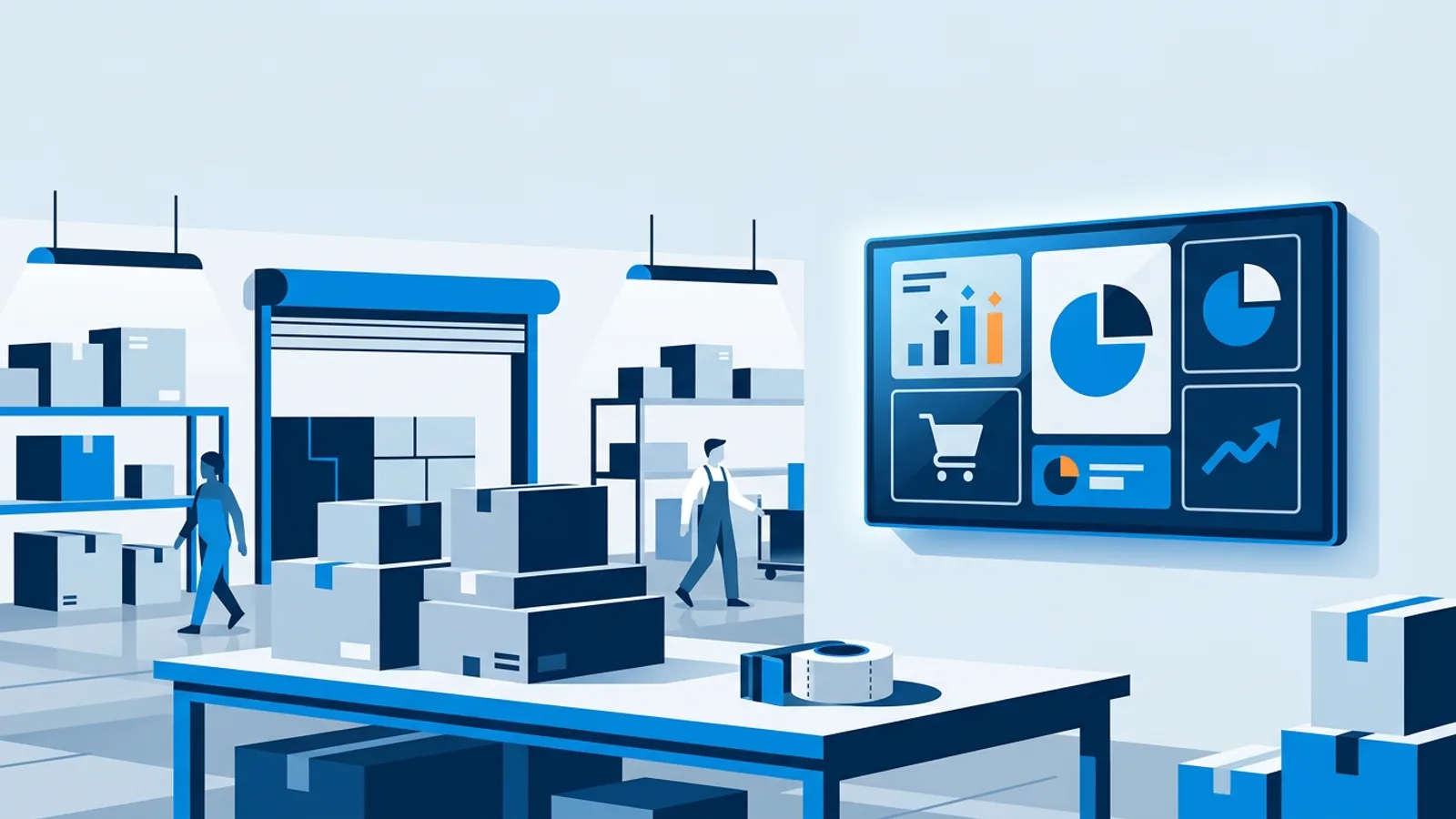
A Shopify dashboard on TV gives your team one shared view of today's sales, open orders and best sellers without anyone opening the admin. The useful version shows three or four numbers the people in that room can actually move, and hides the rest.
This guide is for webshop and shop owners deciding what to put on that screen. It covers which tiles motivate a packing team or shop staff, which ones to leave off, where the TV should hang, and when a payment-provider board (Mollie or Stripe) is the better data source than your shop platform. TVpilot has native boards for Shopify, WooCommerce, Magento, Lightspeed eCom, bol.com, Mollie, Stripe and SumUp; the overview lives on the ecommerce dashboards page.
The short decision rule: if your shop runs on one of the supported platforms, connect the platform, because it knows about products and stock. If you run a custom or unsupported platform, or several shops that all check out through one payment account, connect Mollie or Stripe, because the payment provider sees every euro regardless of where the order came from.
Shopify dashboard on TV: which numbers belong on the wall
The Shopify board (and the WooCommerce, Magento and Lightspeed eCom boards) can show these tiles, and you pick which ones appear:
- Revenue today, this week and this month
- Best sellers
- Average order value
- Open orders
- Low-stock alerts
- Visitor sessions (Shopify only)
That is more than most rooms need. A screen with all eight tiles gets ignored within a week because nobody can tell what matters. Choose by asking who stands in front of the screen and what they can change today.
| Who watches | Show | Hide |
|---|---|---|
| Packing team | Open orders, revenue today | Month revenue, average order value, sessions |
| Owner and marketing in the office | Revenue today, week, month, sessions, average order value | Usually nothing |
| Buyer or stock manager | Low-stock alerts, best sellers | Revenue tiles |
| Shop floor, staff-facing | Best sellers, revenue today | Month revenue, sessions |
| Shop floor, customer-visible | Best sellers only, or no dashboard at all | All amounts |
Open orders is the strongest tile for a warehouse. It goes down when people pack, which is exactly the feedback loop you want. Revenue today works as a mood indicator: a good morning is visible to everyone, and it explains why the open-orders pile is high.
Numbers that backfire
Month-to-date revenue on the second of the month looks like a disaster and on the last day looks like a triumph, and neither tells the packing team anything. Keep month figures for the office screen.
Average order value matters for pricing and bundles, which is an owner decision. On a warehouse TV it is noise.
Visitor sessions tempt people to watch traffic instead of working. Useful for whoever runs ads, pointless for everyone else.
Low-stock alerts on a shared screen can cause panic if the person who reorders is not in the room. Put them where the buyer sits, or in a separate playlist slide that only plays during office hours using per-slide scheduling.
Hiding amounts without losing the motivation
Some owners do not want exact revenue visible to temp staff, cleaners, or customers walking past. On a platform board you choose the tiles yourself, so you can leave every revenue tile off and keep the operational ones. On the Shopify board that leaves open orders, best sellers and low-stock alerts, which still gives a packing team a clear target.
The Mollie and Stripe boards are built around turnover, so if hiding amounts is the goal, use a platform board (Shopify, WooCommerce, Magento or Lightspeed eCom) for any screen that staff or visitors can see, and keep the payment-provider board for the office.
The common failure here is forgetting what the screen looks like from outside. A TV on the back wall of a shop is often readable from the pavement at night through the window, with the lights on and the dashboard still running. Check from the street before you decide the revenue tile is harmless.
Mollie dashboard on TV: when the payment provider is the better source
The Mollie and Stripe boards connect with one read-only API key. They show live turnover for today, this week and this month, payment volume and average order value. They work with any webshop that checks out through Mollie or Stripe, whatever platform it runs on.
What they cannot show is anything the payment provider does not know: no best sellers, no stock, no visitor sessions. A payment is an amount and a status, so that is what reaches the screen.
Choose the payment-provider board when:
- Your shop runs on a platform without a native board (a custom build, a niche system), and it checks out through Mollie or Stripe.
- You run several webshops on different platforms that share one Mollie or Stripe account, and you want one combined turnover number.
- You want the read-only key setup because you would rather not connect the shop admin itself.
Choose the platform board (for example the Shopify dashboard) when you want open orders, best sellers or stock on screen. For a warehouse, that usually decides it: open orders is the tile that drives packing, and only the platform has it. The Mollie dashboard page shows what the payment board looks like.
You can also run both. The office TV shows the Mollie board for combined turnover across shops, and the warehouse TV shows the Shopify board with open orders. If your physical shop takes card payments on a SumUp terminal, a SumUp board adds in-store takings, number of sales and the split per payment method; it refreshes every 10 minutes and, like the payment boards, has no product or stock tiles.
Worked example: a webshop with a packing area and a small showroom
Say you sell coffee equipment online on Shopify, check out through Mollie, and have a small showroom at the front of the warehouse with a SumUp terminal. Four people pack orders, one person does purchasing, and you sit in the office.
You want three screens:
- Packing area TV: Shopify board with open orders as the main tile and revenue today next to it. Nothing else.
- Office TV: the Mollie board (turnover today, week and month, payment volume and average order value), alternating in a playlist with the Shopify board showing sessions, best sellers and low-stock alerts.
- Showroom TV, staff-facing behind the counter: SumUp board with takings today and number of sales, plus a product slide or promo in the same playlist.
Cost: the shop and payment dashboards are standard plugins, included on every plan. Three screens fit in Starter at €5 per month or €49 per year, which includes 3 screens. If you only want the packing TV, the Free plan covers 1 screen at €0. A fourth screen later costs €2 per month on Starter.
Hardware: a Raspberry Pi 4 or 5 behind each TV, or an Amazon Signage Stick plugged into HDMI. Both start playing again by themselves after a power cut. On the Pi, the power schedule switches the TV on and to standby over HDMI-CEC, so the packing TV can run 07:00 to 18:00 on weekdays without a smart plug. On the Amazon Signage Stick, On/Off Hours do the same job and most TVs follow the stick to standby (test it once on your own TV).
Setup is a short job:
- Connect the Shopify store, then create a board and select only the tiles for that room.
- Add the Mollie read-only API key and build the office board.
- Put each board in a playlist and assign it to its screen. Edits stay as a draft until you press Push to screen, so you can test tile choices without the team watching half-finished layouts.
- On the office playlist, give each board a slide duration long enough to read, for example 30 seconds.
- Walk to each spot where people stand and check the numbers are readable from there.
Where the TV should hang
Placement matters more than tile design. Rules of thumb:
- Packing area: at the end of the tables, facing the packers, high enough to see over boxes and trolleys. If people have to turn around to see it, they stop looking.
- Office: in the line of sight from desks, not behind them. A dashboard on the wall behind your own chair is for visitors.
- Shop: behind the counter facing staff if it shows amounts. If it faces customers, use a promo playlist and at most a best sellers slide.
- Distance and size: big tiles on a big TV. Two or three tiles on a 43 to 55 inch screen read across a warehouse; eight tiles do not.
Think about glare too. A TV opposite a roller door or window turns into a mirror in the afternoon.
What happens when the internet drops
An offline screen keeps playing from its cache. Widgets keep showing their last data, and a small notice says the screen is playing the saved playlist. For a sales board that means the numbers freeze at the last update instead of the screen going black. Tell the team what that notice means, otherwise someone will wonder why open orders has not moved in an hour. When the connection returns, the board updates by itself.
If you want an alert when a screen goes offline, turn on email alerts in the dashboard, or use the TVpilot app for iPhone and iPad, which sends a push notification.
When TVpilot fits, and when it does not
TVpilot fits if your shop runs on Shopify, WooCommerce, Magento, Lightspeed eCom or bol.com, or checks out through Mollie, Stripe or SumUp, and you want the standard sales tiles on one or more TVs with power schedules and monitoring.
It is the wrong tool if you need metrics the boards do not have, such as margin, returns rate per product or ad spend. For that, a Power BI report published to the web plays full-screen (only for data you are fine making publicly viewable by link), or the Premium Data API takes figures from your own systems. TVpilot is also hosted software only; if you need to self-host, look elsewhere. And if a single owner checks sales on a phone a few times a day, the Shopify app already does that well and a TV adds little.
Get the first board on a screen
Start with one TV in the room where people can change the numbers, usually the packing area, and give it two tiles: open orders and revenue today. Live with it for two weeks, then add the office board with week and month figures. The Free plan covers that first screen at no cost and needs no credit card, so you can create an account, connect your store and see the board on your own TV today.
Frequently asked questions
Can I show sales on the TV without displaying revenue amounts?
Yes, with a platform board. On the Shopify, WooCommerce, Magento and Lightspeed eCom boards you pick which tiles appear, so you can leave all revenue tiles off and show only open orders, best sellers and low-stock alerts. The Mollie and Stripe boards are built around turnover, so keep those for an office screen that only owners or trusted staff see.
Does the Mollie dashboard show best sellers or stock?
No. Mollie and Stripe only know about payments, so their boards show turnover for today, this week and this month, payment volume and average order value. For best sellers, open orders or low-stock alerts, connect your shop platform (Shopify, WooCommerce, Magento or Lightspeed eCom) instead, or run both boards in one playlist.
What does a shop sales dashboard on TV cost with TVpilot?
The webshop and payment dashboards are standard plugins included on every plan. One screen is free on the Free plan with no credit card. Starter costs €5 per month or €49 per year and includes 3 screens, with extra screens at €2 per month each. Prices exclude VAT.
What does the sales screen show if the internet goes down?
The screen keeps playing from its cache and the dashboard shows the last data it loaded, with a small notice that it is playing the saved playlist. The numbers stay frozen until the connection is back, then the board updates by itself. You can get an email or push notification when a screen goes offline.