Departure Board Digital Signage: Live Train & Bus Times
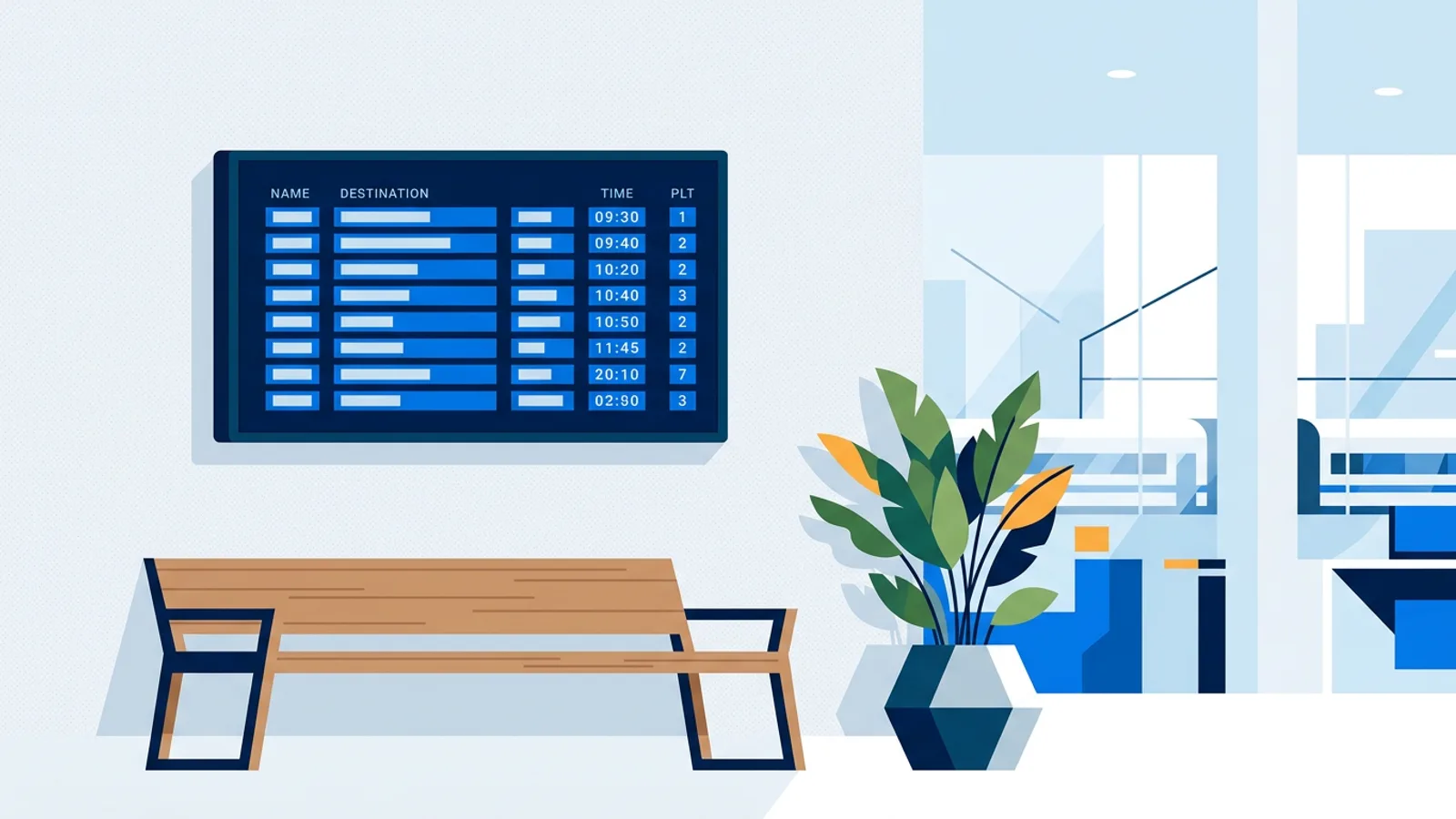
A screen showing the next few trains or buses next to a reception desk answers the one question every visitor is thinking about on the way out: will I make it? Departure board digital signage pulls live times from a transport operator's data feed and shows them on a TV, refreshed automatically, so nobody has to open an app or squint at a phone while carrying a coffee and a laptop bag.
If you're in the Netherlands, the fastest way to get this working is the NS & OV departure board widget, which pulls train times from NS and bus, tram and metro times from the national OV feed. The rest of this article covers who needs this, what a good board shows, where the data comes from (in NL and abroad), and how to pair it with a traffic board for the people who drive instead.
Who needs a live departure board
A departure board earns its spot on a wall when a meaningful share of the people looking at the screen are about to travel. That's a narrower group than "everyone with a lobby," but it covers more businesses than you'd think. Offices near a station benefit most directly: a train departure display office setup saves staff and visitors the last-minute app check before heading out to a meeting. Hotels use the same idea by the exit so guests know whether to order a taxi now or in ten minutes, without a member of staff repeating platform numbers all day.
Campuses and business parks served by one infrequent shuttle line get real value from a screen dedicated to it, and hospitals or clinics help outpatients leaving after an appointment know whether they've got two minutes or twelve. Event venues use a board near the exits to spread people across departure times instead of everyone crowding one platform at once, and coworking spaces treat a public transport screen near reception as a small but genuinely useful amenity for members dropping in between other things.
If none of that describes your building, a departure board is a novelty that goes stale fast. It's worth being honest about that before installing one.
What a good departure board shows
A departure board that people trust and use has a short, specific list of fields. Anything more turns it into a puzzle you have to decode while walking past.
| Field | Why it matters |
|---|---|
| Destination | So the right line jumps out at a glance |
| Departure time | The baseline everyone is checking against |
| Delay | The number that changes plans |
| Platform or stop | Especially at stations with more than two or three platforms |
| Auto-refresh | Nobody should have to reload the page to trust the numbers |
The classic blue board design works because it's instantly recognisable: nobody has to learn a new layout to read it. TVpilot's departure board widget can use that classic look, or match your own brand colours if you'd rather it blend into the rest of your signage. It updates on its own once it's on screen, so the numbers stay current without anyone touching the player.
Where the departure data comes from
A live departure times screen is only as good as its data source, and the source is different depending on the mode of transport and the country.
In the Netherlands:
- Trains: NS publishes a free public API. You request your own API key (no cost) and TVpilot's widget uses it to pull live departures for any station you pick.
- Bus, tram and metro: these run through OVapi, an open national feed that doesn't require an API key at all. Coverage spans most Dutch operators, so a stop outside an office park or a hospital usually just works.
- Flights: Schiphol publishes its own departures and arrivals feed. TVpilot's Schiphol flights board shows Schiphol departures and arrivals, which is the right tool if your lobby is closer to an airport than a train station.
Outside the Netherlands, most national rail and transit operators publish some kind of live departures page on their own website, even where they don't offer a clean public API for third parties. The honest answer for now: TVpilot's departure board widget is built around Dutch data (NS and OVapi), so it covers stations and stops in the Netherlands. If you're elsewhere, the practical workaround is to add the operator's own live departures web page as a web slide in your playlist. It won't have the classic board styling, but it shows the same real-time information straight from the source, and it costs nothing extra to set up.
Building a departure board digital signage display
Once you know which feed you're pulling from, the setup itself is short:
- Pick the station or stop. For NS, you'll register for a free API key on NS's developer portal and paste it into the widget. For OV (bus/tram/metro), you search the stop by name, no key needed.
- Choose the look: classic blue board, or dark/light styles that match the rest of your screen's design.
- Drop the widget into a playlist, full-screen or as one section of a rotation with other content.
- Push it to the screen. The widget takes over updating from there, no manual reloads needed.
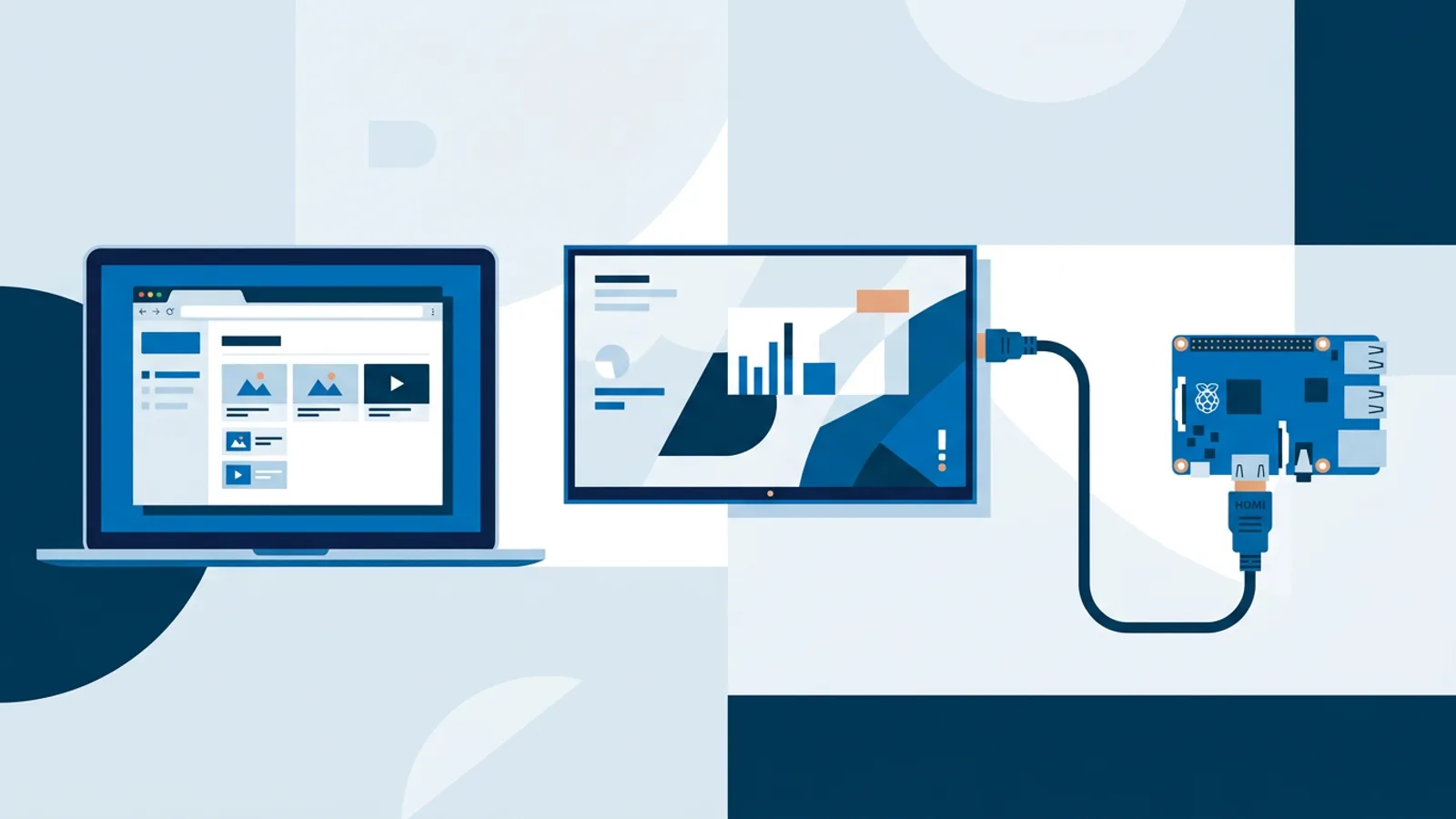
On the hardware side, a departure board doesn't need much horsepower since it's mostly rendering text. A Raspberry Pi running the kiosk player handles it comfortably, and so does any smart TV or spare tablet running a browser pointed at the player URL, covered in the browser-based signage guide if you're deciding between the two approaches.
Pairing it with a traffic board for people who drive
Not every visitor is on foot or on a train. If your building sits near a motorway junction, or you know a chunk of visitors drive, pairing the departure board with a live traffic view covers both audiences on the same screen rotation. The ANWB traffic board shows current Dutch jams with delay, length, cause and road section, filterable to specific roads like the A1 or A28 or to the national picture, using no API key, and refreshes every couple of minutes. Put the train board on for two thirds of the rotation and the traffic board for the rest, and reception covers both the person catching the 14:32 and the person deciding whether to leave five minutes early because of a jam on the ring road. The wider traffic and transport category has the full list if you want to see what else is available.
When TVpilot is (and isn't) the right fit
TVpilot's departure board widget is a strong fit if your building is in the Netherlands and you want live train and/or bus, tram or metro times on a screen without building anything yourself: register a free NS key, pick a stop, and it just works, styled to match your other signage.
It's not the right fit if your building is outside the Netherlands and you need a purpose-built local departures widget: for now, the practical answer there is showing your operator's own live departures page as a web slide rather than expecting a dedicated board. It's also overkill if almost nobody at your location is travelling anywhere; in that case a departure board is a screen full of numbers nobody's watching, and something like opening hours or a meeting room panel will get more actual use.
If you're planning a wider signage rollout and the departure board is one tile among several, the digital signage project checklist is a reasonable place to sort out screen count, placement and content mix before you buy anything.
Get a lobby departure board running with a free NS key and TVpilot's board widget: sign up and add the first screen at no cost, no card required.
Frequently asked questions
Does the departure board widget work outside the Netherlands?
Not directly. TVpilot's NS & OV departure board widget is built around Dutch data sources: NS for trains and OVapi for bus, tram and metro. Outside the Netherlands, the practical workaround is adding your transport operator's own live departures web page as a web slide in your playlist. It won't have the classic board styling, but it shows the same real-time information.
Do I need to pay for the NS API key to show train departures?
No. NS publishes a free public API and you request your own key through their developer portal at no cost. You paste that key into TVpilot's departure board widget, which then pulls live departures for whichever Dutch station you choose.
Can I show bus, tram or metro times without an API key?
Yes. Bus, tram and metro departures run through OVapi, an open national feed that doesn't require registering for a key. You search for the stop by name and the widget starts pulling live times for it.
Can I show both a departure board and traffic information on the same screen?
Yes. Many lobbies serve both people traveling by public transport and people who drive, so it makes sense to rotate the NS & OV departure board with the ANWB traffic board in the same playlist, giving each audience a few seconds of relevant, live information.