Real Estate Window Displays: How Agents Sell Listings
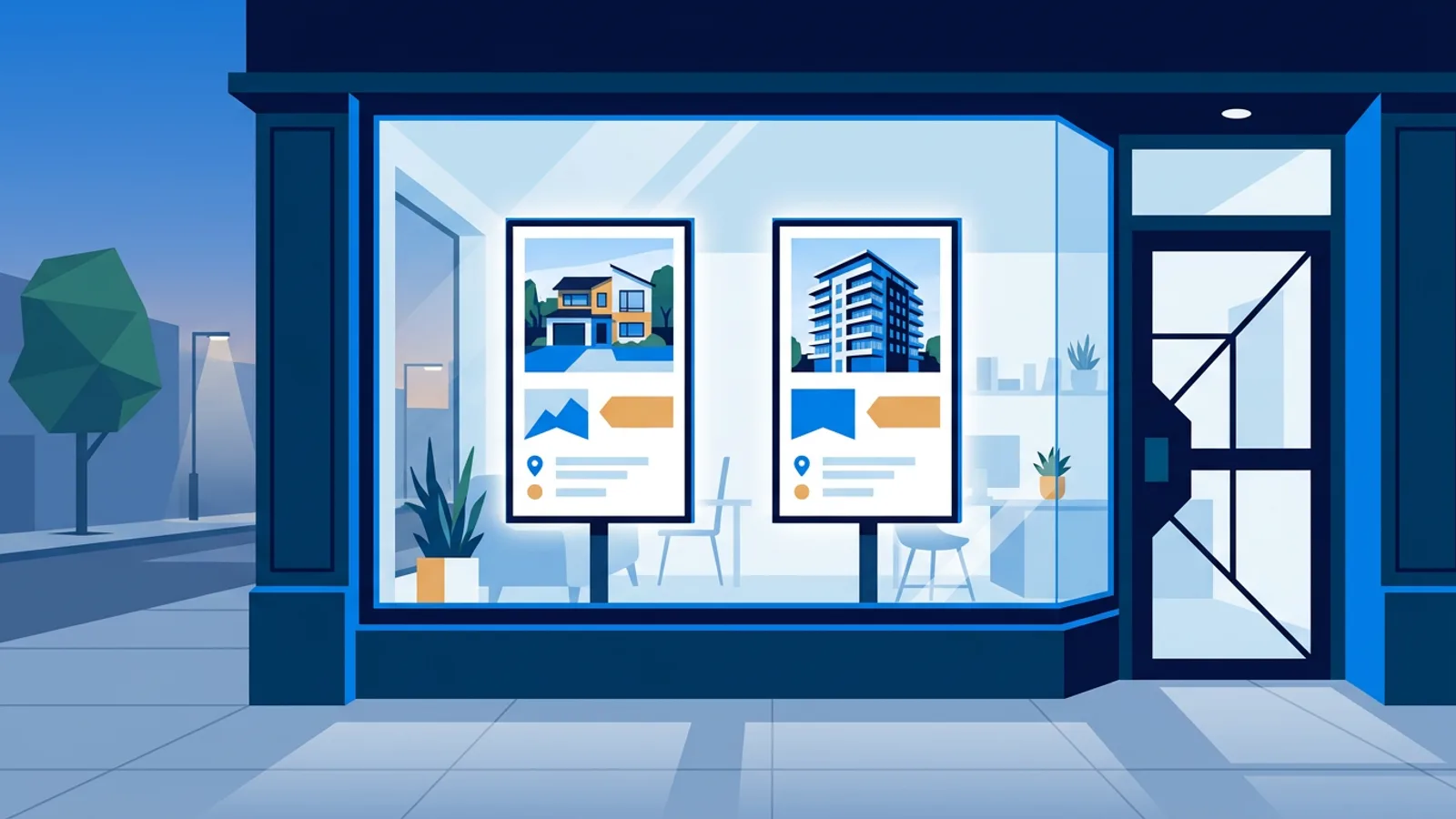
Real estate window displays turn an empty shopfront into a sales tool that keeps working after closing time. Instead of paper flyers curling behind glass, agents put up a screen that shows current listings, prices and photos, and updates itself whenever a property is added, sold or price-changed.
For an agency with a street-facing office, that window is often the best advertising spot they already own. Whether it competes with a paper flyer wall or a static poster, a screen wins on one thing: it stays current without anyone printing, cutting or taping anything. The usual setup is a TV in the window, a small signage player behind it (a Raspberry Pi digital signage box is the common choice), and a dashboard that pushes listing data to the screen on a schedule.
This guide covers what an estate agent actually needs to build one, what to put on the screen, and where the DIY route is genuinely fine versus where a managed setup saves real hassle.
Why real estate window displays still work
A shop window gets looked at by everyone who walks past, not just people actively searching property portals. That includes:
- People who live or work nearby and might refer a friend or family member
- Buyers window-shopping on an evening walk, outside portal search hours
- Sellers comparing agencies before choosing who lists their home
A screen also lets an agency show more than a flyer can: multiple photos per listing on rotation, a video walkthrough, or an "under offer" banner the moment a deal is agreed. None of that needs a print run.
What you need to build one
The hardware side is simple and doesn't need an IT department:
- A TV or large monitor facing the street, ideally with anti-glare positioning away from direct afternoon sun.
- A signage player: a Raspberry Pi 4 or 5 is the standard choice for smooth photo and video playback.
- A stable internet connection (wired ethernet is more reliable than window-side Wi-Fi, which can be spotty near thick glass or metal shutters).
- Software to manage what plays and when, ideally something that pulls listing data automatically rather than requiring a staff member to update slides by hand every week.
That last point matters more than it sounds. A window display that needs manual updates tends to go stale within a month, once the person who set it up gets busy or leaves.
Setting up the listing feed
Most estate agency CRMs and portals can export an XML feed of current listings: address, price, photos, status. TVpilot has a real-estate listing feed widget that reads this feed and auto-syncs it to the screen, so when a property gets a price drop or goes under offer in the CRM, the window updates without anyone touching the player.
A typical rotation on a single-office window looks like this:
| Slide type | Duration | Notes |
|---|---|---|
| Featured listing | 8-10s | Hero photo, price, key stats |
| Listing gallery | 5s per photo | 3-4 photos of the same property |
| New this week | 8s | Grouped block of new instructions |
| Agency branding / contact | 6s | Phone, QR code to book a viewing |
| Weather widget | 4s | Small, low priority, breaks up the loop |
Keep total loop length under two or three minutes. Longer loops mean someone has to stand outside longer before they see the listing they care about.
Building it on a Raspberry Pi
For most single-window setups, a Raspberry Pi is the cheapest and most reliable player. The Raspberry Pi digital signage guide covers the general setup; for a window display specifically, the practical steps are:
- Flash Raspberry Pi OS with a desktop onto the SD card.
- Generate a one-command installer from the TVpilot dashboard (it comes with a 6-character claim code).
- Run that single
curl … | bashcommand on the Pi. It sets up Chromium in kiosk mode, auto-start on boot, a systemd service, and a watchdog that restarts the display within about 10 seconds if anything crashes. - Claim the device in the dashboard using the code, then build the playlist: listing feed widget, photos, promotional slides.
- Set a schedule for the TV itself. On the Pi, HDMI-CEC power scheduling switches the screen on and off through the TV's own remote-control signal, so it turns on when the office opens and off overnight without a smart plug.
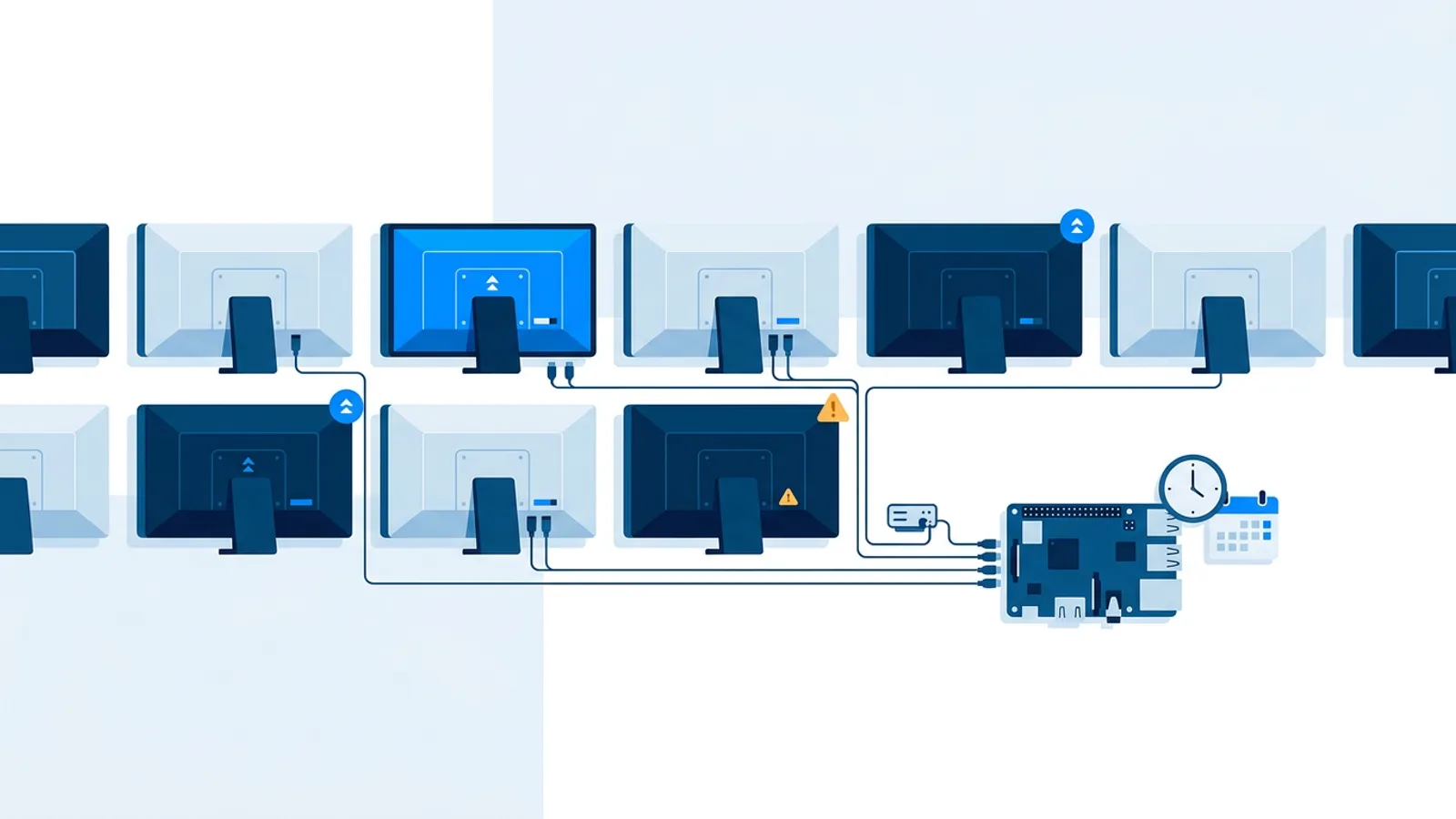
Because the player checks in with the dashboard, an agency with several offices can manage all their window screens from one login instead of visiting each branch to update a USB stick.
Content ideas beyond the listing feed
A window screen that only shows property cards gets boring fast, even to passersby who only glance for two seconds. A few things worth adding: a local market snapshot such as average days-on-market or a short note like "3 homes sold this month," updated manually once a month; an introduction slide with a photo and name of the branch manager, which builds more trust than an anonymous logo; a slide showing this Saturday's open house times, swapped out weekly; and a QR code linking straight to the listing's page on the agency's own site, so someone outside the window can pull it up on their phone.
For general layout and pacing advice that applies to any storefront screen, the digital signage content ideas guide and the design best practices piece are worth a read before finalizing slide templates.
Estate agent window screens outside English-speaking markets
The same setup applies directly to Dutch agencies running makelaar etalage schermen: a window screen fed by the office's listing export, showing current instructions in euros with local address formatting. The hardware and software side doesn't change by country, only the listing feed format and the language on the slides. TVpilot's dashboard is in English, but the content on screen (prices, addresses, descriptions) is whatever an agency puts into its feed or AI Studio brief, in any language.
When TVpilot is (and isn't) the right fit
TVpilot works well for a single office window or a small chain of branches where each location has its own listing feed and a Raspberry Pi behind the glass. The Free plan is free forever within its limits, covering one screen with 250 MB of storage and including AI Studio, so a single-office agency can run this whole setup, including AI-generated promo slides, at no cost indefinitely. A branch network needing more screens and storage moves to Starter (€5/month, up to 5 screens) or Pro (€19/month, up to 25 screens).
It is not the right fit if an agency wants full control of the server or needs to run entirely without internet: TVpilot is hosted software, not something you self-host, and the player needs a connection to receive listing updates (though a Raspberry Pi player recovers on its own once the connection comes back after an outage). There's also no dedicated native app for Fire TV or Android TV yet, those run through the browser rather than a store-installed app, which is fine for a window display but worth knowing before ordering hardware.
For a broader look at what to expect from any signage platform before picking one, the digital signage features checklist is a useful side-by-side.
Getting started
A working real estate window display doesn't need a marketing budget or a developer. A TV, a Raspberry Pi, and a listing feed pointed at a dashboard is enough to get an always-current window running by the end of the week. Sign up for a free TVpilot account, claim a Pi with the one-command installer, and connect the listing feed to see the first slide rotate before the office closes today.
Frequently asked questions
What software do estate agents use to run a real estate window display?
Most agencies pair a signage player, usually a Raspberry Pi, with a dashboard that manages what plays on the screen. TVpilot's dashboard supports a listing feed widget built specifically for real estate, plus photos, videos and AI-generated promo slides, all scheduled from one login.
How does the listing feed keep the window screen up to date automatically?
The agency's CRM or portal exports an XML feed containing addresses, prices, photos and status. TVpilot's real-estate widget reads that feed and syncs it to the screen on its own, so a price drop or an 'under offer' change in the CRM shows up in the window without anyone editing a slide.
Can a real estate window display keep running if the internet goes down?
A Raspberry Pi player will keep showing its last loaded playlist during a short outage, but it needs a connection to receive new listing data or content changes. Once the connection comes back, the Pi player reconnects and updates automatically without manual intervention.
What size TV works best for a shopfront window display?
Most single-window setups use a 43 to 55 inch TV positioned to avoid direct afternoon sun glare, since glare washes out photos more than screen size affects visibility from the sidewalk. A larger screen only helps if the window itself is wide enough to give it clear sightlines from the street.