One dashboard, every time zone
Run the screens in your cafe in Melbourne, your store in Brisbane and your clinic in Perth from one web dashboard. Every screen follows its own local time, so the breakfast menu switches at 11:00 in each state, not at 11:00 in head office. Your first screen is free.
Free plan, no credit card. Paid plans from €5 per month.
Your stores sit in three time zones, and the lunch menu switches at the wrong time in half of them.
Every screen keeps its own time zone. Plan the menu once for 11:00 and each screen switches at 11:00 local time, in Perth, Adelaide and Sydney alike.
Head office is in Sydney, the stores are a flight away, and a new promotion means a USB stick in the post.
Change the promotion in the dashboard and press Push to screen. Every store has it in seconds, and the slide takes itself off screen on its end date.
Nobody knows the screen in the back corner has been black since Tuesday.
The dashboard shows which screens are online, with a screenshot of what plays. Turn on email alerts and you hear about an offline screen before a customer does.
Real screens, ready to use
Every screen below is a live plugin or a design you make in minutes. Mix them in one playlist, or give each screen its own.
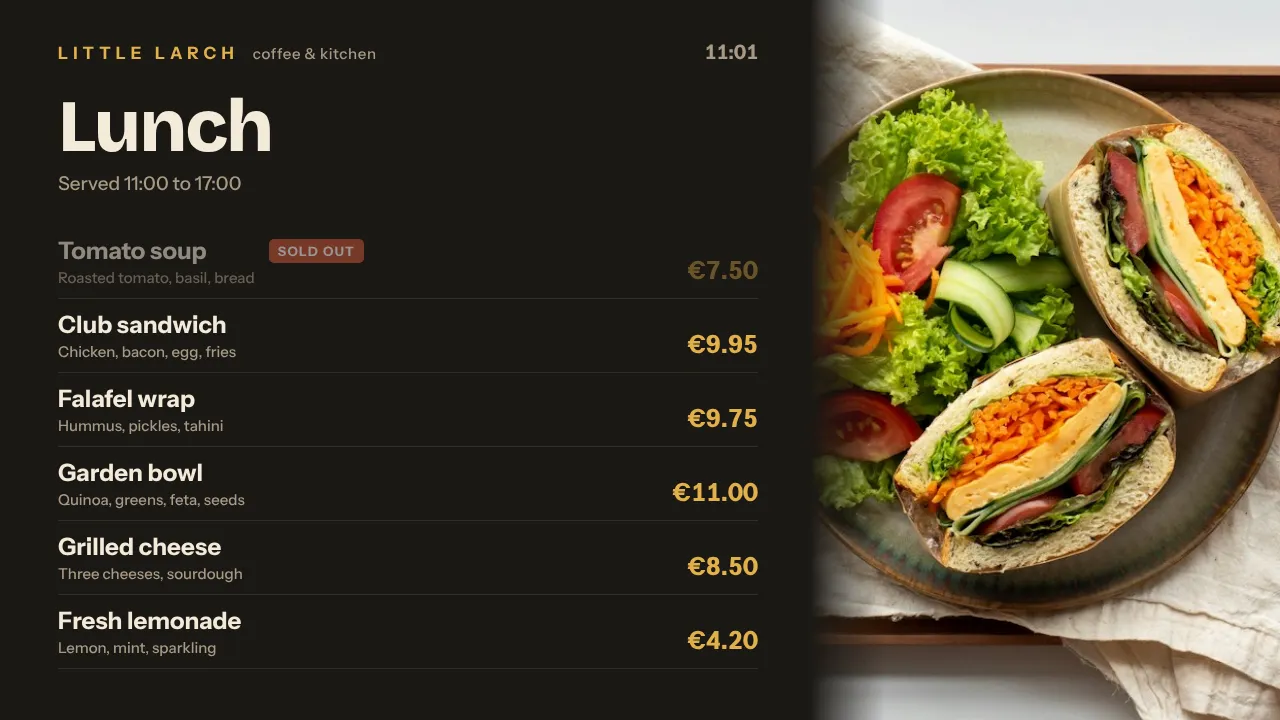
Menus by time of day
Breakfast until 11:00, then lunch, then the afternoon specials, each switching by itself on the local clock of that screen.
See how it works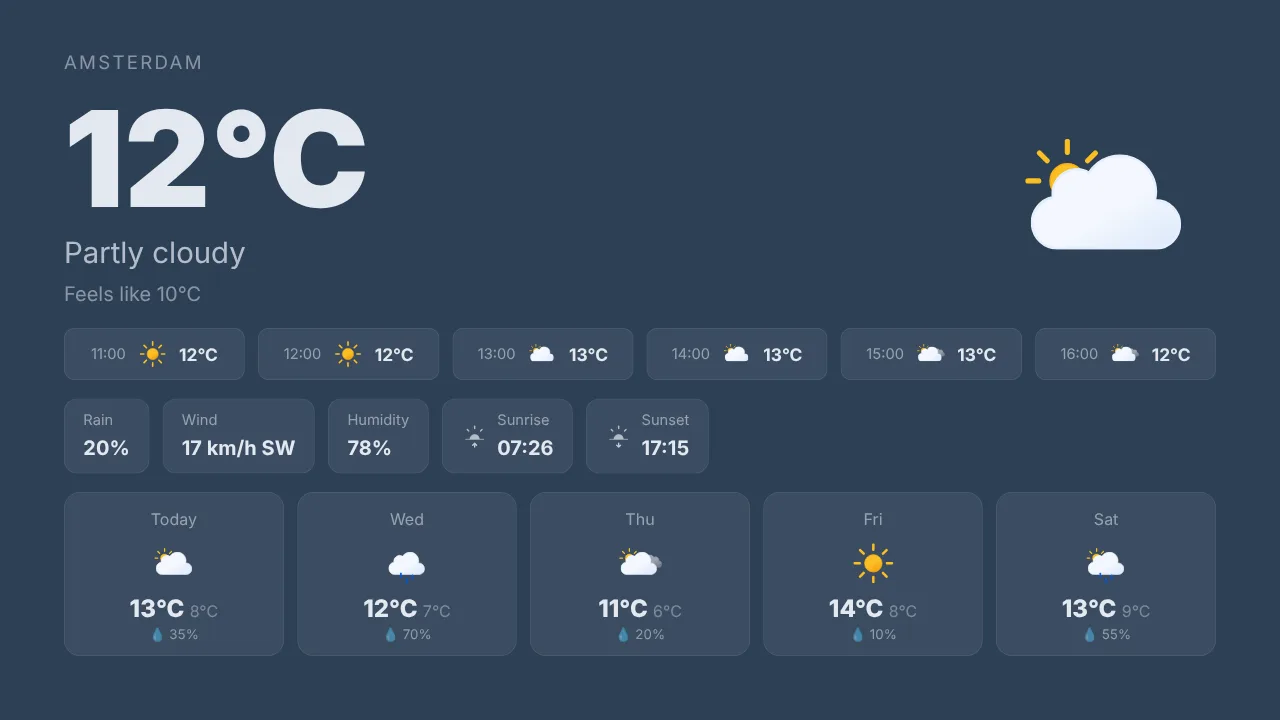
The weather, for your town
Today's temperature and the week ahead for any city, from Darwin to Hobart. A handy slide next to the door.
See how it works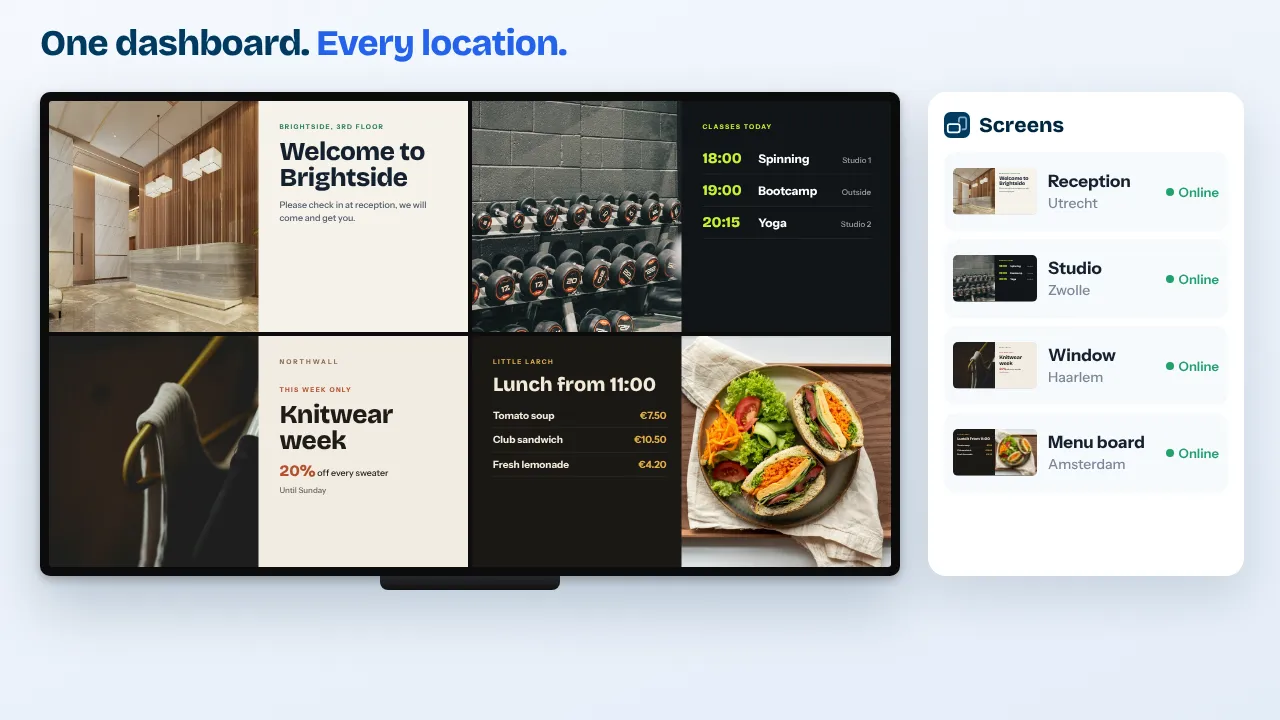
Every location, one view
Group screens by state, store or area, and put a national campaign on all of them in one go.
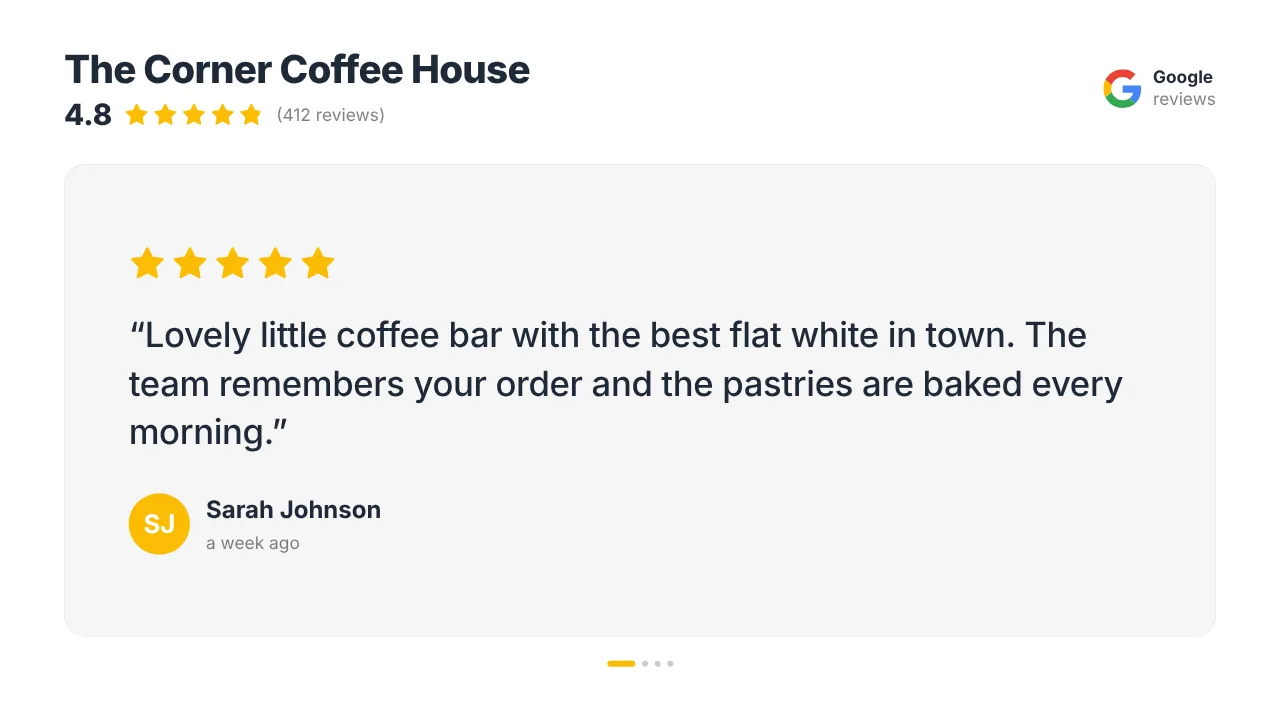
Your Google rating
Your star rating and your best reviews rotate on screen, refreshed by themselves.
See how it worksPlan once, and every screen follows the clock
Give slides weekdays, hours and an end date, or plan whole playlists in the calendar. The screens switch on time, even when the internet drops.
- 06:30
Coffee rush
The TV switches on by itself and the breakfast menu is up before the first flat white.
- 11:00
Lunch, state by state
The menu changes at 11:00 local time in every store, so Perth switches at its own 11:00, hours after Sydney.
- 14:00
Hot afternoon
With a smart trigger on the weather (Premium), the iced drinks slide joins the loop only when it is warmer than 30 degrees.
- 17:30
After work
Happy hour or the evening specials, with a countdown to closing time.
- 03:00
Quiet updates
Player updates run at 03:00 in each screen's own time zone, so no store sees a reload while it is open.
Everything you need, nothing you don't
A time zone per screen
Screens in Perth, Darwin, Adelaide, Brisbane and Sydney each follow their own local time. Schedules, dayparting and updates all run on that clock.
Plan the year ahead
Weekly time slots for menus and one-off items for a long weekend or an end of financial year sale. When nothing is planned, the default playlist plays.
Every store, one dashboard
Give screens a location and tags such as "counter" or "window". On Pro and Business, store managers get access to their own store only.
TVs on at opening time
Set on/off hours per screen. A Raspberry Pi switches the TV on and to standby through HDMI-CEC, no smart plug needed.
Content that reads the weather
Smart triggers (Premium) play a slide only while it is sunny, raining or warmer than the value you set.
See every screen from afar
Online status, screenshots, remote restart and email alerts when a screen goes offline and when it is back.
Live in fifteen minutes
- 1Create a free account
No credit card, no installation. The dashboard runs in your browser.
- 2Connect a screen
Any TV with HDMI and a small player, or a smart TV browser. Enter the code the screen shows.
- 3Choose what plays
Add a plugin, upload your own media or let AI Studio design a screen. Press Push to screen.
A cafe with a menu board behind the counter and two screens in the window
3 screens included, every standard plugin, billed in euros by card. Start free with 1 screen.
Compare all plansPrices excl. VAT, cancel monthly.
Frequently asked questions
Which player should I use in Australia?
A Raspberry Pi 4 or 5 is the most reliable choice: one install command, it restarts its own player and switches the TV on and off through HDMI-CEC. An Android TV box works with a kiosk browser such as TV Bro or Fully Kiosk Browser, a smart TV can open the player in its own browser, and a Fire TV Stick runs the TVpilot app from the Amazon Appstore. The Amazon Signage Stick is sold on Amazon in the US, UK, Germany, France, Spain, Italy and Canada.
My stores are in different states. Do schedules follow local time?
Yes. Every screen keeps its own time zone, so a slide planned for 11:00 plays at 11:00 local time on each screen. Player updates run at 03:00 in each screen's own time zone as well.
How am I billed from Australia?
Paid plans are priced in euros and paid by card; your bank converts the amount. Prices on the pricing page exclude VAT. You pay per plan with screens included, never per user.
Is the dashboard in English?
Yes. The dashboard is in English by default, and also available in Dutch, German, French and Spanish. Screens, emails and invoices are in English.
What happens when the internet drops?
Players keep the content and the schedule they have downloaded and keep playing. A planned switch still happens on time, and a backup playlist plays instead of a black screen if the assigned content is unavailable. New content arrives once the connection is back.
Where is my data stored?
TVpilot is built in the Netherlands and hosted in the European Union. The security page explains how we handle your data.
Also see: Raspberry Pi signage · Digital menu boards · Weather widget · Pricing
TVpilot in other countries
Every store on time, in every state
Create a free account, connect one TV and plan your first menu. Add the other stores when you are ready.
Free plan, no credit card. Paid plans from €5 per month.