Portrait Digital Signage: When and How to Rotate a Screen
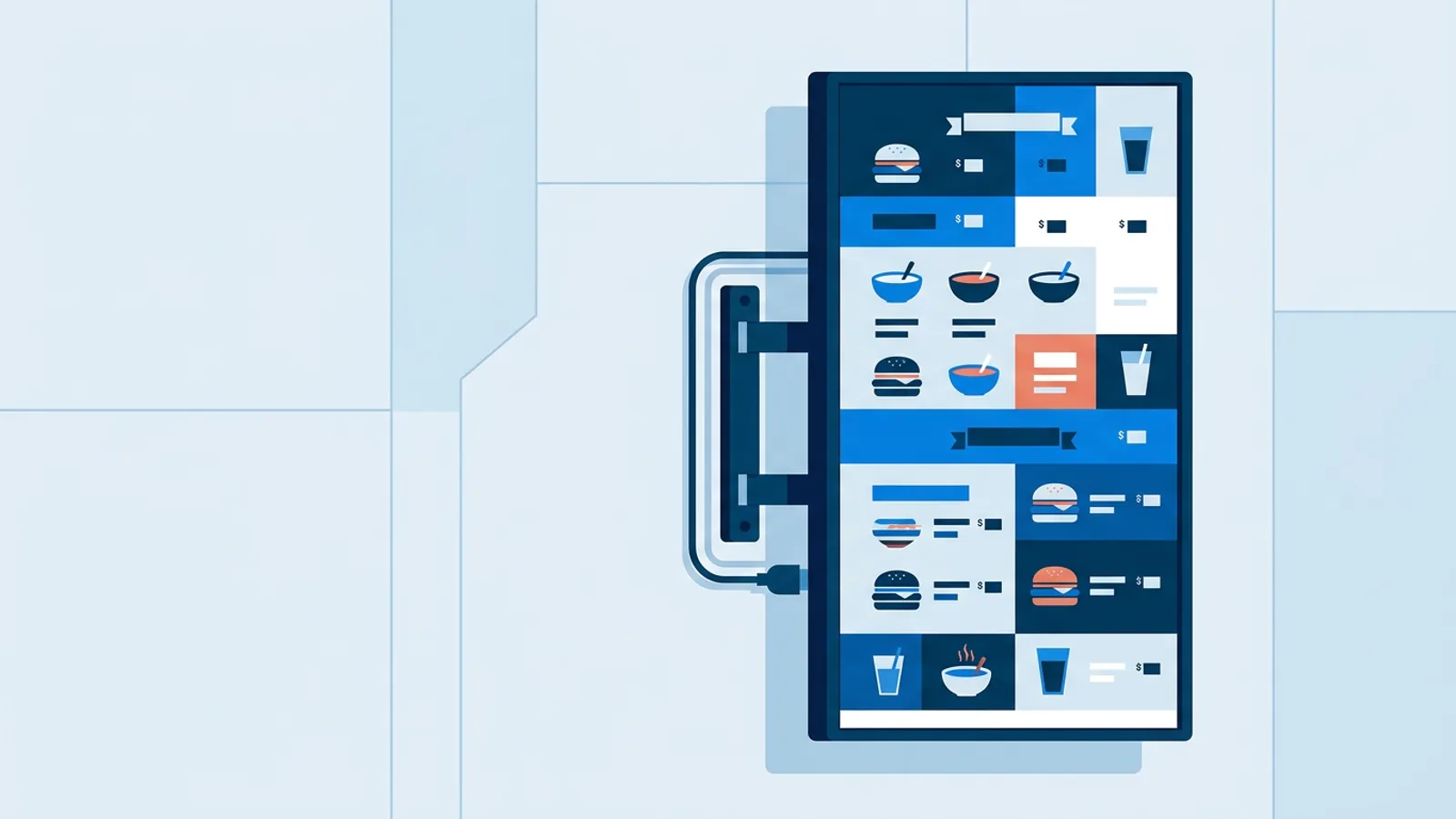
Portrait digital signage means turning a TV or monitor 90 degrees so content plays tall instead of wide. It's the right call for menu boards with long item lists, retail totems near an entrance, directories in a narrow lobby, and any spot where the space itself is taller than it is wide. It's the wrong call when your content is mostly video or wide charts designed for a 16:9 frame.
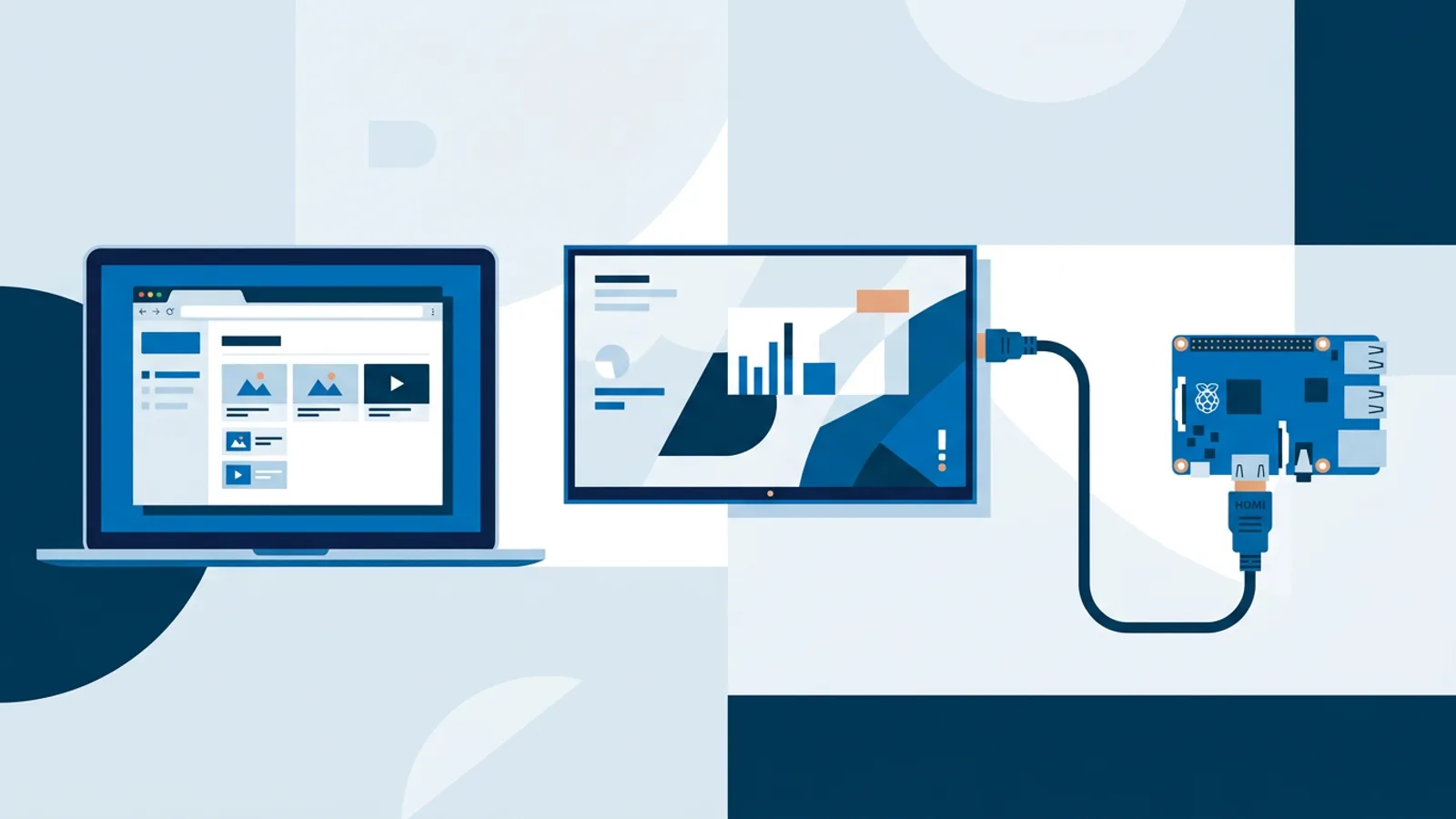
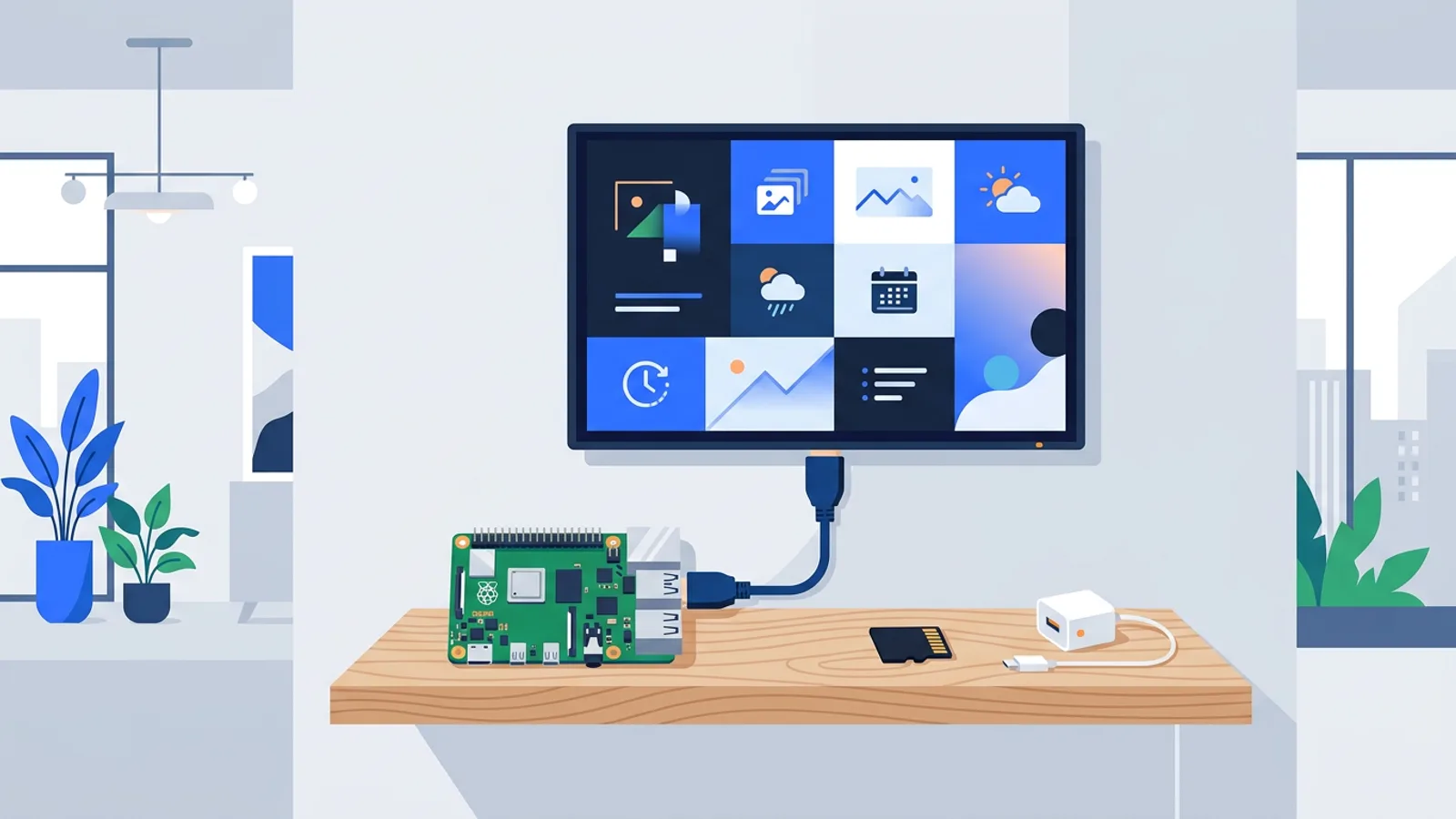
Before you touch a screwdriver, decide whether you're rotating the physical TV or just the content on a landscape panel. Both get called portrait digital signage, but they solve different problems, and mixing them up wastes a trip up the ladder. A cheap Raspberry Pi is usually the easiest way to drive a rotated screen, because you control the video output orientation in software rather than depending on the TV's own menu.
Physical rotation vs. software rotation for portrait digital signage
Most consumer TVs have no rotate option in their settings menu. The panel is built to sit wide, and the backlight, speaker placement, and cooling vents assume landscape orientation. If you physically turn the TV on its side, the picture from an HDMI source is still landscape, just sideways, unless the source itself outputs a rotated image.
That's why portrait setups almost always need a rotated mount plus a player that can rotate the video output. Two separate problems, and you have to solve both.
Rotating the mount
You need a VESA wall mount rated for portrait use, or a tilting bracket you can lock at 90 degrees. Check three things before you buy:
- Weight rating. Portrait mounts put different stress on the bracket arms than landscape ones; buy a mount rated for your TV's weight, not just VESA hole spacing.
- Ventilation. Turning a TV sideways can block vents designed to sit along the top edge. Leave a few centimeters of clearance and avoid enclosing it in a tight cabinet.
- Cable entry. HDMI and power ports move to a different edge once you rotate. Plan cable routing before final mounting, not after.
Rotating the output
On a Raspberry Pi running our Raspberry Pi digital signage guide setup, the player renders the picture already rotated, so when the panel displays it on its side, the content reads correctly. You're not asking the TV to rotate anything.
In the TVpilot dashboard, each screen has an orientation setting: landscape or portrait. Set it once per screen and the player applies the rotation automatically, no manual config editing required.
When portrait digital signage actually makes sense
Portrait fits certain content and certain physical spaces; it isn't a universal upgrade over landscape. Here's a rough guide:
| Use case | Better orientation | Why |
|---|---|---|
| Restaurant menu board, long item list | Portrait | Vertical list of items reads naturally top to bottom |
| Video-heavy promo loop | Landscape | Most stock/marketing video is shot 16:9 |
| Real estate window display | Portrait | Listing photos plus price/details stack like a poster |
| Office KPI dashboard, wide charts | Landscape | Bar charts and tables need horizontal room |
| Narrow hallway or elevator lobby | Portrait | Matches the physical space, easier eye level for standing viewers |
| Retail entrance totem | Portrait | Tall thin footprint fits near doors without blocking traffic |
If you're mixing content types, portrait forces every asset into a taller aspect ratio, which means re-cropping video and rethinking any layout borrowed from a landscape template. If most of your library is already vertical (real estate photos, product shots, posters), portrait is the natural fit.
Designing content for a vertical screen
Rotating the screen doesn't automatically make your existing landscape slides look good. A landscape promo slide crammed into a portrait frame usually ends up with large empty margins top and bottom, or text that's too small because it was sized for a wide layout.
A few adjustments matter more in portrait:
- Stack instead of spreading. Put the headline at the top, image in the middle, call-to-action or price at the bottom, rather than side by side.
- Bigger type, fewer words per line. A portrait screen is often narrower in usable width than a landscape one at the same diagonal size, so long headlines wrap awkwardly. Our font size guide has concrete pixel and point recommendations if you're unsure where to start.
- Crop video deliberately. Center-cropping a 16:9 video into a 9:16 frame chops off the sides. If the subject isn't centered, re-export or pick different footage rather than letting an auto-crop guess.
- Menu boards benefit most. A tall list of dishes with prices lined up on the right reads better top to bottom than crammed into two side-by-side landscape columns. If you're building one, the digital menu board design mistakes post covers the layout traps specific to that format.
AI Studio in TVpilot can generate a portrait-oriented layout directly from a short brief, which saves the step of manually re-flowing a landscape template into a vertical one. That's useful if you don't have a designer on hand and just need a working menu board or welcome screen today.
Setting up portrait digital signage with TVpilot
Once the TV is physically mounted in portrait orientation, the software side is a short checklist:
- Add the screen in the TVpilot dashboard and set orientation to portrait.
- If you're using a Raspberry Pi, run the one-command installer with the claim code generated in the dashboard; it sets up Chromium in kiosk mode with a watchdog that restarts the player automatically if it crashes.
- Build or generate a playlist sized for the vertical frame, not repurposed landscape slides.
- Preview on the actual screen before walking away. Font sizes and crop points that look fine on a laptop preview sometimes don't on the real panel.
Orientation is a per-screen setting, so a business running both a landscape lobby dashboard and a portrait menu board can manage both from the same account without separate logins or software.
When TVpilot is, and isn't, the right fit
TVpilot works well here because rotation is a dashboard toggle rather than a config file edit, and the Raspberry Pi installer handles the kiosk setup, auto-restart, and daily updates without manual maintenance. The Free plan (one screen, 250 MB storage) is enough to test a single portrait menu board or totem before committing to anything paid.
It isn't the right fit if you need a fully self-hosted, open-source stack you control end to end. TVpilot is hosted SaaS, not open source, and there's no offline-only mode. If that's a hard requirement, our honest breakdown of self-hosting costs is worth reading before you commit either way. There's also no dedicated native app for Android TV or Fire TV; those run through the device's browser instead, which is fine for most portrait use cases but worth checking against your specific hardware first.
Get the orientation setting right in software and the mount right on the wall, and the rest is ordinary signage work: playlists, scheduling, and checking the screen once in a while. If you want to test a portrait layout without buying anything first, sign up for the free plan and preview it on a spare screen.
Frequently asked questions
Do I need special hardware to run portrait digital signage?
No special hardware is required beyond a mount rated for portrait orientation. A Raspberry Pi is a common and inexpensive choice because it lets you set the video output orientation in software; a Pi 4 or 5 is recommended for smooth video playback. Many smart TVs and other browser-capable devices can also drive a portrait screen as long as the player software supports rotating the output, since most TVs have no built-in rotate option.
Can I rotate the TV physically without changing any software settings?
You can turn the TV on its side, but the picture from an HDMI source will still display sideways unless the source outputs a rotated image. You need both the physical mount rotated and the player set to portrait orientation for the content to read correctly.
Will my existing landscape content look fine on a portrait screen?
Usually not without changes. Landscape slides crammed into a portrait frame tend to leave large empty margins or shrink text below a readable size. Video shot in 16:9 gets cropped when forced into a 9:16 frame, often cutting off part of the subject. Plan on re-cropping video and restacking layouts (headline on top, image in the middle, price or call-to-action at the bottom) rather than reusing landscape assets as-is.
Does TVpilot support both landscape and portrait screens on the same account?
Yes. Orientation is a per-screen setting in the dashboard, so you can run a landscape lobby dashboard and a portrait menu board or totem from the same account without separate logins or separate software.